ADHD Planner for Women 7 screens One file
Stop buying planners that need you to already be organised.
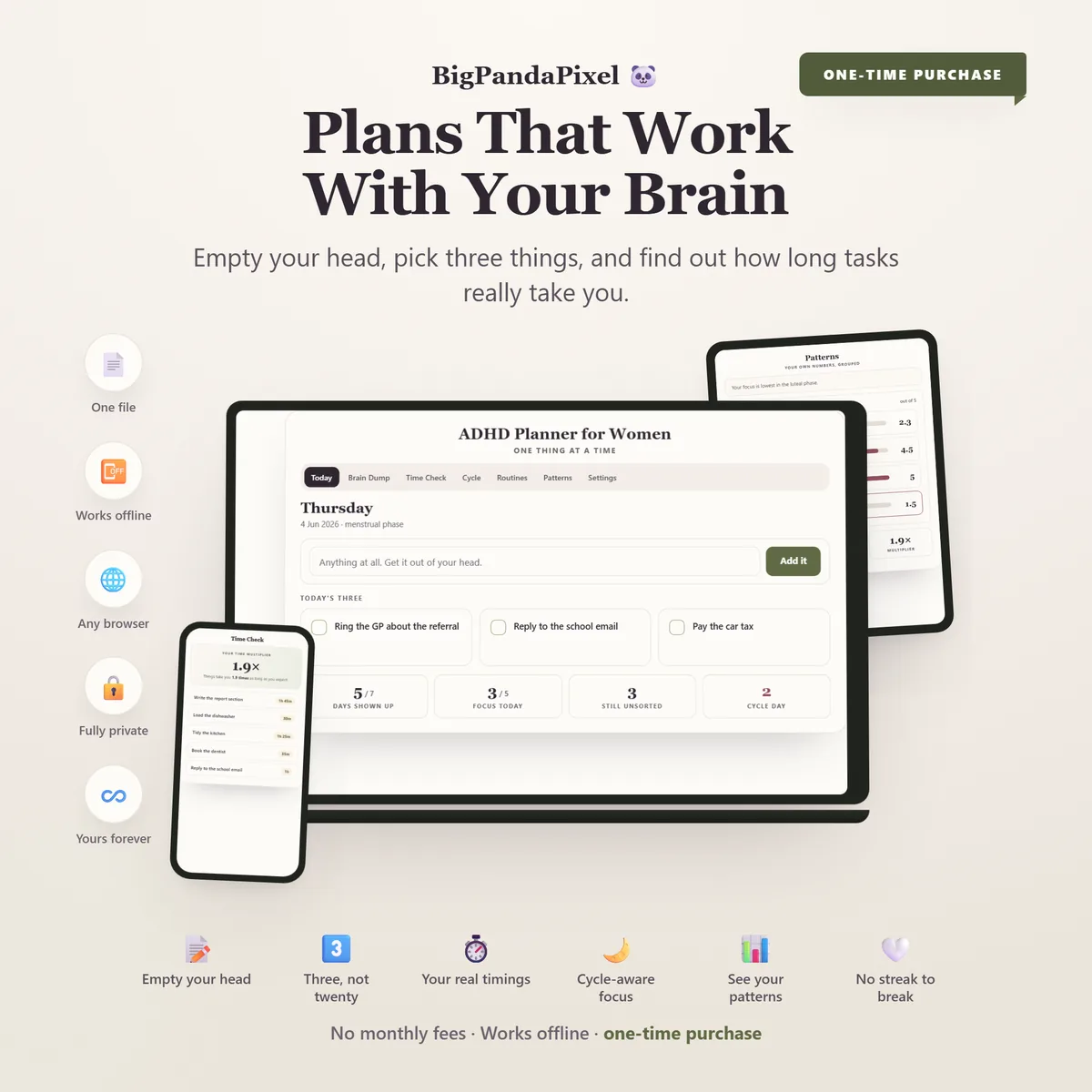
Get it out of your head first. Do three things instead of twenty. Find out how long tasks really take you — and let every future estimate be corrected by your own record. It opens in your browser, works with the wifi off, and nothing you write ever leaves your device.
Instant download · No account · Works offline · One-time payment
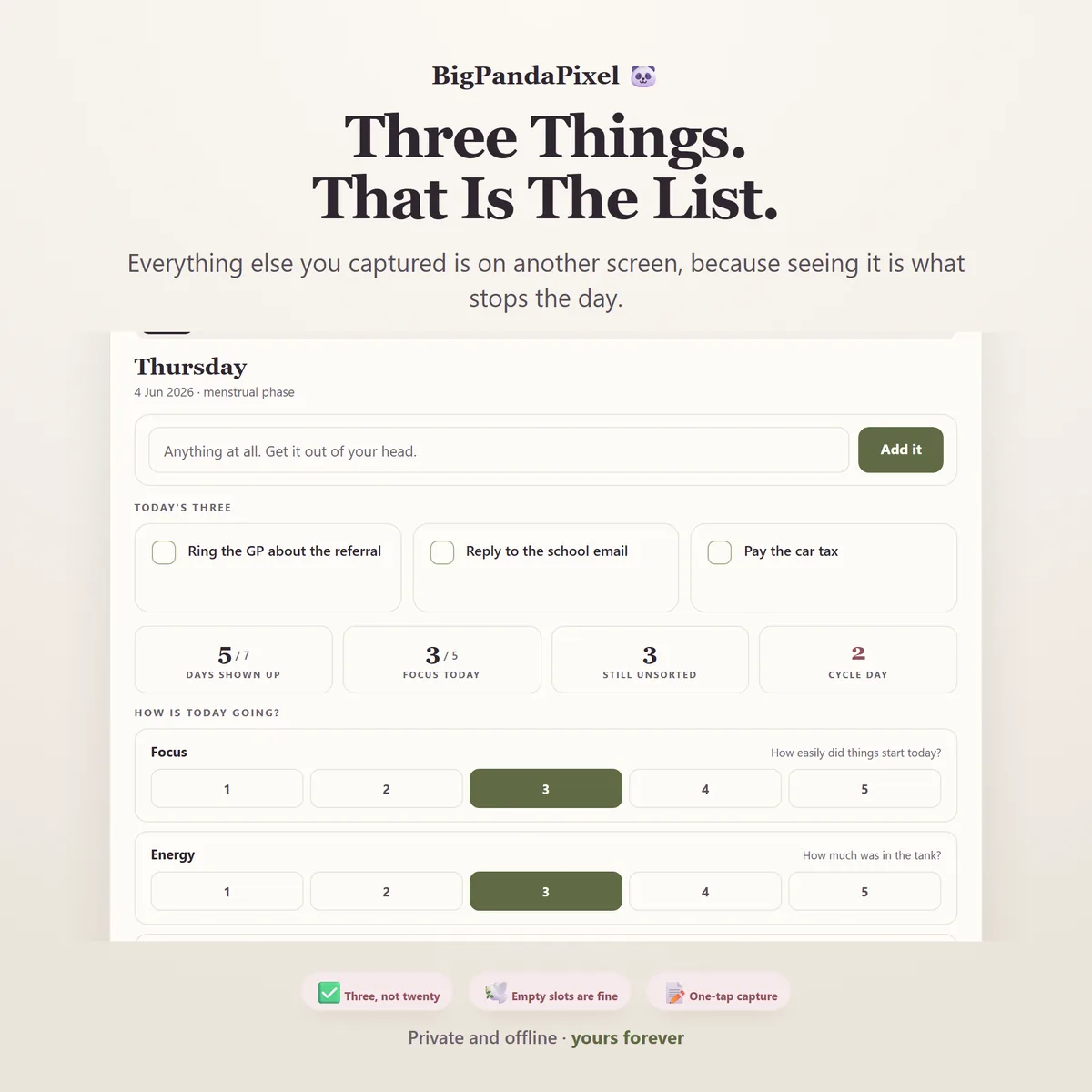
Time blindness does not go away by trying harder. But a plan built on your real timings stops collapsing at four o'clock.
Unlike a printable you have to keep up with, or an app that emails you about a broken streak, this one is on your side. Everything is visual, worked out for you, and stored privately on your own device — no logins, no notifications, no monthly fee.
Whether you were diagnosed last month at thirty-eight or have known since you were nine, this planner meets you on the days it is going well and on the days it is not. One captured thought at a time, one tick at a time.
What's inside
Seven connected screens
One screen at a time, on purpose. A dashboard puts a second thing in the corner of your eye on every screen, which is the opposite of what helps. Everything below updates itself the moment anything changes.
The parts people buy it for
Built around how the day actually goes
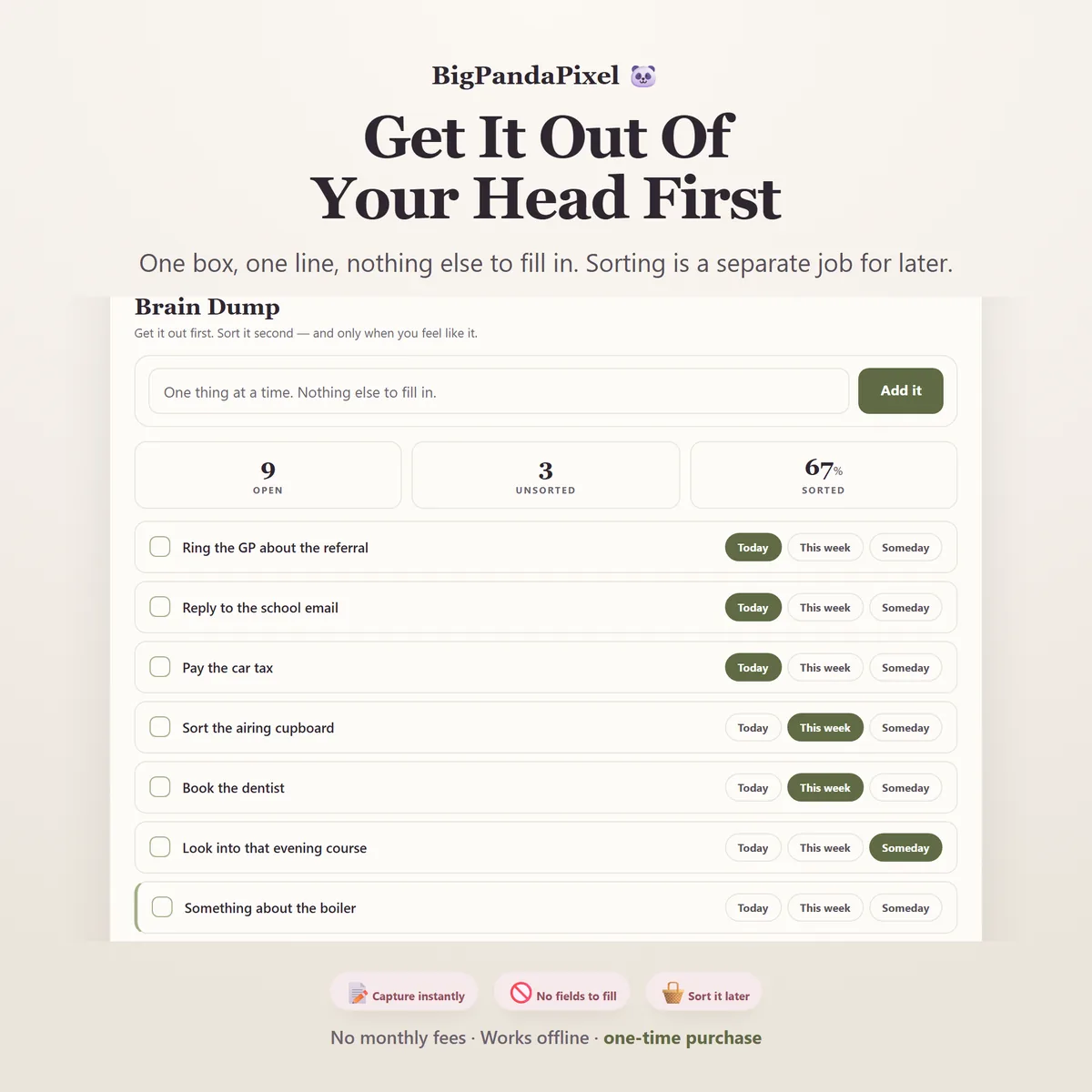
It asks you for nothing
One box, one line, one button. No category, no due date, no priority — because every one of those is a decision, and a decision is exactly where the thought gets lost. Sorting is a completely separate job, on a different screen, whenever you feel like it.
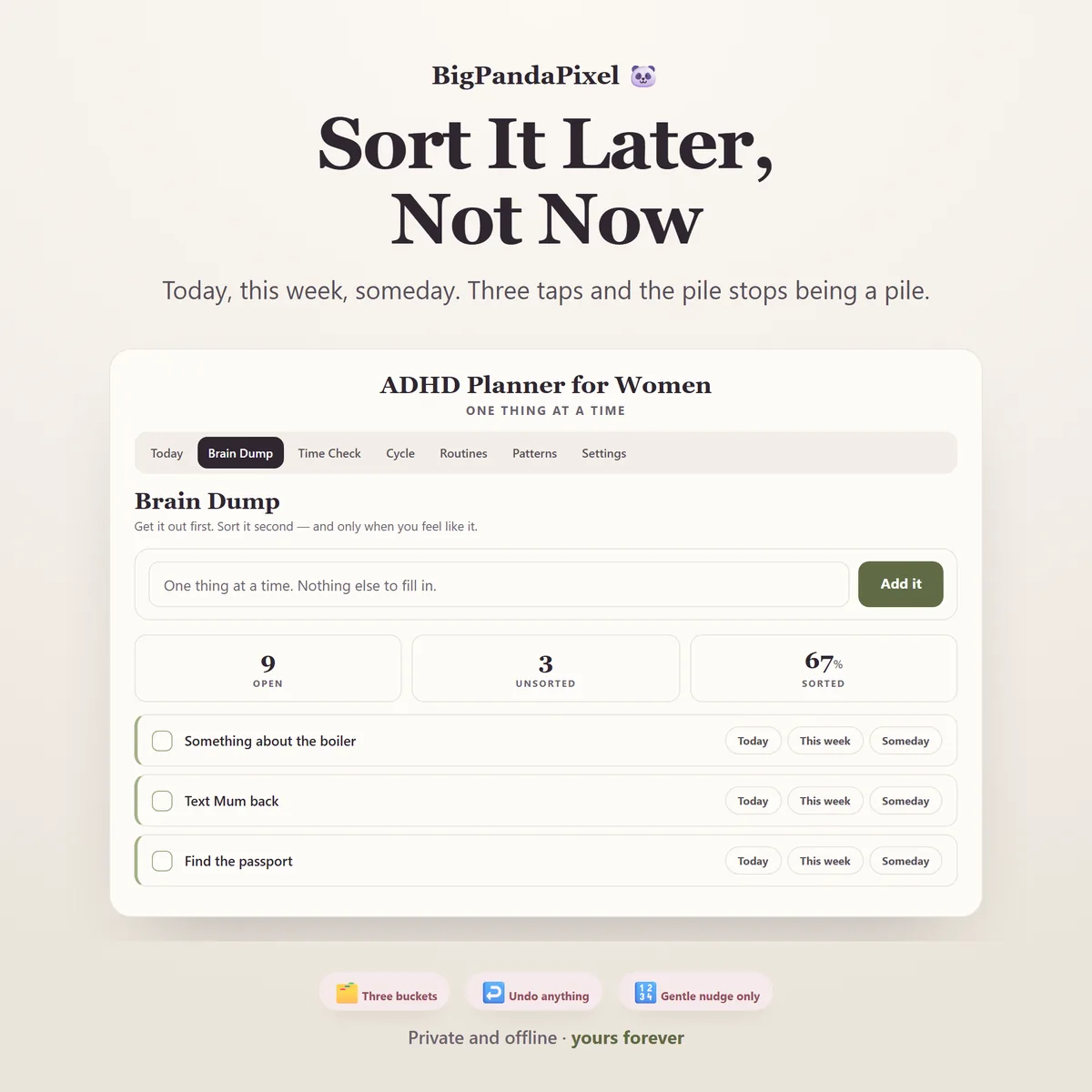
Sort it later, not now
Today, this week, someday. Three taps and the pile stops being a pile. Tap a bucket a second time to take something back out, and undo is on every single deletion.
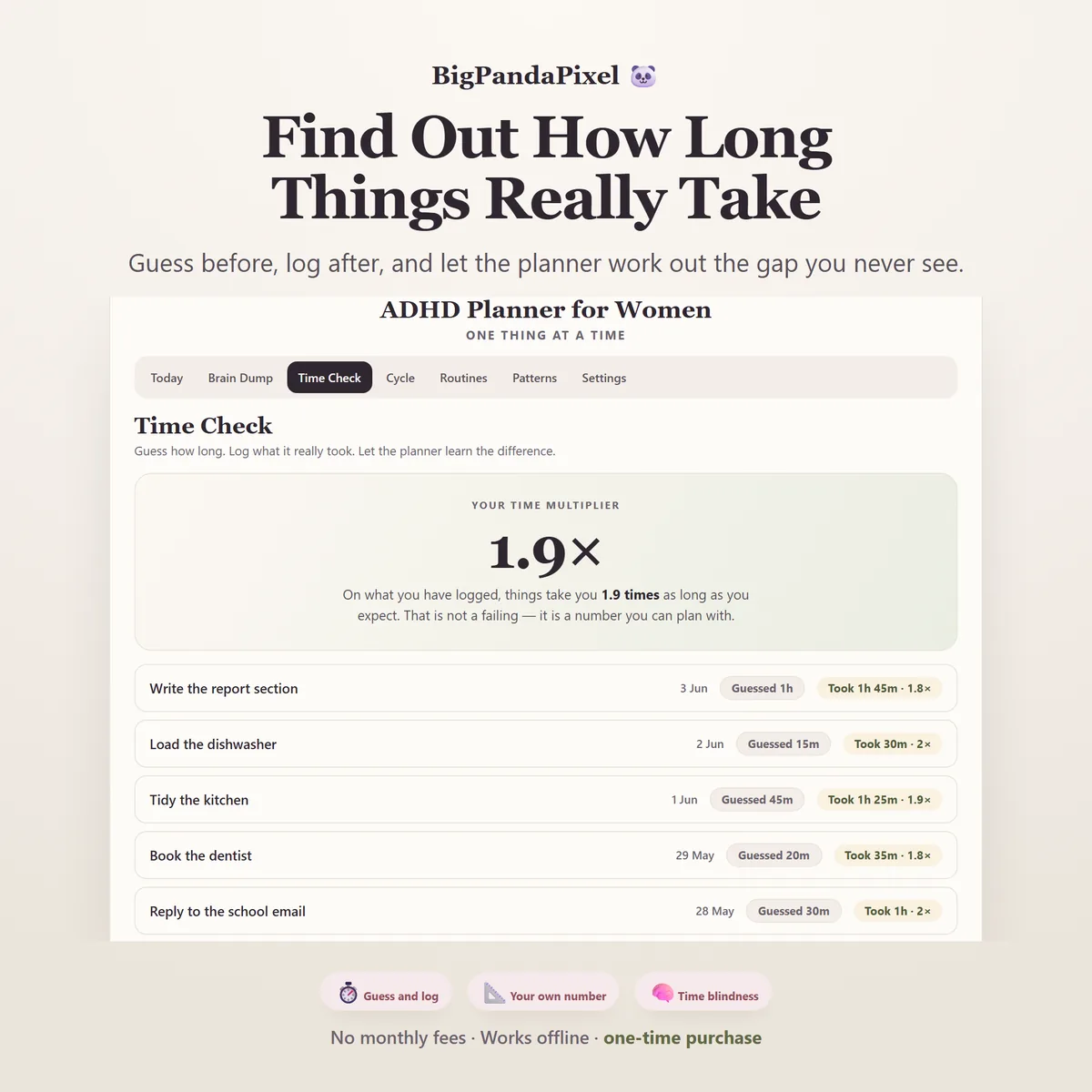
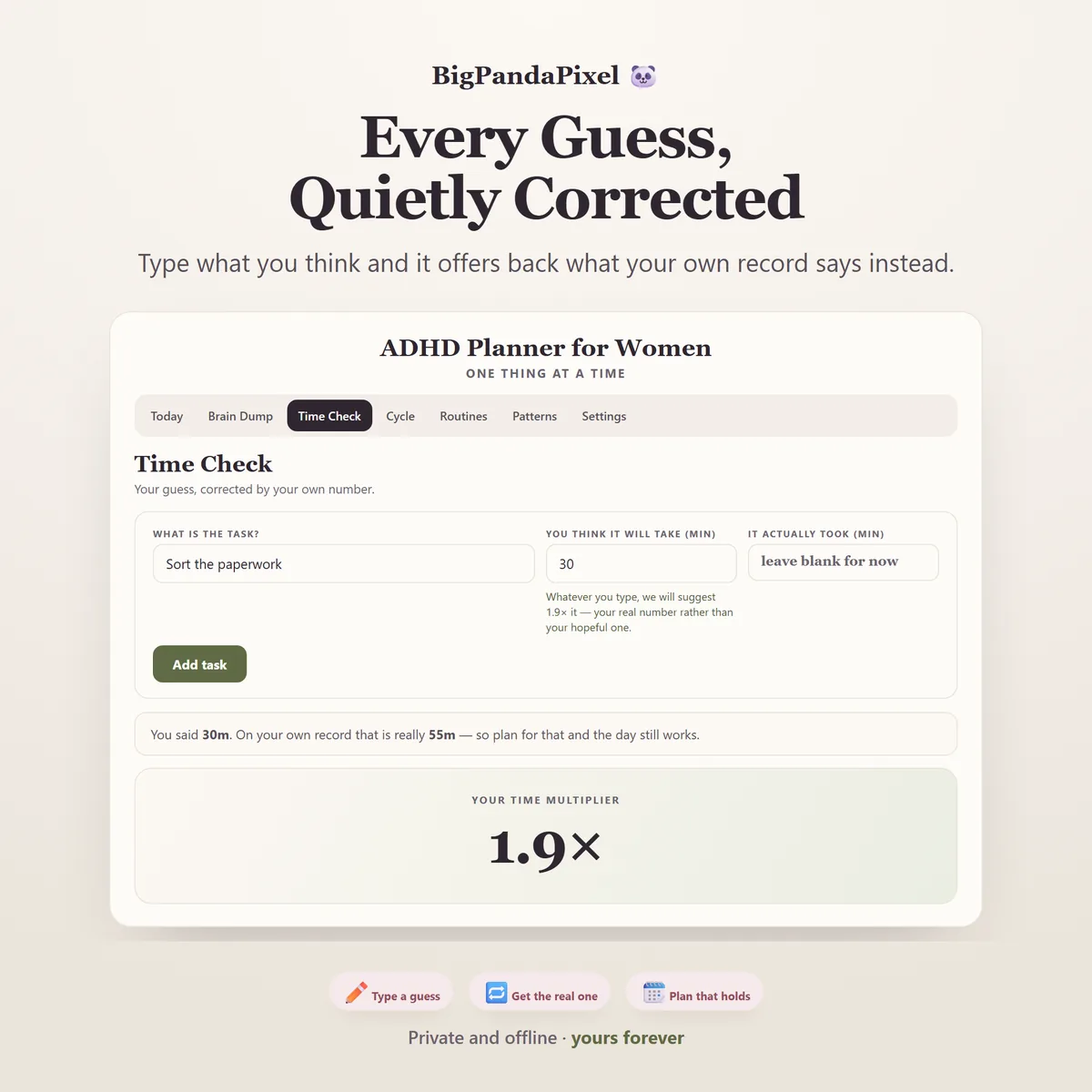
It learns how long things really take you
Write down what you think a task will take. Fill in what it actually took. After two or three, the planner works out your own multiplier — and from then on, every estimate you type comes back corrected and rounded to five minutes.
Every guess, quietly corrected
Type what you think and it offers back what your own record says instead. No lecture, no warning colour — just the number that has been true for you the last dozen times.
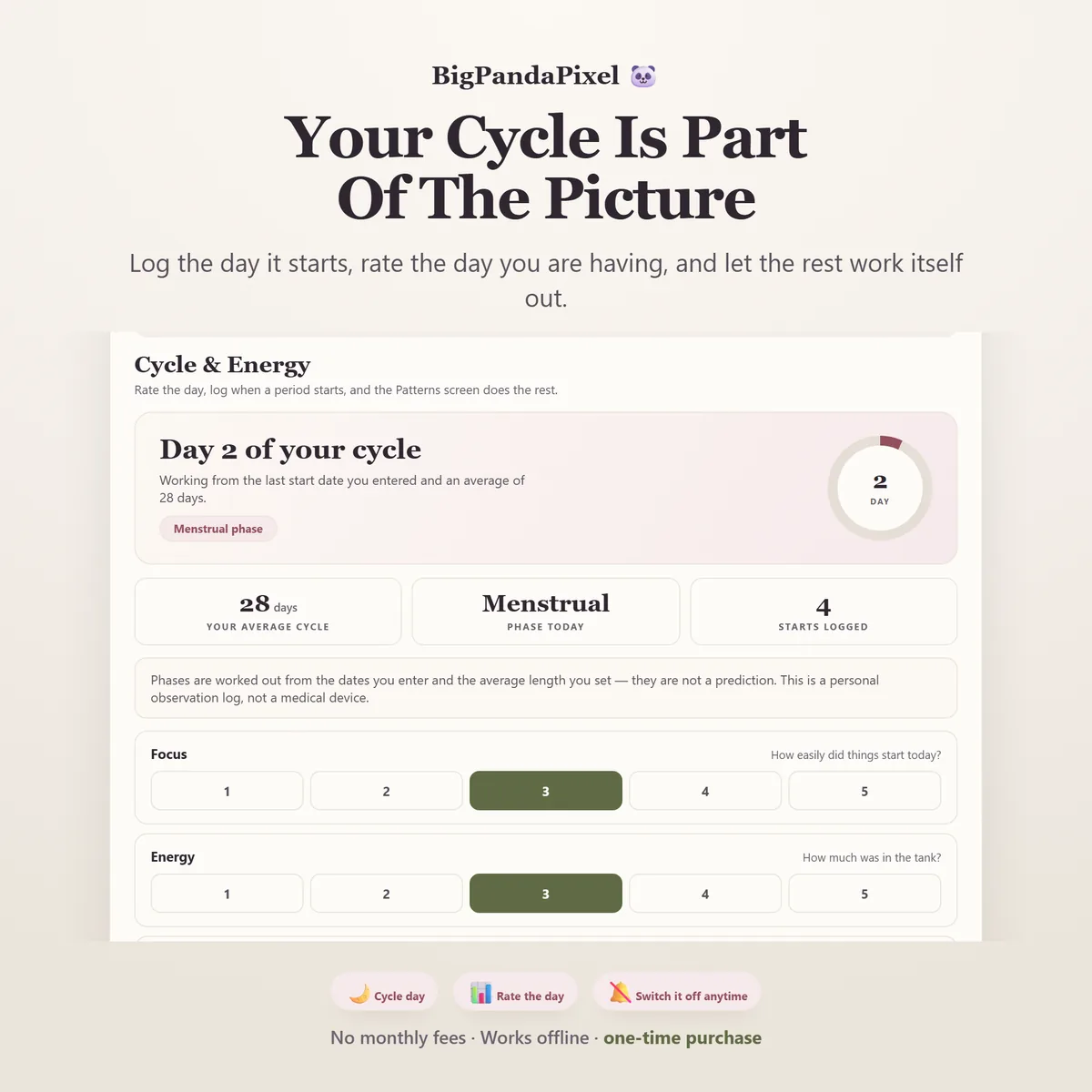
Your cycle is part of the picture
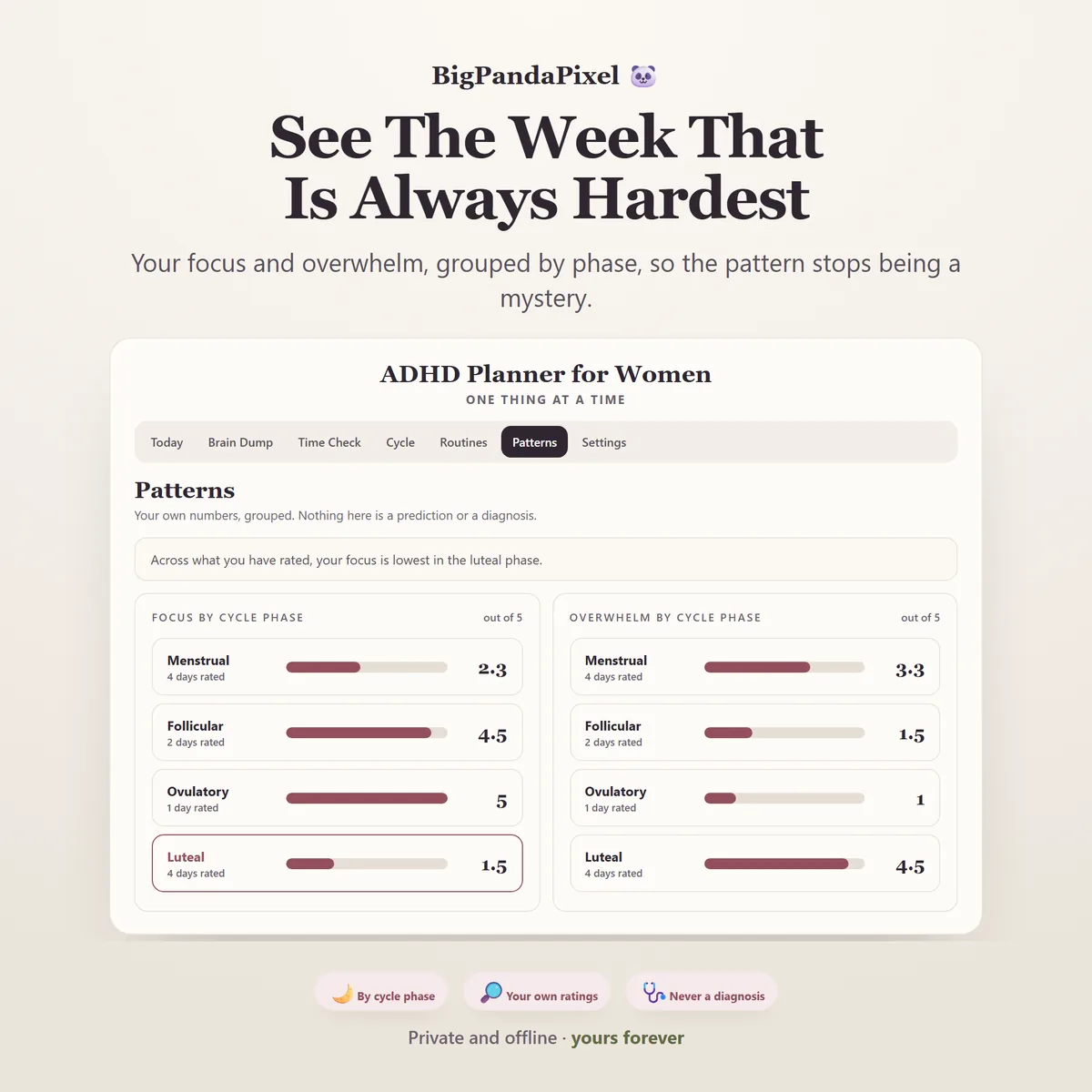
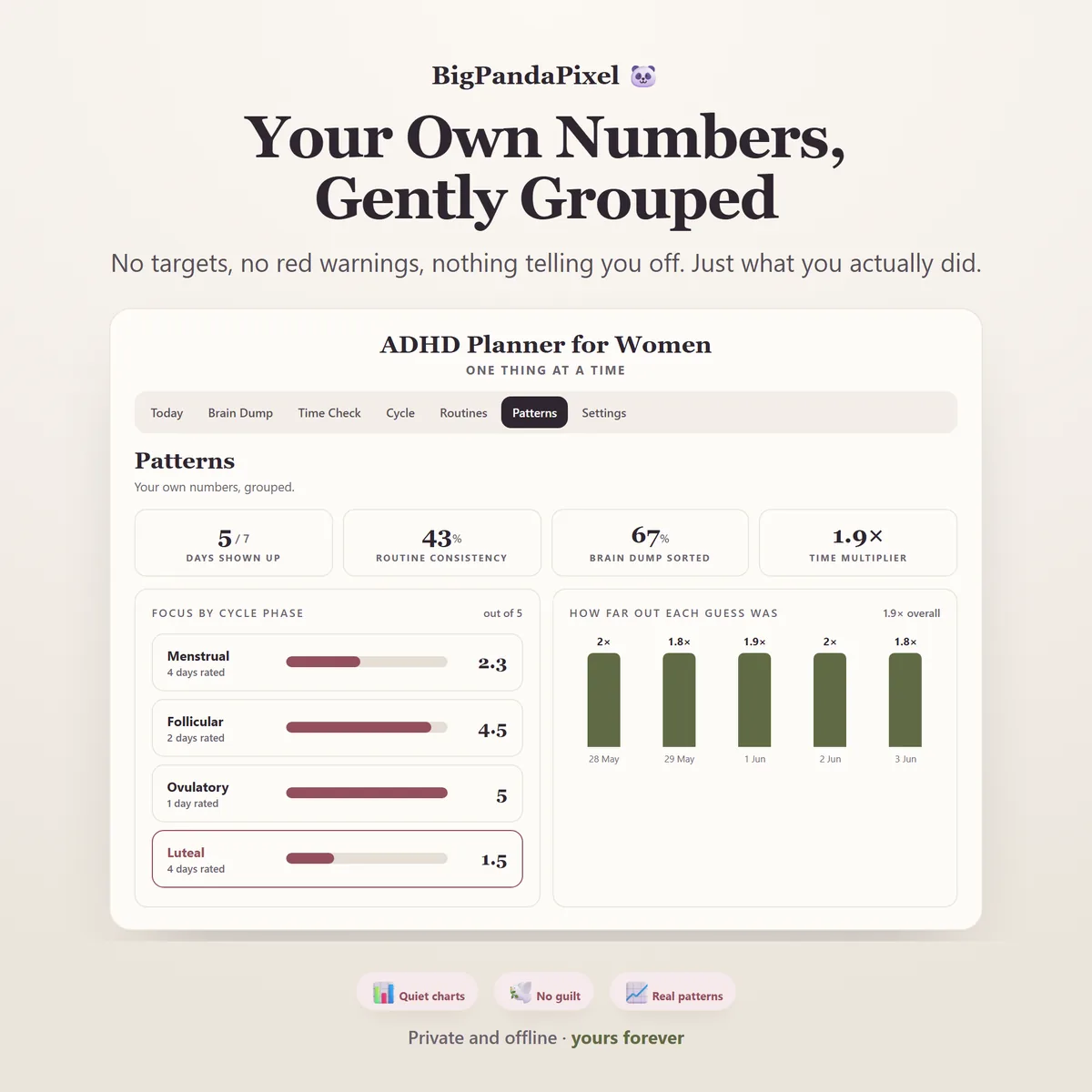
Rate your focus, energy and overwhelm; log the day a period starts. The planner groups your own ratings by cycle phase and tells you which stretch of the month is genuinely hardest for you. Most women with ADHD have felt this for years without ever seeing it written down.
See the week that is always hardest
Your focus and overwhelm, grouped by phase, so the pattern stops being a mystery. Nothing here is a diagnosis or a prediction — it is the arithmetic of the ratings you entered, shown back to you.
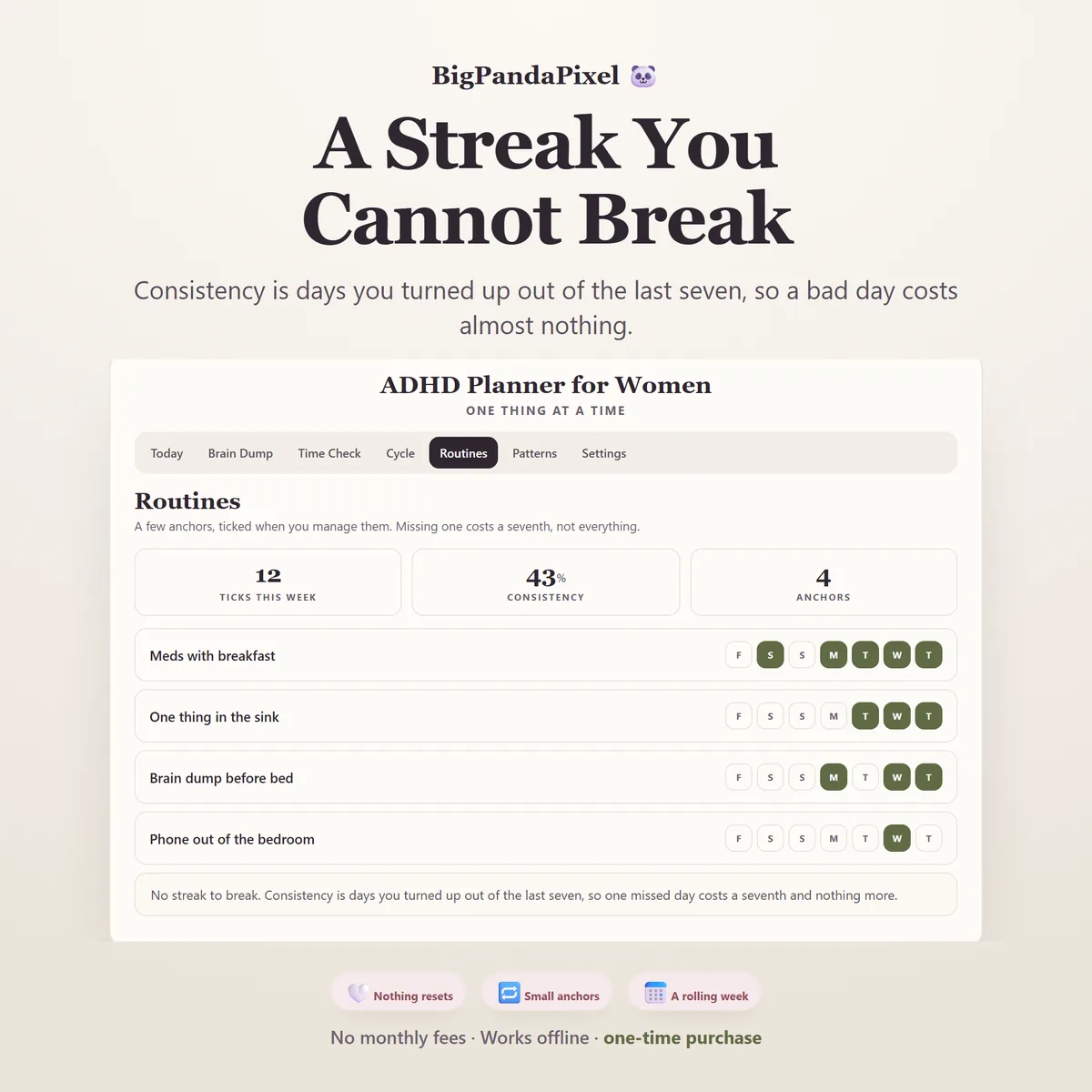
There is nothing here you can break
Consistency is days you turned up out of the last seven — not a consecutive count that resets to zero, because that reset is usually the day a planner gets abandoned. Miss a day and it costs a seventh. Nothing turns red. Nothing tells you off.
Maths you can check
Nothing here is a black box
Your time multiplier is the total of everything it really took, divided by the total of everything you guessed.
Guess thirty, twenty, forty-five, fifteen and sixty minutes — that is two hours fifty in guesses. If they really took sixty, thirty-five, eighty-five, thirty and a hundred and five, that is five hours fifteen. Five fifteen divided by two fifty is 1.9. A thirty-minute job is therefore fifty-five minutes, and that is the number you get offered next time.
It uses the totals rather than averaging each task's ratio on purpose. A two-minute job you guessed at one minute has a ratio of 2.0, and averaging ratios would let that one silly number weigh as much as an entire afternoon.
Cycle phases are counted from the start dates you enter. The midpoint is your cycle length minus fourteen rather than half of it, because the second half of a cycle stays roughly fixed while the first half stretches — so on a 32-day cycle the midpoint is day 18, not day 16.
A closer look
Every screen, as it ships
What you'll receive
One download, everything in it
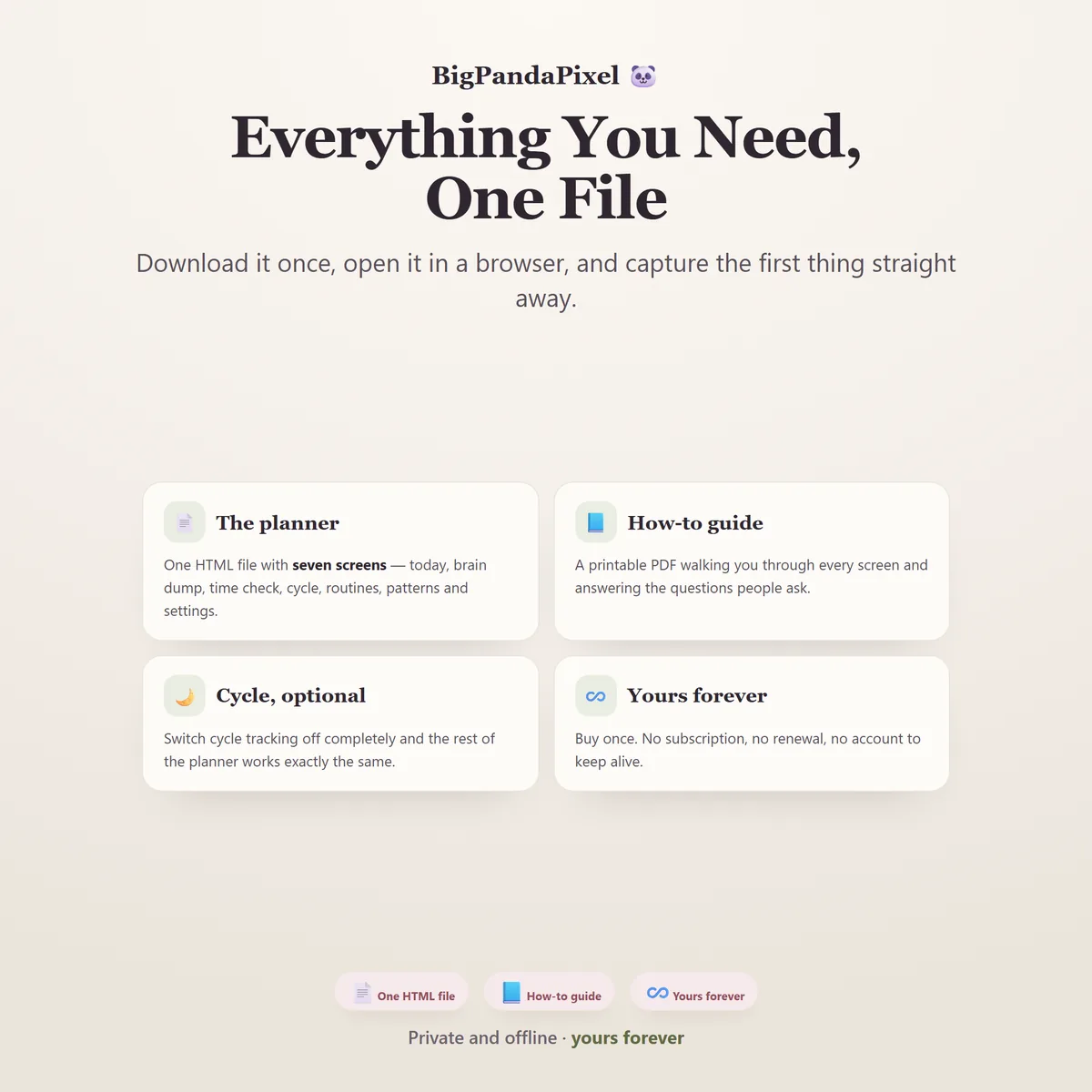
- ADHD Planner for Women interactive offline app — a single HTML file
- Seven connected screens that sync automatically
- Time Check with your personal time multiplier
- Cycle & Energy with daily ratings, fully optional
- Routines with rolling seven-day consistency
- Patterns with focus and overwhelm by cycle phase
- CSV export of your time log, plus local backup and restore
- Six colour themes and four text sizes
- Print-ready screens for every section
- Illustrated step-by-step guide, 8-page PDF
One-time payment
- Instant download after purchase
- No account and no subscription
- Works offline on any modern browser
- Windows, macOS, Linux, Chromebook, iPad, Android
Checkout is handled by Etsy. Your payment details never come to us.
Who it's for
You'll recognise yourself in at least one of these
Diagnosed late
In your thirties, forties or beyond — or after your child was diagnosed and something clicked.
Five abandoned planners
And you blamed yourself every time. This one has no streak to break and nothing that turns red.
No sense of how long
You genuinely cannot tell whether a task is ten minutes or ninety. This one measures it for you.
Carrying the mental load
The household's admin sits on top of your own work, and it all lives in your head until it doesn't.
A pattern each month
Your focus falls apart at roughly the same point every cycle, and you have never seen it written down.
Done with subscriptions
You want a real ADHD planner without another monthly charge and another account to manage.
Getting started
The whole onboarding is one sentence
Type the first thing in your head into the box. That's it. The app opens with a part-finished example already loaded — a few things still unsorted, a routine week that is not perfect — so you can see exactly how it behaves before adding anything of your own.
Buy and download
Etsy delivers the file the moment payment clears. Nothing is posted to you.
Unzip the folder
Inside is one HTML file and the illustrated PDF guide.
Double-click the file
It opens in Chrome, Edge, Safari or Firefox. No installation, no technical experience.
Capture one thing
Whatever is loudest in your head right now. The planner takes it from there.
Please read before buying
The honest small print
This is not a medical device. It does not diagnose ADHD, it does not track or advise on medication, and nothing in it is medical, psychological or health advice. Any pattern it reports is simply the arithmetic of the ratings you entered — not a finding, a diagnosis, or evidence of anything. For questions about ADHD, your cycle, or your health, please speak to a qualified professional.
Cycle phases are estimated from the start dates you enter and the average cycle length you set. They are not a prediction and not a fertility indicator. This app must not be used for contraception or to plan a pregnancy.
- This is a digital download. No physical product will be shipped.
- It is an HTML browser-based planner — not a mobile app, not Excel or Google Sheets, and not a Notion template.
- Your work saves automatically inside your browser. Clearing browser data, using private mode, or switching browsers or devices may remove it — export a backup to keep it safe.
- Because there is no cloud account, it does not sync between devices automatically. Use the built-in export and import to move it.
- There are no reminders, alarms or notifications of any kind. It is a file, not an app running in the background.
- Because this is a digital product, all sales are final. See the refund policy.
Questions
Asked before buying
I'm not diagnosed. Is this still for me?
Yes. Nothing in the planner asks about a diagnosis or assumes one. It is built for a brain that loses thoughts before it can write them down and cannot judge how long things take — whether that has a label attached or not.
Can I turn the cycle tracking off completely?
Yes, in one switch in Settings. The Cycle screen disappears, the phase columns disappear from Patterns, and nothing anywhere asks about it again. The rest of the planner works exactly the same.
What if I only use it some days?
That is the expected case, and the planner is designed for it. Consistency counts the days you turned up out of the last seven, so a missed day costs a seventh and nothing resets. There is no streak, no guilt screen and nothing coloured red.
How long before the time multiplier is useful?
Two or three logged tasks is enough for it to appear. It gets steadier with a dozen. Until then the planner simply does not show a number rather than guessing one.
Does it work on my phone or iPad?
Yes. Every screen is responsive and built to fit whatever it opens on. On iPad and Android the simplest route is to save the file to your device's Files app and open it from there.
Will you see anything I write in it?
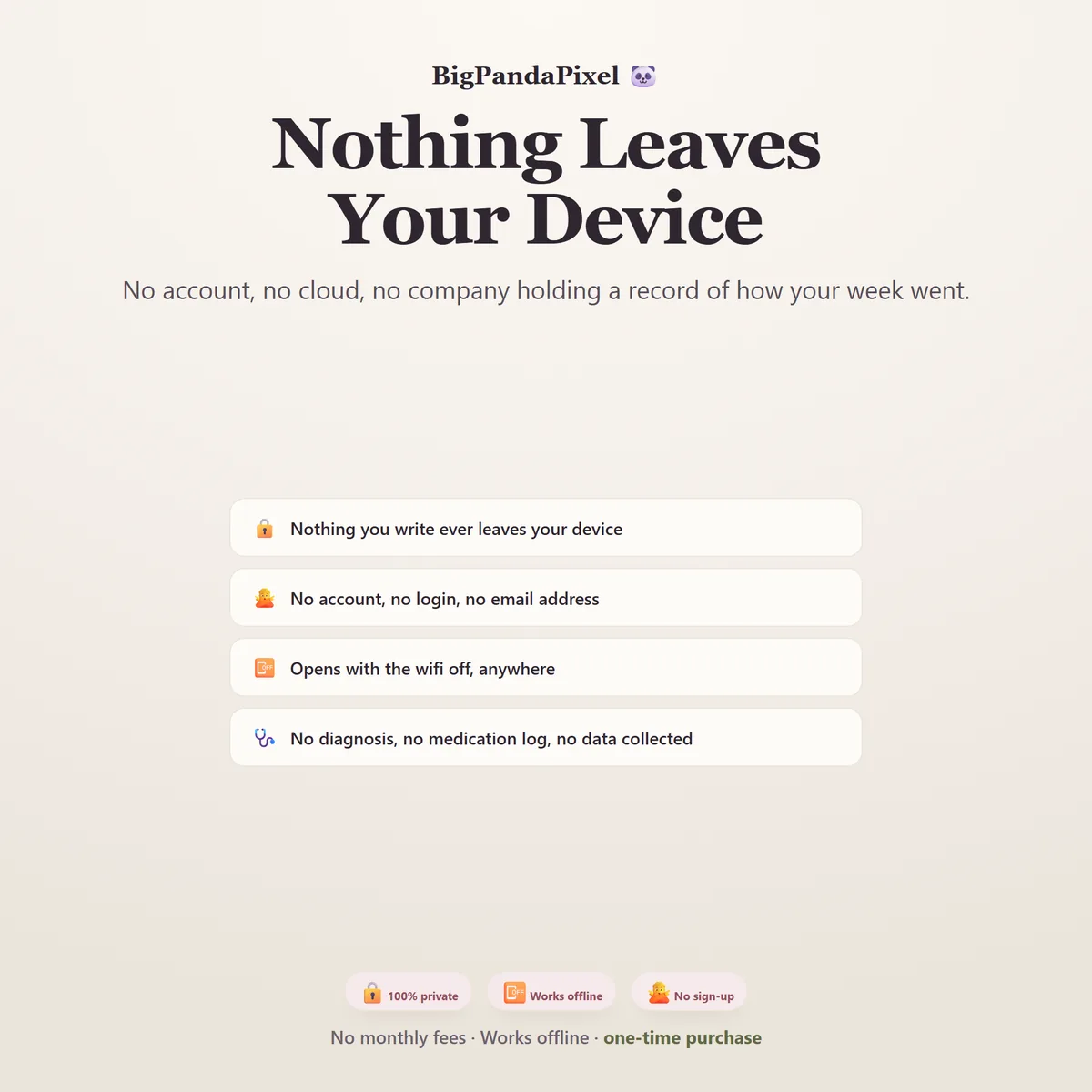
No, and we could not if we wanted to. The file makes no network requests — there is no server for it to talk to. Everything you type is stored by your own browser on your own device.
What exactly is in the download?
A zip folder containing one HTML file — the whole planner — and an illustrated 8-page PDF guide. Nothing else, and nothing to install.
One fileSeven screensNothing leaves your device
Get it out of your head first.
Everything else on that list is on another screen, because seeing it is the thing that stops the day before it starts.
Instant download · No account · Works offline · One-time payment