NextUp 7 screens One file
You know what you are meant to be doing. That was never the problem.
It is written down somewhere — a list, a note, three different apps, or it was going to be. NextUp shows you one thing at a time with a live countdown beside it, so the day stops being a list you avoid and becomes the next twenty minutes.
Instant download · No account · Works offline · One-time payment
A schedule you cannot see the time inside is just a list with hopeful numbers next to it.
Unlike a paper planner that cannot tell you the time, or a habit app that punishes you for missing a day, this one is on your side. Everything is visual, worked out for you, and stored privately on your own device.
Whether today is three anchors and an early night or a packed run of appointments and admin you have been avoiding for a fortnight, it starts the same way: what is next, and how long you have.
What's inside
Seven connected screens
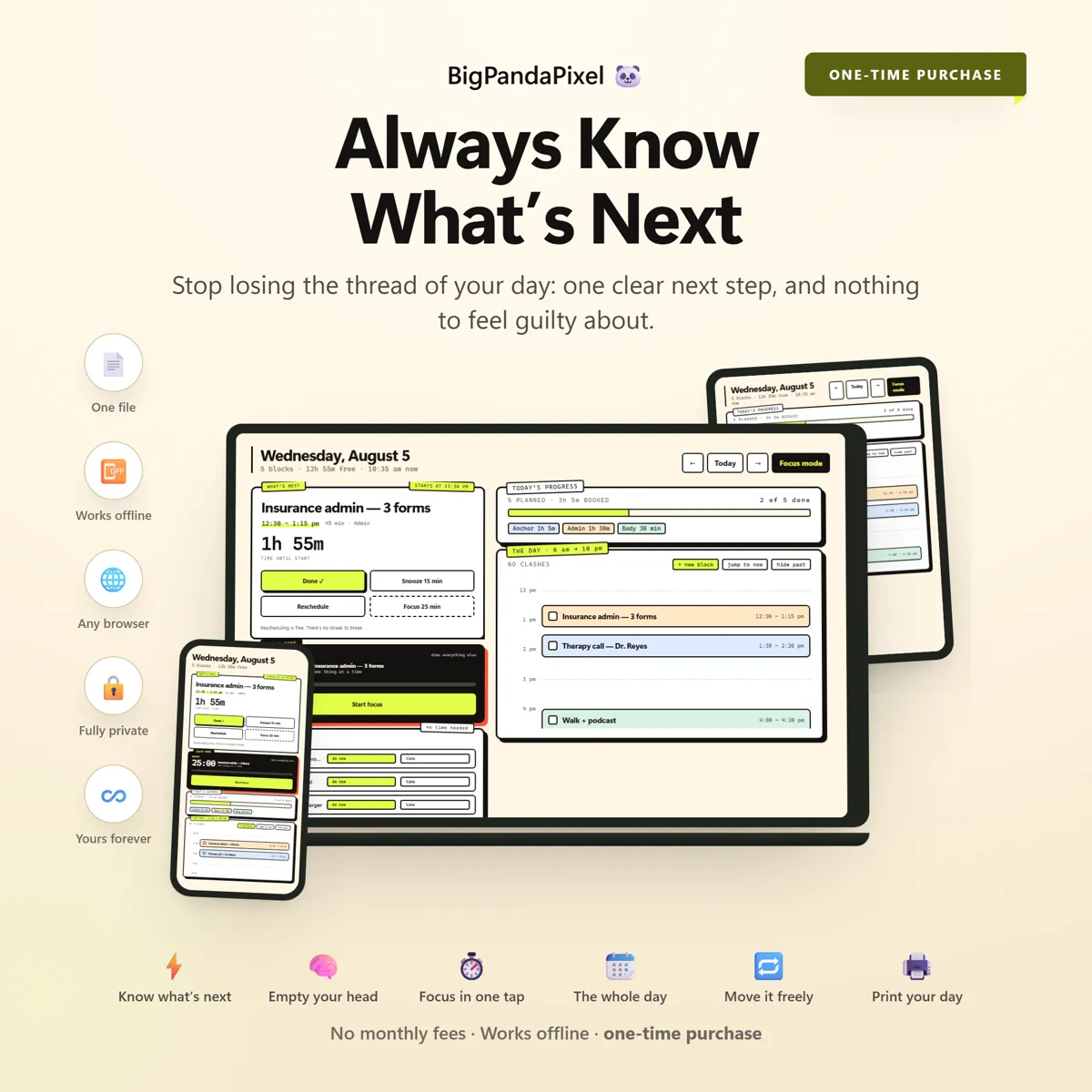
One thing in focus, everything else one tap away. Each screen updates the moment anything changes, so the countdown you are looking at is always the real one.
The parts people buy it for
What it actually does for you
One thing, not a list of thirty
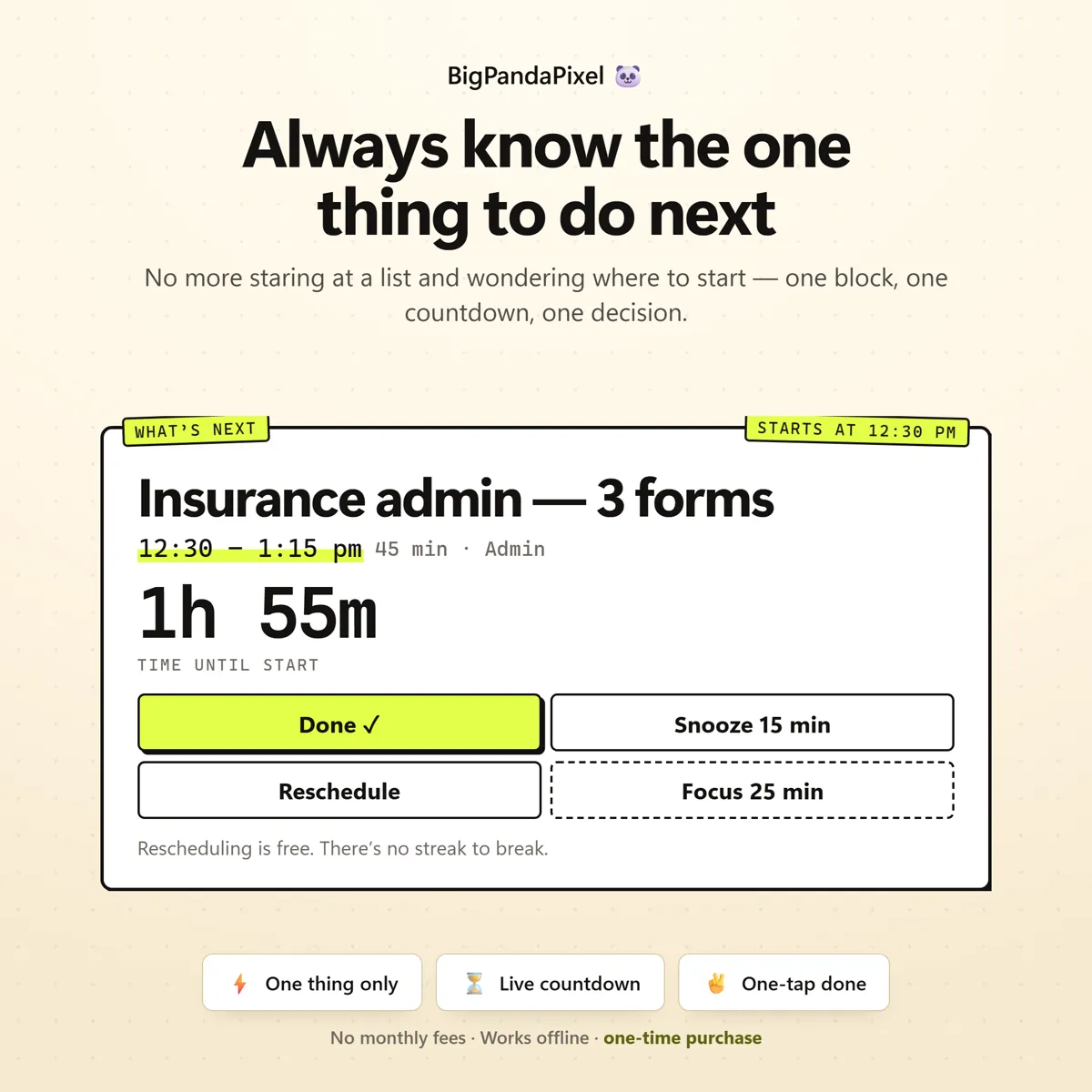
A list of thirty tasks is thirty decisions, and deciding is the part that does not work. NextUp shows you one block — the next unticked thing — in type you can read from across the room, with a live countdown to it and four one-tap ways out: Done, Snooze, Reschedule, or Focus. No scanning, no choosing, no opening the app and closing it again.
The whole day, drawn to scale
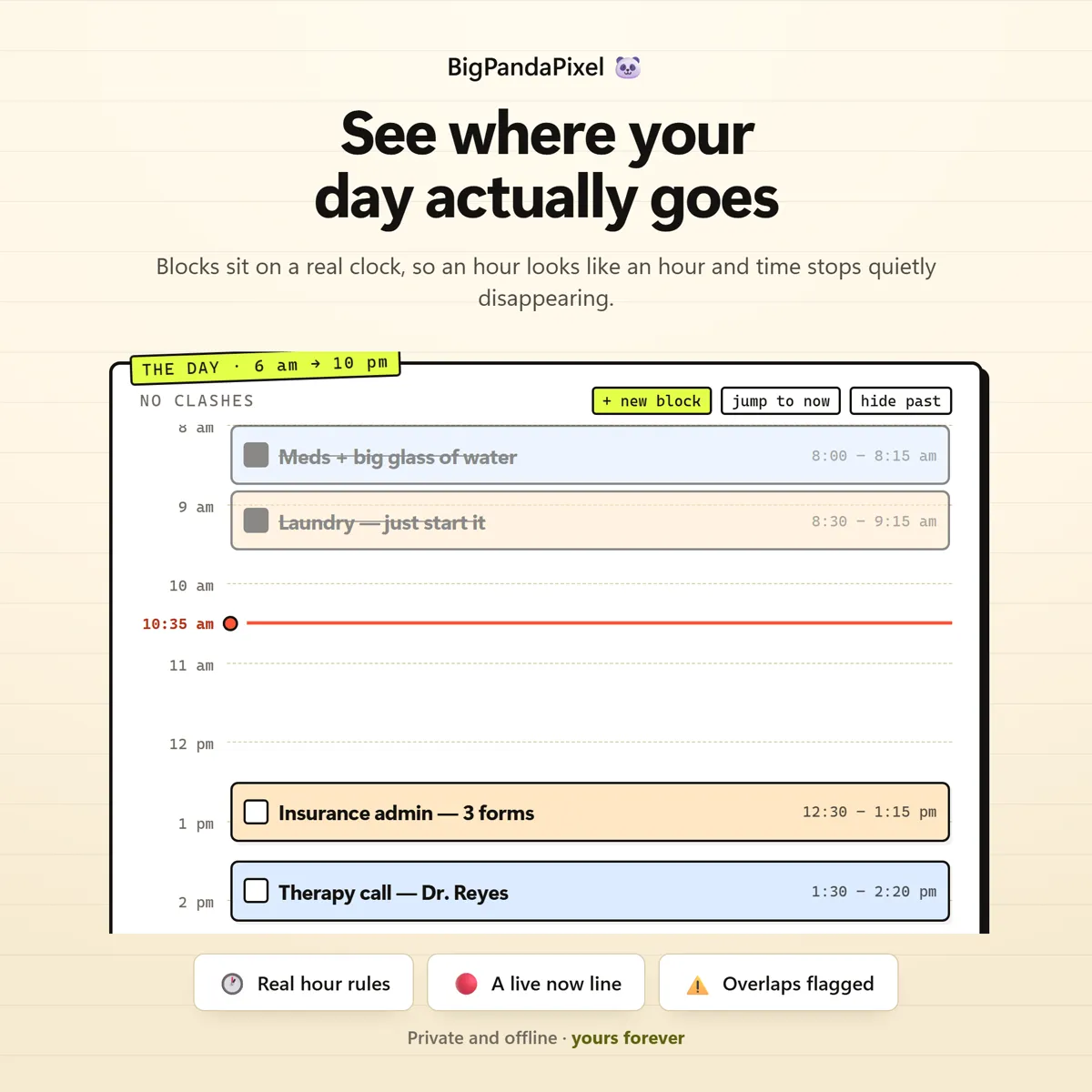
A list tells you what is in the day. A timeline tells you whether it fits. Your blocks are drawn at their real length on a real track from morning to night, with a red line showing exactly where you are in it — so an over-stuffed afternoon looks over-stuffed before you live through it, not after.
Focus mode that actually removes everything
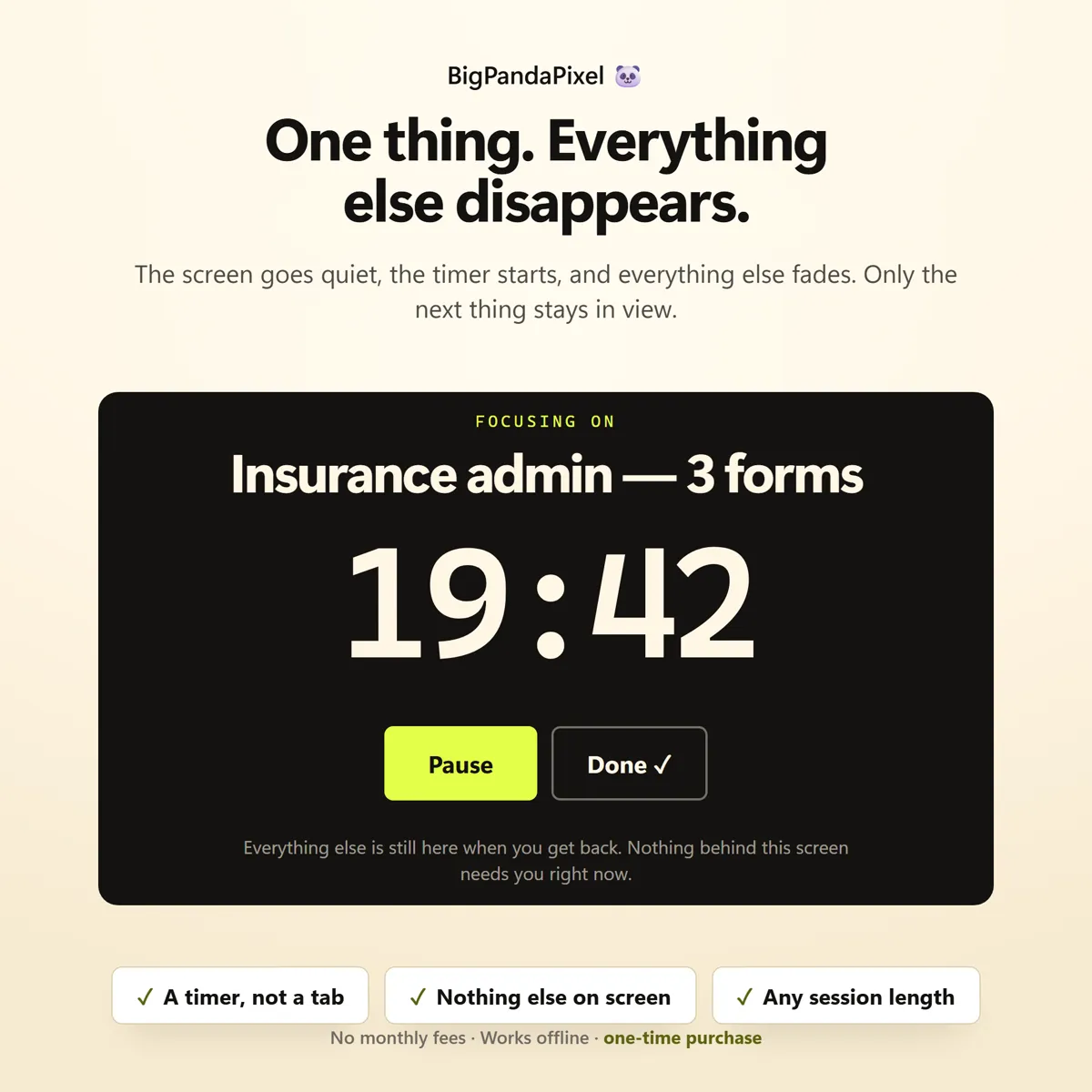
Not dimmed. Not collapsed into a corner. Press Focus and the entire planner disappears, leaving the one task and a countdown on a dark screen. Pause it, reset it, or tick the task off without ever leaving. Press Escape and your day is exactly where you left it.
Somewhere to put it down and carry on
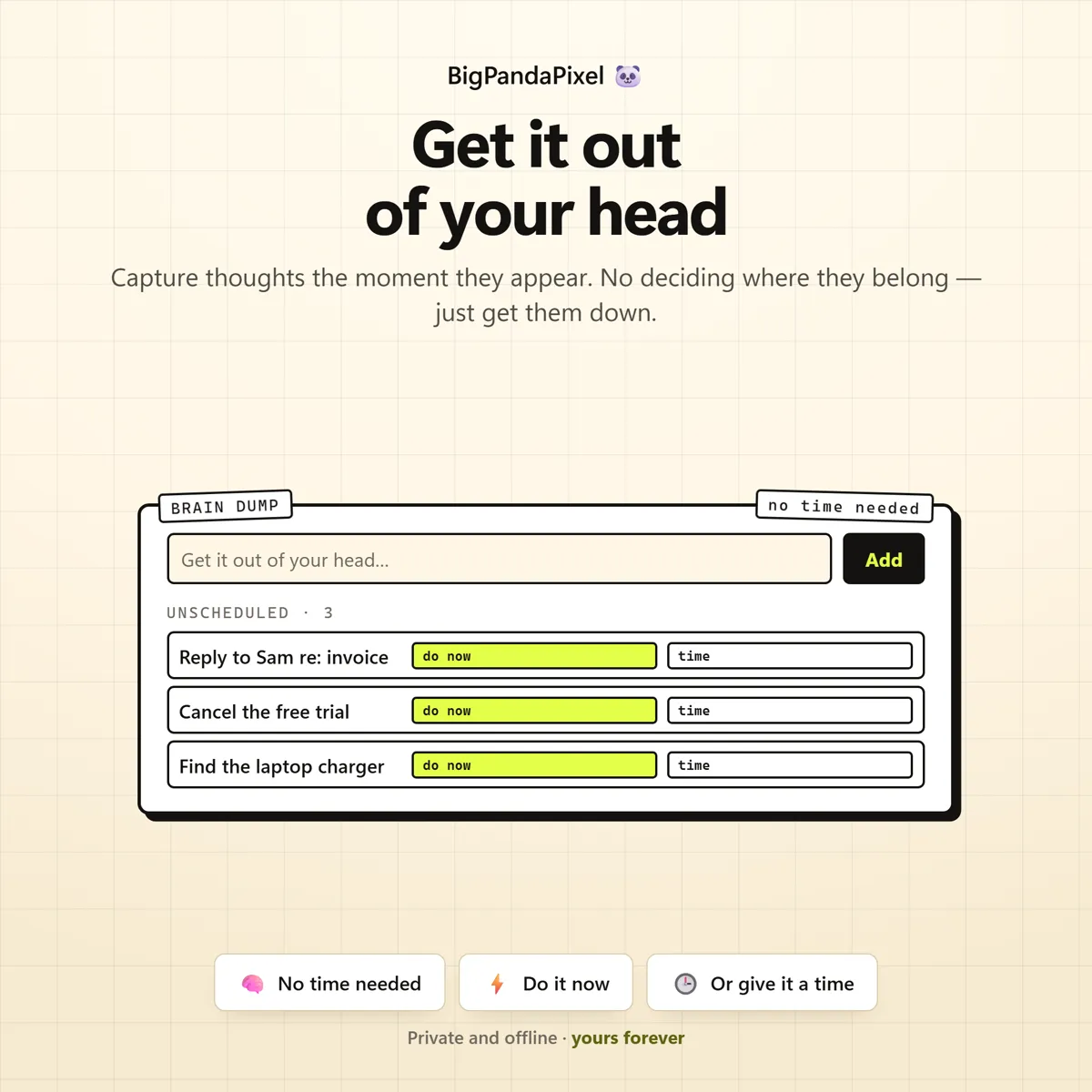
The thought that arrives mid-task does not need a time, a date or a decision — it needs somewhere to go so it stops circling. Type it into the brain dump, press Enter, carry on. Later it becomes a real block with one tap, or it starts a focus session immediately.
No streaks, no scores, no shame
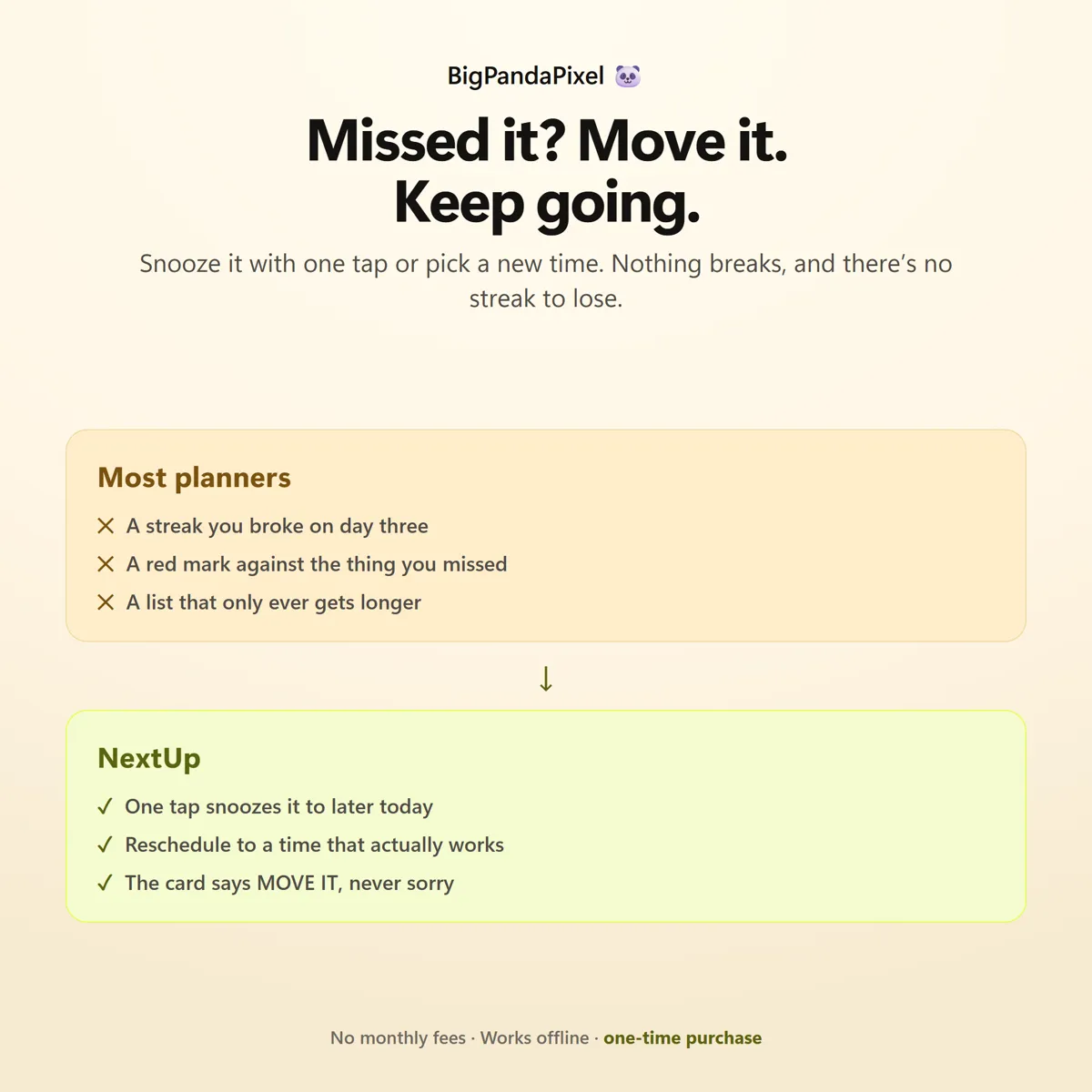
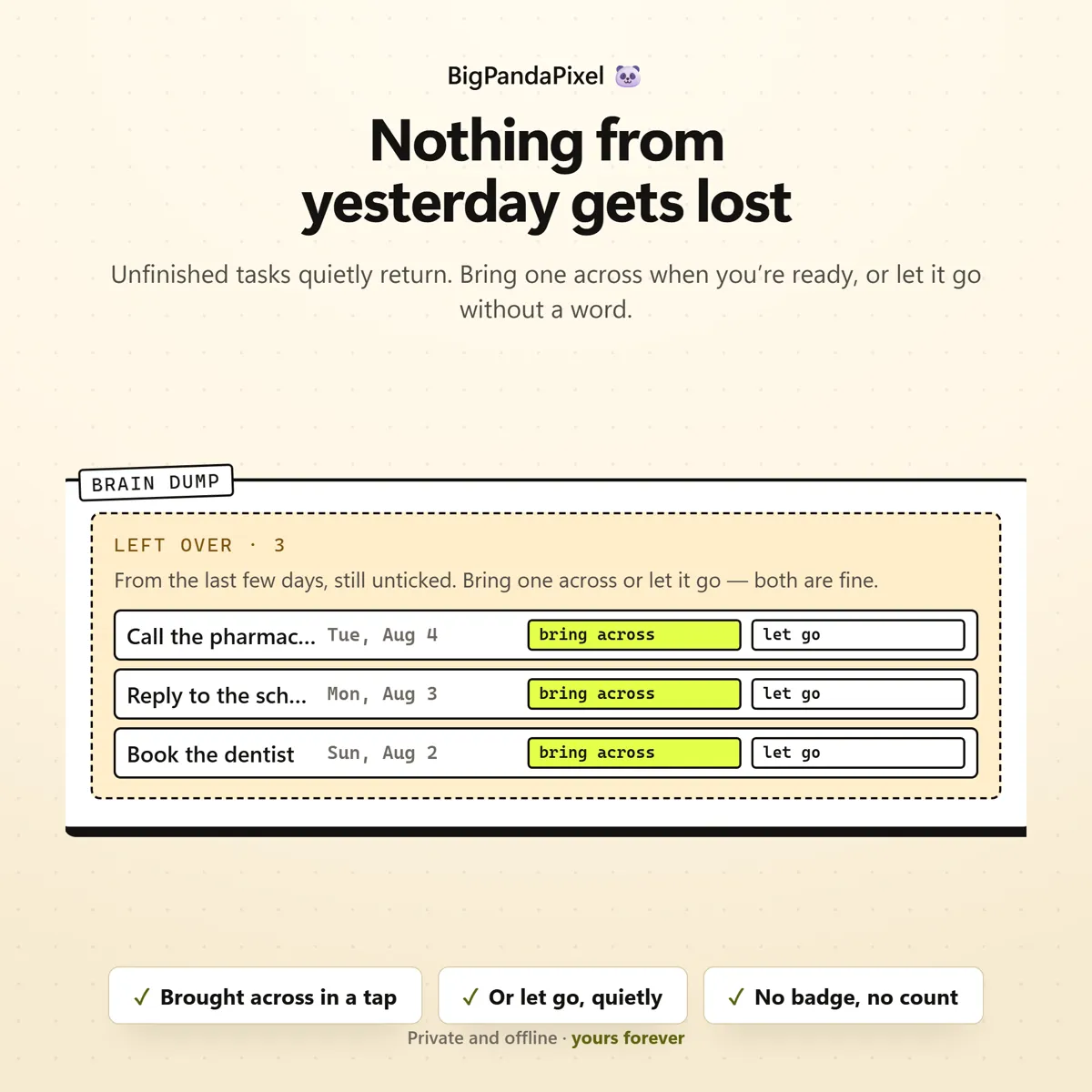
Rescheduling is free. There is no streak to break. Nothing here counts consecutive days, awards anything, or remembers that yesterday went badly. Miss a block and it says move it, not you failed. Anything still unticked from the last few days is offered back to you gently — bring it across, or let it go, and both are genuinely fine.
How it keeps up
Nothing here is a black box
NextUp keeps the whole day in sync for you. Add a block, tick one off, snooze one by fifteen minutes, or drop a thought into the brain dump, and the next-up card, the countdown, the timeline, the progress bar, the category balance and the month calendar all update instantly — no duplicate entry, no re-sorting, nothing to keep tidy. Every change saves the moment you make it.
A closer look
Every screen, as it ships
What you'll receive
One download, everything in it
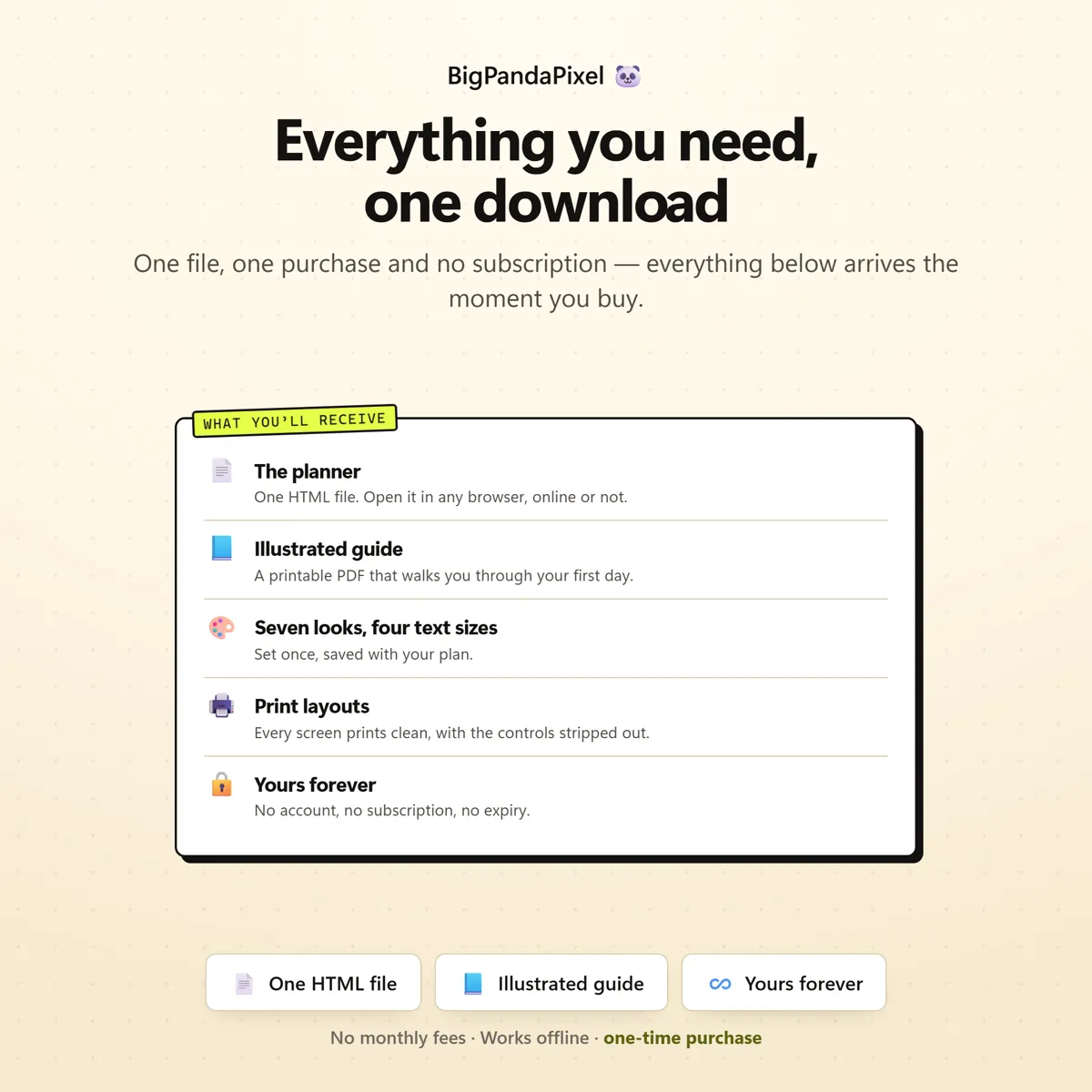
- NextUp™ interactive offline planner (Single HTML File)
- 7 connected focus tools that update automatically
- What's Next card with a live countdown
- Full day timeline with a live NOW line
- Progress and day balance by category
- Full-screen Focus Mode with timer
- Brain Dump with leftovers, bring across and let go
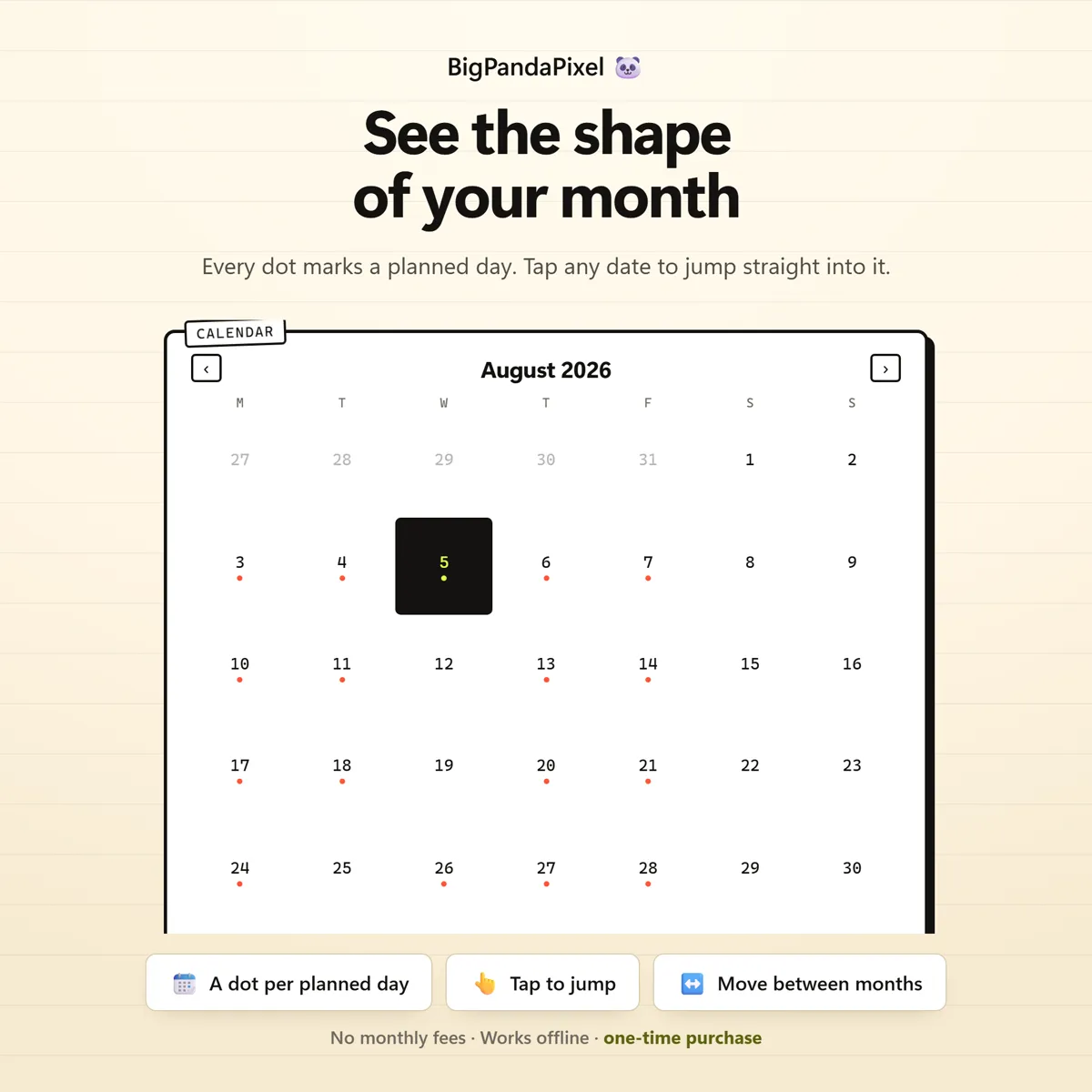
- Month Calendar with planned-day dots
- Flexible Settings (day hours · clock · focus · snooze · leftovers)
- Local backup export & import
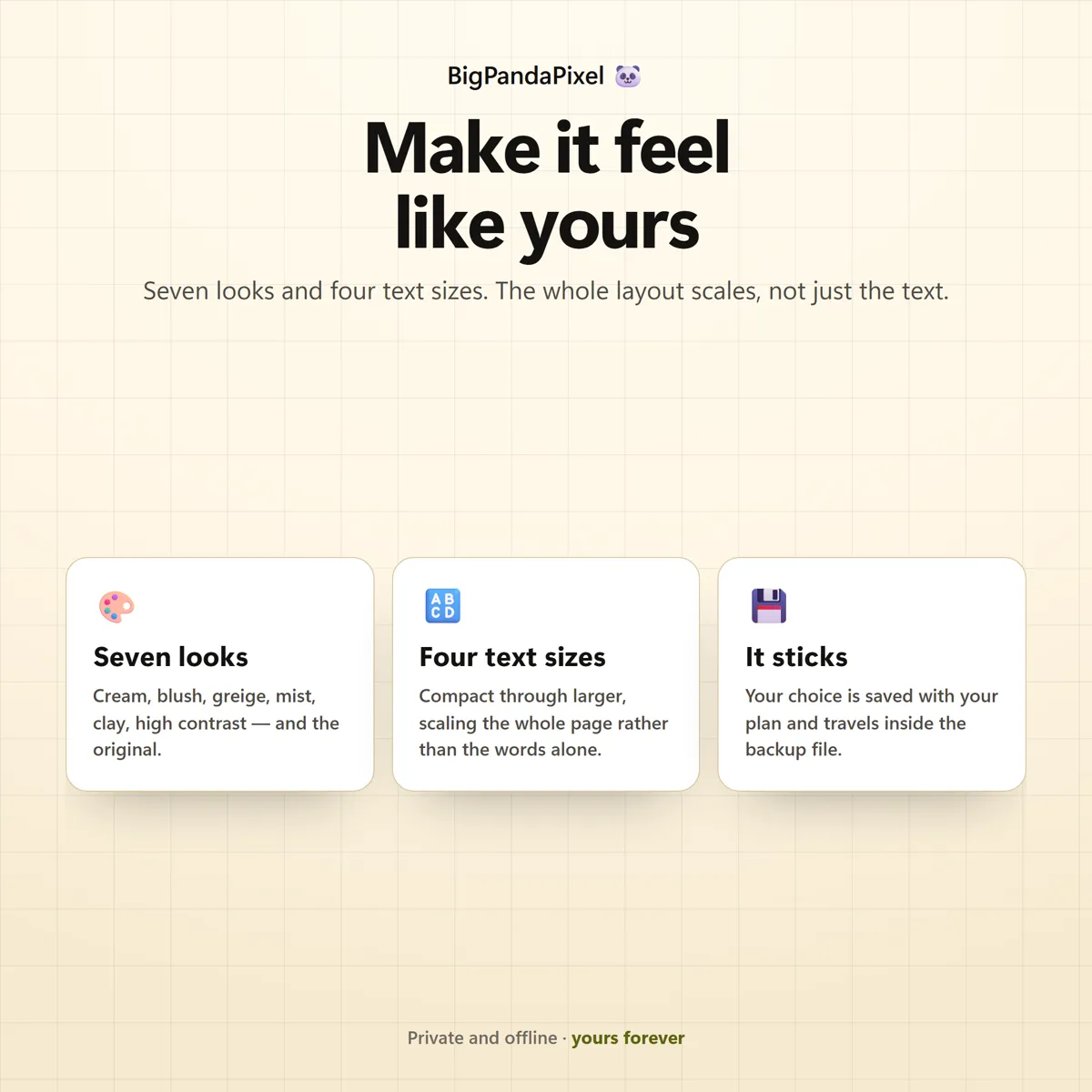
- Seven colour themes and four text sizes
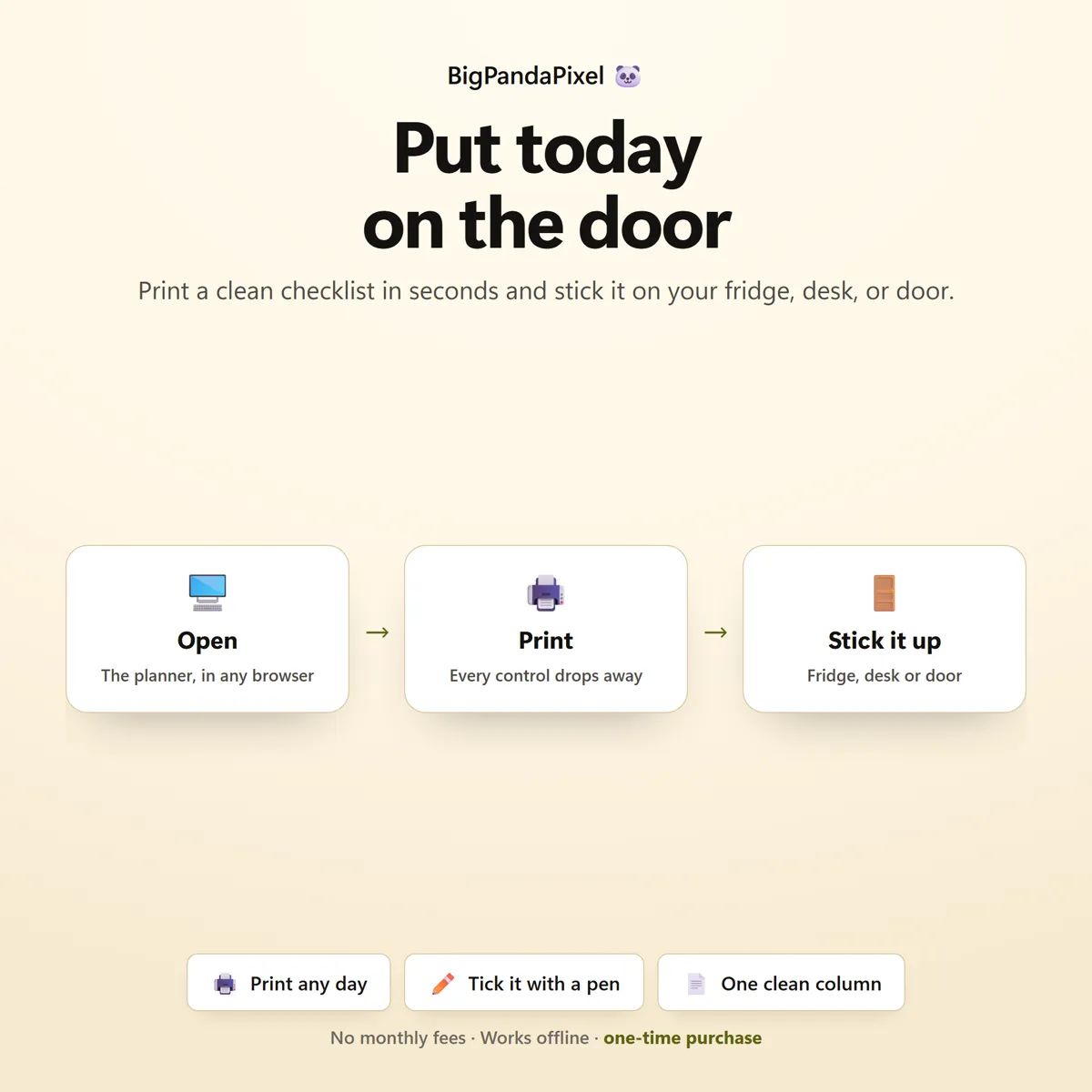
- Print-ready day sheets
One-time payment
Get it on Etsy- Instant download after purchase
- No account and no subscription
- Works offline on any modern browser
- Windows, macOS, Linux, Chromebook, iPad, Android
Checkout is handled by Etsy. Your payment details never come to us.
Who it's for
You'll recognise yourself in at least one of these
Adults with ADHD, diagnosed or self-identified
Anyone who plans a day and then cannot start it
Students and anyone with time blindness
Freelancers and people working from home without structure
Parents juggling appointments, meds and school runs
Anyone who has abandoned a planner for making them feel worse
Autistic and AuDHD adults who want the day visible
Anyone recovering from burnout who needs a smaller day
Anyone who wants a real focus timer without a monthly subscription
Getting started
From payment to using it, in about two minutes
Buy and download
Purchase and download instantly.
Unzip the folder
Unzip the folder and open the file in Chrome, Edge, Safari, or Firefox.
Open the file
Add your first block, or press Focus on the one already waiting, and the day appears immediately.
Start using it
No installation.
Please read before buying
The honest small print
- This is a digital download. No physical product will be shipped.
- Instant download after purchase.
- Works completely offline after downloading.
- This is an HTML browser-based planner — not a mobile app, Excel/Google Sheets file, or Notion template.
- Your plan is automatically saved locally in your browser. Clearing browser data, using private/incognito mode, or switching browsers or devices may remove it — so export a backup anytime to keep your data safe or move it between devices.
- Because there is no cloud account, your days do not sync between devices automatically. Use the built-in export and import to move them.
- Compatible with all modern browsers.
- This is an organisation and time-management tool, not a medical device, a treatment, or a therapy programme. It does not diagnose anything, does not track symptoms or medication, and is not medical, psychological or clinical advice.
- Because this is a digital product, all sales are final. See the refund policy.
Questions
Asked before buying
What exactly is in the download?
A zip folder containing one HTML file — the whole NextUp — and illustrated step-by-step guide (10-page PDF). Nothing to install.
Does it work on my phone or iPad?
Yes. Every screen is responsive. On iPad and Android the simplest route is to save the file to your device's Files app and open it from there.
Will you see anything I put into it?
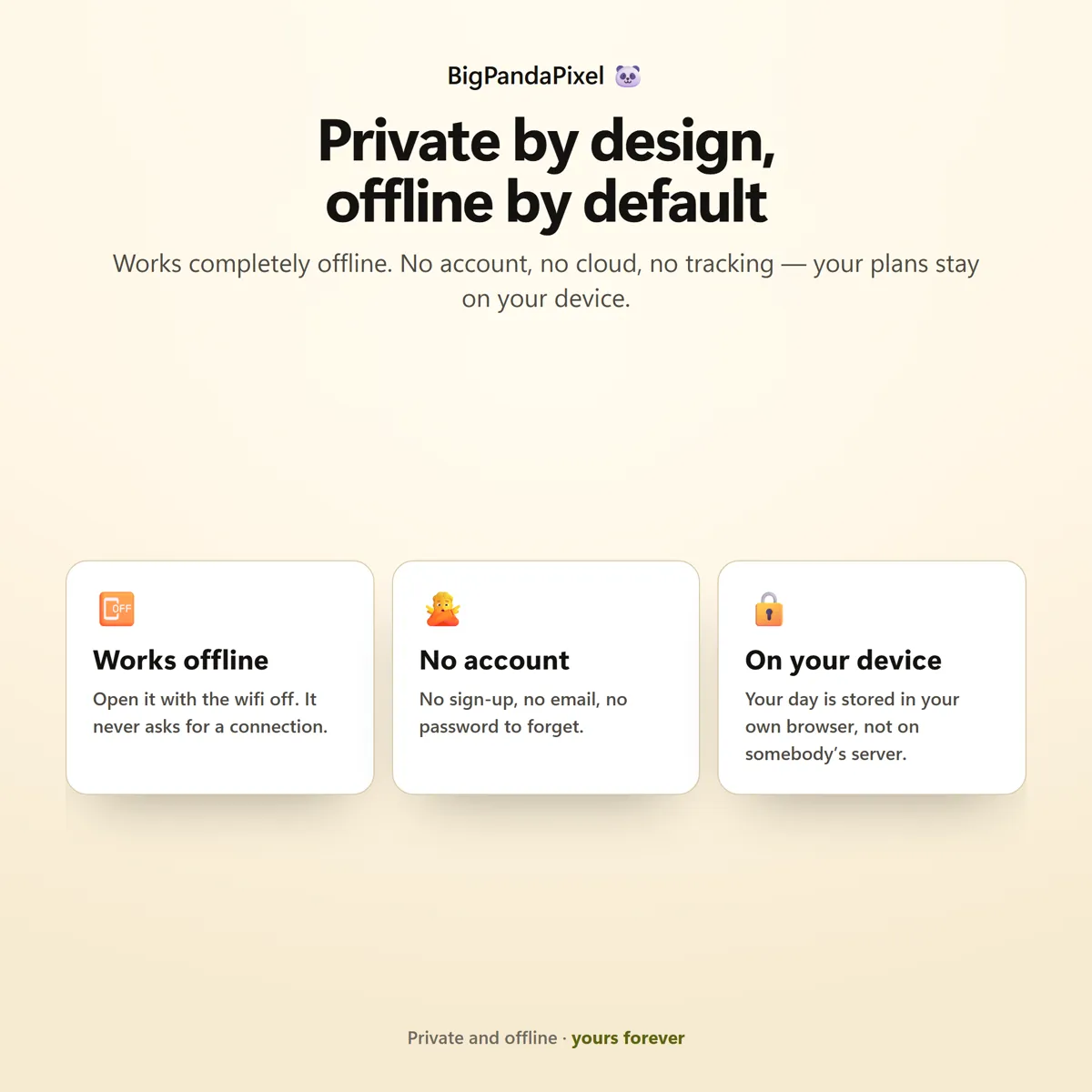
No, and we could not if we wanted to. The file makes no network requests — there is no server for it to talk to. Everything you type is stored by your own browser on your own device.
Is this a subscription?
No. It is a one-time purchase of a file you keep. There is no account, no renewal and no way for it to stop working — NextUp runs entirely offline.
One file7 screensNothing leaves your device
What is next, and how long you have.
Two facts, on screen, without you having to work either of them out.
Instant download · No account · Works offline · One-time payment