Payoff Path 8 tools One file
Stop guessing when you'll finally be debt free.
Add your debts and Payoff Path gives you one unmistakable date at the top of the screen — the month your last debt is paid off — and recalculates it the instant anything changes. Then drag the extra-payment slider and watch that date move in your own numbers, before you commit a penny.
Instant download · No account · Works offline · One-time payment
For most people there is a surprisingly small number — often $50 or $100 a month — where the date jumps forward by a year or more. Payoff Path helps you find yours.
Instead of a spreadsheet full of formulas you are afraid to touch, this is one workspace built to answer a single question and answer it clearly. Everything is visual, automatically calculated, and stored privately on your own device — no logins, no monthly subscriptions, and no finance jargon.
Credit cards, a car loan, student debt, store cards, money owed to family — whatever the mix, the whole plan lives in one browser file that works completely offline.
What's inside
Eight connected payoff tools
Log a payment once and the debt-free date, the progress bars, every individual payoff month, the timeline and the interest comparison all update instantly. No duplicate work, no manual syncing.
The parts people buy it for
One date, and everything that moves it
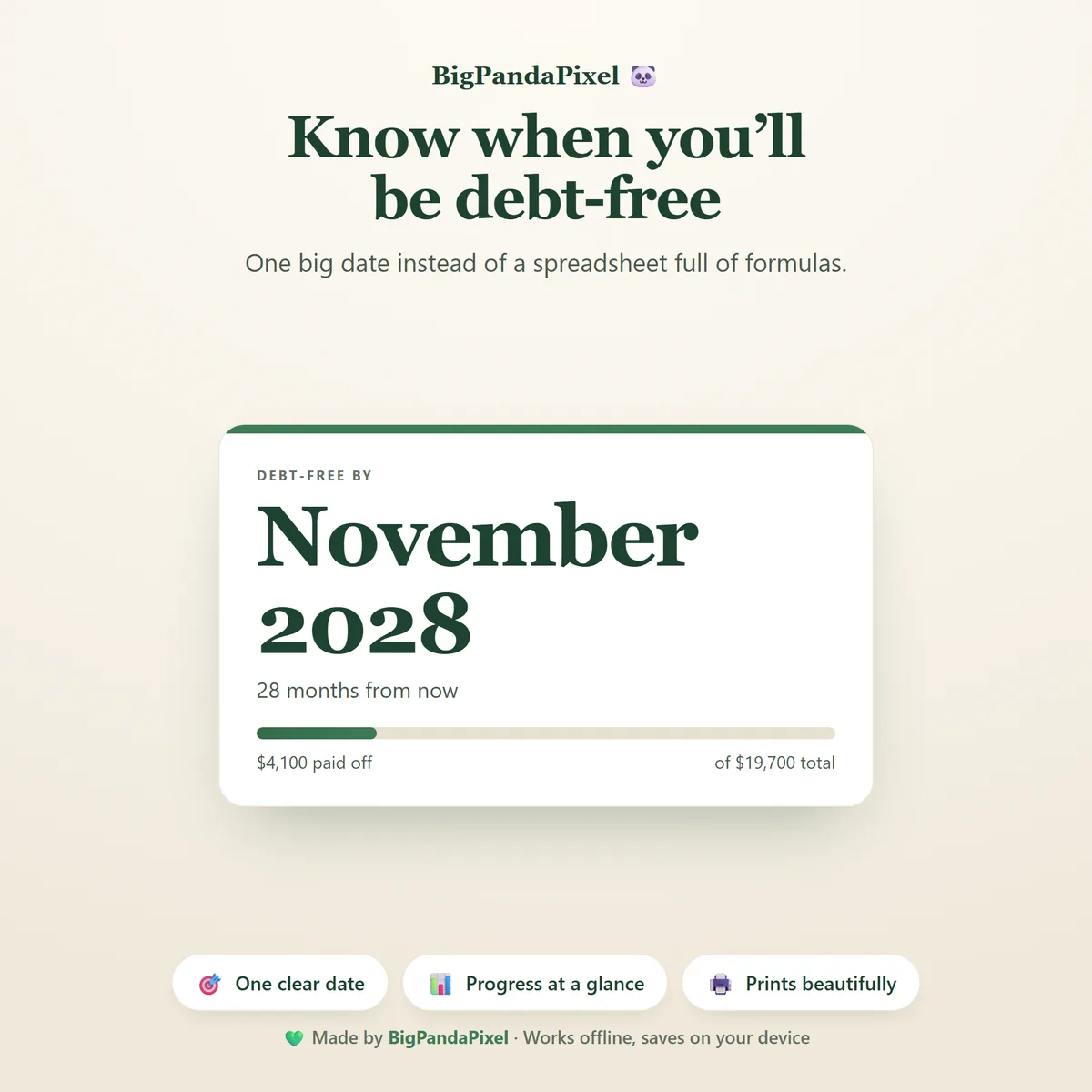
One big date, not a spreadsheet
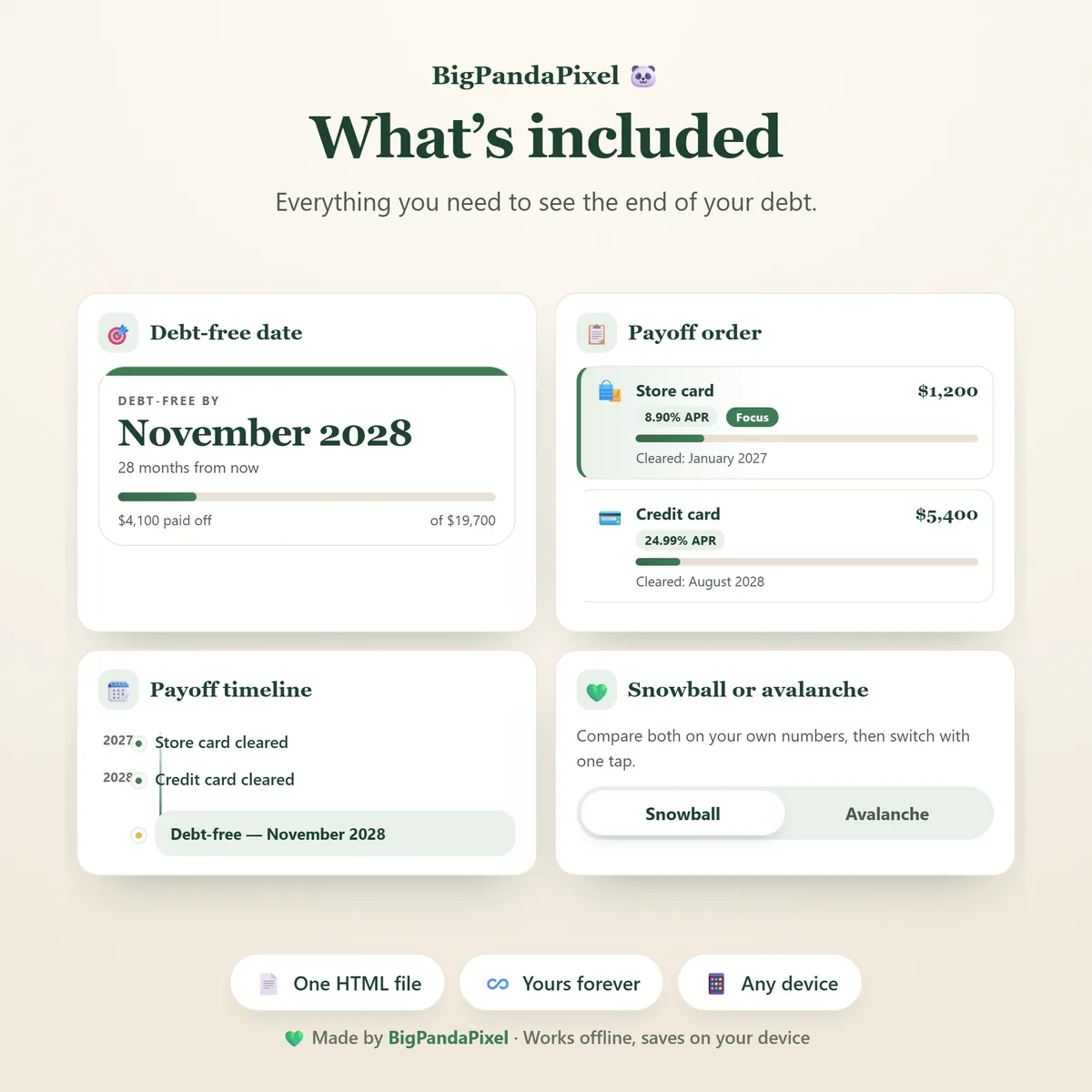
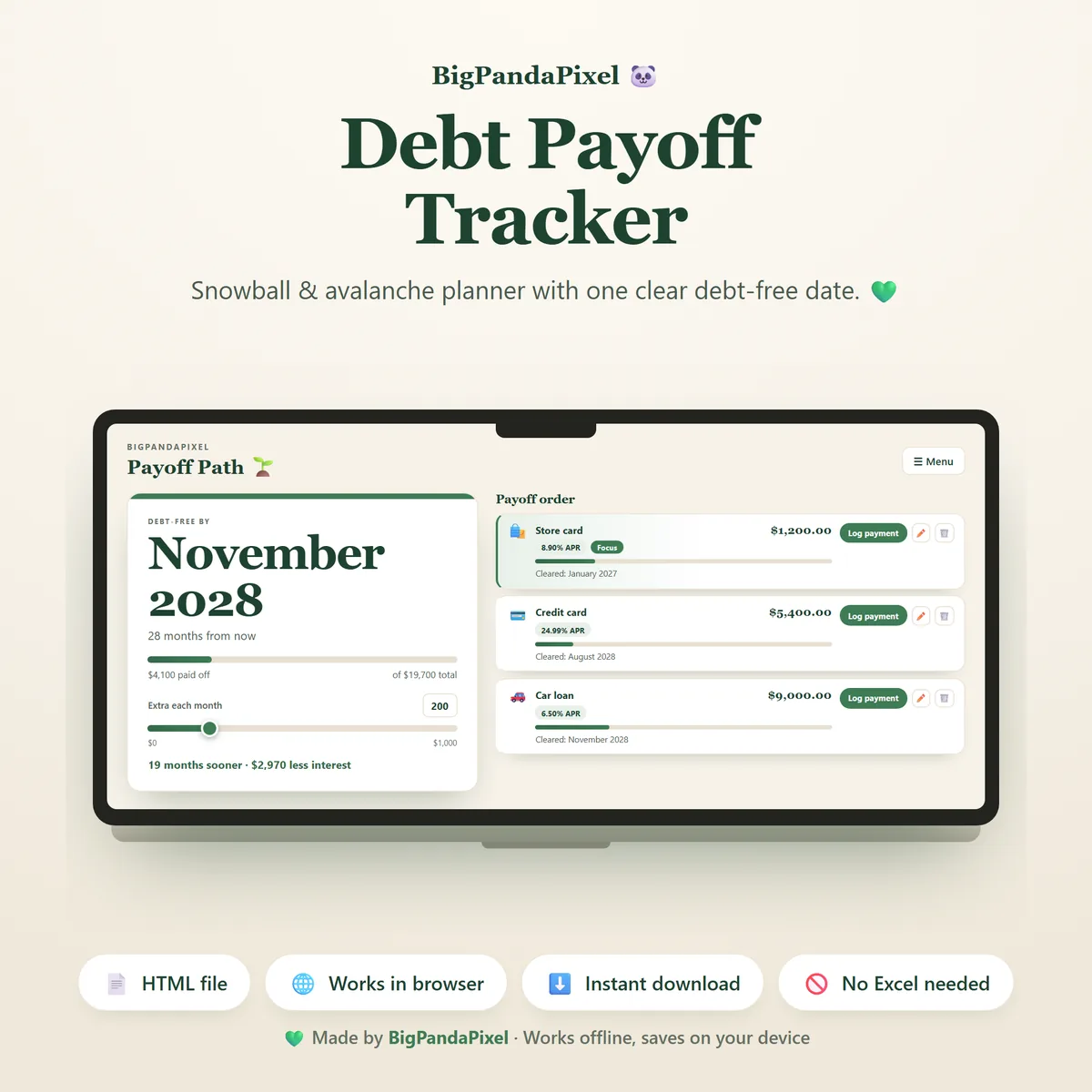
Add your debts and Payoff Path runs a full month-by-month simulation, then shows you the single month you become debt free — plus how many months away that is, and how much of your original total you have already cleared. No formulas, no manual calculations.
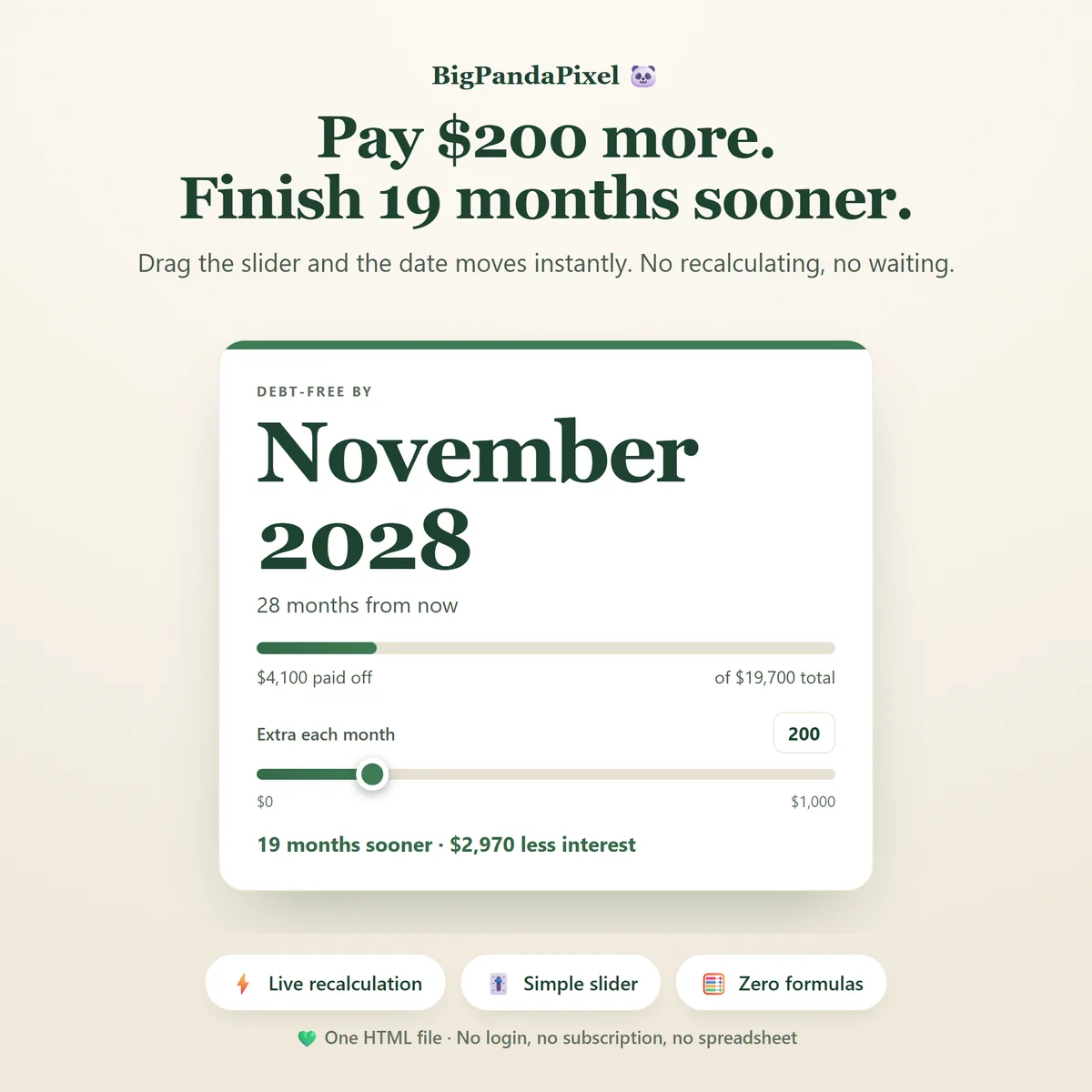
Pay $200 more. Finish 19 months sooner.
Drag the extra-payment slider from zero upwards and the date moves as you drag — instantly, with no button to press. Underneath, a live comparison tells you exactly what that money buys: how many months sooner you finish, and how much less interest you pay.
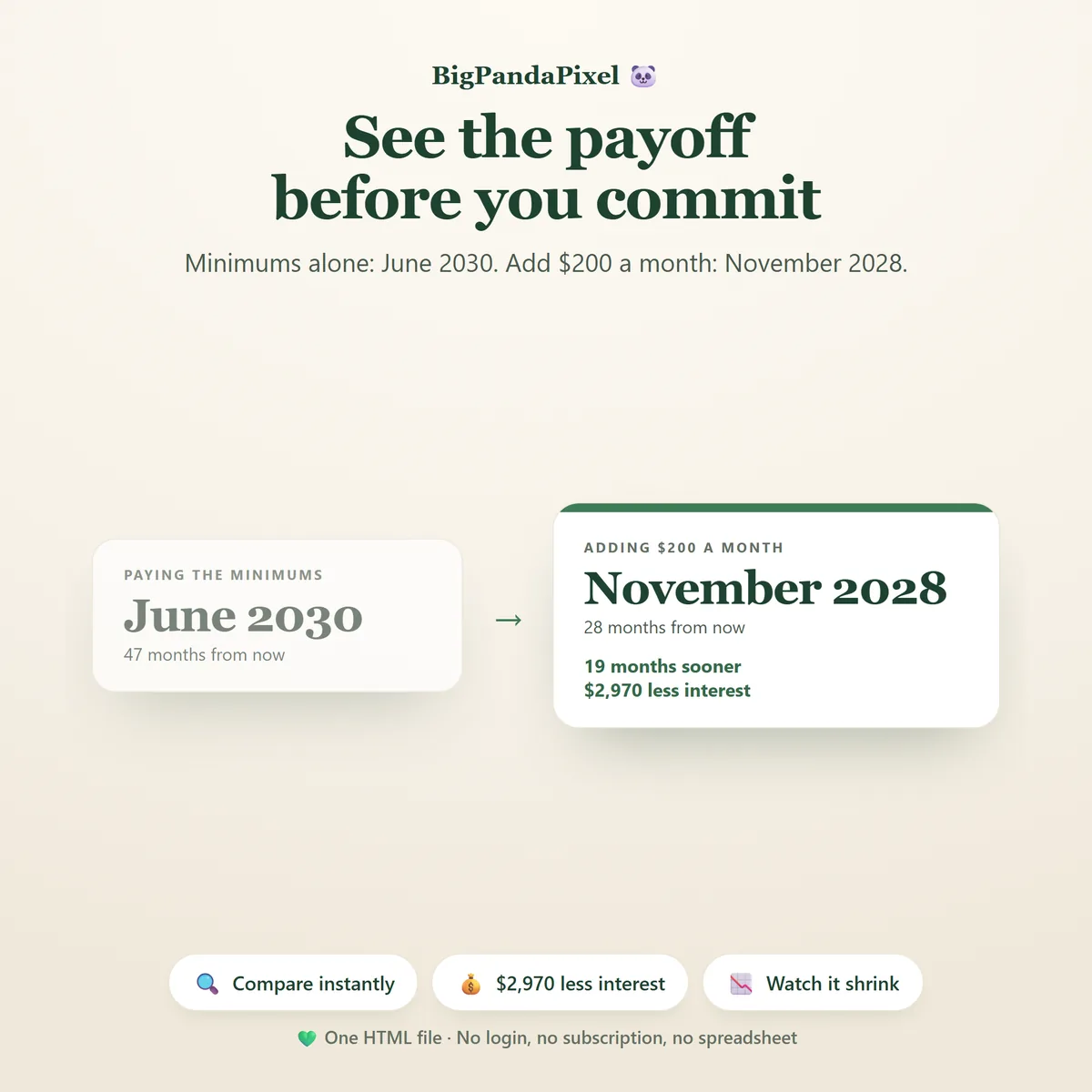
See the payoff before you commit
Minimums alone: June 2030. Add $200 a month: November 2028. The two futures sit side by side in your own numbers, so the decision stops being abstract.
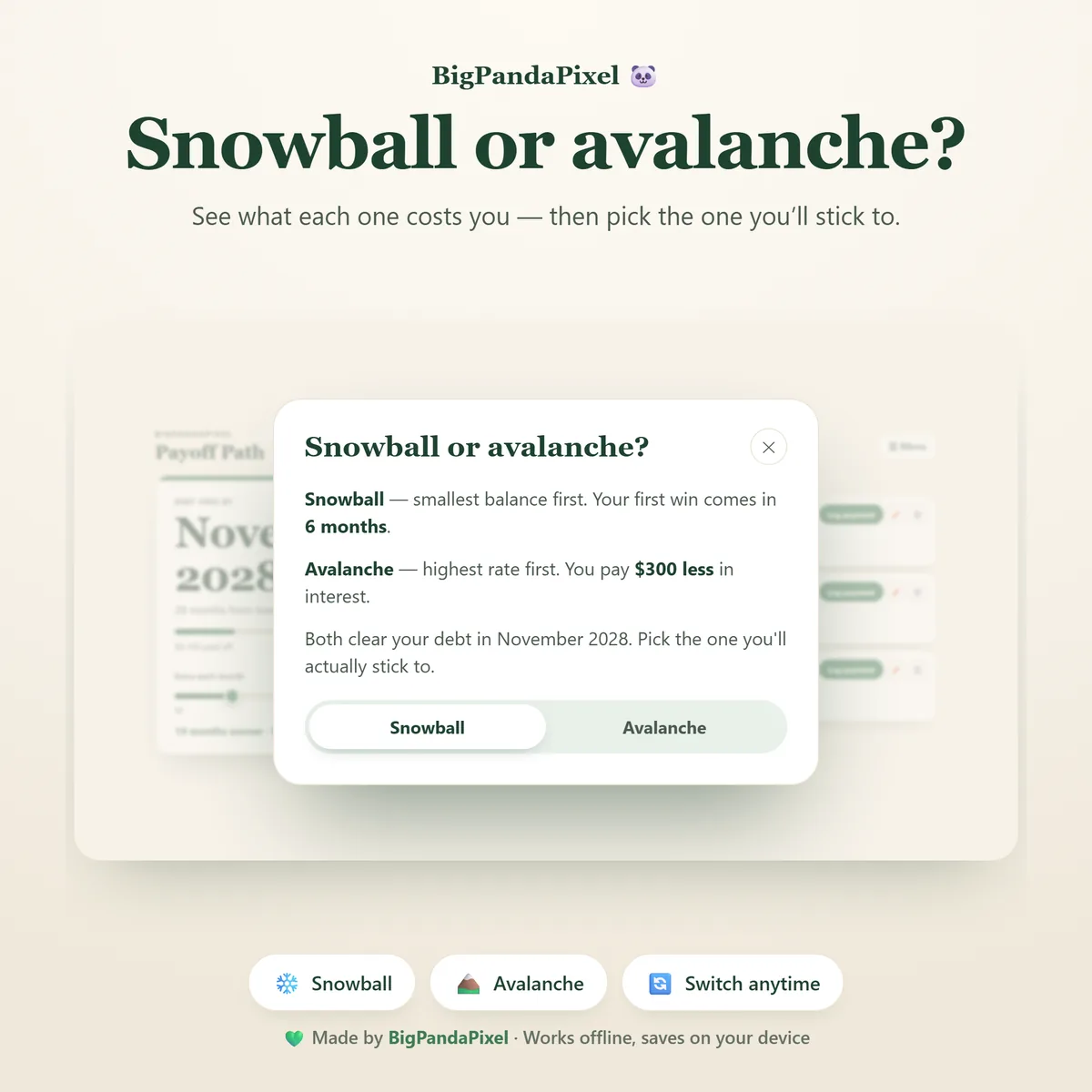
Snowball or avalanche — see both
Snowball clears your smallest balance first so you get a win early. Avalanche targets your highest interest rate first so you pay the least overall. Payoff Path calculates both on your actual numbers and tells you plainly when your first debt clears and what each approach costs — so you can pick the one you will genuinely stick to.
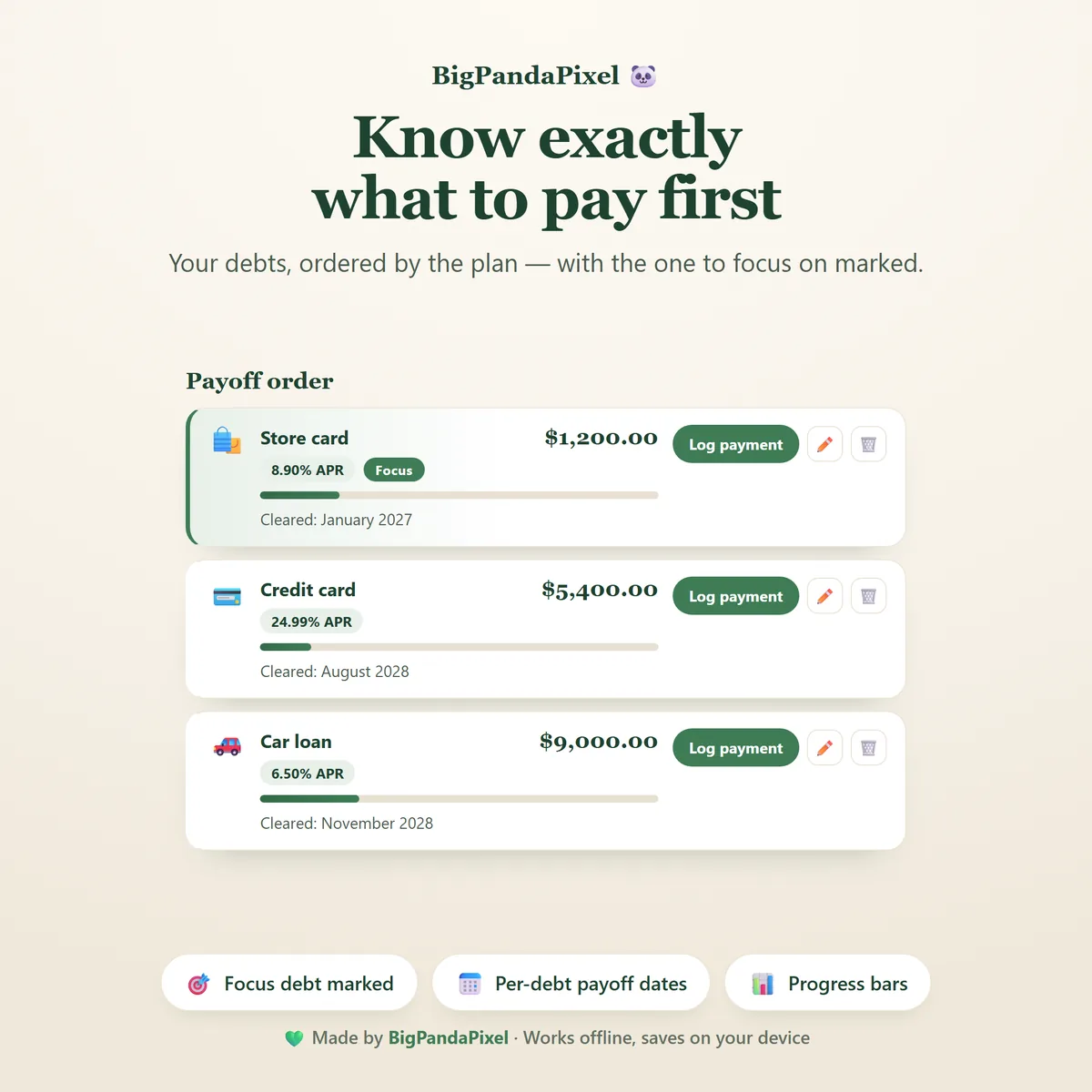
Know exactly what to pay first
The debt receiving your extra money each month is marked as your Focus debt. Pay the minimums everywhere else, put everything spare into that one, and when it clears the marker moves along by itself. Every debt shows its own payoff month, so you always know what is next.
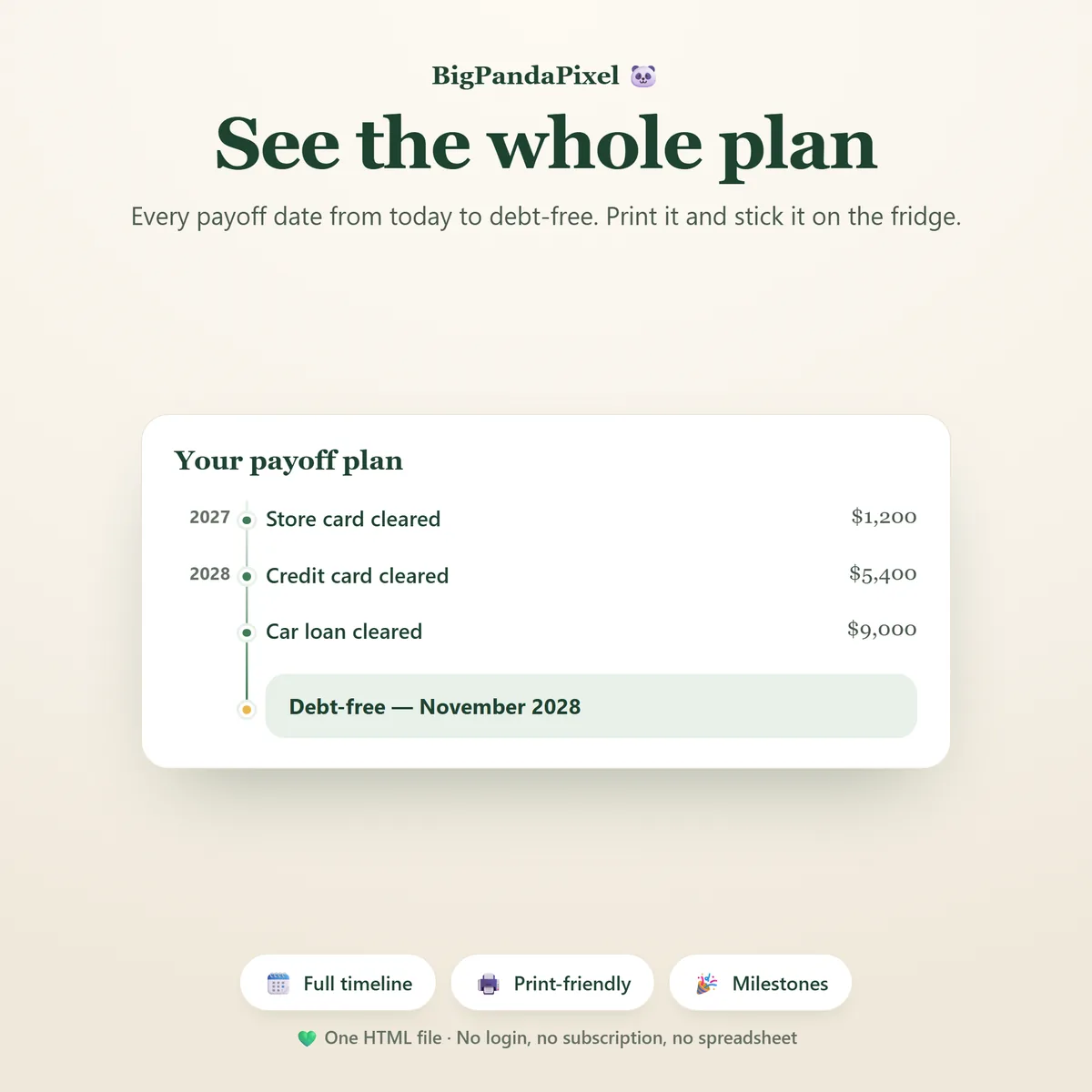
See the whole plan, start to finish
Every payoff date from today to debt free, grouped by year, ending on your debt-free month. It has a proper print layout, because this is the page that belongs on the fridge.
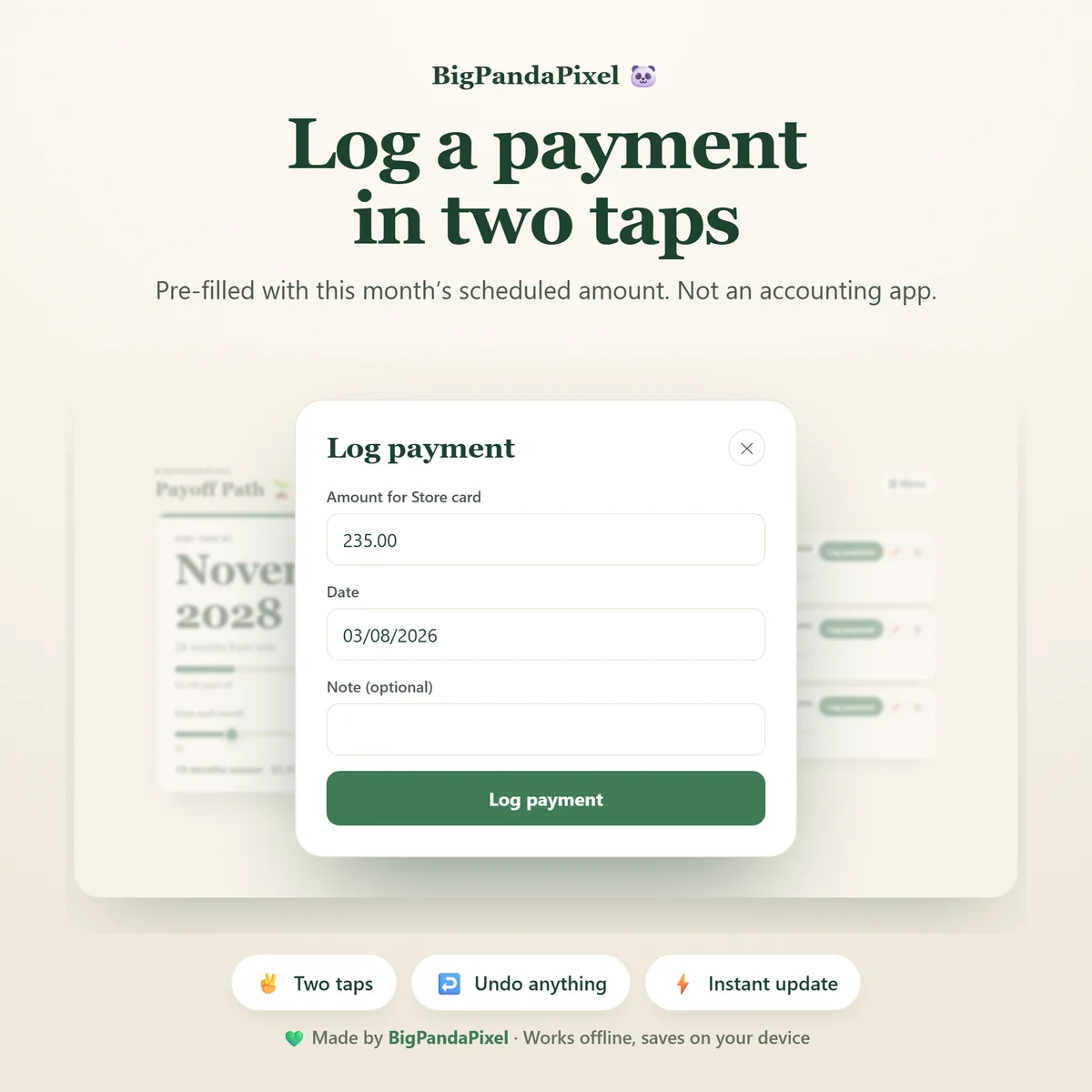
Log a payment in two taps
Pre-filled with the amount the plan expects this month. Change it if you paid something different, skip a month with no penalty and no guilt, and undo anything instantly. It is a payoff tracker, not an accounting app.
Maths you can check
Rebuild it in a spreadsheet and the totals line up
Payoff Path runs a proper month-by-month amortisation: interest accrues first, then minimums are paid, then every spare penny goes to a single target debt.
Crucially, it models rollover correctly. When a debt clears, its minimum payment does not vanish from your budget — it cascades into the next debt, which then clears faster, freeing up more. That compounding is exactly why the finish line arrives sooner than most people expect.
Every figure is rounded to the penny at every step. It will even warn you if a debt's minimum payment is smaller than its monthly interest — the trap where a balance grows no matter how faithfully you pay — and tell you the smallest payment that would start reducing it.
These are projections, not promises. Figures are based on the balances, interest rates and payments you enter, using a standard monthly interest model. Lenders may apply fees, daily interest or changing minimum payments, so real-world results can differ.
A closer look
Every screen, as it ships
What you'll receive
One download, everything in it
- Payoff Path interactive offline app — a single HTML file
- Debt-Free Date Dashboard
- Live Extra Payment Slider with interest-saved comparison
- Snowball and avalanche planners, calculated side by side
- Payoff order with focus-debt highlighting and per-debt dates
- Payment logger with undo on everything
- Payoff timeline and milestone tracker
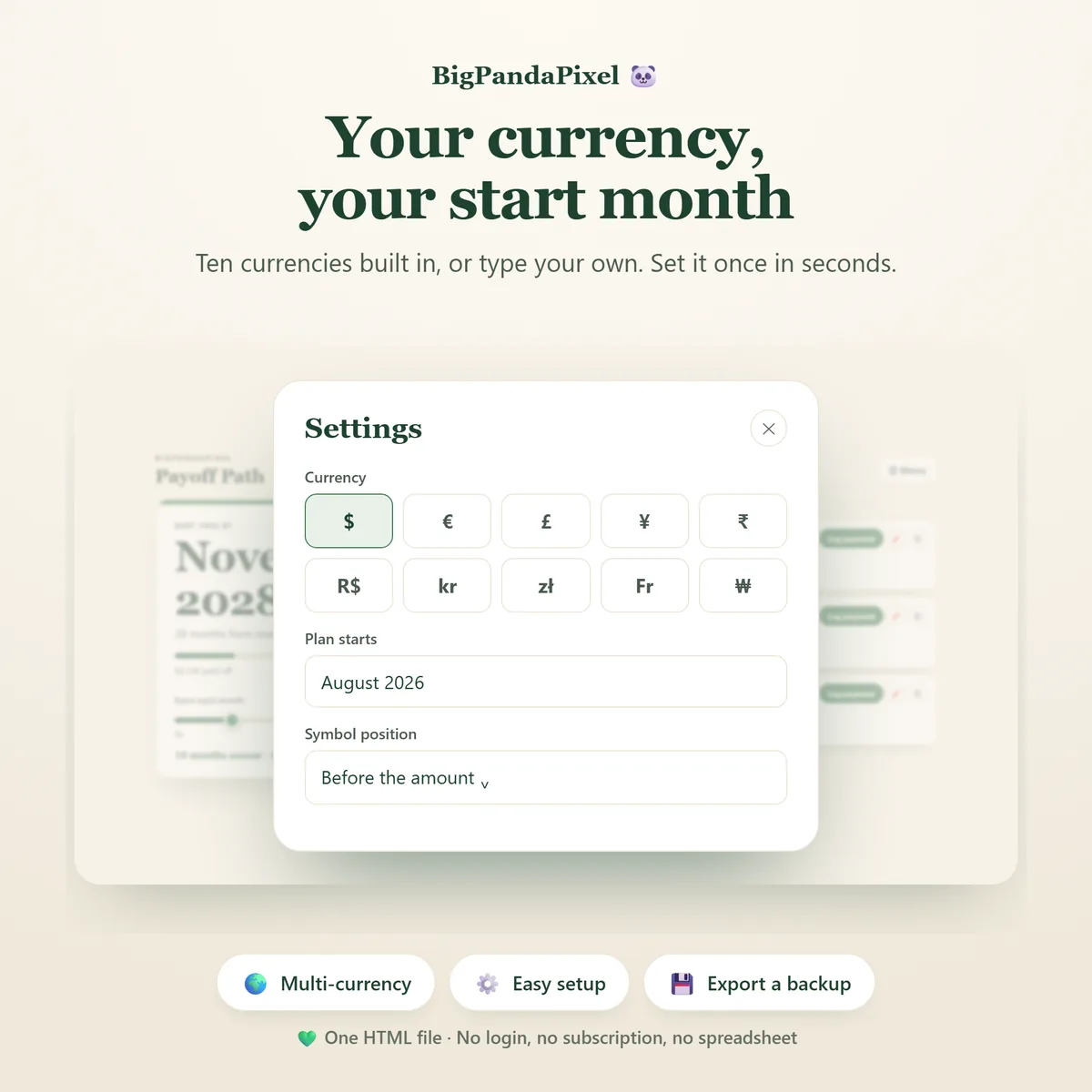
- Ten built-in currencies, or type your own
- Export and import backup, plus a print-ready payoff plan
- Six colour themes and four text sizes
- Illustrated how-to-use guide, 9-page PDF
One-time payment
- Instant download after purchase
- No account and no subscription
- Works offline on any modern browser
- Windows, macOS, Linux, Chromebook, iPad, Android
Checkout is handled by Etsy. Your payment details never come to us.
Who it's for
Any debt with a balance and a rate
Credit cards
The usual starting point, and the one where the interest comparison tends to be most startling.
Car and student loans
Long balances where the rollover effect makes the biggest difference to the finish date.
Store cards and BNPL
Small balances that clear early and free up their minimums for everything else.
Medical debt
Tracked the same as anything else, with its own payoff month and progress bar.
Couples tackling it together
One file, one plan, one date. Print the timeline so you are both looking at the same thing.
Snowball and avalanche followers
You already know the method. This runs it properly on your numbers instead of a generic example.
Getting started
Add your debts, see your date
The app opens with example debts already loaded, so you can drag the slider and watch the date move before typing a single number of your own.
Buy and download
Etsy delivers the file the moment payment clears. Nothing is posted to you.
Unzip the folder
Inside is one HTML file and the illustrated PDF guide.
Double-click the file
It opens in Chrome, Edge, Safari or Firefox. No installation, no subscriptions, no internet.
Add your debts
Balance, rate and minimum for each. Your date appears immediately.
Please read before buying
The honest small print
This is a personal budgeting and organisation tool. It does not provide financial, accounting, tax, debt counselling or legal advice. If you are struggling with debt, a regulated debt adviser in your country can help in ways a planner cannot.
- This is a digital download. No physical product will be shipped.
- It is an HTML browser-based application — not a mobile app, not an Excel or Google Sheets template, and not a Notion template.
- Payoff figures are projections from the numbers you enter, using a standard monthly interest model. Lenders may apply fees or daily interest, so real results can differ slightly.
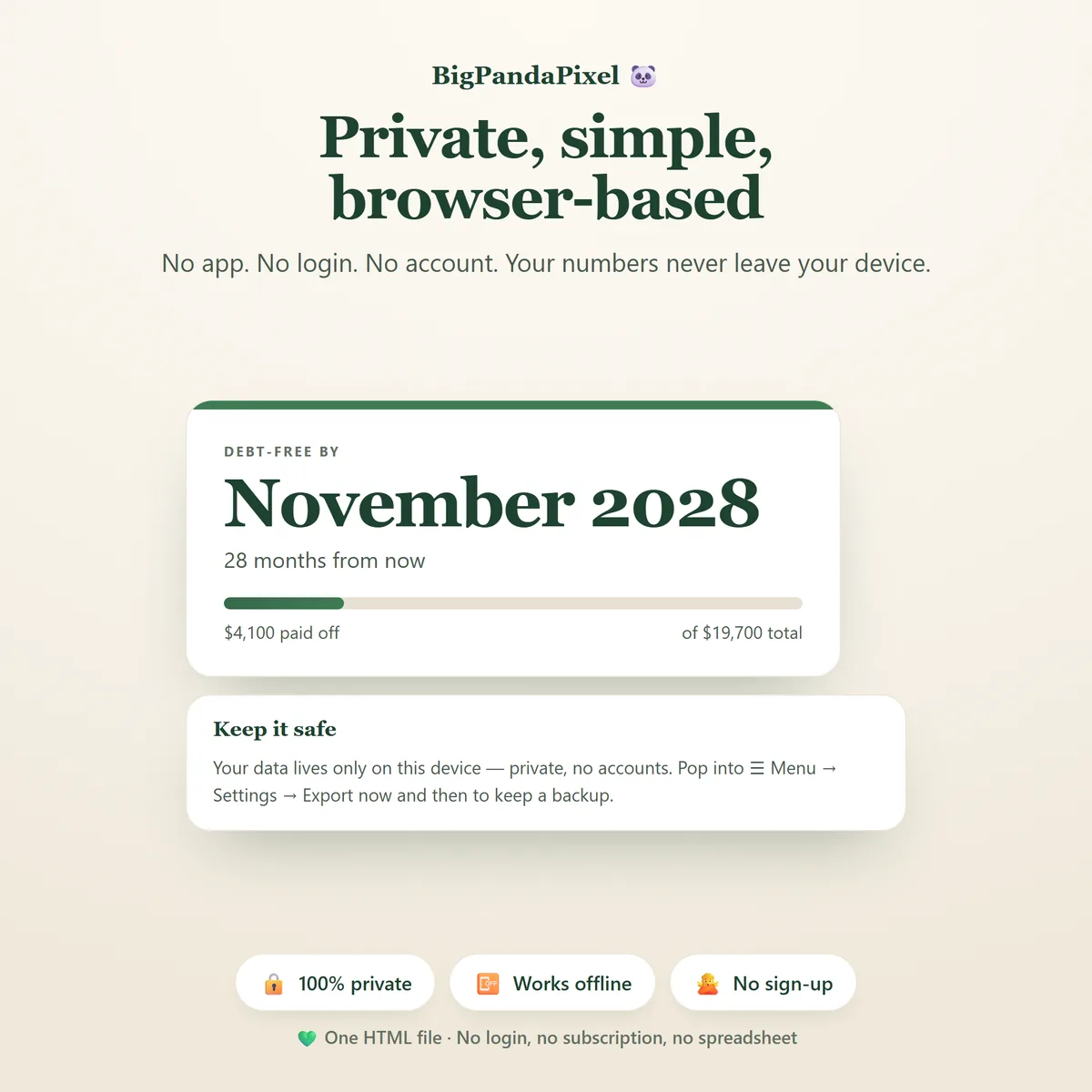
- Your information saves automatically inside your browser. Clearing browser data, using private mode, or changing browsers or devices may remove it — export a backup to keep it safe.
- Because there is no cloud account, your plan does not sync between devices automatically. Use the built-in export and import to move it.
- Because this is a digital product, all sales are final. See the refund policy.
Questions
Asked before buying
Do I have to connect a bank account?
No — and you could not if you wanted to. There is no connection of any kind. You type in each debt's balance, interest rate and minimum payment once, then log payments as you make them.
Does it work in my currency?
Yes. Ten currencies are built in and you can type your own symbol if yours is not there, including which side of the number it sits on. It is a one-time setting.
How many debts can I add?
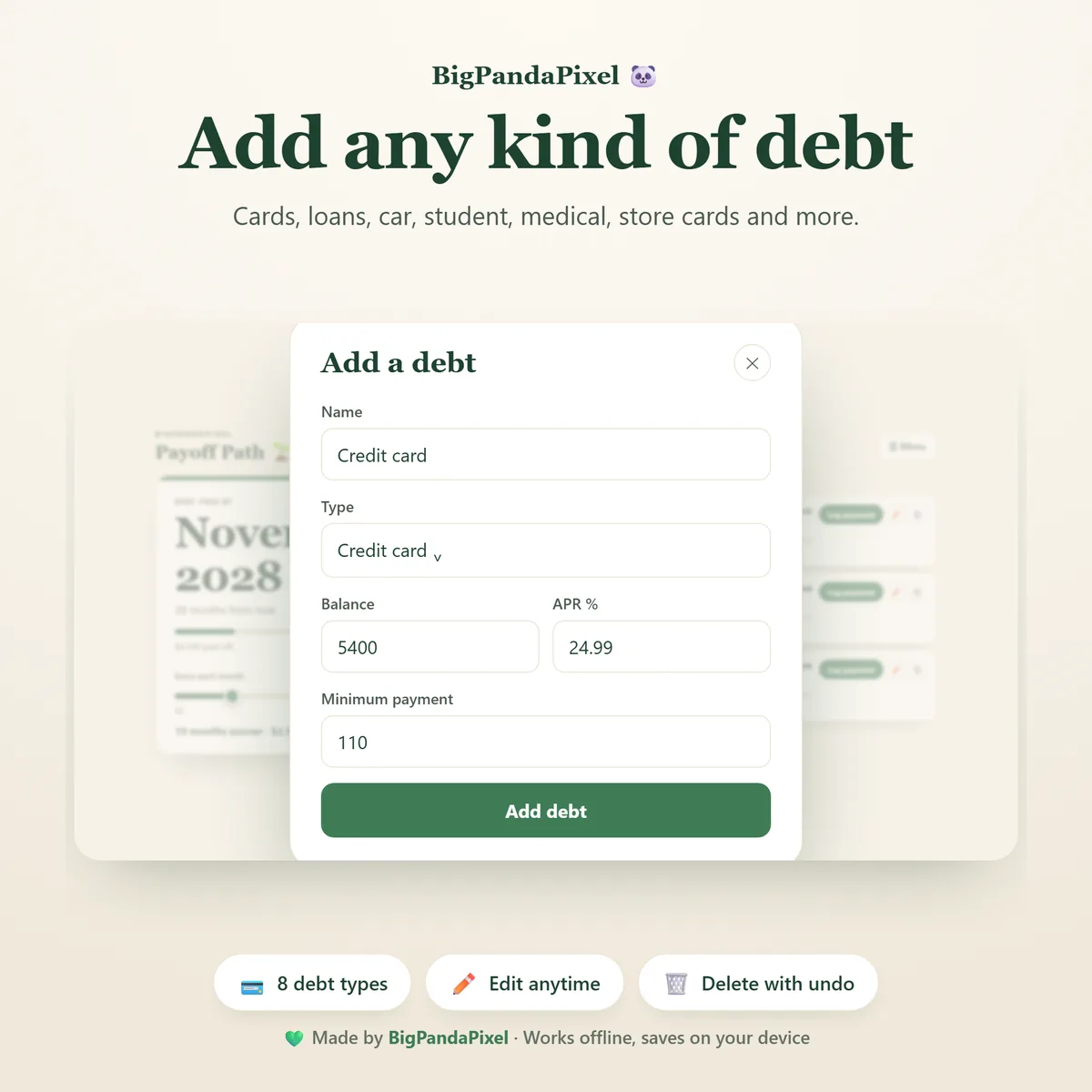
As many as you have. Credit cards, personal loans, car loans, student loans, medical debt, store cards, money owed to family, or anything else with a balance and a rate.
What if I miss a month?
Nothing breaks and nothing scolds you. Skip the month, or log a smaller amount than planned, and the date simply recalculates from where you actually are.
Is snowball or avalanche better?
Avalanche costs less in interest; snowball gets you a cleared debt sooner. Payoff Path shows you both numbers on your own balances so you can see how big the gap actually is — for many people it is smaller than expected, which makes the motivational argument for snowball the deciding one.
Can my partner and I both use it?
Yes — it is one plan in one file, which is usually what couples want. Put both of your debts in, and use export and import if you want a copy on each of your devices.
Will you see my financial data?
No, and we could not if we wanted to. The file makes no network requests — there is no server for it to talk to. Everything you enter is stored by your own browser on your own device.
What exactly is in the download?
A zip folder containing one HTML file — the whole app — and an illustrated 9-page PDF guide. Nothing else, and nothing to install.
One fileEight toolsNothing leaves your device
Find out what an extra $50 a month actually buys you.
Add your debts, drag the slider, and see the date move. Then decide.
Instant download · No account · Works offline · One-time payment