Rental Property Tracker 8 screens One file
One increasingly frightening spreadsheet.
Rent dates in one tab, a tenant's number in an email, a lease renewal nobody is watching. This replaces all of it with one screen: what you should collect this month, and what has actually arrived.
Instant download · No account · Works offline · One-time payment
A spreadsheet will tell you what you earned. It will never tell you that a lease expires in six weeks.
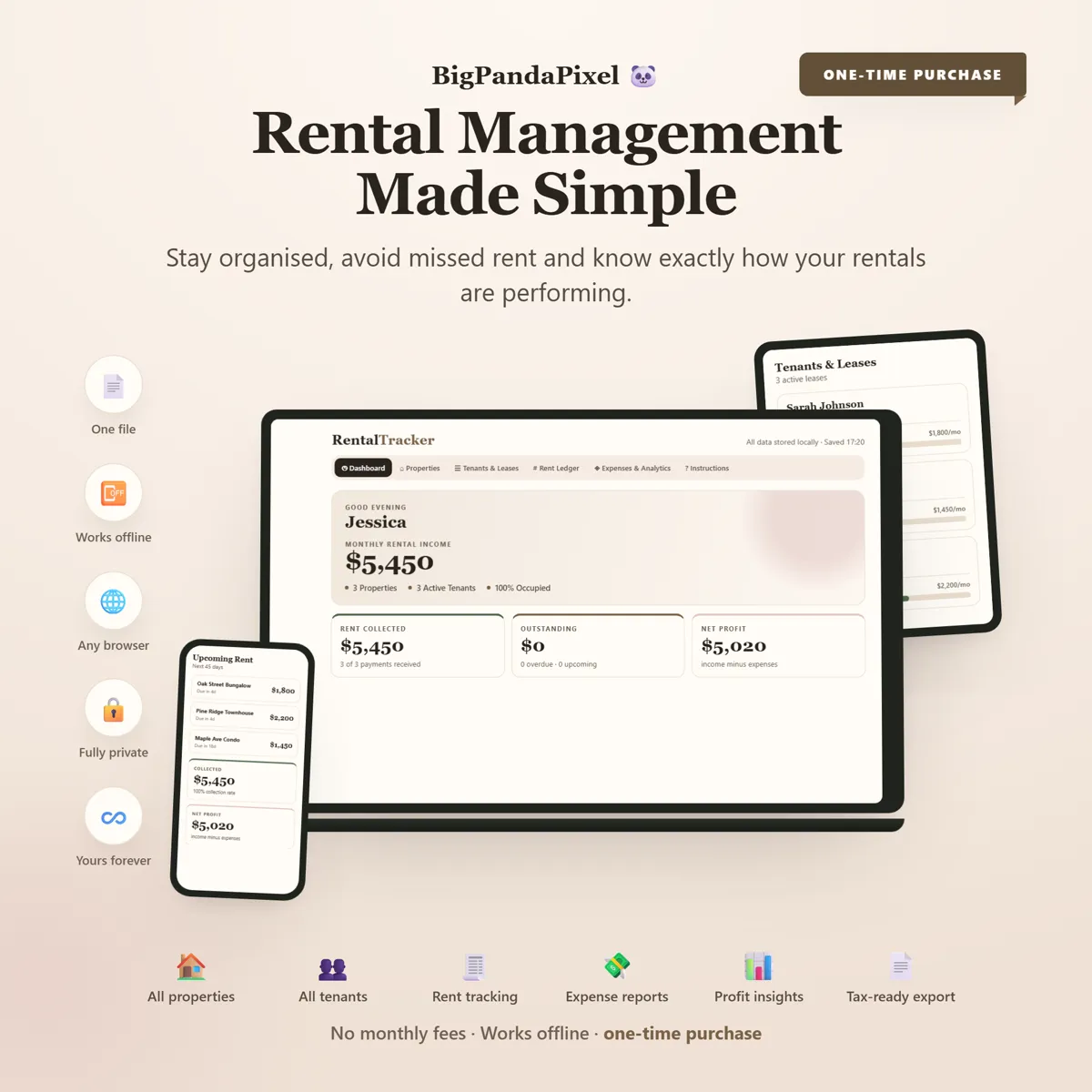
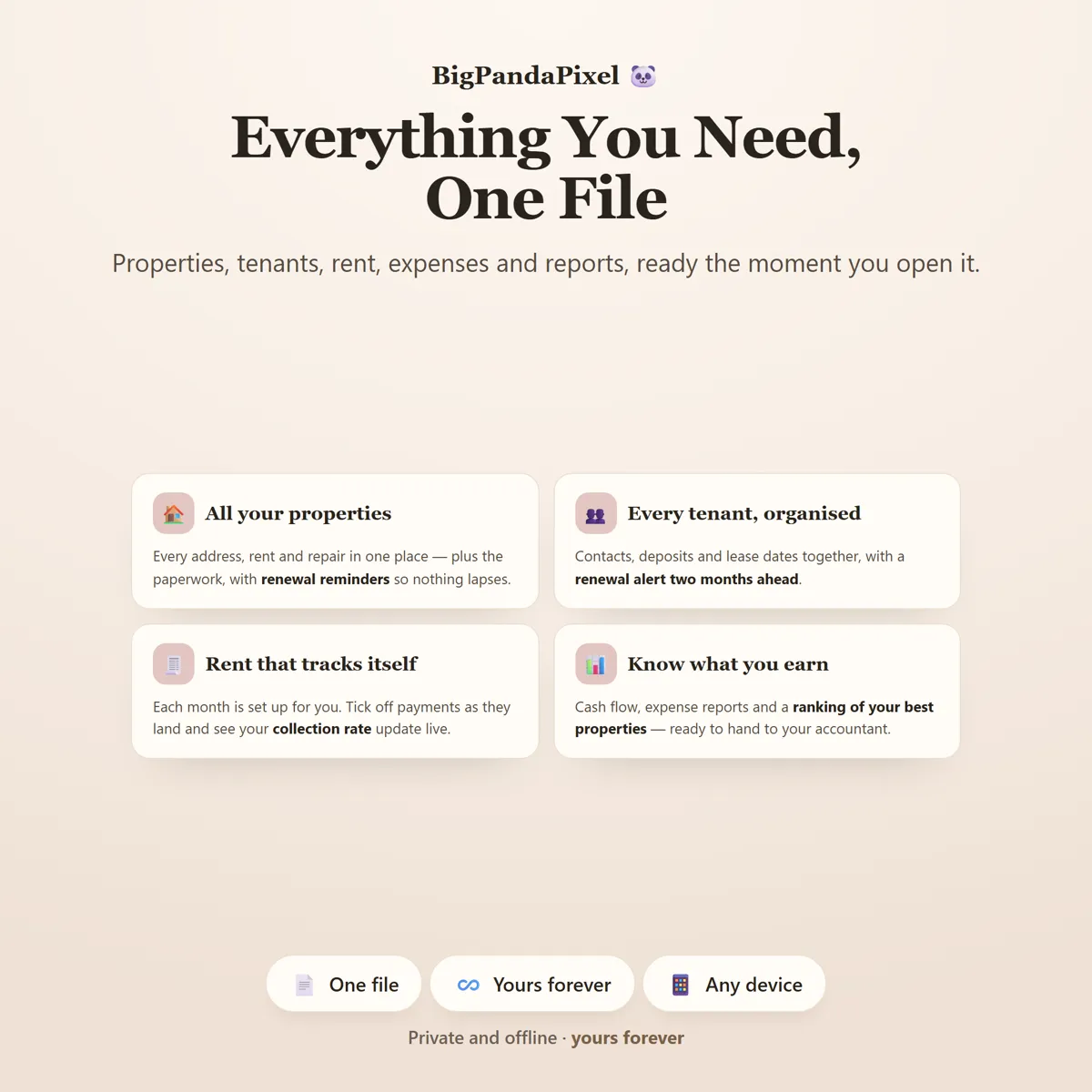
Properties, tenants and leases, rent collected month by month, expenses against each unit, and the cash-flow picture underneath all of it.
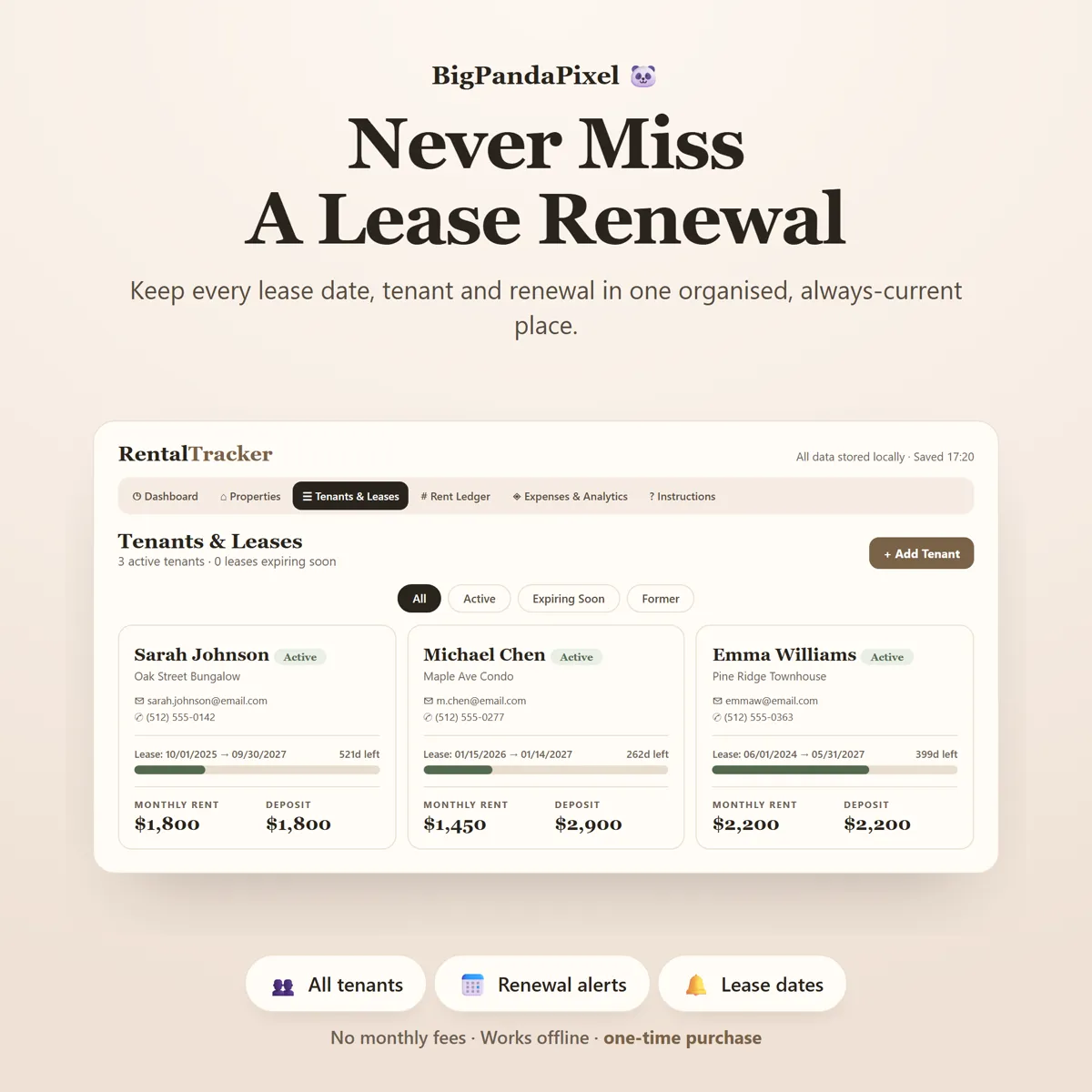
Then it does the thing a spreadsheet never does — it keeps track of time. Every lease carries a progress bar and a countdown, and starts warning you well before the date matters.
What's inside
Eight connected screens
One screen for the month, and every property behind it. Mark rent received and the collection figure, the unit's record and the cash-flow chart all move.
The parts people buy it for
What it actually does for you
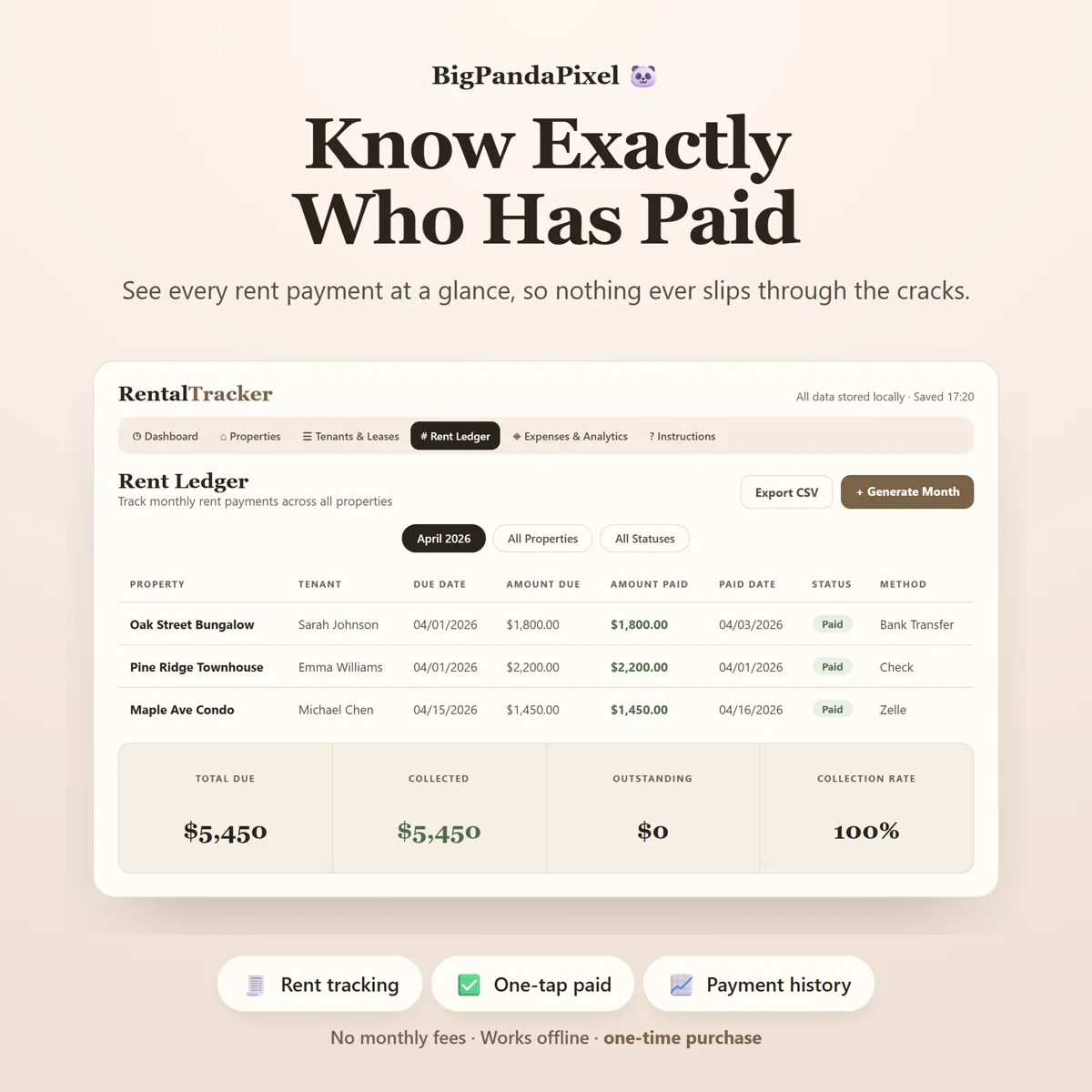
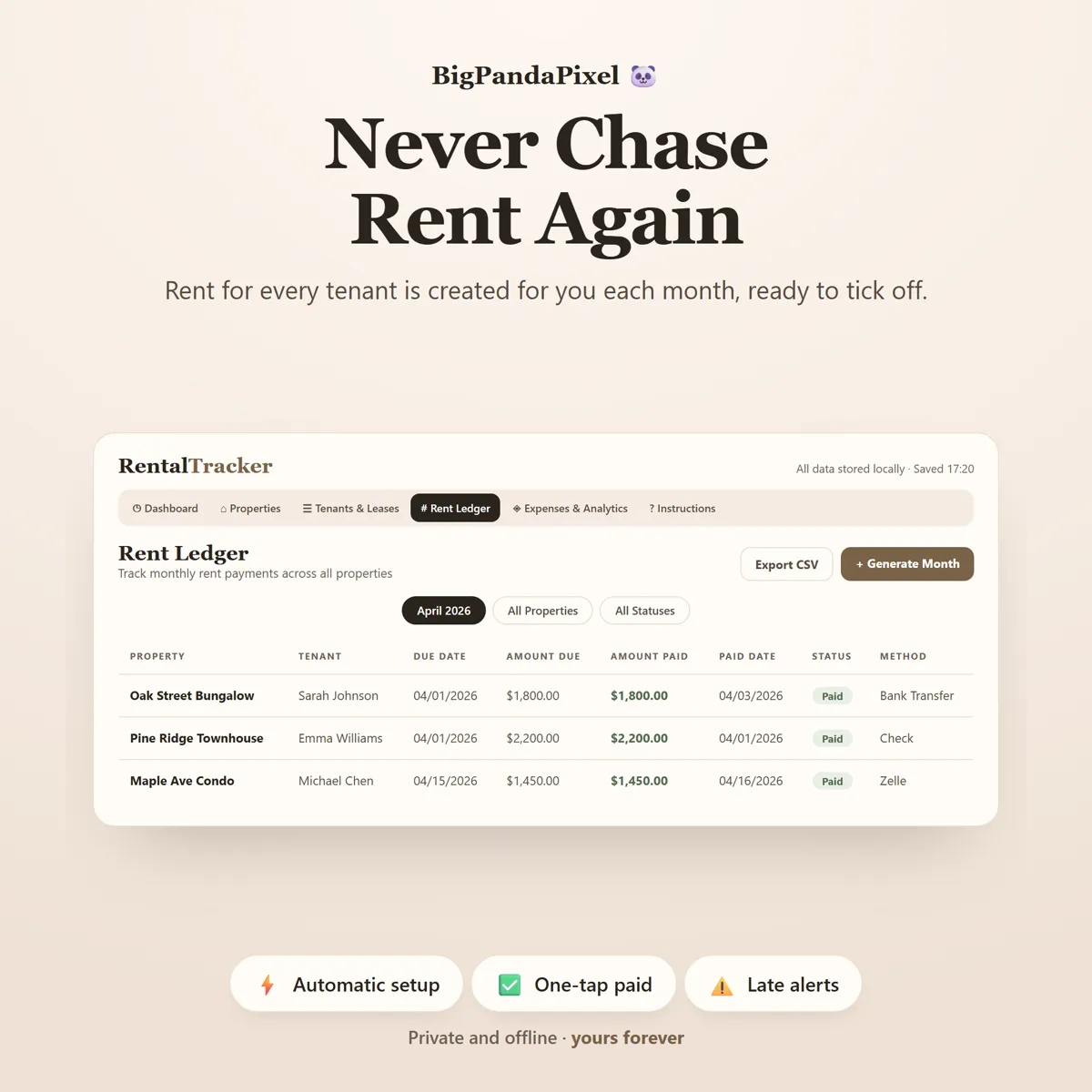
The rent ledger fills itself in
No more retyping the same rows every month. Press Generate Month and one row appears for every active lease — dated from that tenant's due day, priced from their agreed rent. Press it twice and nothing duplicates. Then a single ✓ marks a payment received. Part payment, different date, paid by Zelle instead of transfer? One more tap and it is recorded properly.
You will never be surprised by a lease again
Every tenancy shows a progress bar and the exact number of days left. Sixty days before a lease ends it moves into Expiring Soon and a warning appears on the dashboard. That is enough time to have the renewal conversation calmly instead of scrambling. Rent due day handles the awkward months for you — set the 31st and February bills on the 28th, or the 29th in a leap year.
Know which rentals actually make money
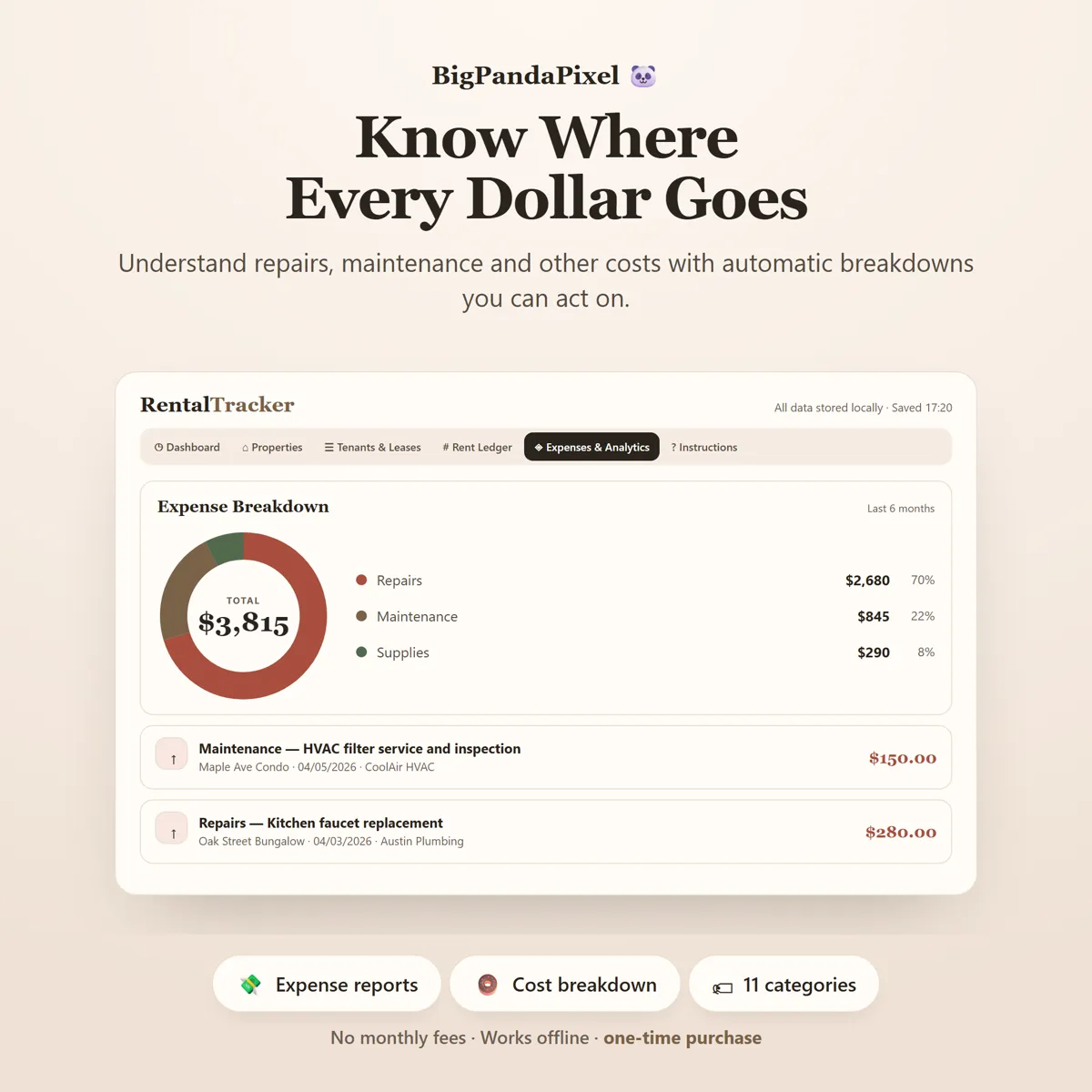
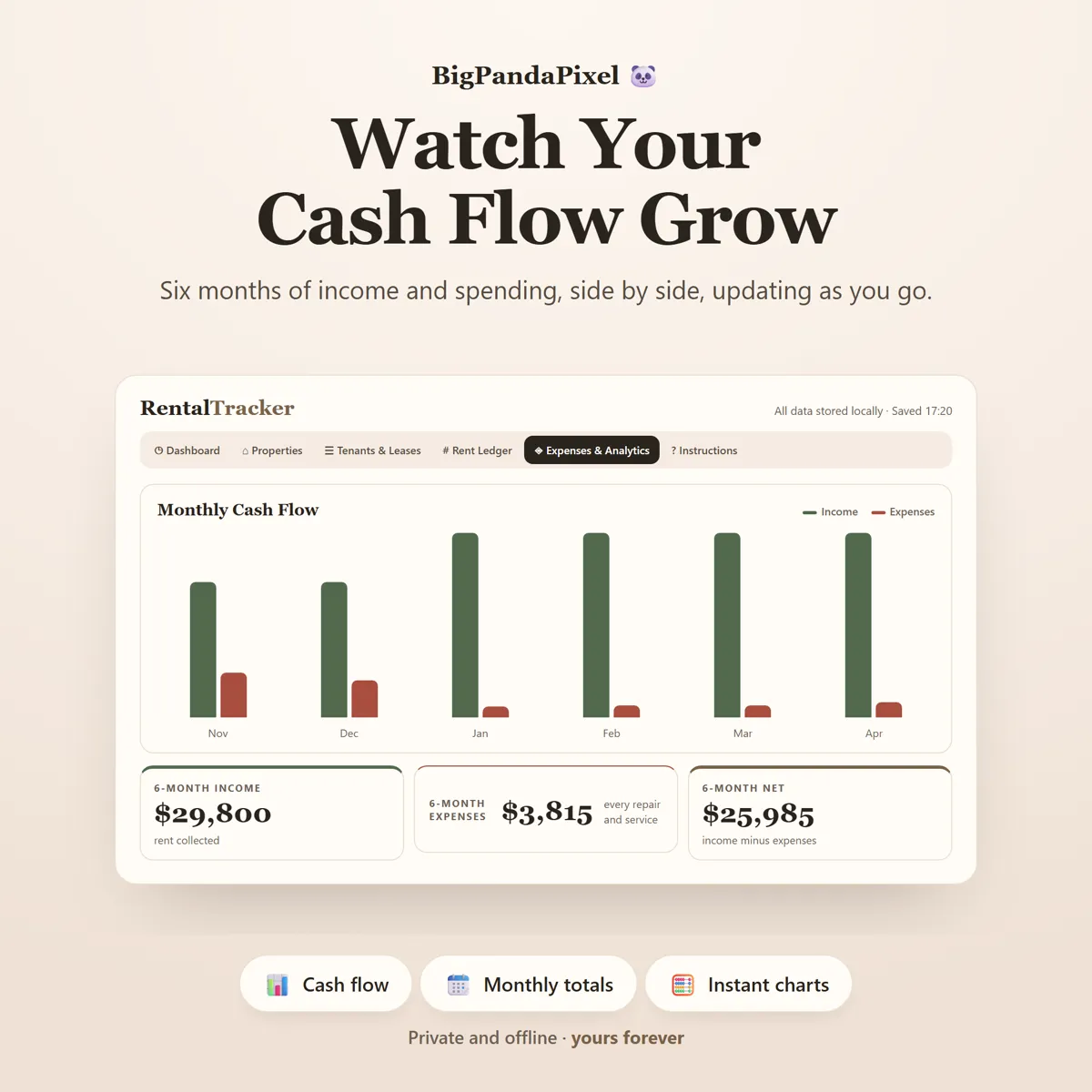
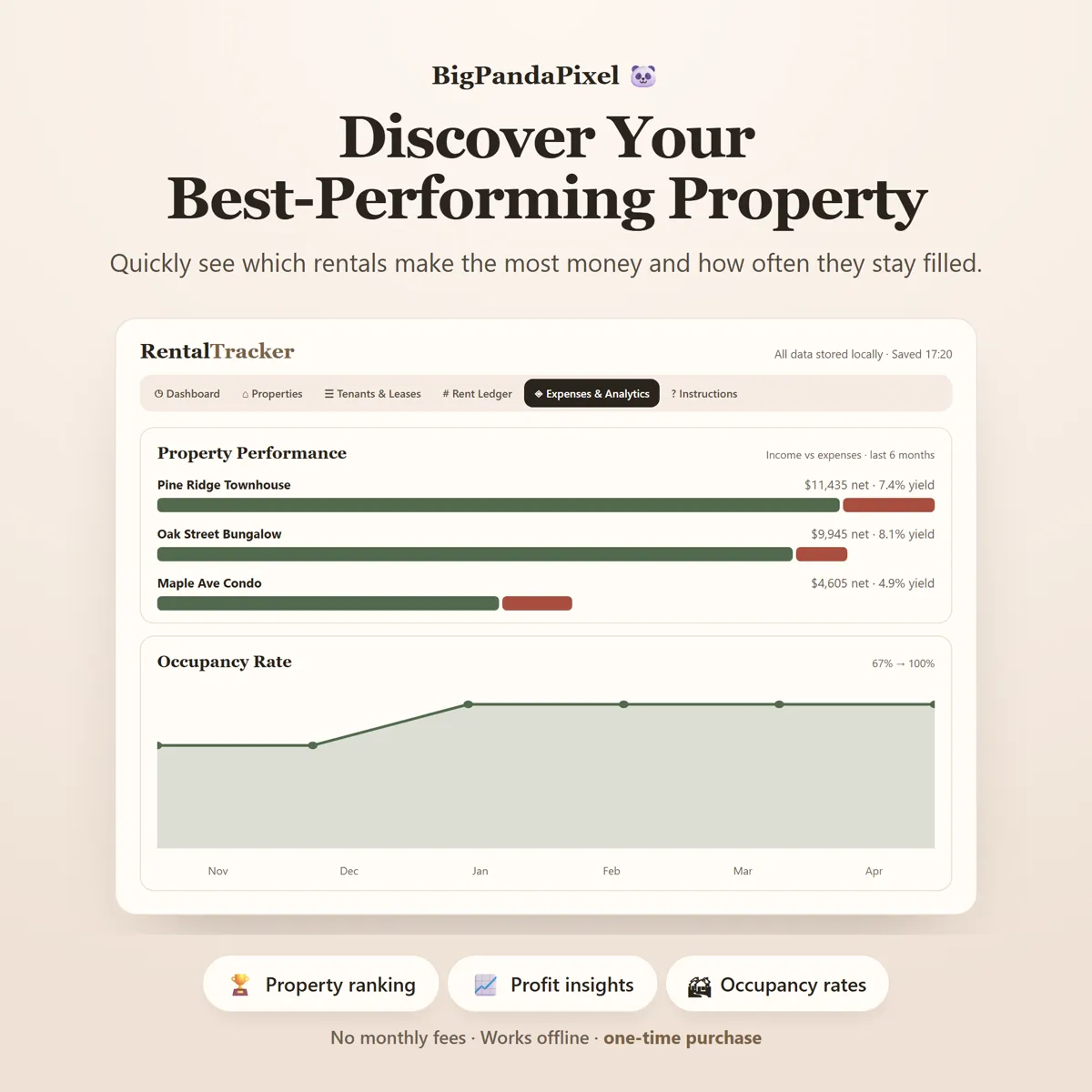
Not charts for the sake of charts. Six months of income against spending. Where the money really went, broken down by category. And — the one that matters — which property is genuinely earning, ranked by profit, with a yearly return worked out against what you paid for it. You will also see how often each place stays filled, so an empty month shows up as a dip on a chart rather than as a vague feeling that something is off.
Everything about a property in one place
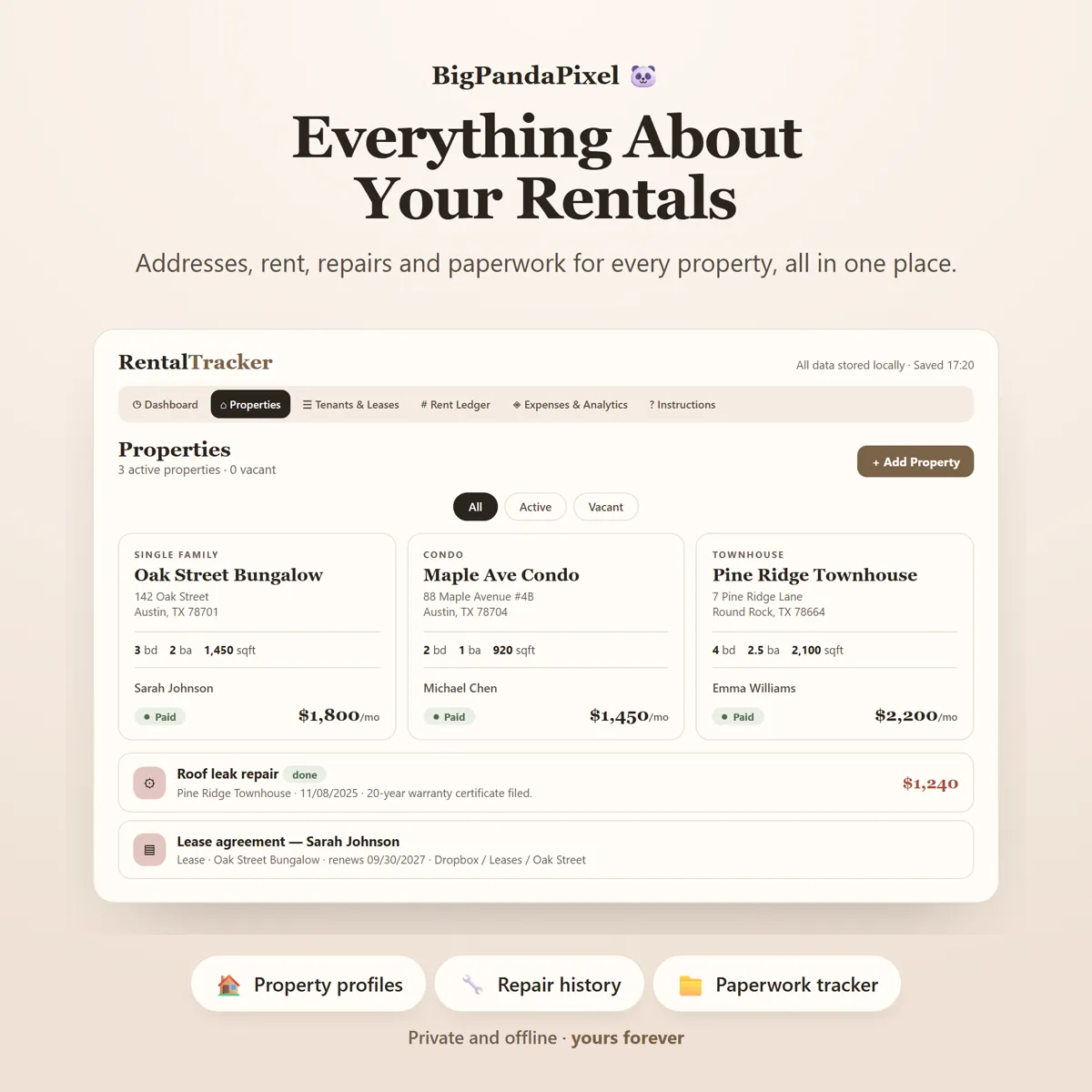
Address, beds, baths, square footage, rent, purchase price. Plus a maintenance log — what was done, when, what it cost, whether it is still open — and a document register that records what each document is, when it renews, and where the file lives. Anything renewing within sixty days is flagged.
One entry updates everything
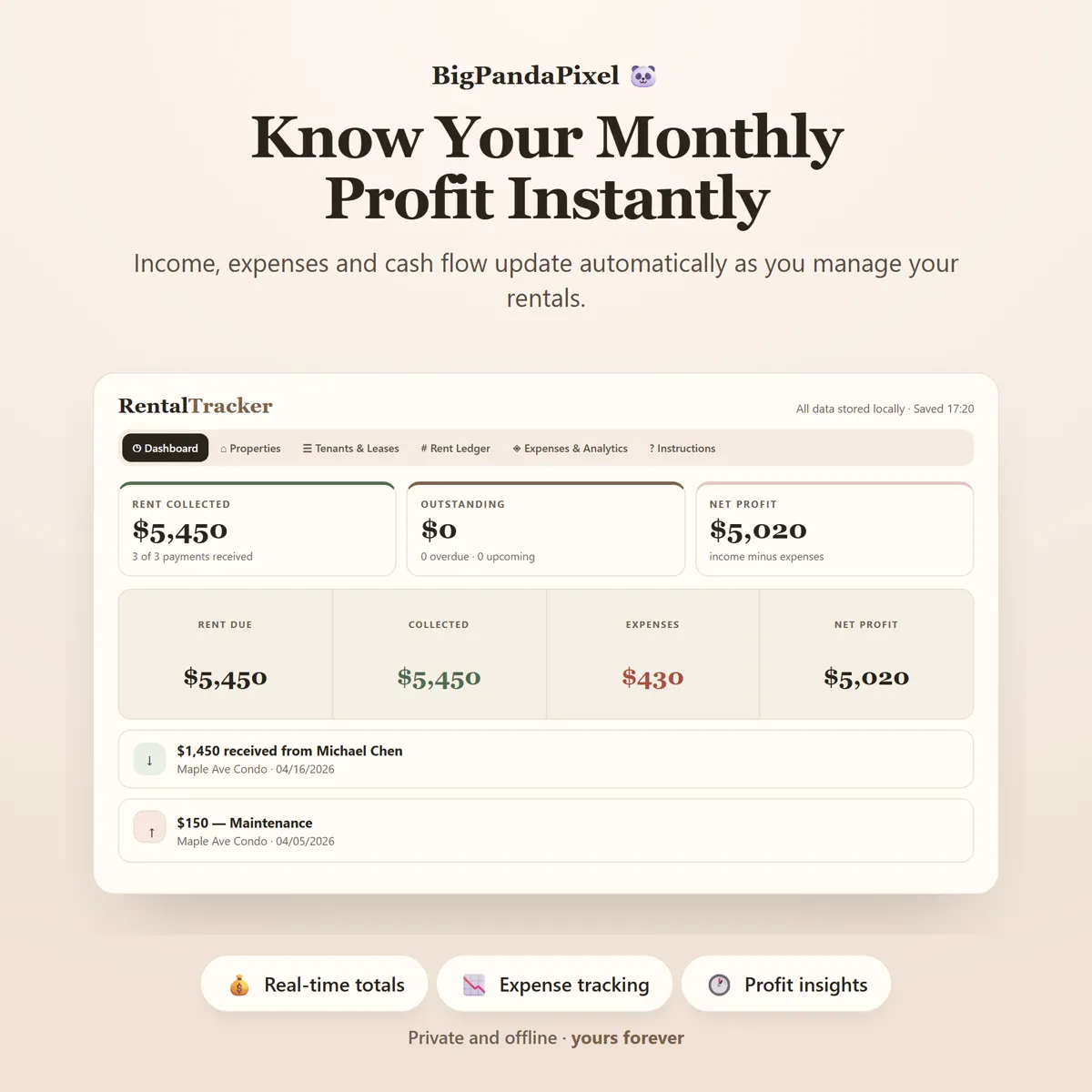
Mark one payment received. The dashboard, the collection rate, net profit, the cash-flow chart, property performance and the recent activity feed all move at once. Log one expense and the same thing happens. No duplicate work. No manual syncing. No formula to drag down a column.
Maths you can check
Nothing here is a black box
Every figure on screen is worked out from what you entered — nothing is typed in twice.
Rent due dates are clamped to the real length of the month, so a lease due on the 31st bills on the 28th of February and the 29th in a leap year, rather than silently landing in March and reading as overdue.
Days are counted in whole calendar days, not approximated from months, so a lease countdown says 262 days because it is 262 days.
Collection rate is what you collected over what was due, for exactly the rows you are looking at. Filter the ledger to one property and the rate is that property's.
Net profit is rent actually marked paid in the month, minus expenses dated in the month. Not billed rent — collected rent. If a chart looks low, it is usually a row still waiting for its ✓.
The return on each property is scaled up to a full year, so the six months on screen give you a figure you can compare against any other investment — rather than one that is quietly half the size it should be.
Every amount is rounded to the penny at every step, so if you rebuild it in a spreadsheet, the totals line up.
A closer look
Every screen, as it ships
What you'll receive
One download, everything in it
- Six colour themes and four text sizes
- Rental Property Tracker Interactive Offline App (Single HTML File)
- Dynamic Portfolio Dashboard
- Property Profiles
- Tenant & Lease Manager
- Automated Rent Ledger
- Expenses & Analytics Suite
- Maintenance Log
- Document Register
- Settings & Backup System
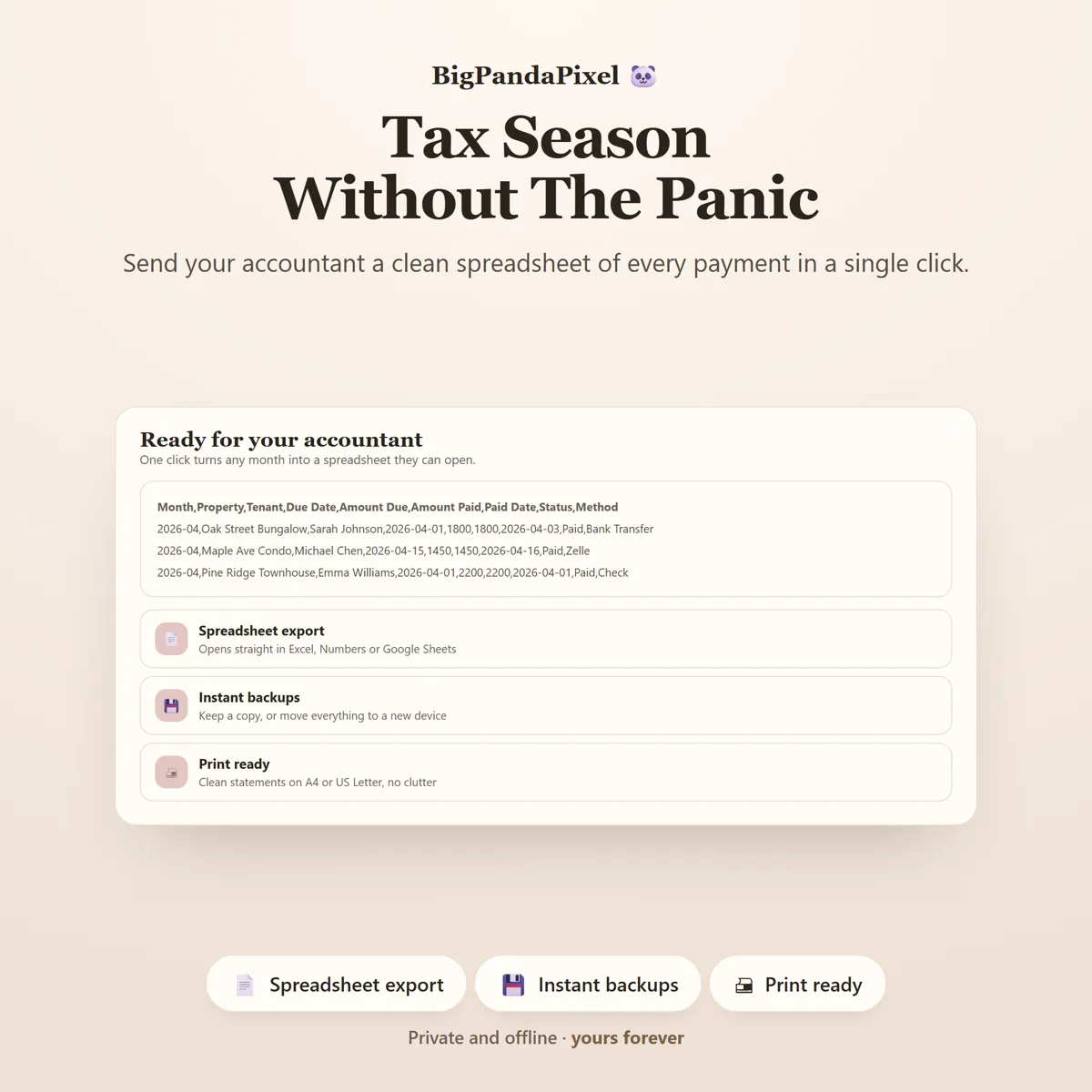
- CSV Export
- Illustrated How-To-Use Guide (10-Page PDF)
One-time payment
Get it on Etsy- Instant download after purchase
- No account and no subscription
- Works offline on any modern browser
- Windows, macOS, Linux, Chromebook, iPad, Android
Checkout is handled by Etsy. Your payment details never come to us.
Who it's for
You'll recognise yourself in at least one of these
First-time landlords with one or two doors
Small portfolio owners with two to twenty properties
Accidental landlords renting out a former home
House hackers and duplex owners
Single family, condo and townhouse rentals
Anyone tired of rebuilding the same spreadsheet every January
Couples managing rentals together
Landlords who want their tax figures ready before their accountant asks
Anyone who prefers privacy and offline tools
Getting started
From payment to using it, in about two minutes
Buy and download
Purchase and download instantly.
Unzip the folder
Unzip the folder.
Open the file
Open the HTML file using Chrome, Edge, Safari, or Firefox.
Start using it
Add your properties and tenants, then generate your first month.
Please read before buying
The honest small print
- This is a digital download. No physical product will be shipped.
- Instant download after purchase.
- Works completely offline after downloading.
- This is an app that runs in your web browser — not a mobile app, an Excel spreadsheet, a Google Sheets template, or a Notion template.
- Your information is automatically saved locally in your browser. Clearing browser data, using private/incognito mode, or changing browsers or devices may remove locally stored data, so you can export backups anytime to keep your information safe or move it to another device.
- Because there is no cloud account, your portfolio does not automatically sync between devices. Use the built-in export and import to move it.
- The document register records what a document is, when it renews and where you keep it. It does not store the file itself — a single HTML file cannot hold a PDF.
- Compatible with all modern web browsers.
- Because this is a digital product, all sales are final. See the refund policy.
Questions
Asked before buying
What exactly is in the download?
A zip folder containing one HTML file — the whole Rental Property Tracker — and illustrated How-To-Use Guide (10-Page PDF). Nothing to install.
Does it work on my phone or iPad?
Yes. Every screen is responsive. On iPad and Android the simplest route is to save the file to your device's Files app and open it from there.
Will you see anything I put into it?
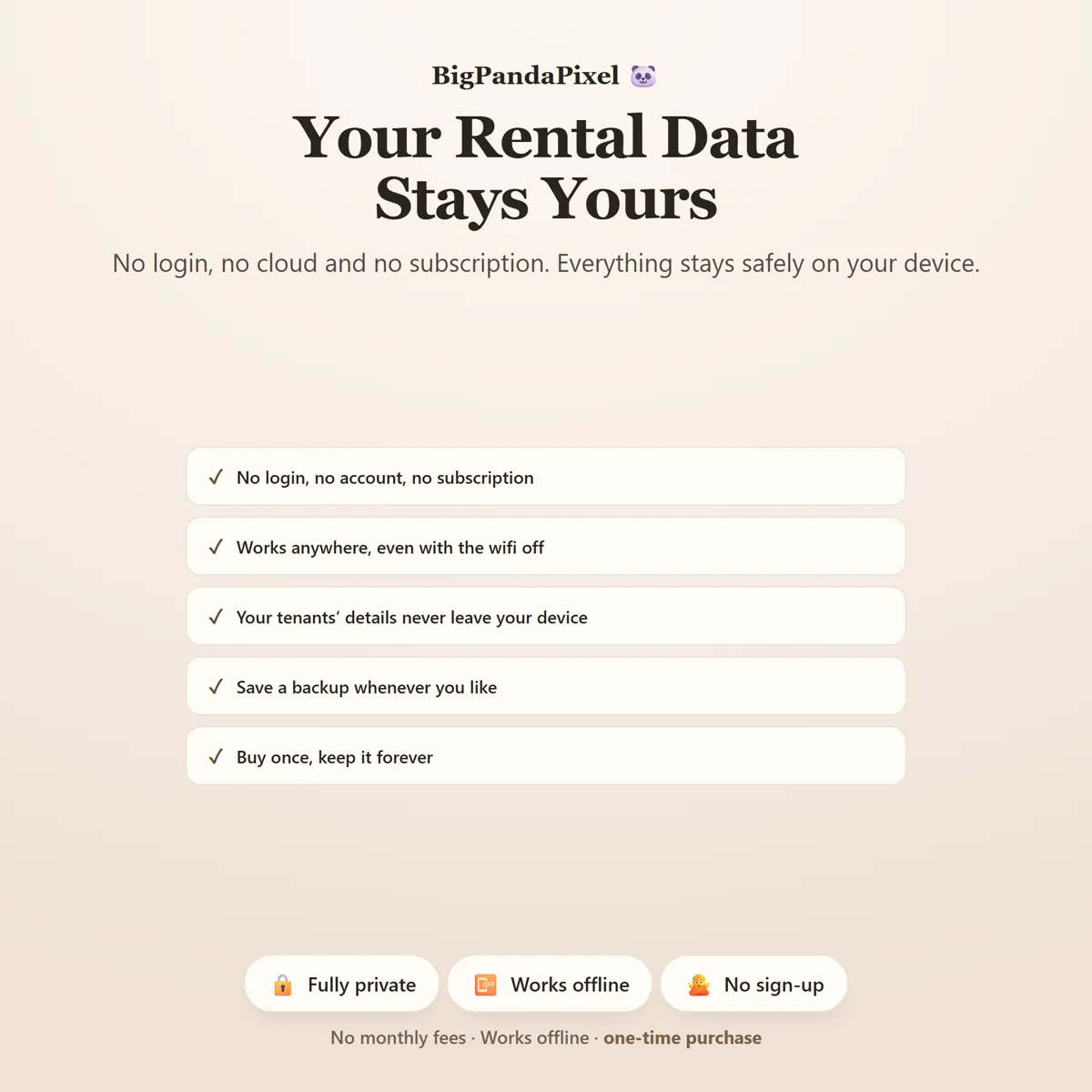
No, and we could not if we wanted to. The file makes no network requests — there is no server for it to talk to. Everything you type is stored by your own browser on your own device.
Is this a subscription?
No. It is a one-time purchase of a file you keep. There is no account, no renewal and no way for it to stop working — Rental Property Tracker runs entirely offline.
One file8 screensNothing leaves your device
Collected, outstanding, and what expires next.
The three things a portfolio actually turns on, on one screen.
Instant download · No account · Works offline · One-time payment