Savings Challenge Tracker 6 screens One file
Saving gets easier the moment you can see it adding up.
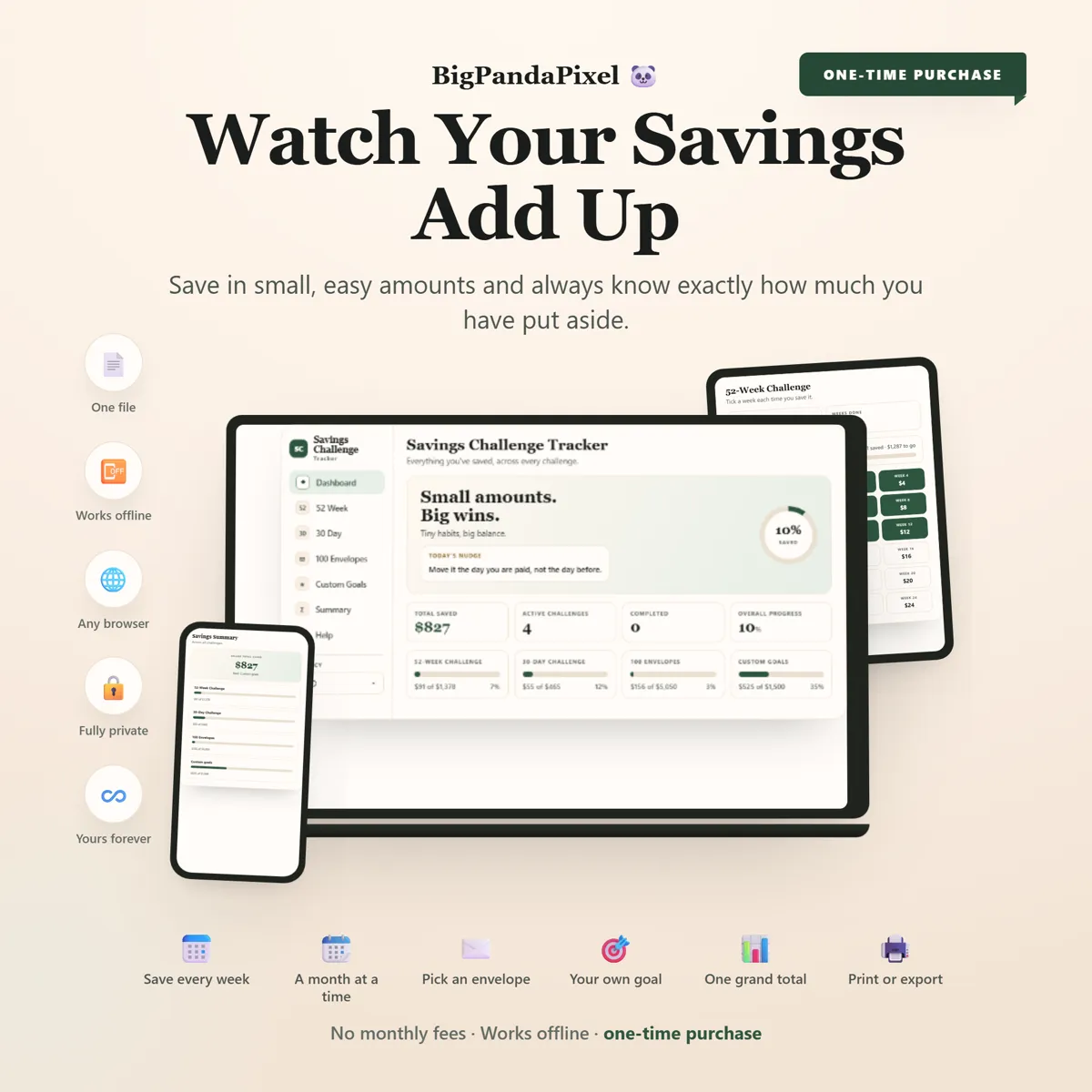
The 52-week, 30-day and 100-envelope challenges, plus any goal you invent. Tick as you save and every total, bar and chart moves itself. No colouring in, no formulas to repair.
Instant download · No account · Works offline · One-time payment

A printable you colour in by hand cannot tell you how far along you are. It can only show you how much you have coloured in.
Unlike a printable PDF, or a spreadsheet that breaks every time you change something, this one does the arithmetic. Every envelope you tick updates the running total, the goal bar and the projection at once.
Whether this is your first challenge or you are running all four at the same time, the answer to "how much have I actually saved" is on screen before you have finished asking it.
What's inside
Two connected screens
Four challenges and your own goals, all counted the same way. Nothing is typed twice and nothing needs adding up at the end of the month.
The parts people buy it for
What it actually does for you
Ticking is the whole job
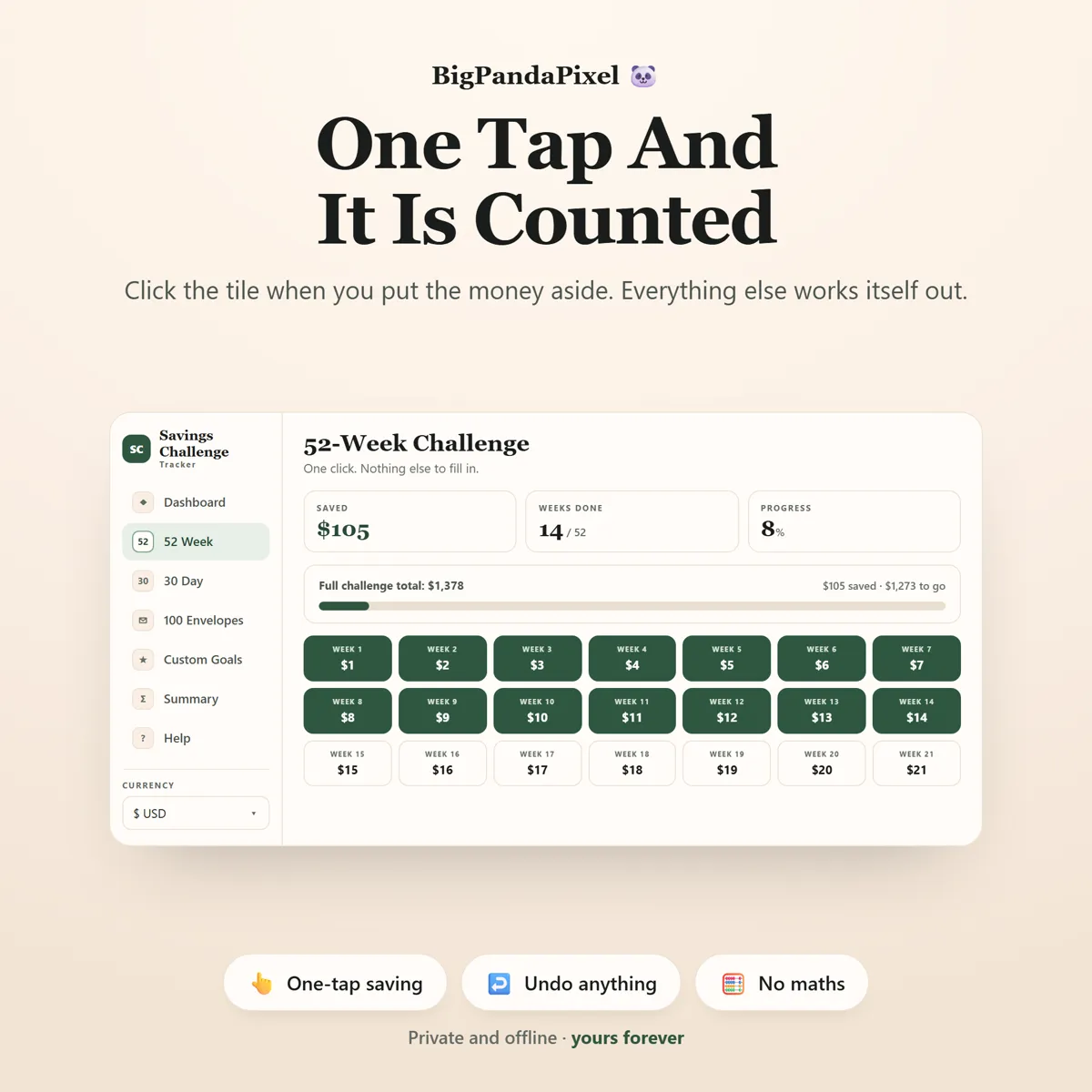
Put the money aside, click the tile, done. It turns green and every total on every screen moves with it. No sums, no formulas, no colouring in — and no "which week was I on again?" when you come back in three weeks.
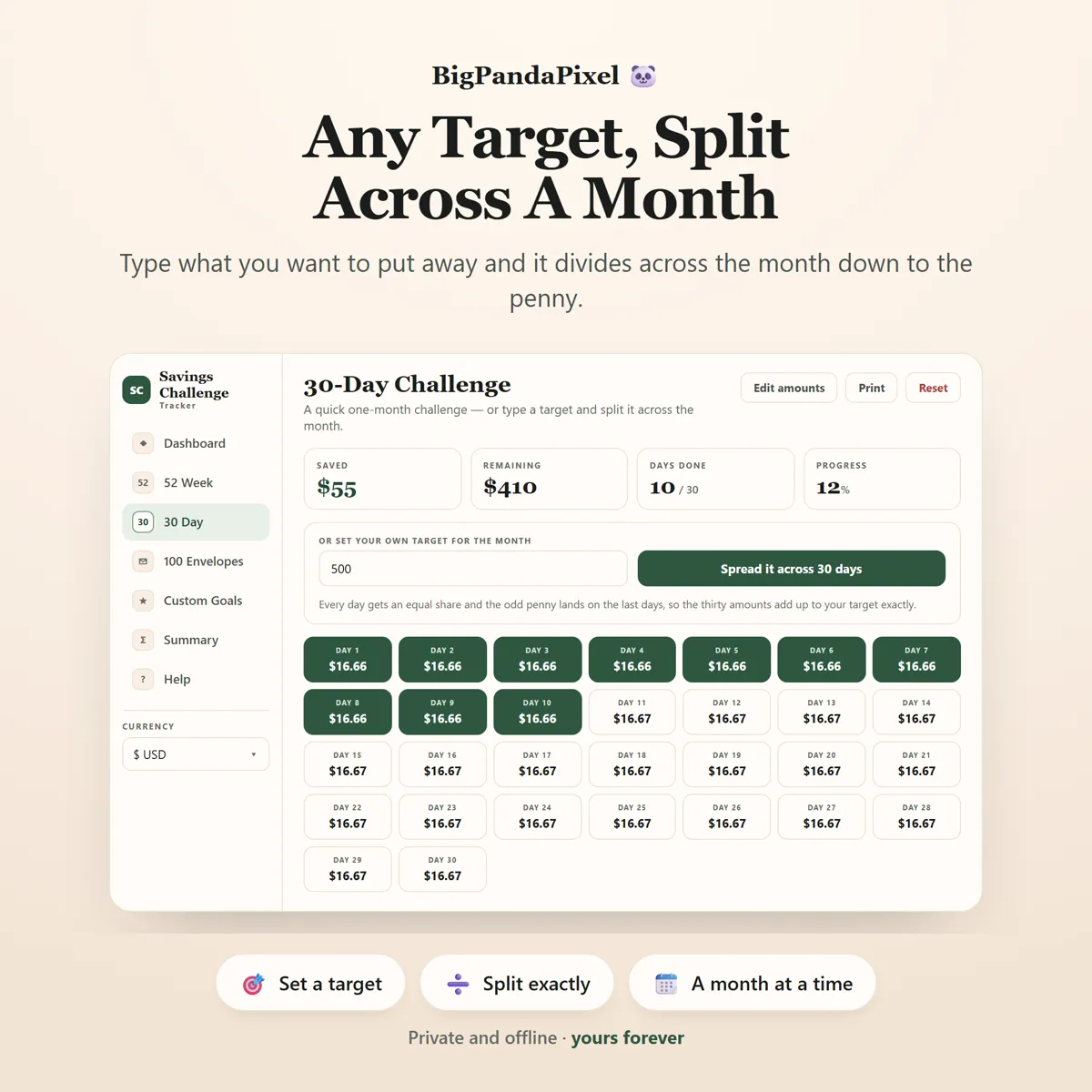
Any target, split to the penny
Type what you want to save this month and the tracker divides it across the thirty days for you. Divide 500 by 30 yourself and you get 16.666… — round it and the month comes to 499.80 or 500.10, never the number you asked for. This puts the odd pennies on the last days so the thirty amounts add back to your target exactly. That is the bit a printable cannot do.
It is your challenge, not a template
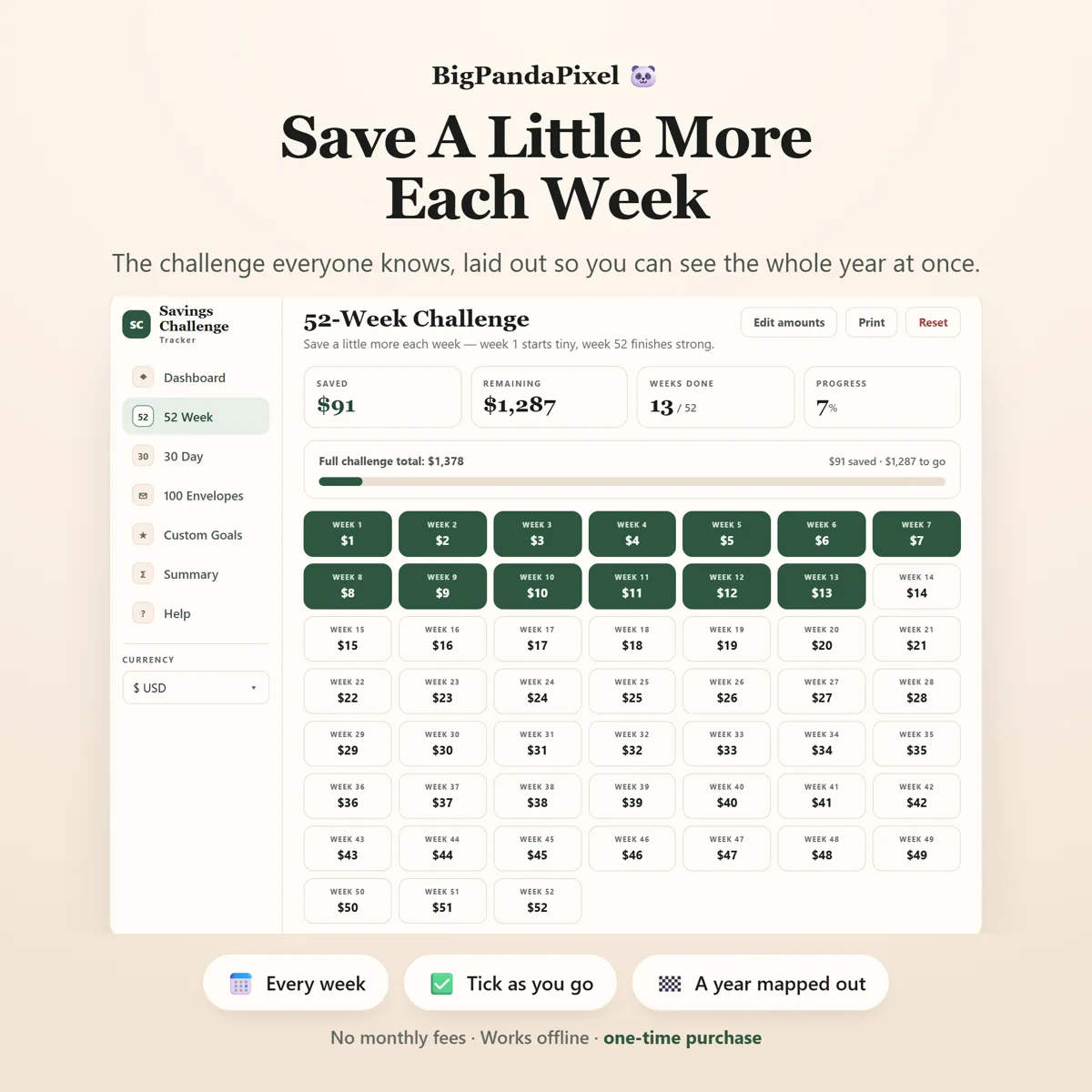
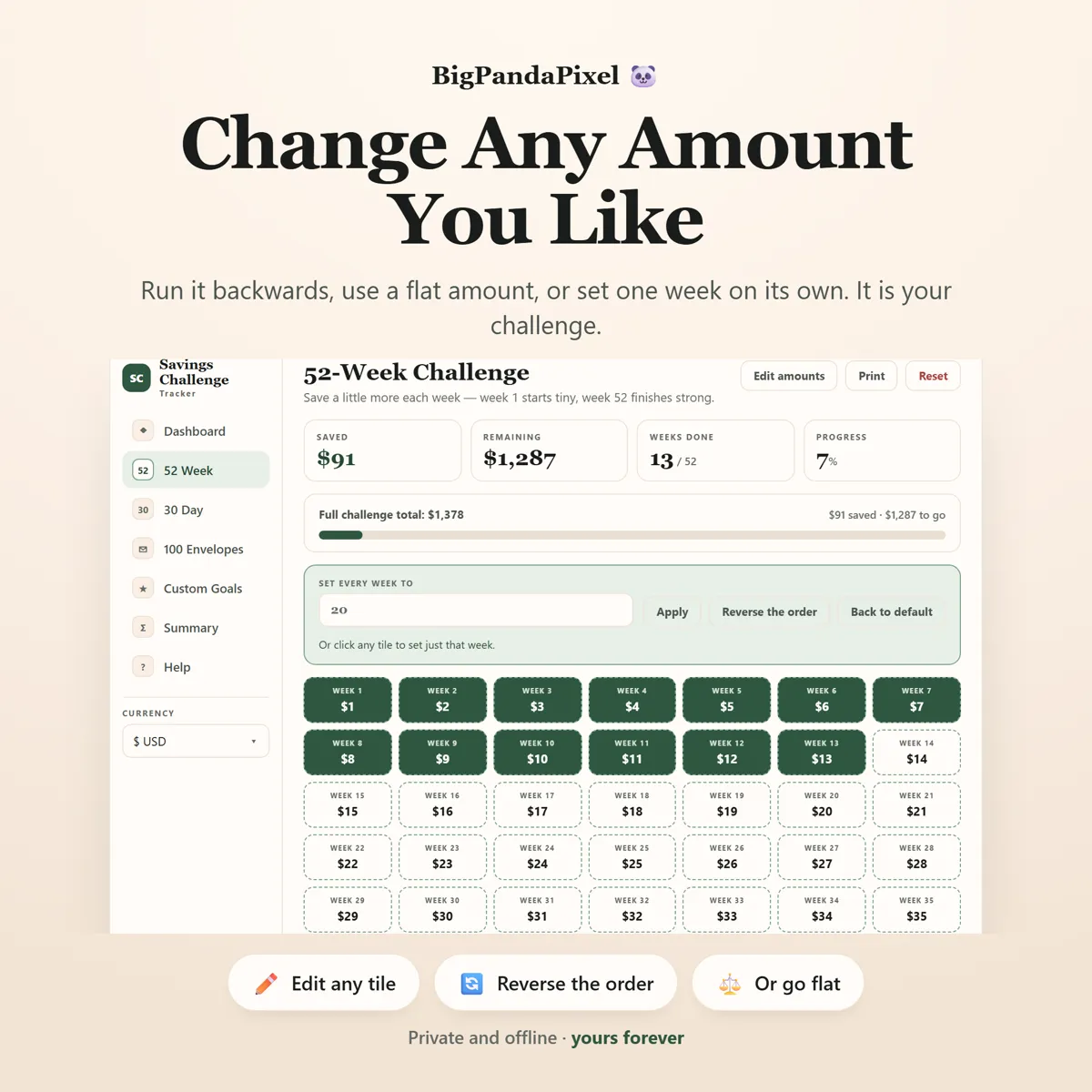
Run the 52-week backwards so the big weeks land while your enthusiasm does. Use a flat amount every week. Set one single week on its own. Changing the amounts never disturbs a tick you have already made, so you can rethink it in month four without losing month one.
Everything connects automatically
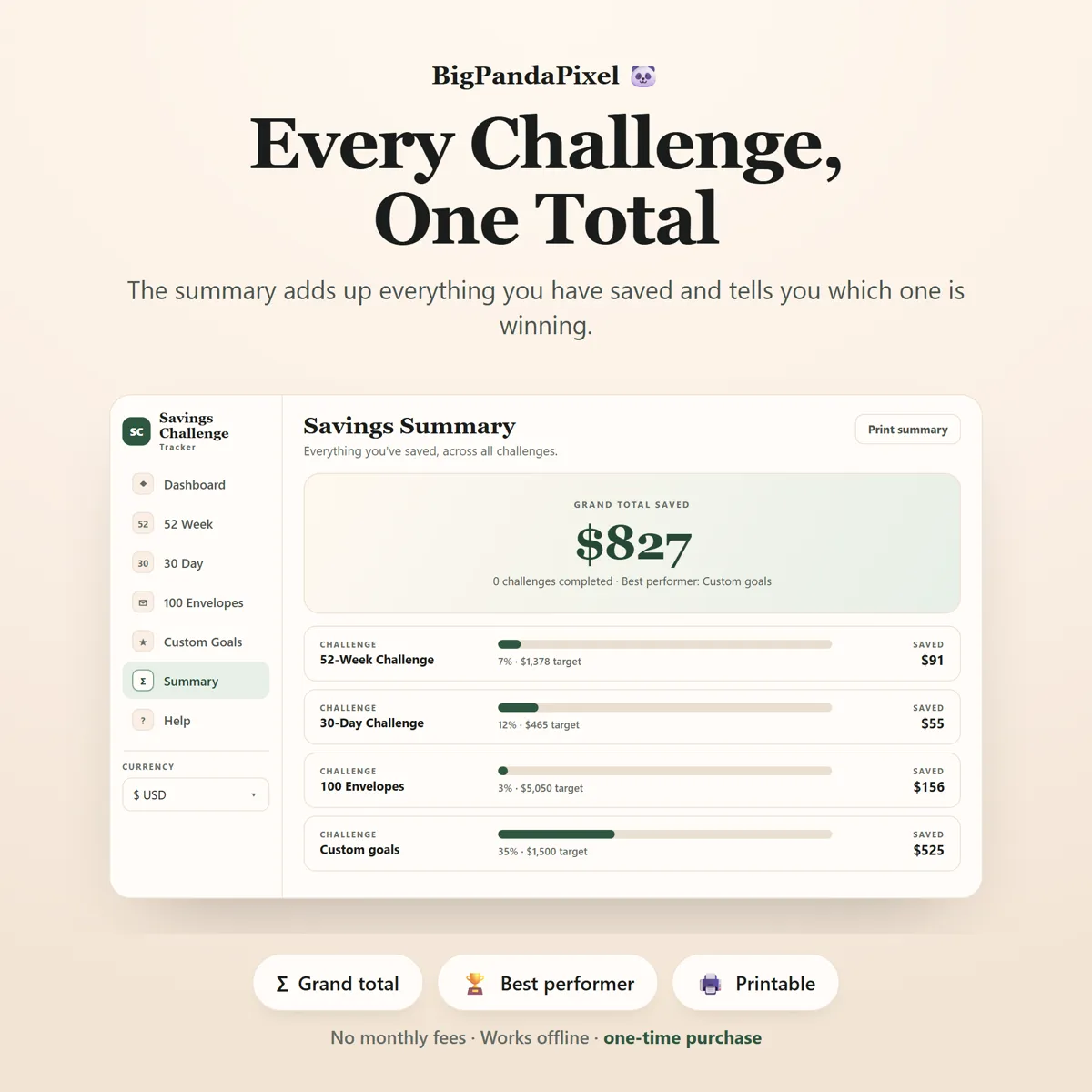
Tick one envelope, log one deposit against a goal, and your grand total, your overall percentage, every progress bar and the summary all update at once — no duplicate entry, no manual syncing, no formulas to repair.
Visual, not overwhelming
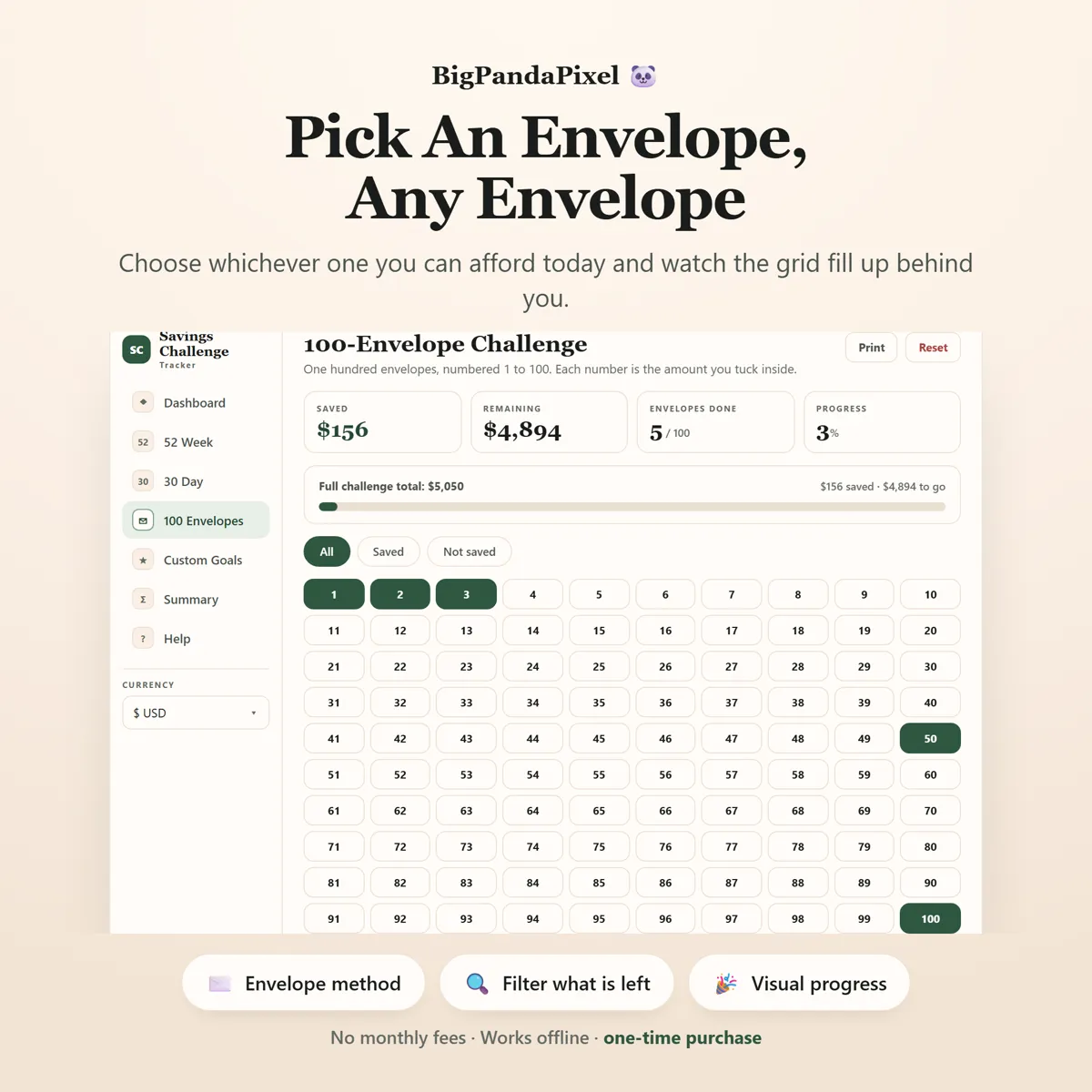
A grid of tiles that fills with green as you go, one deep forest colour doing all the work, and quiet editorial figures. You feel the progress at a glance instead of reading a wall of cells.
Maths you can check
Nothing here is a black box
Every total in the tracker is worked out from your own ticks, and you can check any of it by hand.
The 52-week challenge adds 1 through 52, which comes to 1,378. The 30-day adds 1 through 30, which comes to 465. The hundred envelopes add 1 through 100, which comes to 5,050. Tick thirteen weeks of the 52 and you have saved 91 — the tracker says 91.
Spreading a target is the only place any rounding happens, and it is handled in whole pennies rather than decimals: the shares are worked out to the penny and the remainder is placed on the last days, so the thirty amounts always sum to exactly what you typed. Never 499.80. Never 500.10.
A closer look
Every screen, as it ships
What you'll receive
One download, everything in it
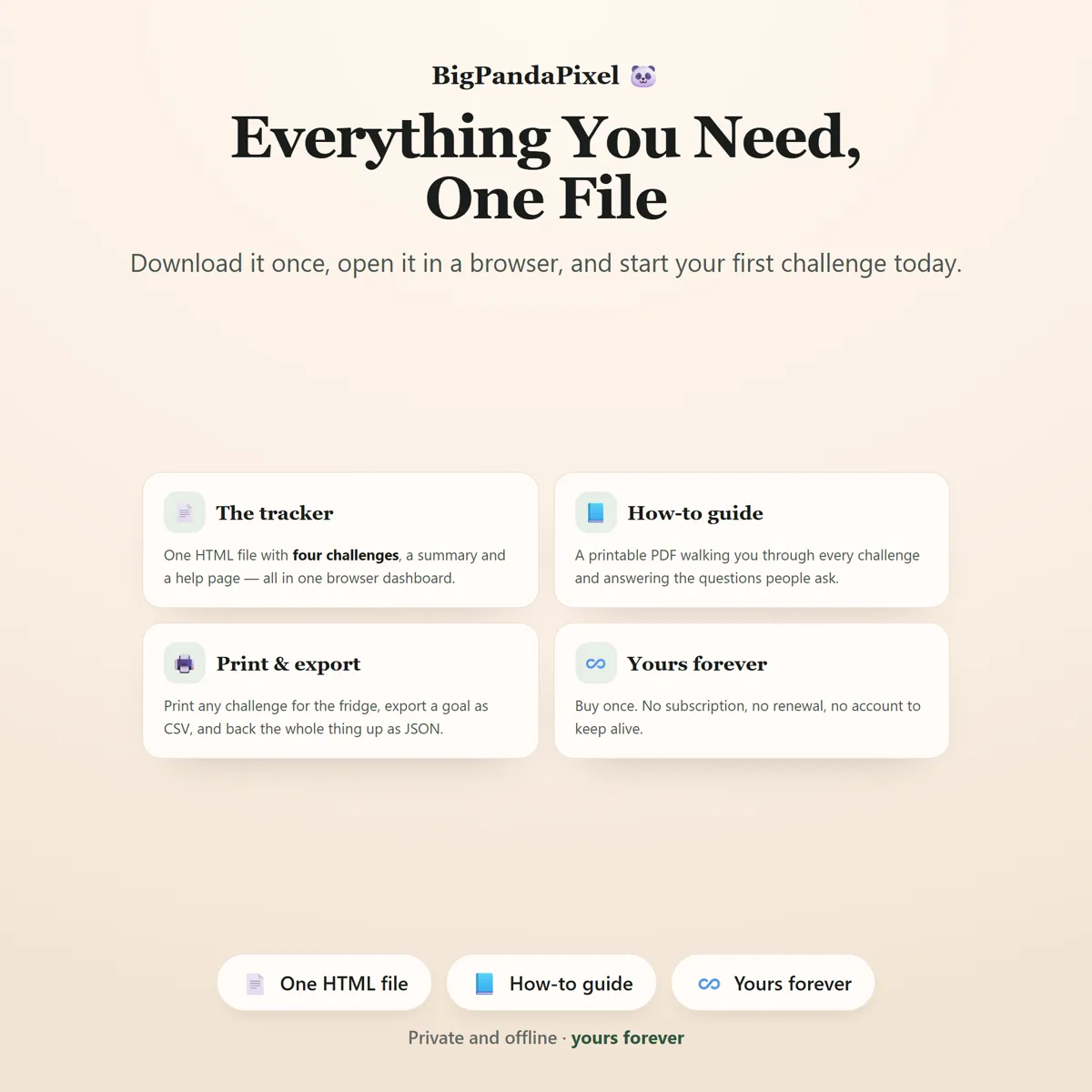
- Savings Challenge Tracker™ interactive offline app (Single HTML File)
- 6 connected savings tools that sync automatically
- Dashboard with grand total, progress and a daily nudge
- 52-Week Challenge with editable amounts
- 30-Day Challenge with the Spread-it target splitter
- 100-Envelope Challenge with filters
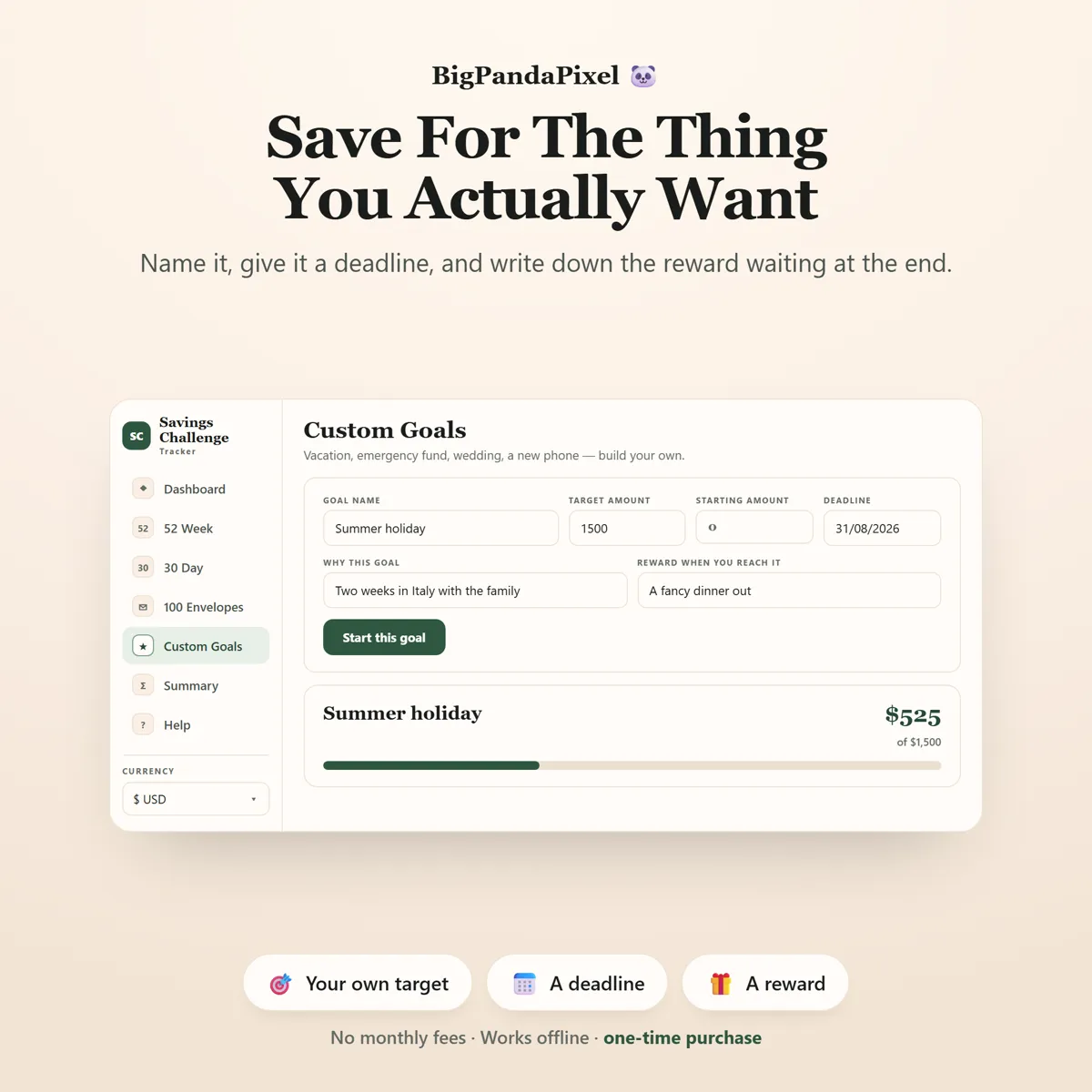
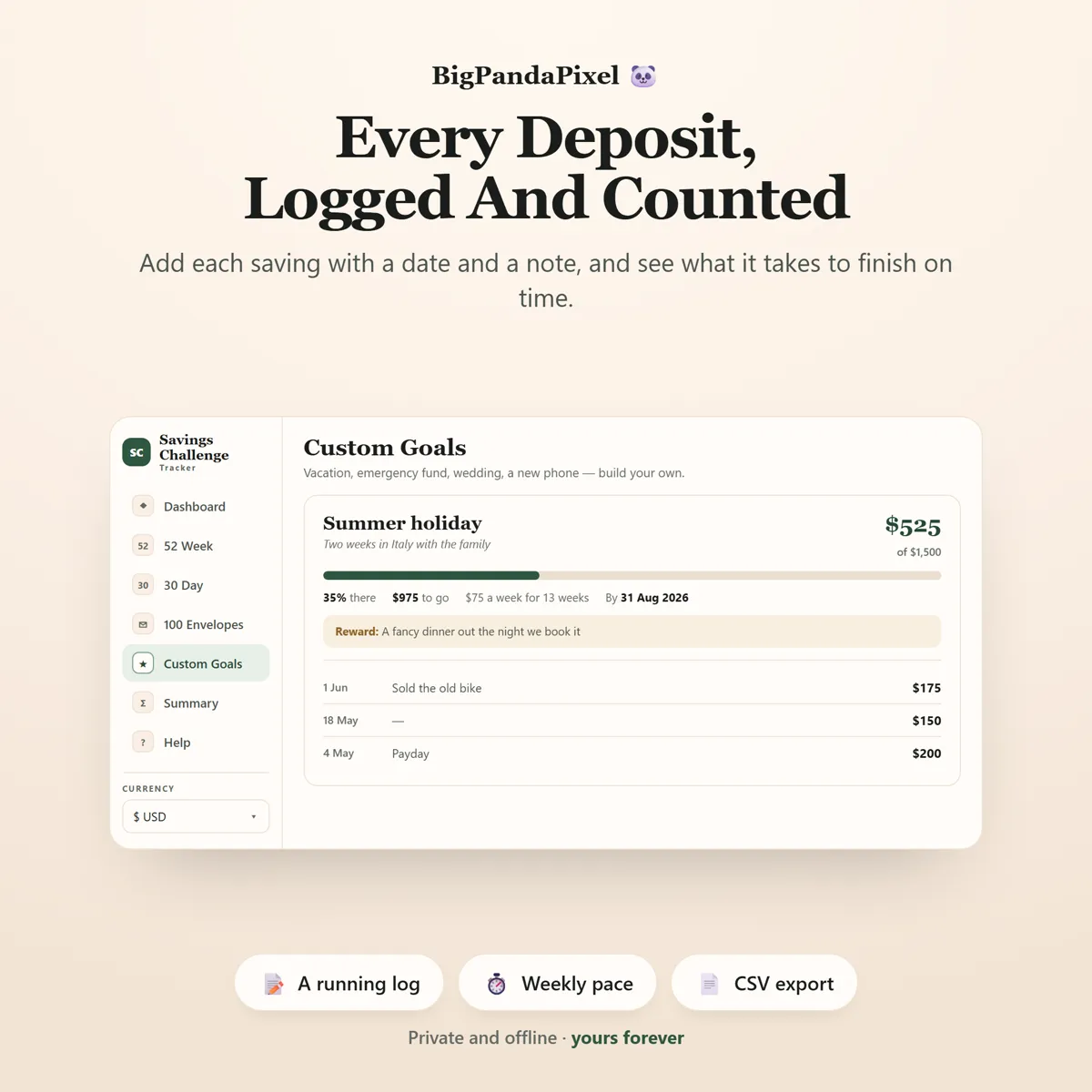
- Custom Goals with deadlines, pace, rewards and a savings log
- Savings Summary with your grand total and best performer
- Currency picker (symbol before or after)
- CSV export & local backup system
- Print-ready challenge pages
- Six colour themes and four text sizes
One-time payment
Get it on Etsy- Instant download after purchase
- No account and no subscription
- Works offline on any modern browser
- Windows, macOS, Linux, Chromebook, iPad, Android
Checkout is handled by Etsy. Your payment details never come to us.
Who it's for
You'll recognise yourself in at least one of these
Anyone starting a savings challenge for the first time
Emergency fund savers
Vacation and holiday savings
Christmas and gift funds
Wedding savings
Moving and house-deposit funds
Budgeting beginners who want something visual
Anyone who loved the 100-envelope challenge on social media
Anyone who has tried a printable savings chart and lost track of the total
Getting started
From payment to using it, in about two minutes
Buy and download
Purchase and download instantly.
Unzip the folder
Unzip the folder and open the file in Chrome, Edge, Safari, or Firefox.
Open the file
Pick a challenge, put your first amount aside, and click the tile — your totals appear immediately.
Start using it
No installation.
Please read before buying
The honest small print
- This is a digital download. No physical product will be shipped.
- Instant download after purchase.
- Works completely offline after downloading.
- This is an HTML browser-based savings tracker — not a mobile app, Excel/Google Sheets file, or Notion template.
- Your progress is automatically saved locally in your browser. Clearing browser data, using private/incognito mode, or switching browsers or devices may remove it — so export a backup anytime to keep your progress safe or move it between devices.
- Because there is no cloud account, your progress does not sync between devices automatically. Use the built-in export and import to move it.
- This tracker does not connect to your bank and cannot see any balance. You tick a tile once you have moved the money yourself — it is a record of what you have done, not a link to an account.
- The currency picker changes how amounts are displayed only. It does not convert between currencies and does not use an exchange rate.
- Because this is a digital product, all sales are final. See the refund policy.
Questions
Asked before buying
What exactly is in the download?
A zip folder containing one HTML file — the whole Savings Challenge Tracker — and illustrated step-by-step guide (8-page PDF). Nothing to install.
Does it work on my phone or iPad?
Yes. Every screen is responsive. On iPad and Android the simplest route is to save the file to your device's Files app and open it from there.
Will you see anything I put into it?
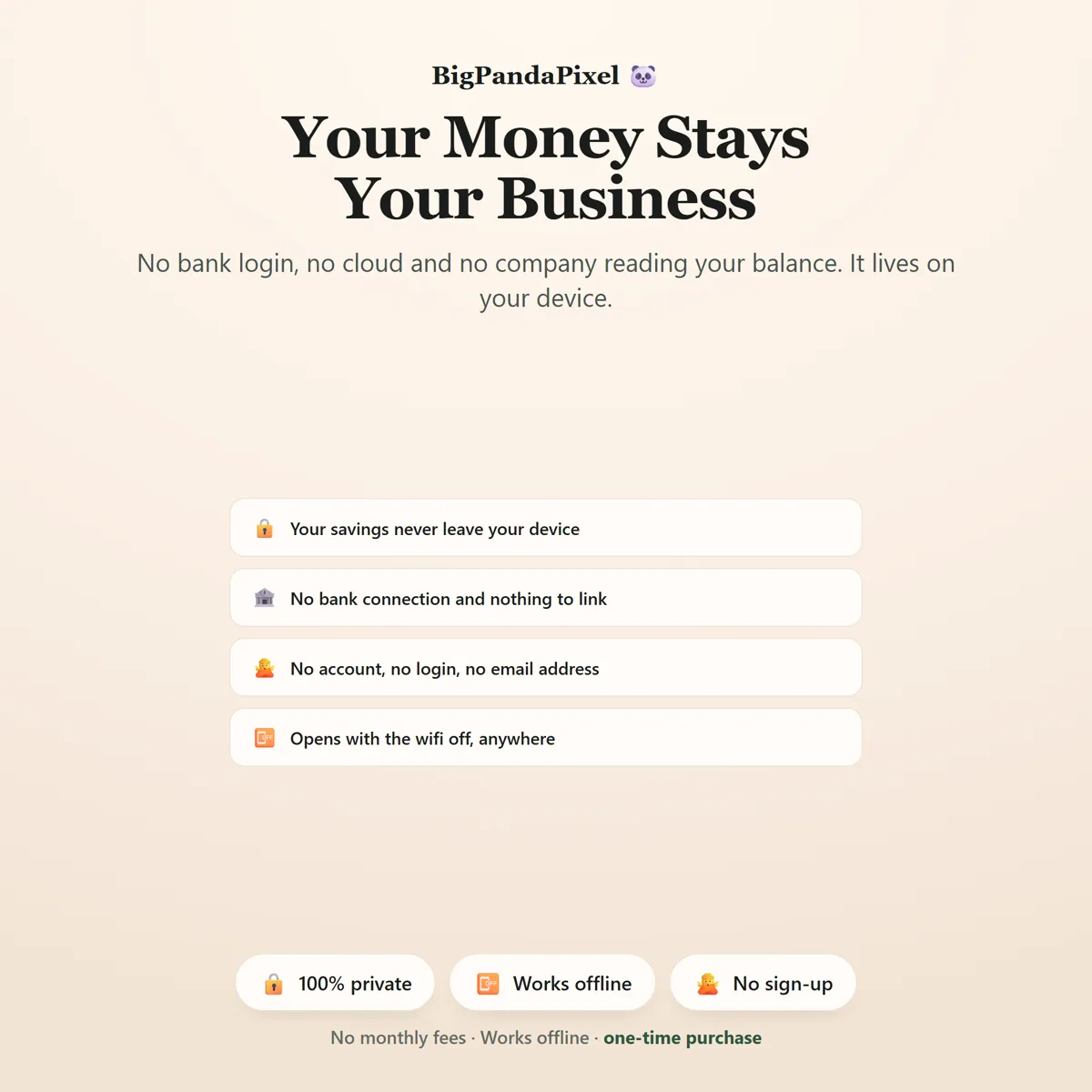
No, and we could not if we wanted to. The file makes no network requests — there is no server for it to talk to. Everything you type is stored by your own browser on your own device.
Is this a subscription?
No. It is a one-time purchase of a file you keep. There is no account, no renewal and no way for it to stop working — Savings Challenge Tracker runs entirely offline.
One file6 screensNothing leaves your device
Tick it. Watch it add up.
The arithmetic is the part that makes people stop. So the planner does that part.
Instant download · No account · Works offline · One-time payment