Student Budget Planner 8 screens One file
Will the loan last until the next one?
One number answers it: what you can safely spend each day until more money lands. Bills come off the top first, so the figure you are looking at is genuinely yours to spend.
Instant download · No account · Works offline · One-time payment
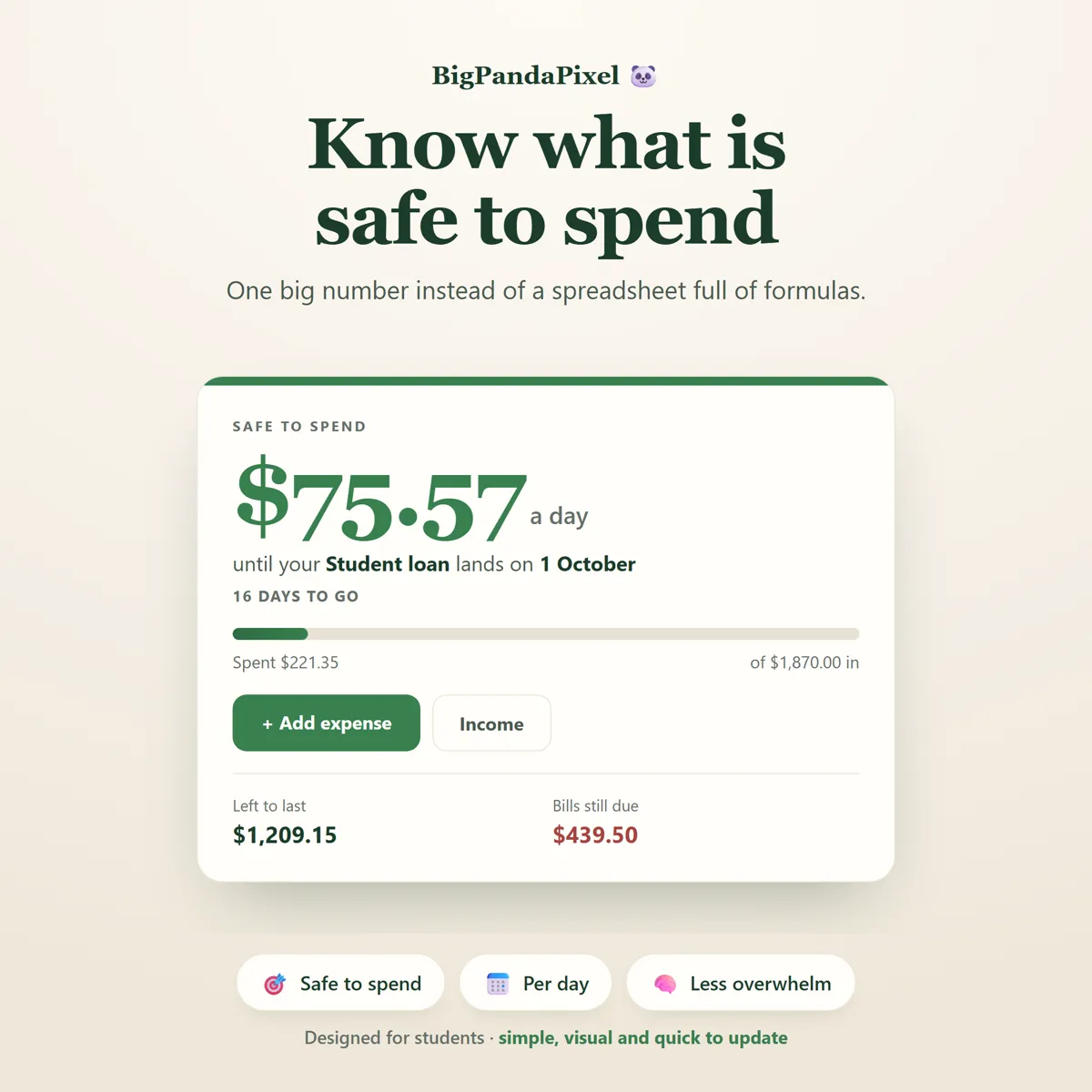
Student money does not arrive monthly. It arrives in lumps, and it has to stretch to a date rather than to the end of a month.
Add what is coming in and the bills that leave on their own. The planner takes the bills off the top before it tells you anything — which is the step a normal budget app skips, and the reason its numbers always feel like a lie.
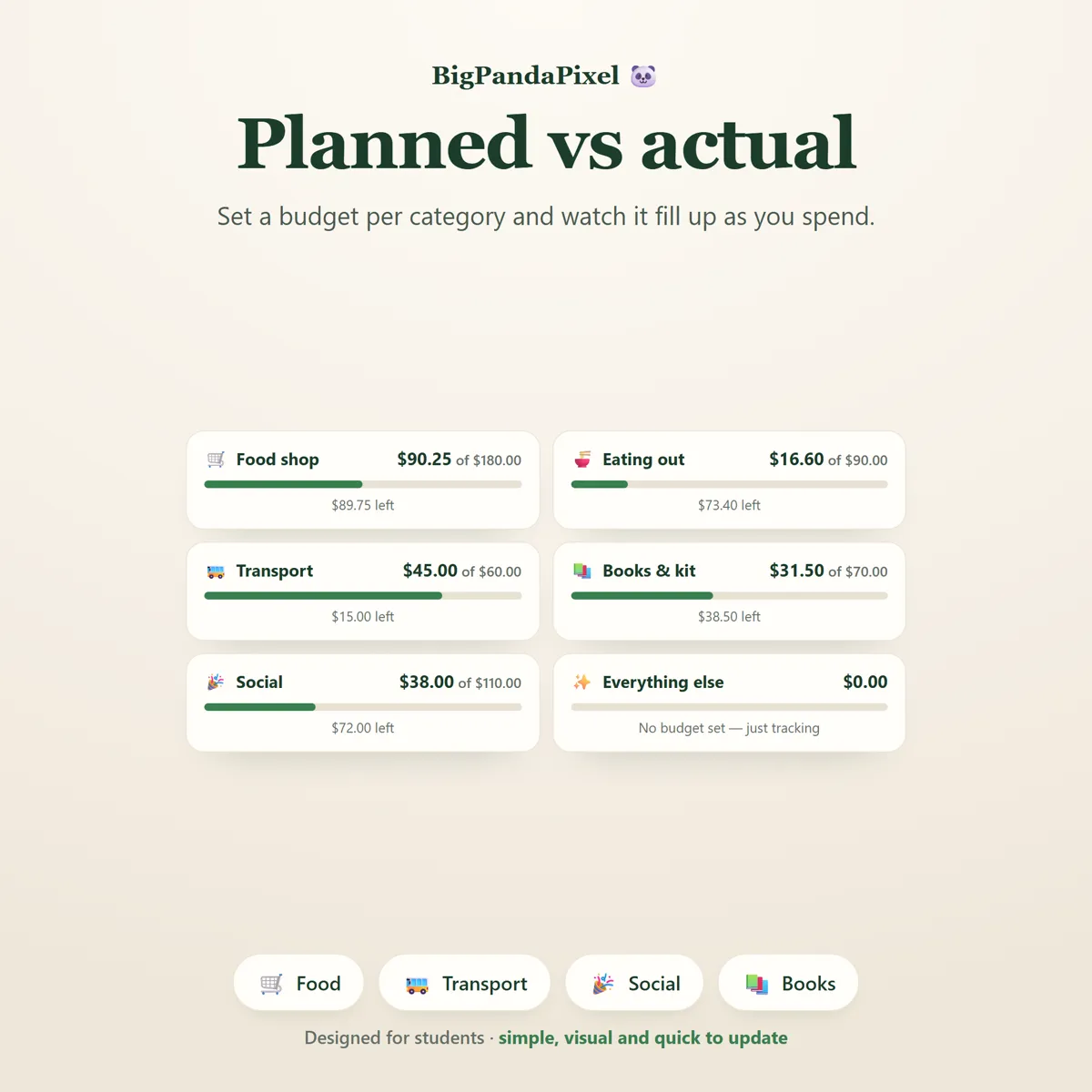
Underneath the headline sits the rest of the term: a monthly budget of planned against actual, a transaction log, bills and subscriptions, savings goals and debts.
What's inside
Nine connected screens
One headline figure, and everything that produced it one screen away. Change any input and the number at the top corrects itself immediately.
The parts people buy it for
What it actually does for you
One number, not a spreadsheet
No more guessing whether you can afford tonight. Enter your income and your bills, and the planner runs the arithmetic and shows you a single figure: what is safe to spend today, and every day, until your next payment arrives. No formulas. No manual calculations. Just one clear number.
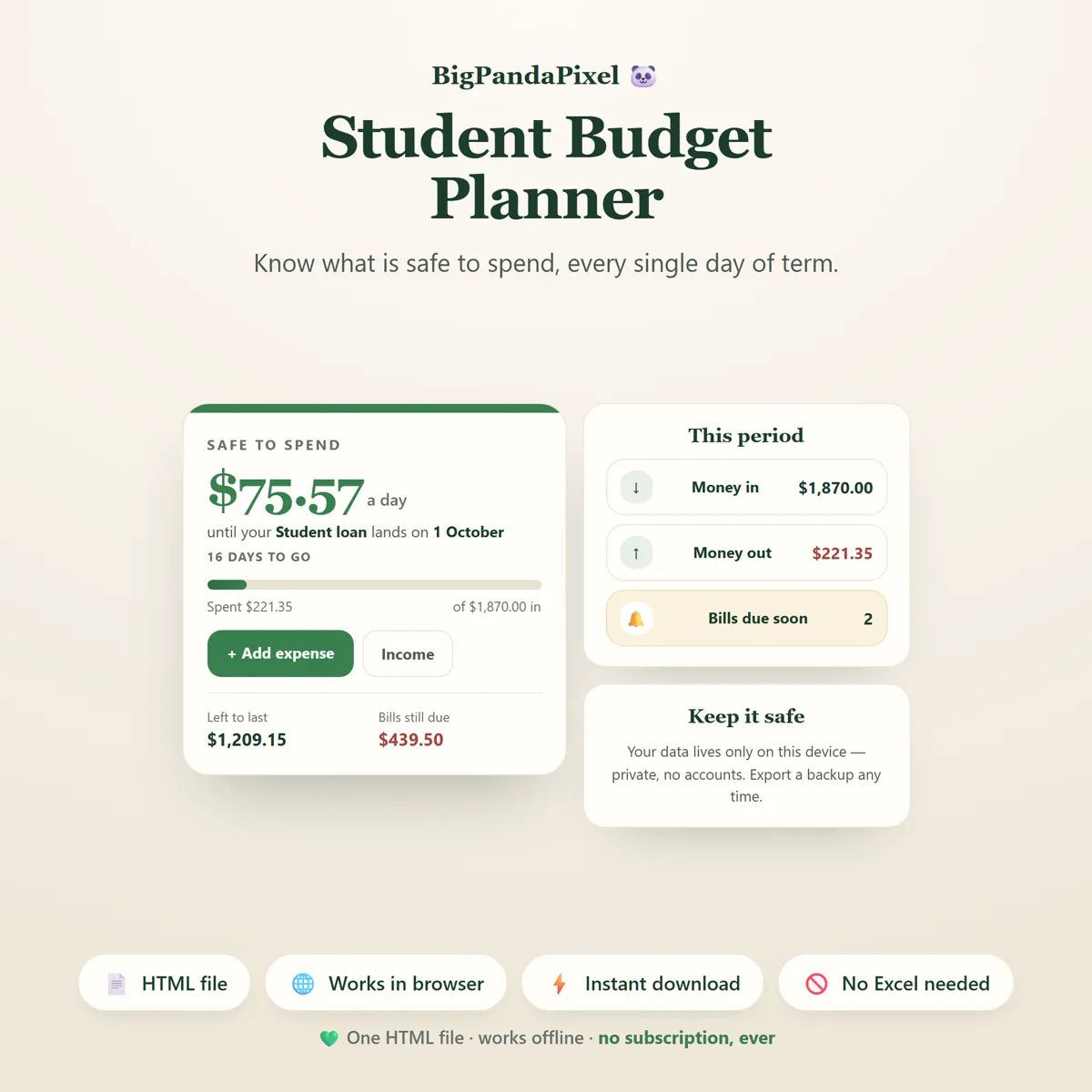
Bills come off the top
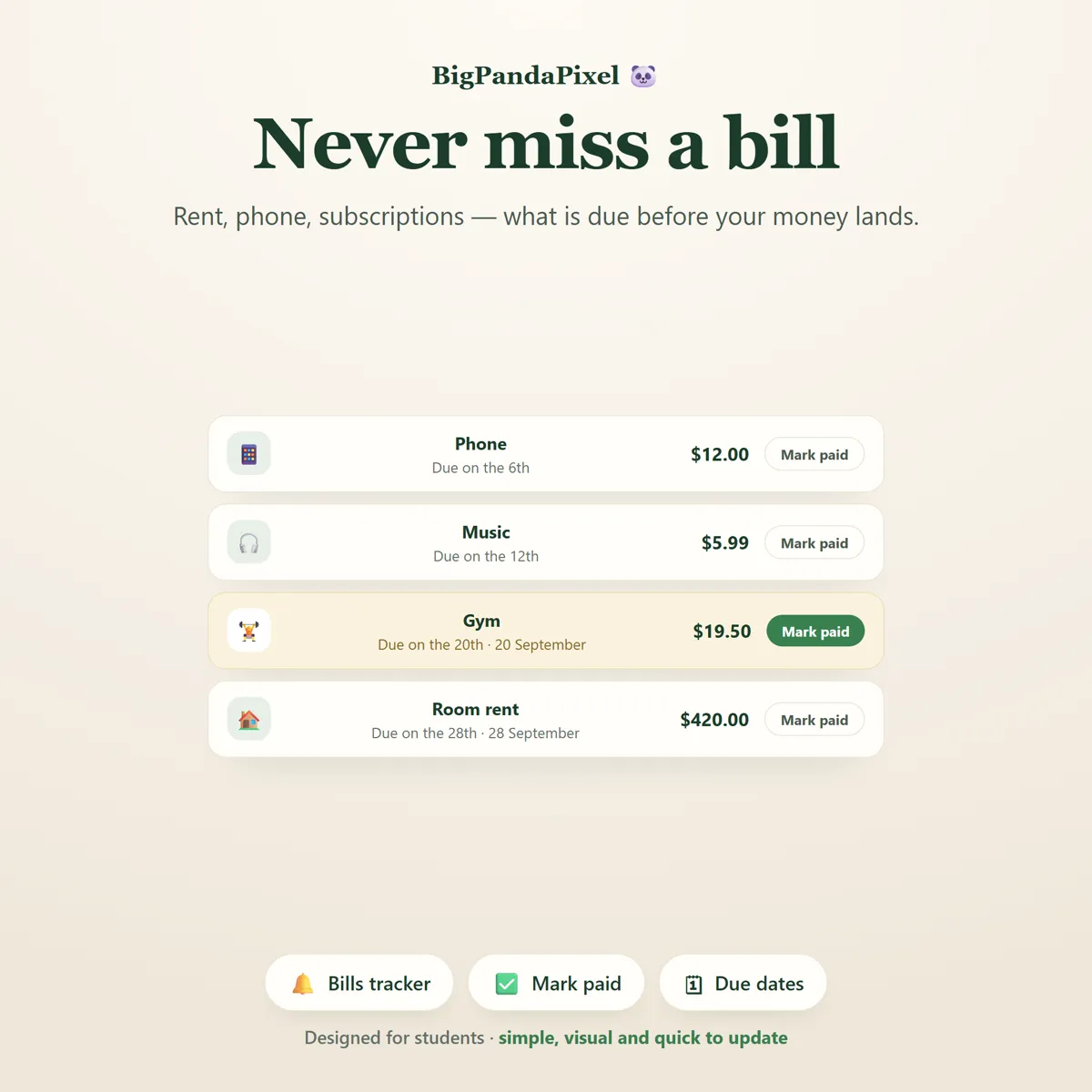
This is the part that makes it honest. Rent, phone, subscriptions and gym memberships are subtracted before the planner tells you anything. Money that is already promised to somebody else never shows up as money you can spend. Anything due in the next seven days is highlighted, so the expensive week never arrives as a surprise.
See where it actually goes
Set a budget for each category and watch the bar fill as you spend — or set no budget at all and simply track, which is the honest way to start when you have no idea what a realistic limit looks like. Go over, and the bar turns red and tells you by exactly how much.
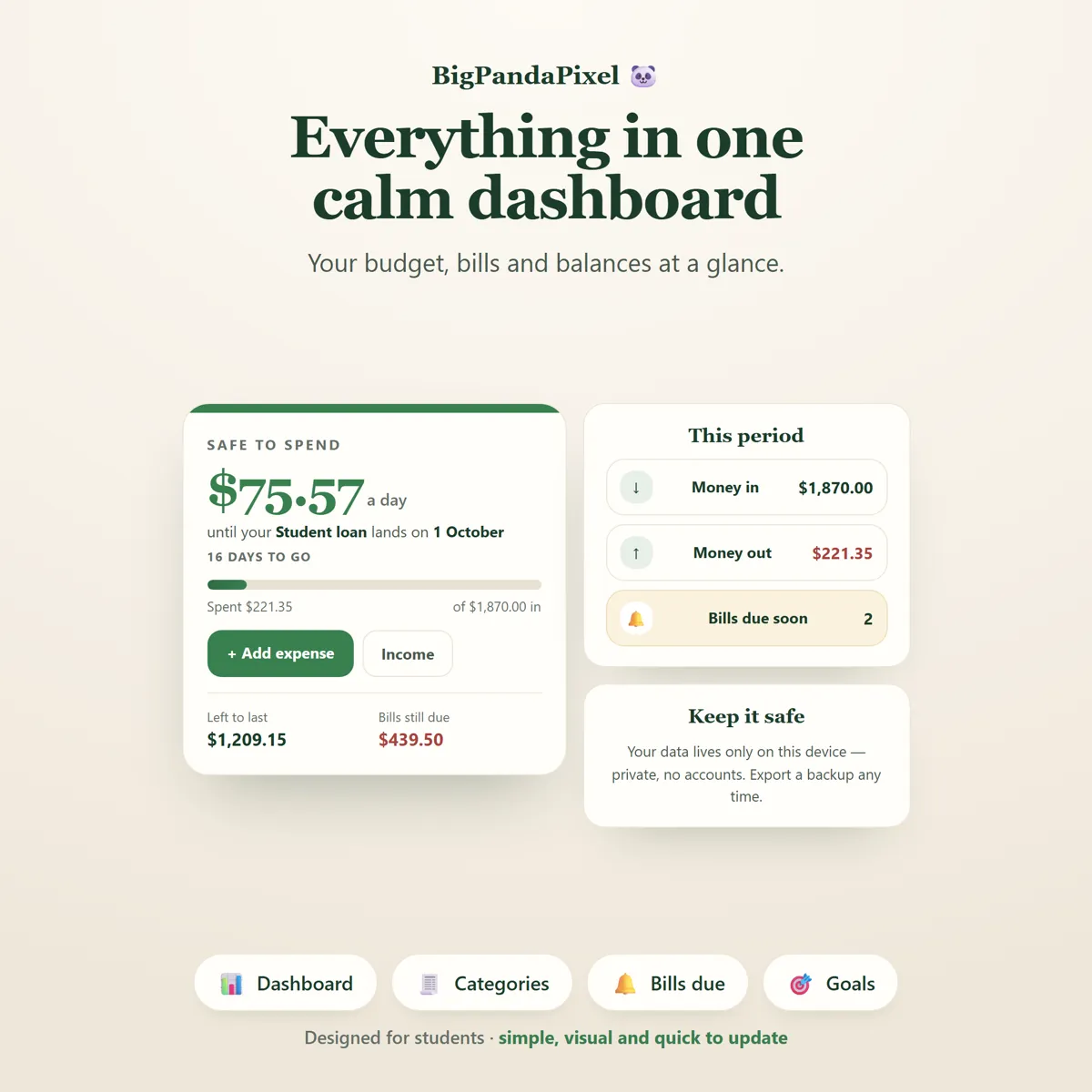
Everything updates at once
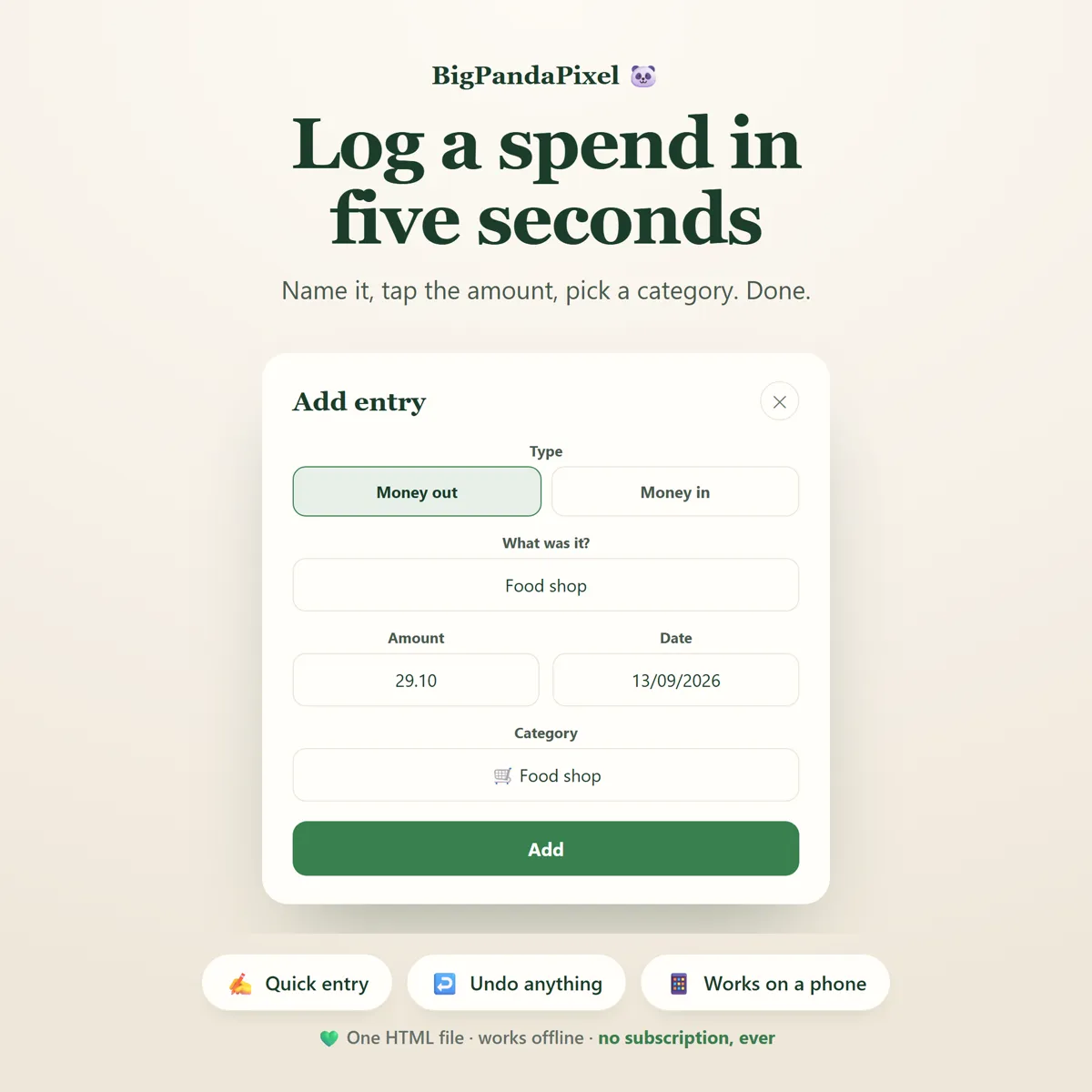
Log one coffee. The daily figure, the category bar, the reports and the insights all update instantly. No duplicate work. No manual syncing.
Maths you can check
Nothing here is a black box
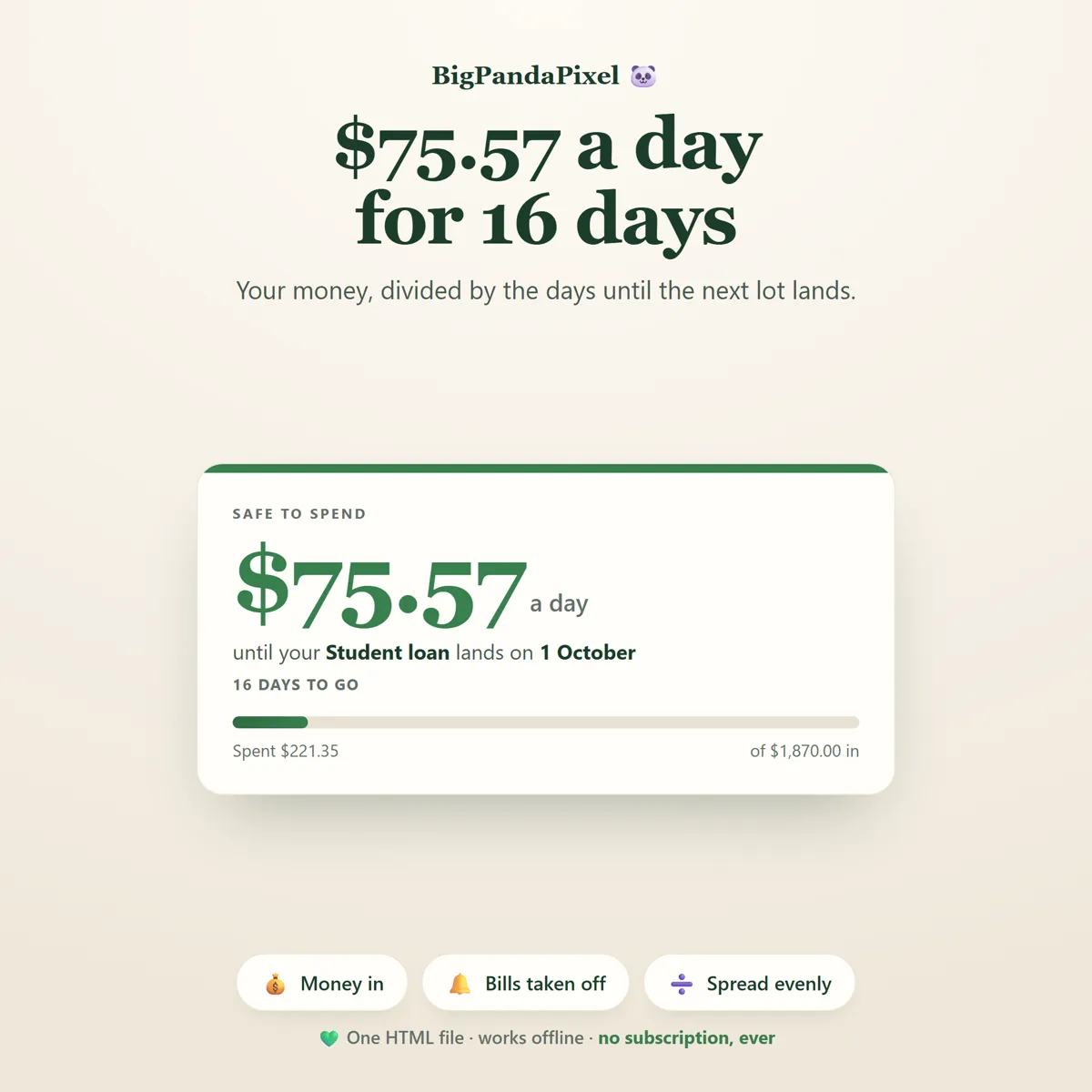
The daily figure is not a vague estimate. It is everything landing in this period, minus everything already spent, minus every unpaid bill falling before your next payment — divided by the days remaining.
Repeating income is counted properly. A fortnightly wage that lands twice before your next loan instalment is counted twice, because it genuinely arrives twice.
Dates are handled with whole-day arithmetic rather than timezone-sensitive clock maths, so a countdown never drifts by a day when the clocks change.
Every figure is rounded to the penny at each step, so if you rebuild it in a spreadsheet the totals line up.
A closer look
Every screen, as it ships
What you'll receive
One download, everything in it
- Six colour themes and four text sizes
- Student Budget Planner Interactive Offline App (Single HTML File)
- Safe-to-Spend Dashboard
- Monthly Budget Planner
- Transaction Tracker
- Bills & Subscriptions Tracker
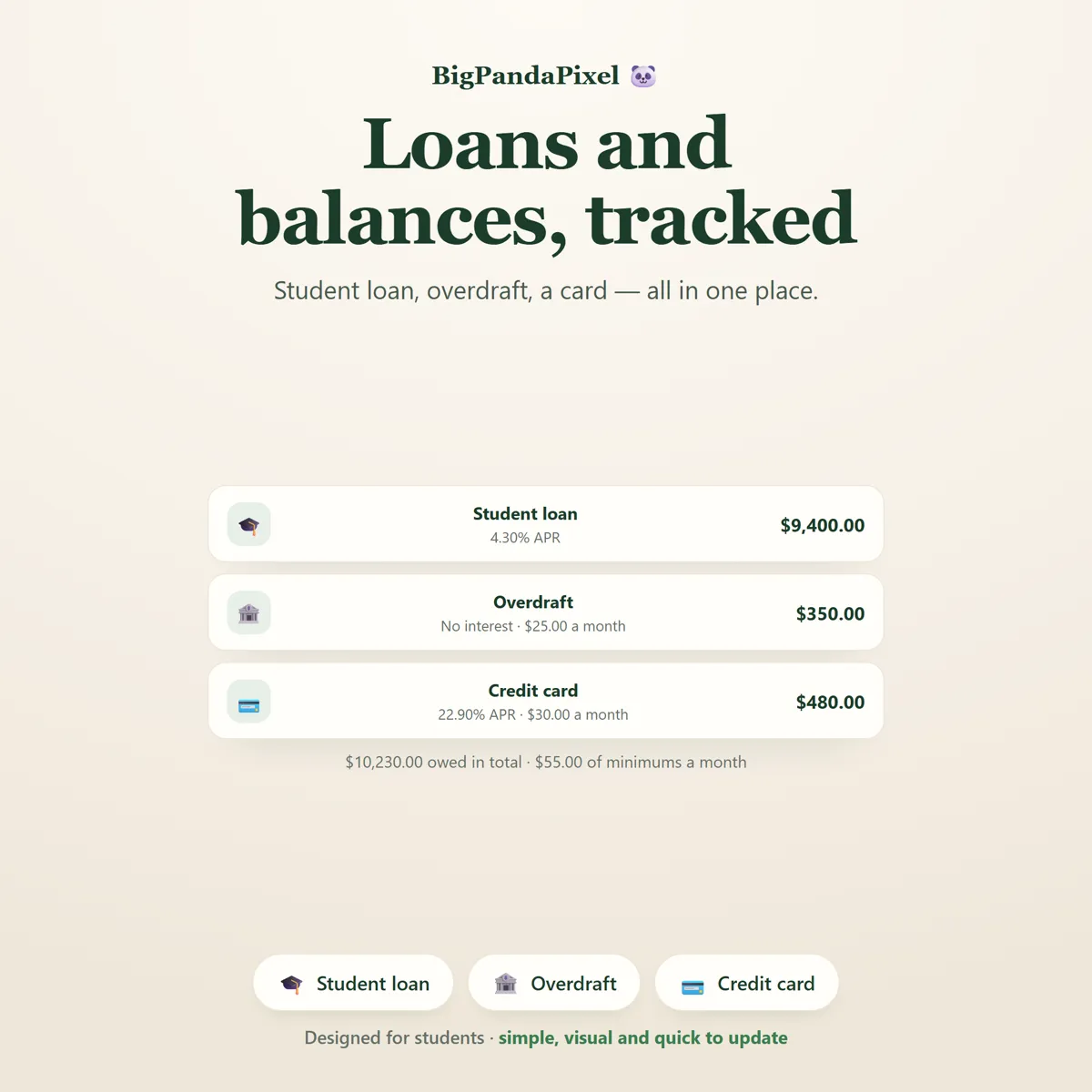
- Student Loan & Debt Tracker
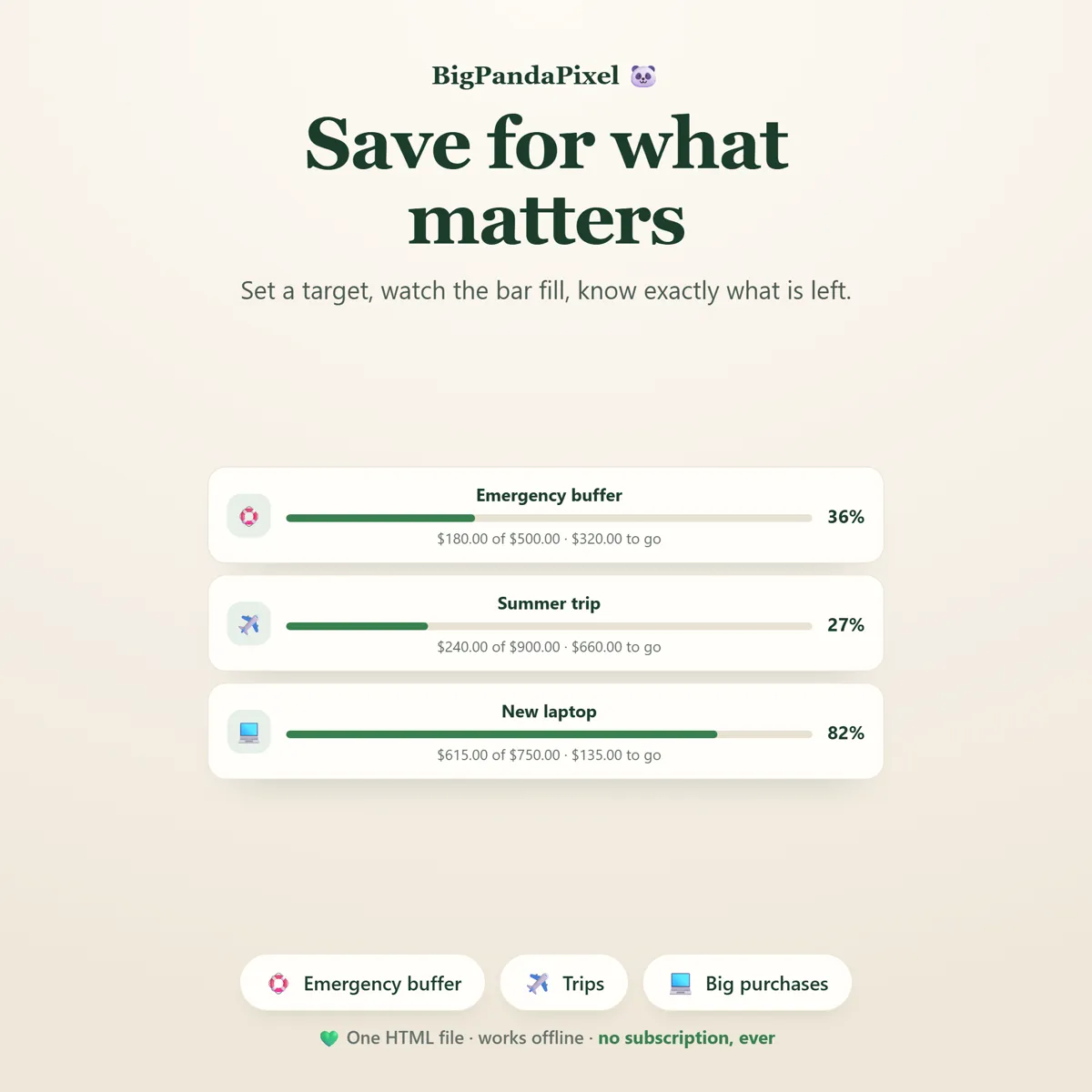
- Savings Goals
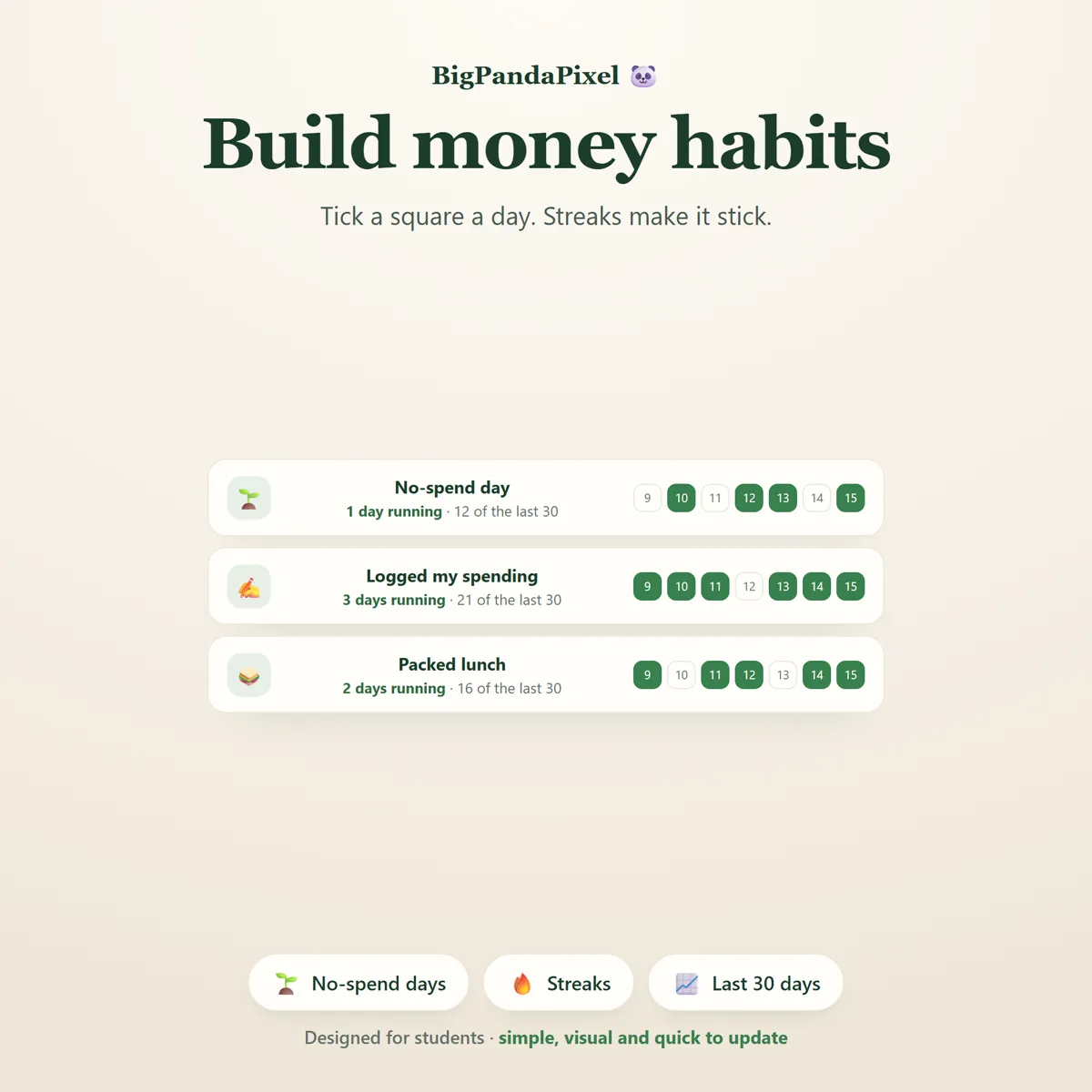
- Money Habits Tracker
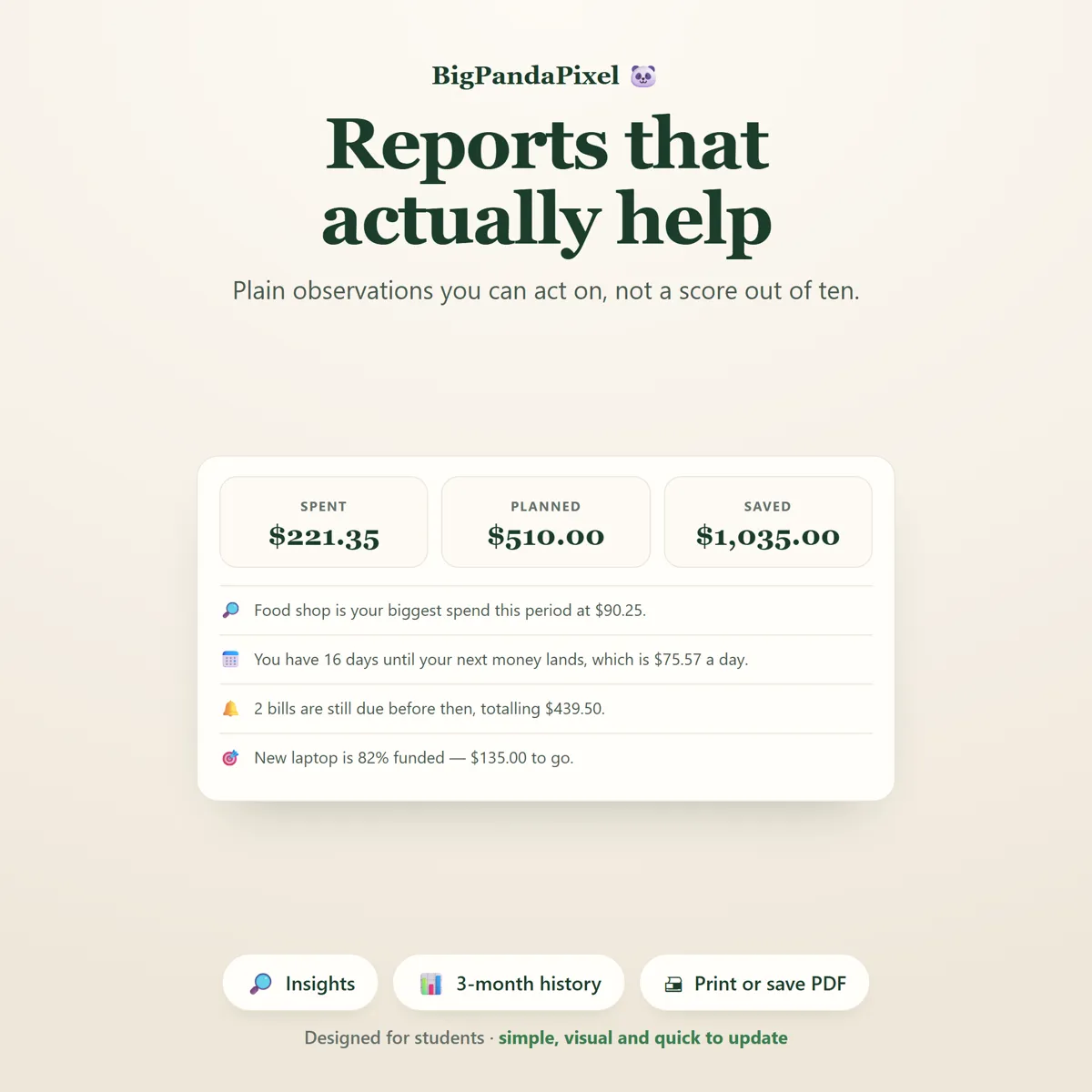
- Reports & Insights
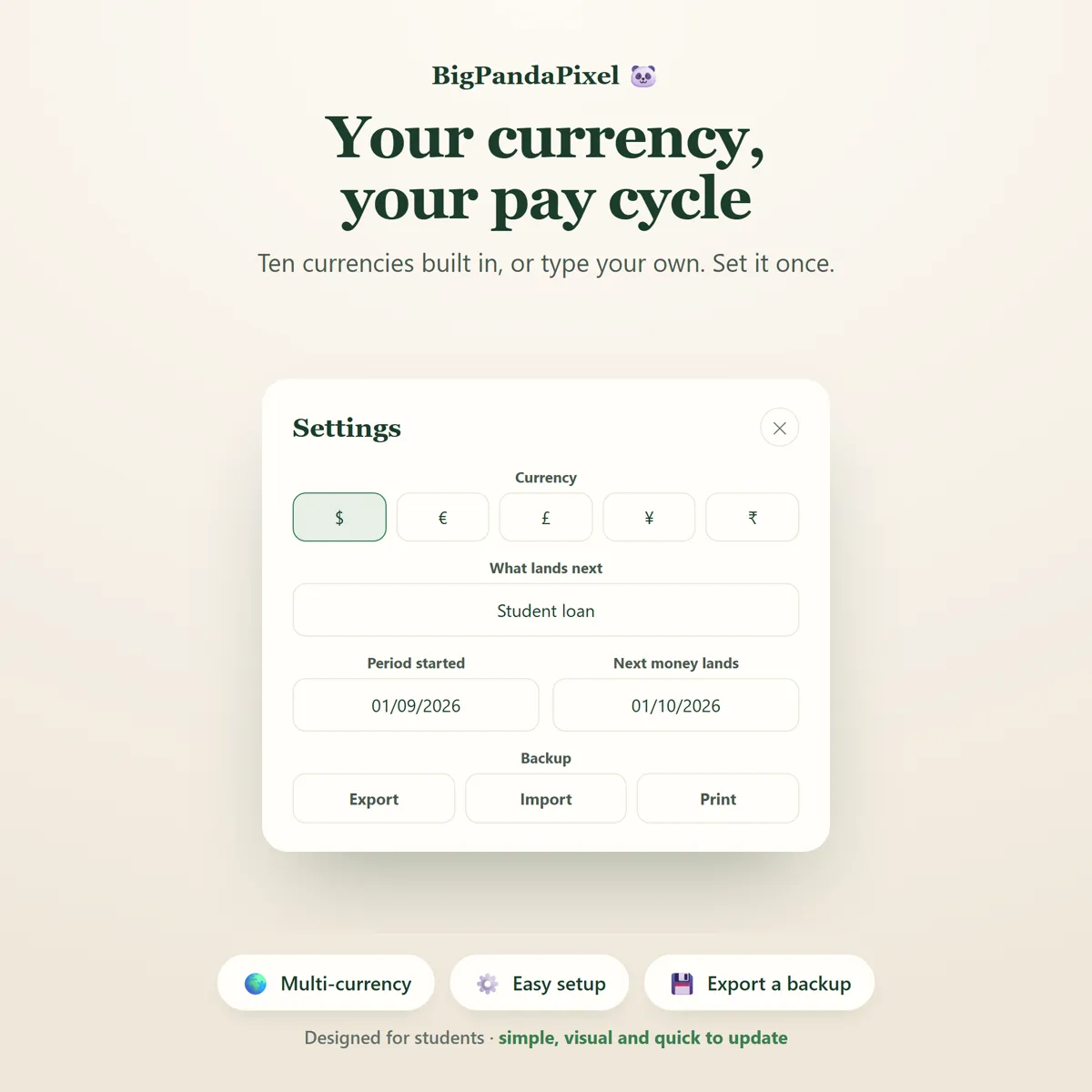
- Settings & Backup System
- Illustrated How-To-Use Guide (10-Page PDF)
One-time payment
Get it on Etsy- Instant download after purchase
- No account and no subscription
- Works offline on any modern browser
- Windows, macOS, Linux, Chromebook, iPad, Android
Checkout is handled by Etsy. Your payment details never come to us.
Who it's for
You'll recognise yourself in at least one of these
University and college students
Anyone living on a student loan or maintenance grant
Students with a part-time job and irregular hours
First years moving out for the first time
Postgraduates on a stipend
International students managing a term budget
Parents helping a student set up a budget
Anyone paid in lumps rather than monthly
Anyone who wants a budget without a monthly subscription
Getting started
From payment to using it, in about two minutes
Buy and download
Purchase and download instantly.
Unzip the folder
Unzip the folder.
Open the file
Open the HTML file using Chrome, Edge, Safari, or Firefox.
Start using it
Add your income and see your daily number immediately.
Please read before buying
The honest small print
- This is a digital download. No physical product will be shipped.
- Instant download after purchase.
- Works completely offline after downloading.
- This is an HTML browser-based application — not a mobile app, Excel spreadsheet, Google Sheets template, or Notion template.
- Your information is automatically saved locally in your browser. Clearing browser data, using private/incognito mode, or changing browsers or devices may remove locally stored data, so you can export backups anytime to keep your information safe or move it to another device.
- Because there is no cloud account, your planner does not automatically sync between devices. Use the built-in export and import to move it.
- Compatible with all modern web browsers.
- Figures are based on the income, bills and spending you enter. The planner does not connect to a bank and cannot know about payments you have not logged.
- Because this is a digital product, all sales are final. See the refund policy.
Questions
Asked before buying
What exactly is in the download?
A zip folder containing one HTML file — the whole Student Budget Planner — and illustrated How-To-Use Guide (10-Page PDF). Nothing to install.
Does it work on my phone or iPad?
Yes. Every screen is responsive. On iPad and Android the simplest route is to save the file to your device's Files app and open it from there.
Will you see anything I put into it?
No, and we could not if we wanted to. The file makes no network requests — there is no server for it to talk to. Everything you type is stored by your own browser on your own device.
Is this a subscription?
No. It is a one-time purchase of a file you keep. There is no account, no renewal and no way for it to stop working — Student Budget Planner runs entirely offline.
One file8 screensNothing leaves your device
One number, and it tells the truth.
Safe to spend today, after the bills that have not left yet have already been counted.
Instant download · No account · Works offline · One-time payment