The Ultimate Garden Planner 8 screens One file
A photo of a seed packet and your own memory.
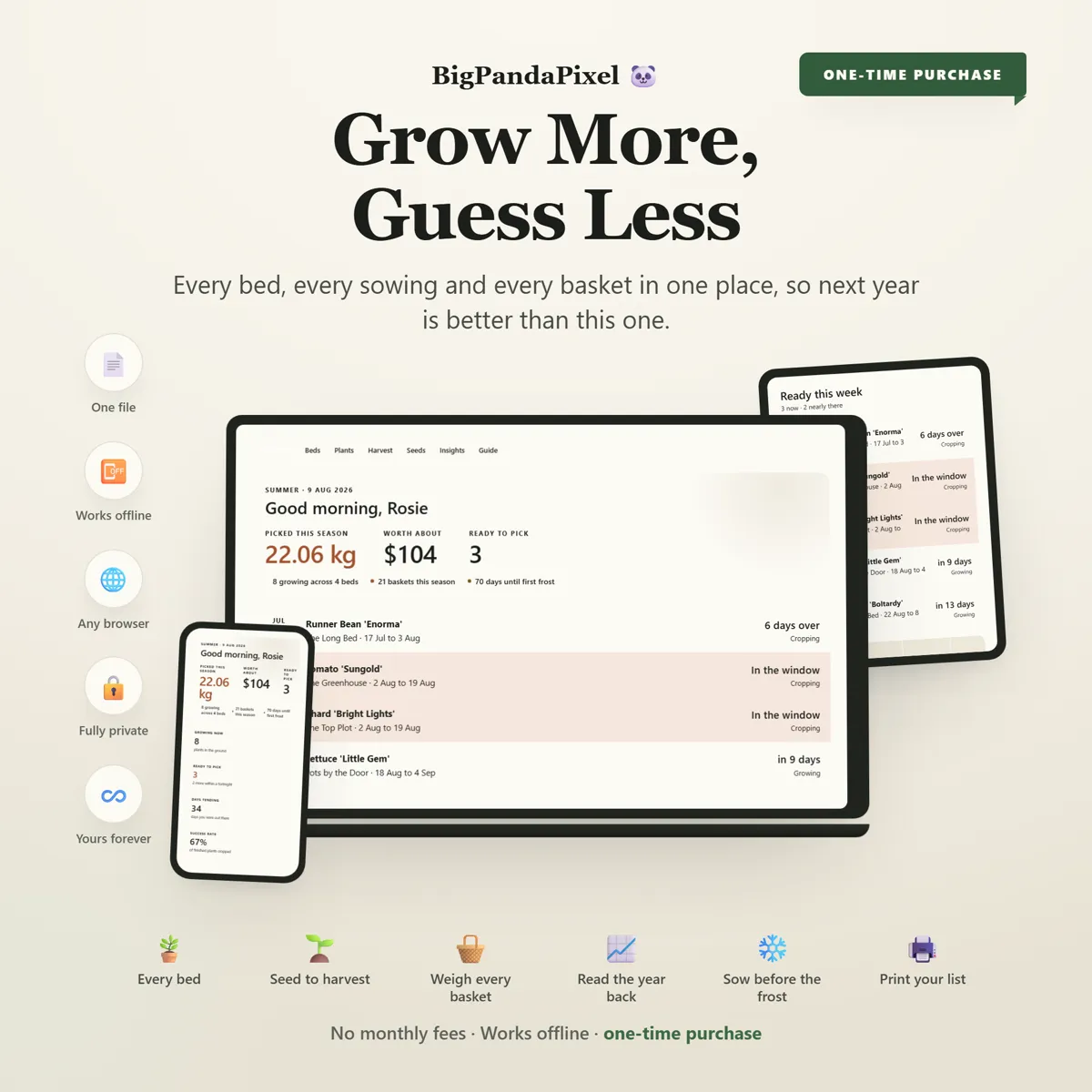
Beds and plants followed from sowing to harvest, with predicted picking windows, yields recorded, and four charts of how the season actually went. A journal that survives August.
Instant download · No account · Works offline · One-time payment
Every gardener means to write it down. The notebook goes soft in the shed by August, and next year starts from memory again.
Unlike a gardening app that wants an account and a subscription, this one is yours. Everything is visual, worked out for you, and stored on your own device.
Whether it is three pots by the back door or an allotment, a greenhouse and two raised beds you built yourself, the growing year is in one place.
What's inside
Six connected screens
Every bed and every plant on the same timeline. Sow something and the predicted window, the bed's occupancy and the season charts all follow.
The parts people buy it for
What it actually does for you
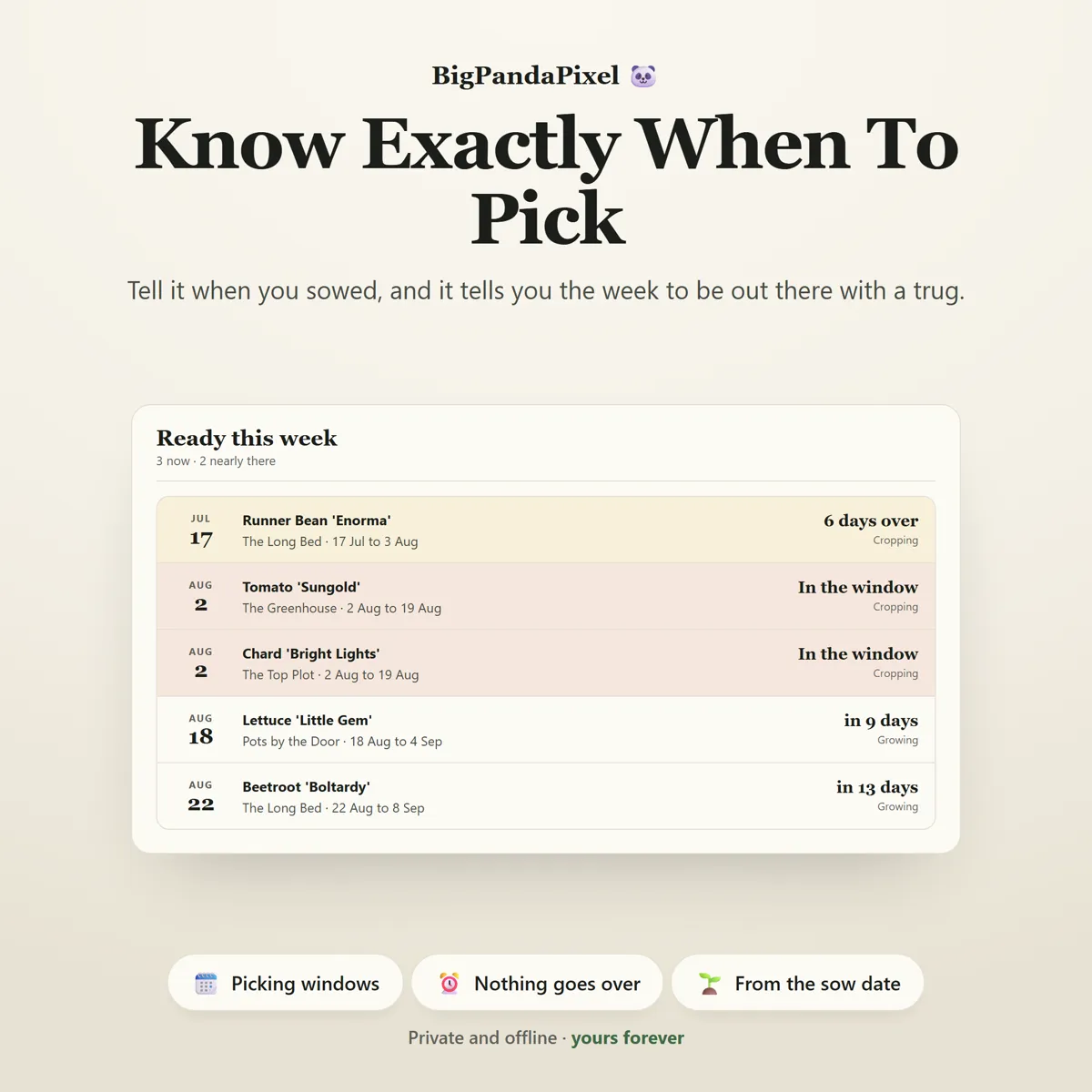
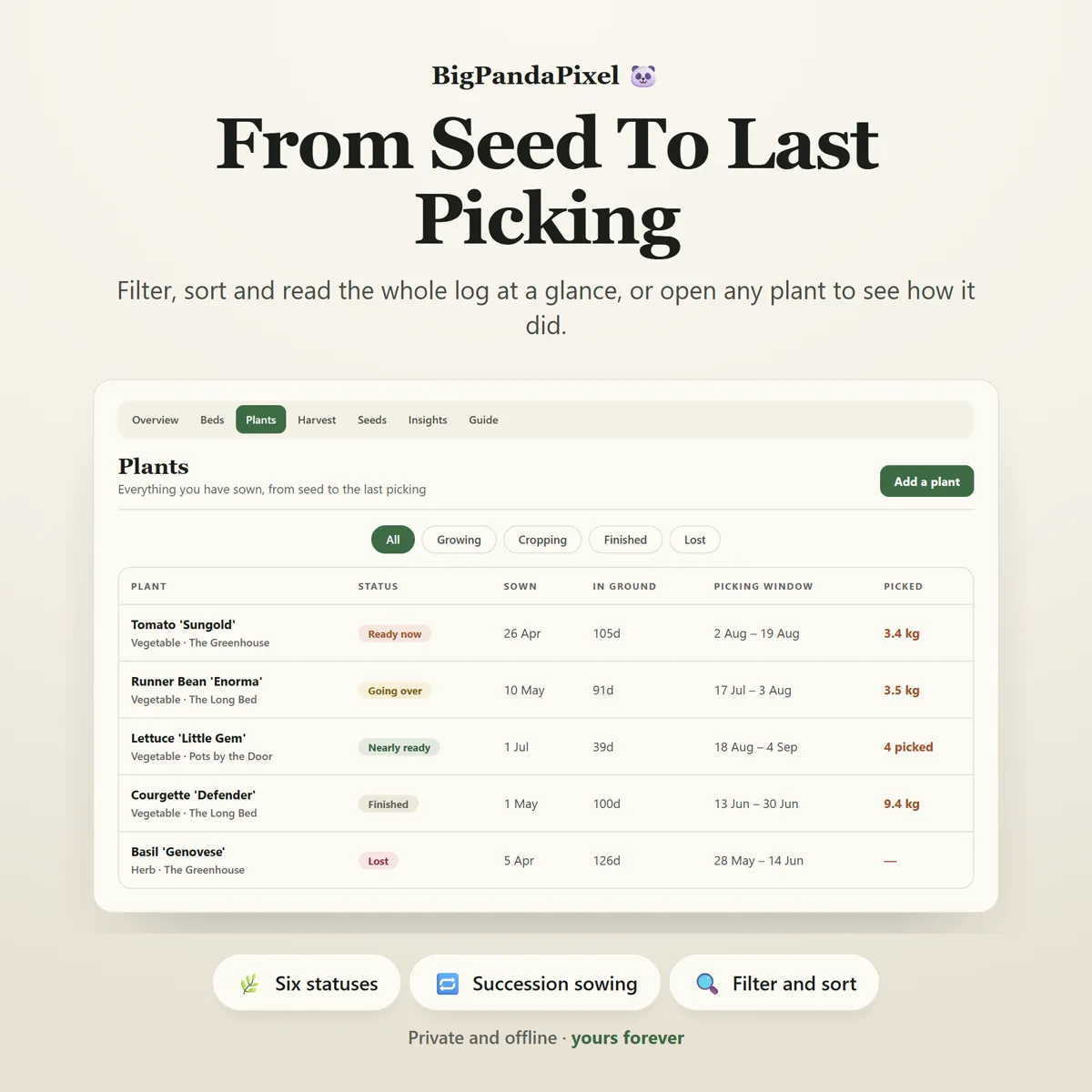
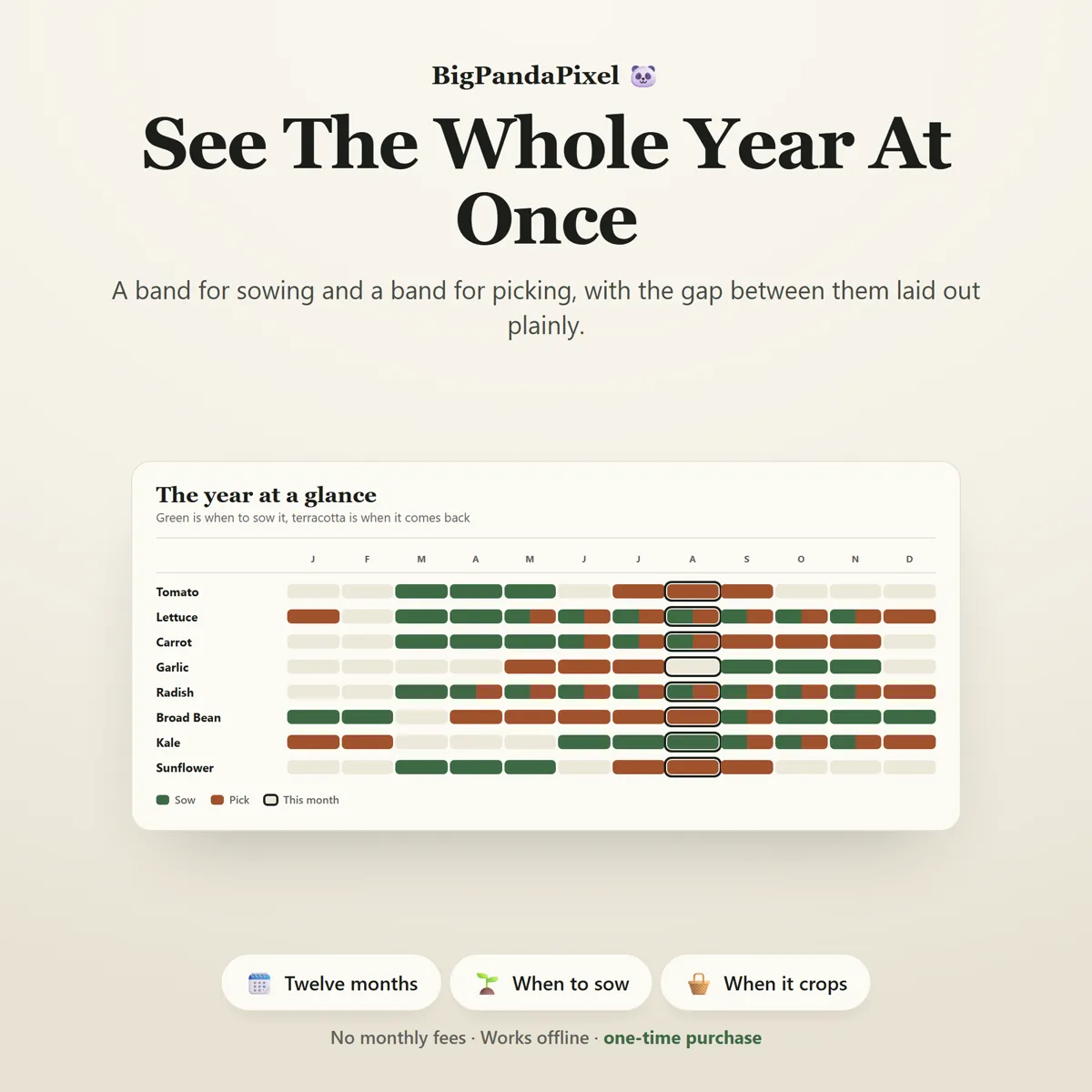
It works out when to pick
Type the day you sowed and the days-to-harvest off the packet, and the planner tells you the week to be out there with a trug. Every plant shows its own picking window, "Ready this week" collects the ones due now, and anything left past its window turns amber — because a courgette forgotten for seven days is a marrow.
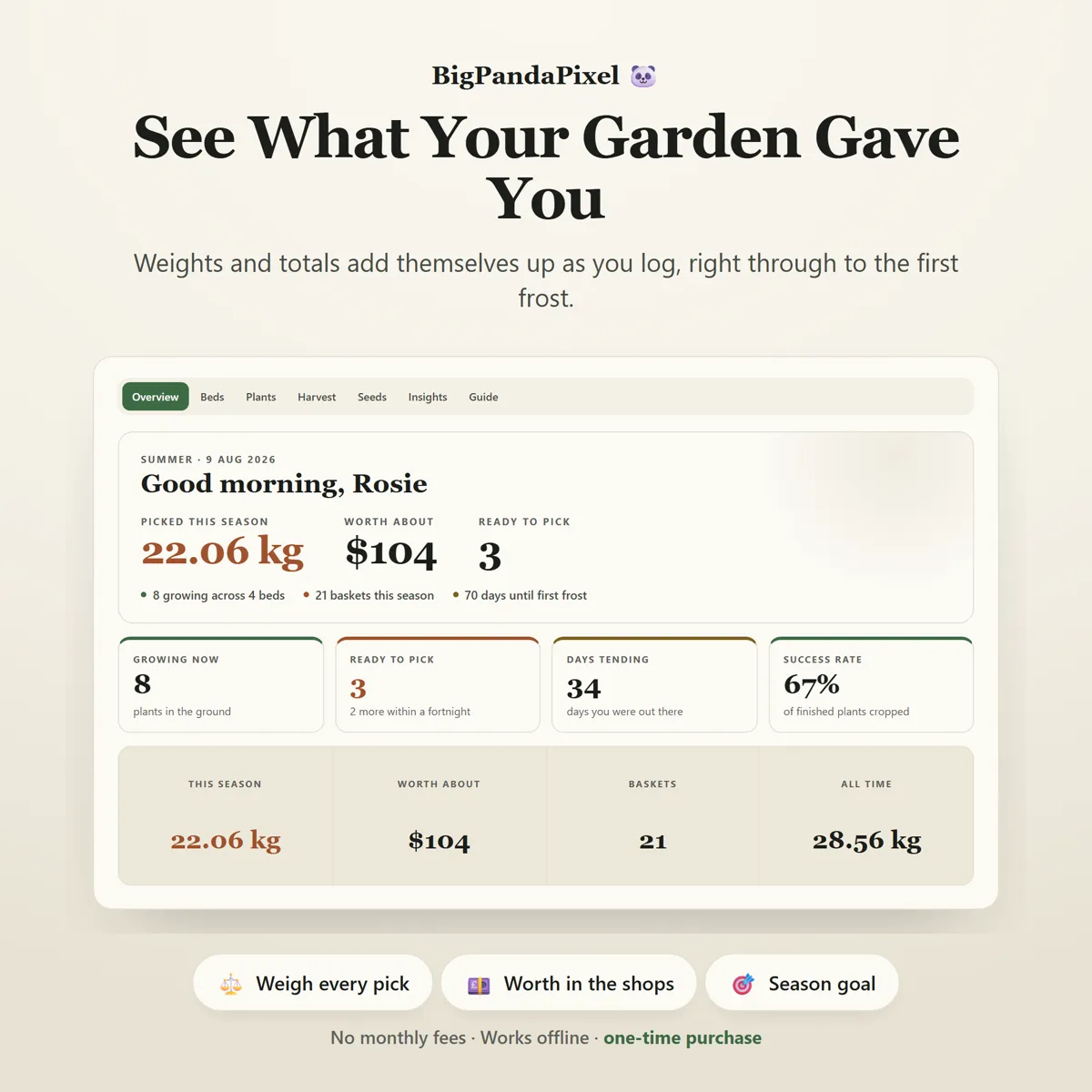
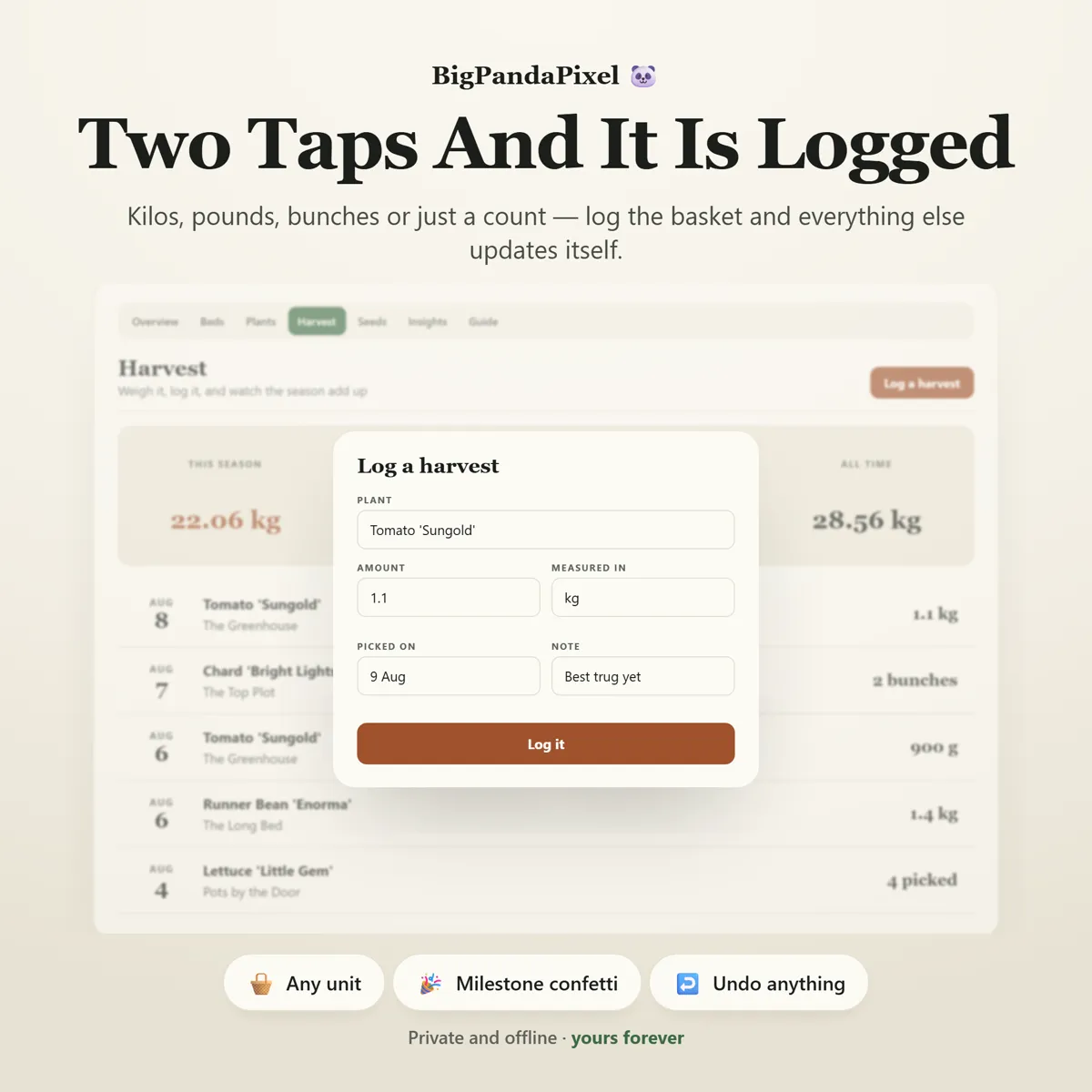
Every basket, in any unit
Kilos, grams, pounds, ounces, bunches or just a count — log it however you weighed it and the totals still add up. Everything converts to one unit underneath, so a week of 250g of beans and 3lb of tomatoes gives you an honest season figure. Bunches and counts are tallied on their own line, never fudged into invented kilos.
Sowing advice that knows your frost dates
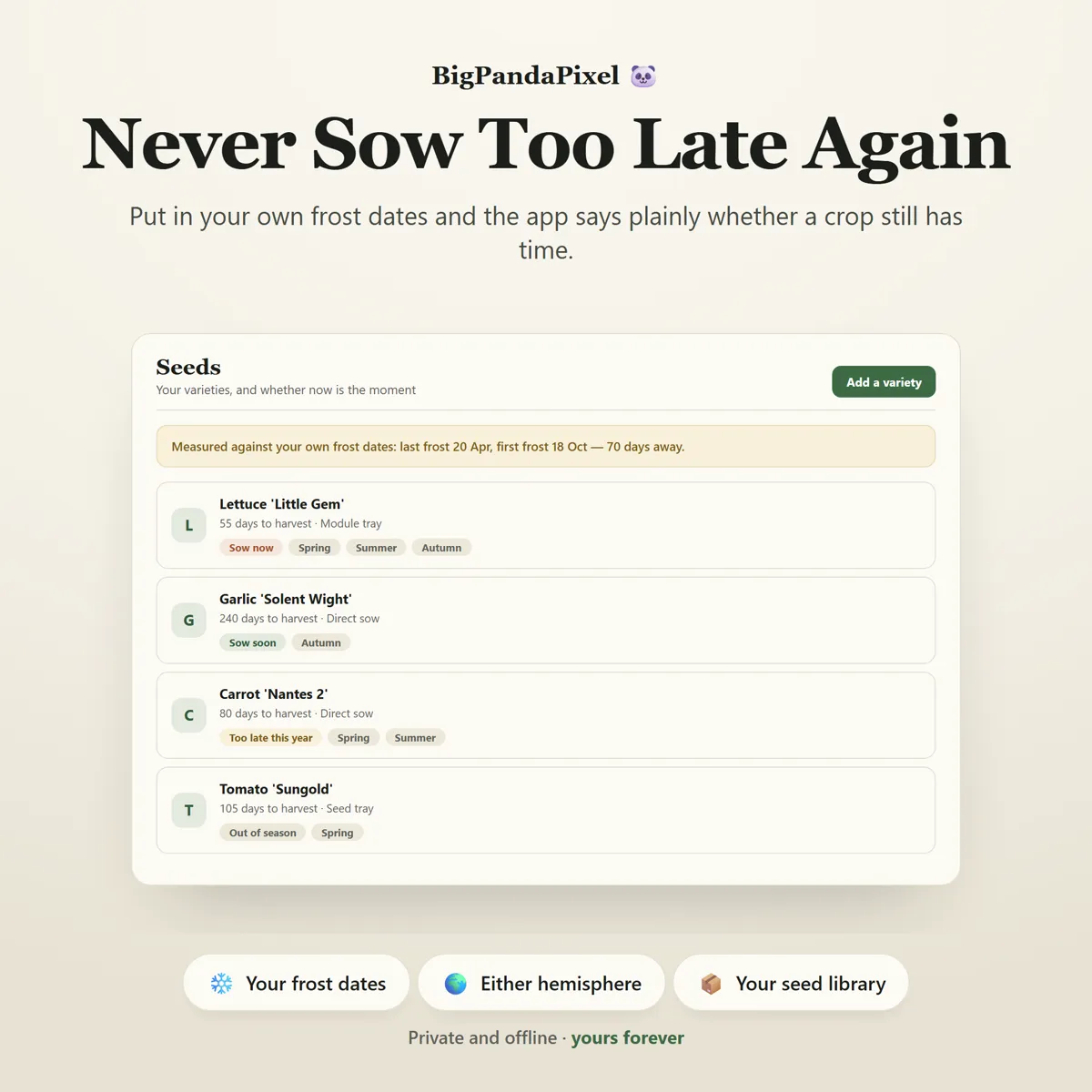
Put in your own last spring frost and first autumn frost — and the hemisphere you garden in — and every variety in your seed library gets a straight answer: sow now, sow soon, out of season, or too late this year. Not an encouraging guess. If a crop needs eighty days and you have seventy left, it says so.
Everything connects automatically
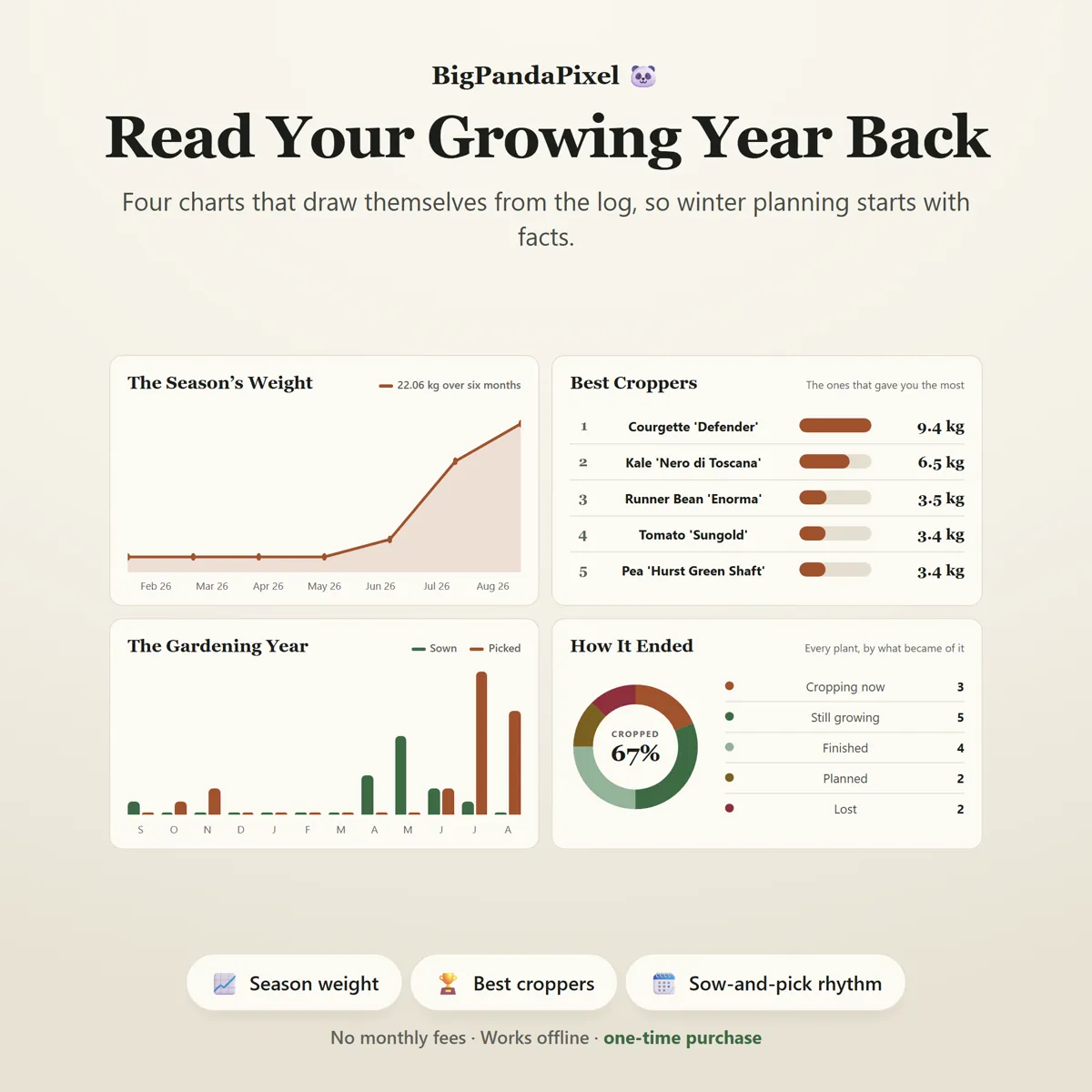
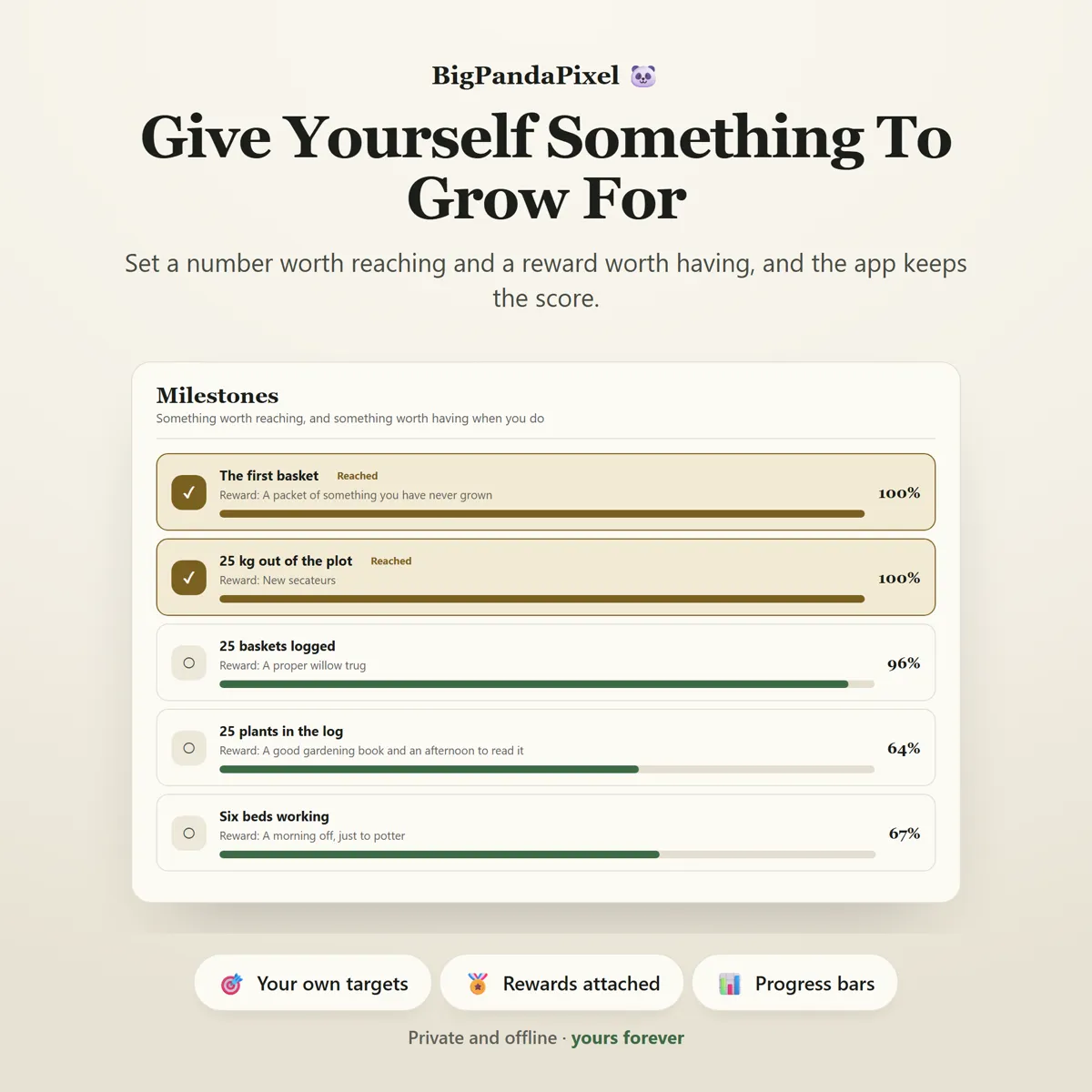
Log one basket and it flows straight into that plant's total, that bed's running yield, your season weight, what the produce was worth, all four charts and every milestone bar — no duplicate entry, no manual syncing, no formulas to repair.
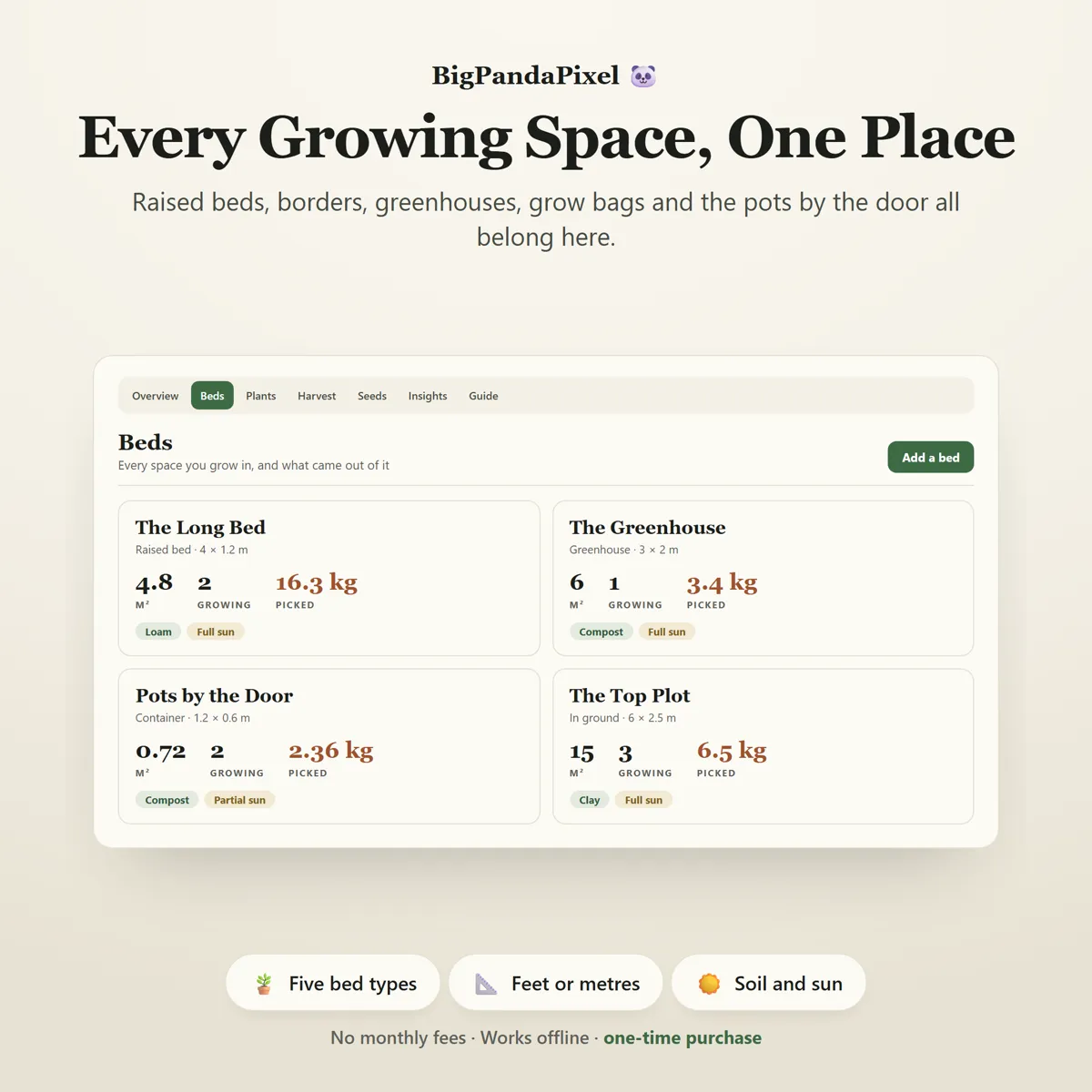
Visual, not overwhelming
Clean editorial typography, tabular figures that line up, and quiet colour doing real work: green for growing, terracotta for harvest, wheat for a milestone reached. You feel the shape of your season at a glance instead of reading a wall of cells.
Maths you can check
Nothing here is a black box
The picking window is not a guess. Sow date plus days-to-harvest gives the ready date; the window opens seven days before it and closes ten days after, because a seed packet's "60 days" is a midpoint rather than a deadline. If your tomatoes always run a fortnight behind the packet, add fourteen to the days-to-harvest and the planner agrees with your garden instead.
Weights are normalised to one unit the moment you log them and converted back only for display, which is why mixed units total correctly and why switching from kilos to pounds never rewrites a single historical figure. Bunches and counts contribute nothing to weight on purpose.
The frost countdown, the growing-season length and every sow-now verdict all come from the two dates you enter yourself — and roll to next year automatically once the first frost has passed, so a countdown read in January never goes negative.
A closer look
Every screen, as it ships
What you'll receive
One download, everything in it
- The Ultimate Garden Planner™ interactive offline app (Single HTML File)
- 8 connected garden tools that sync automatically
- Garden Overview with picking list, season totals and frost countdown
- Beds & Growing Spaces with per-bed yields
- Plant Log with predicted picking windows and succession sowing
- Harvest Log in any unit, with produce value
- Seed Library with frost-aware sowing advice
- Growing Insights with four automatic charts
- Milestones & Rewards
- Flexible Settings (units · hemisphere · frost dates · goals · currency)
- Local backup and restore system
- Six colour themes and four text sizes
One-time payment
Get it on Etsy- Instant download after purchase
- No account and no subscription
- Works offline on any modern browser
- Windows, macOS, Linux, Chromebook, iPad, Android
Checkout is handled by Etsy. Your payment details never come to us.
Who it's for
You'll recognise yourself in at least one of these
Home vegetable growers of every kind
Allotment holders and community gardeners
Container and balcony gardeners
Greenhouse and polytunnel growers
Anyone growing from seed for the first time
Anyone who has ever sown two courgette plants and regretted it
Anyone who wants a real record instead of a shoebox of seed packets
Gardeners who plan next year in January
Homesteaders and grow-your-own households
Getting started
From payment to using it, in about two minutes
Buy and download
Purchase and download instantly.
Unzip the folder
Unzip the folder and open the file in Chrome, Edge, Safari, or Firefox.
Open the file
Add a bed, log what is already in the ground, and your picking windows appear immediately.
Start using it
No installation.
Please read before buying
The honest small print
- This is a digital download. No physical product will be shipped.
- Instant download after purchase.
- Works completely offline after downloading.
- This is an HTML browser-based planner — not a mobile app, Excel/Google Sheets file, or Notion template.
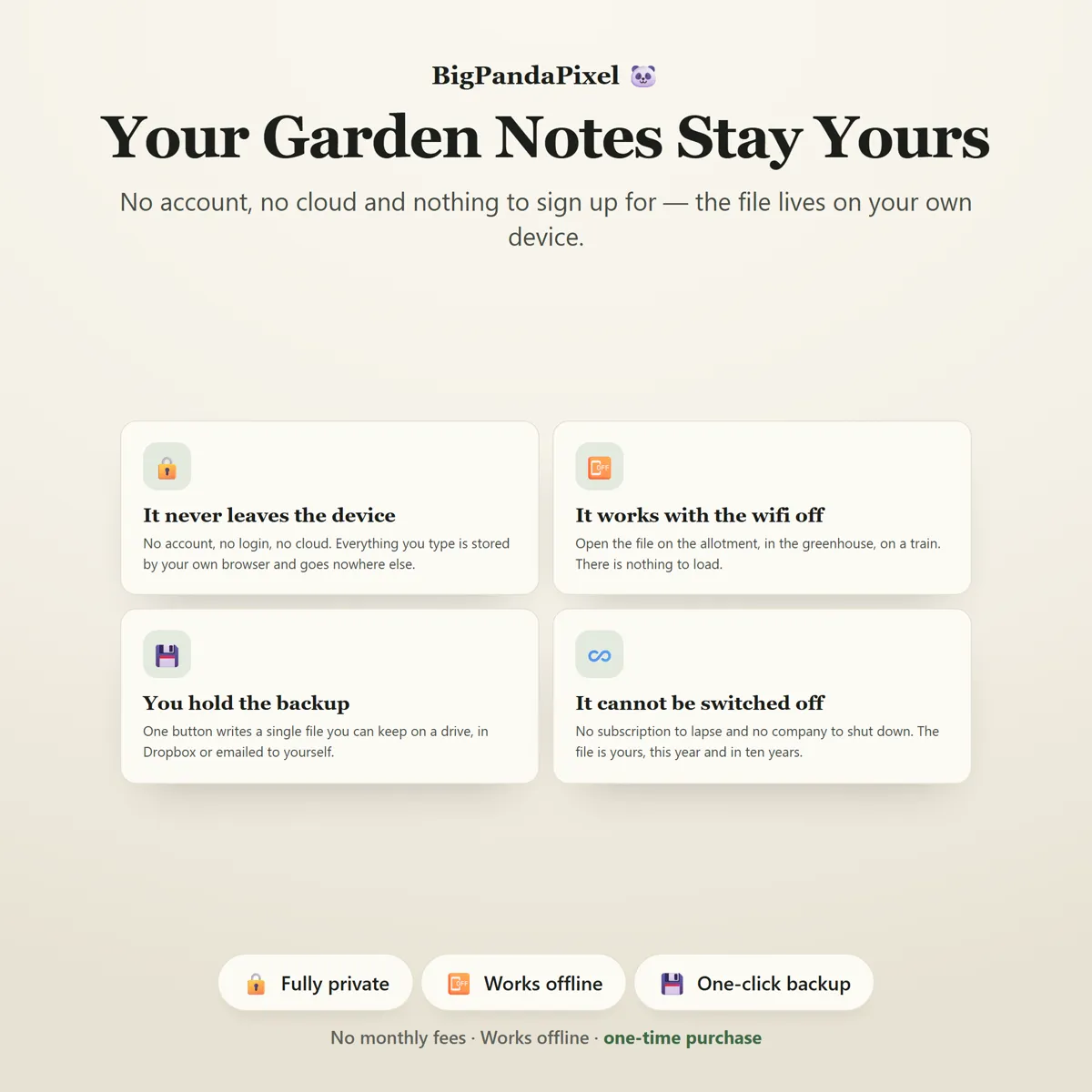
- Your garden log is automatically saved locally in your browser. Clearing browser data, using private/incognito mode, or switching browsers or devices may remove it — so export a backup anytime to keep your data safe or move it between devices.
- Because there is no cloud account, your garden does not sync between devices automatically. Use the built-in export and import to move it.
- Compatible with all modern browsers.
- Picking windows, frost dates and sowing verdicts are estimates worked out from the figures you enter, not horticultural advice. Real growing depends on your weather, your soil, your aspect, the variety and the season — treat every date the planner gives you as a prompt to go and look, not an instruction.
- Because this is a digital product, all sales are final. See the refund policy.
Questions
Asked before buying
What exactly is in the download?
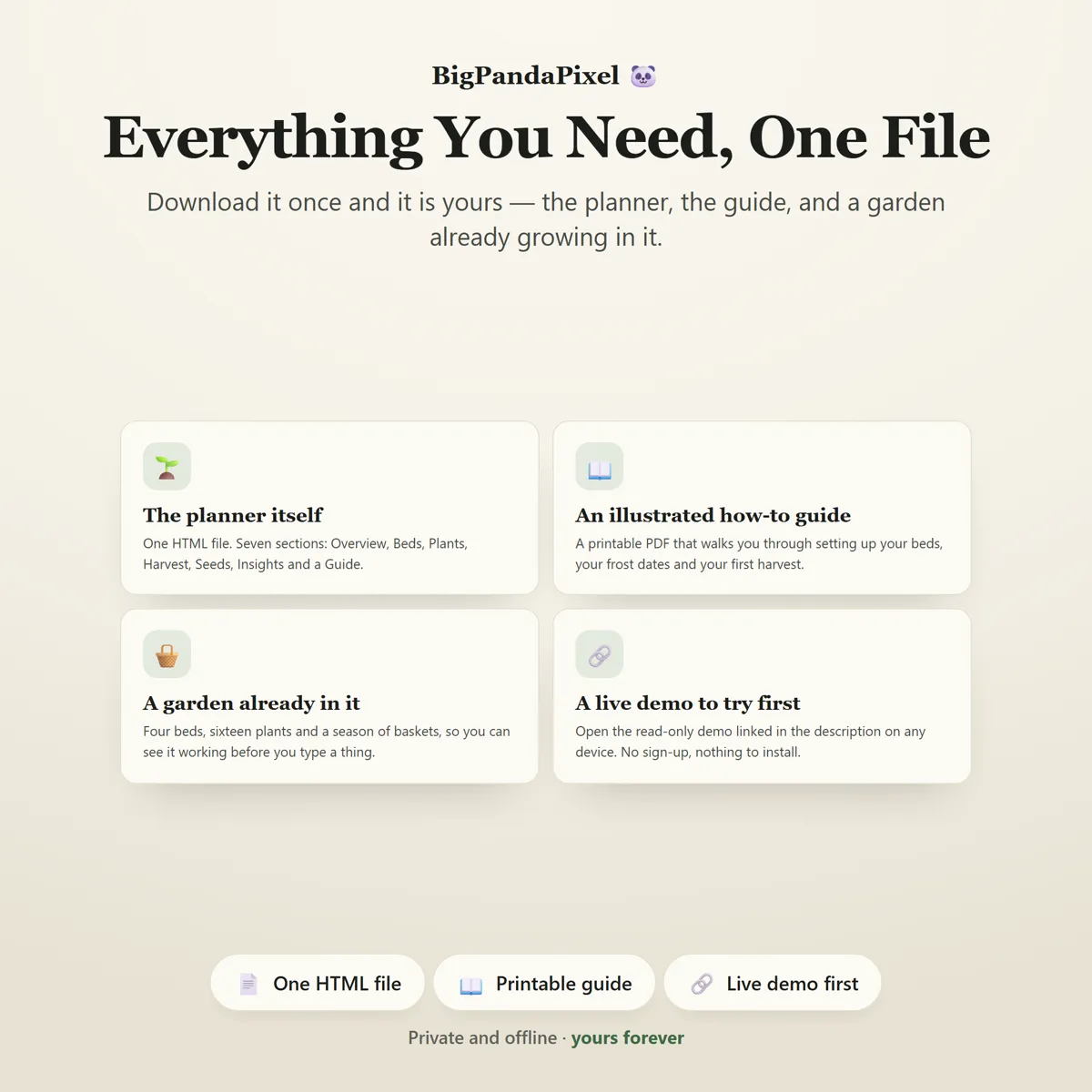
A zip folder containing one HTML file — the whole The Ultimate Garden Planner — and illustrated step-by-step guide (10-page PDF). Nothing to install.
Does it work on my phone or iPad?
Yes. Every screen is responsive. On iPad and Android the simplest route is to save the file to your device's Files app and open it from there.
Will you see anything I put into it?
No, and we could not if we wanted to. The file makes no network requests — there is no server for it to talk to. Everything you type is stored by your own browser on your own device.
Is this a subscription?
No. It is a one-time purchase of a file you keep. There is no account, no renewal and no way for it to stop working — The Ultimate Garden Planner runs entirely offline.
One file8 screensNothing leaves your device
Next year, start from a record.
Not from a seed packet photo and a good-faith guess about what worked.
Instant download · No account · Works offline · One-time payment