Work From Home Planner 6 screens One file
A full calendar, an empty task list, and no idea where the hours went.
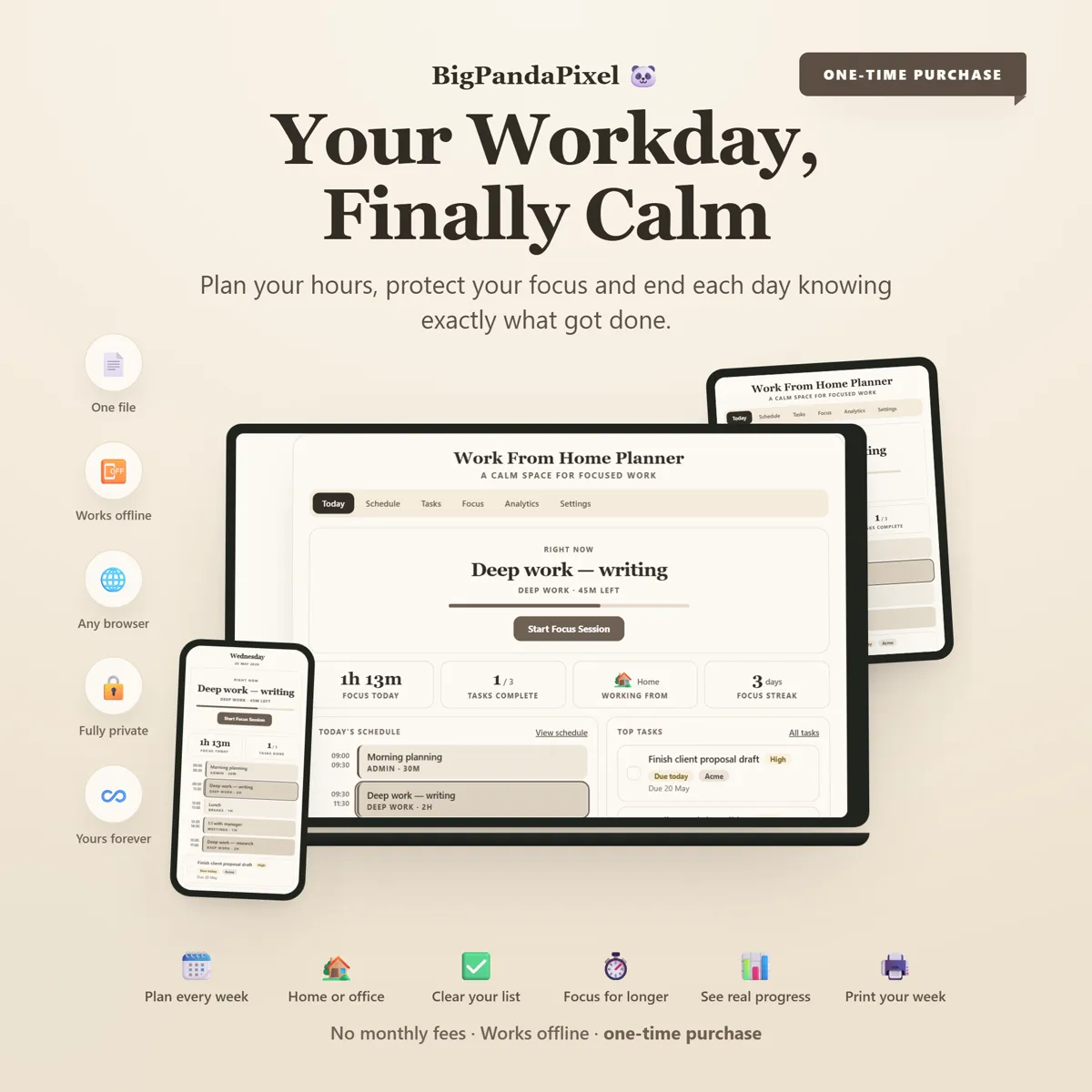
A time-blocked week that knows which days are home and which are office, a Pomodoro timer that does not nag, and analytics gentle enough that you actually look at them. It opens in your browser and works with the wifi off.
Instant download · No account · Works offline · One-time payment
Remote work did not remove the commute. It removed the edges of the day.
Unlike a work calendar your whole company can see, or a productivity app that emails you about a broken streak, this one is yours. Everything is visual, automatic, and stored on your own device.
Whether you are at the same desk five days a week or juggling two office days, a school run and a client call that always overruns, the week is planned in blocks you can actually defend.
What's inside
Three connected screens
A week you build once and adjust, rather than rebuild every Monday. Everything below is connected — move a block and the day, the week and the focus figures all follow.
The parts people buy it for
What it actually does for you
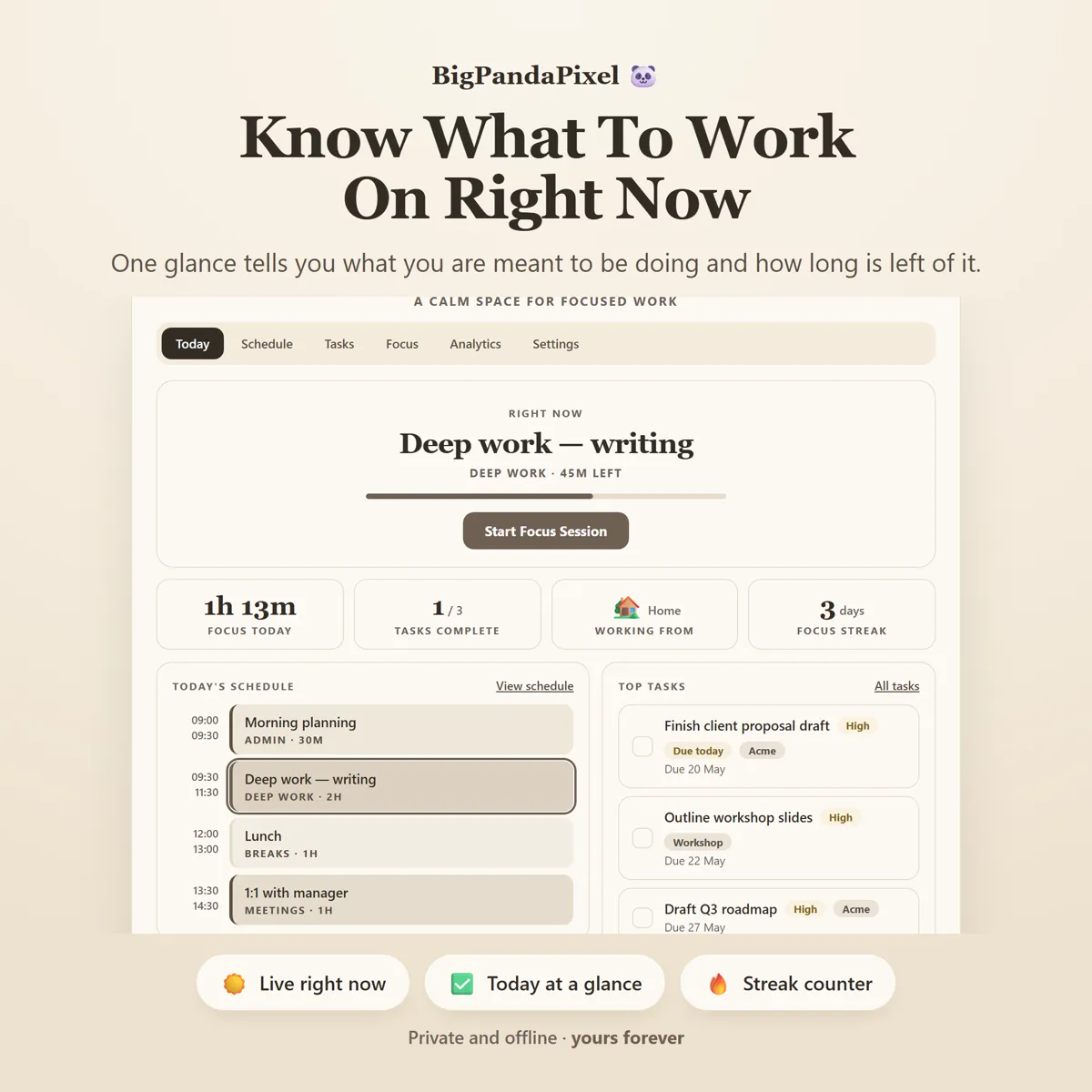
It tells you what you are meant to be doing
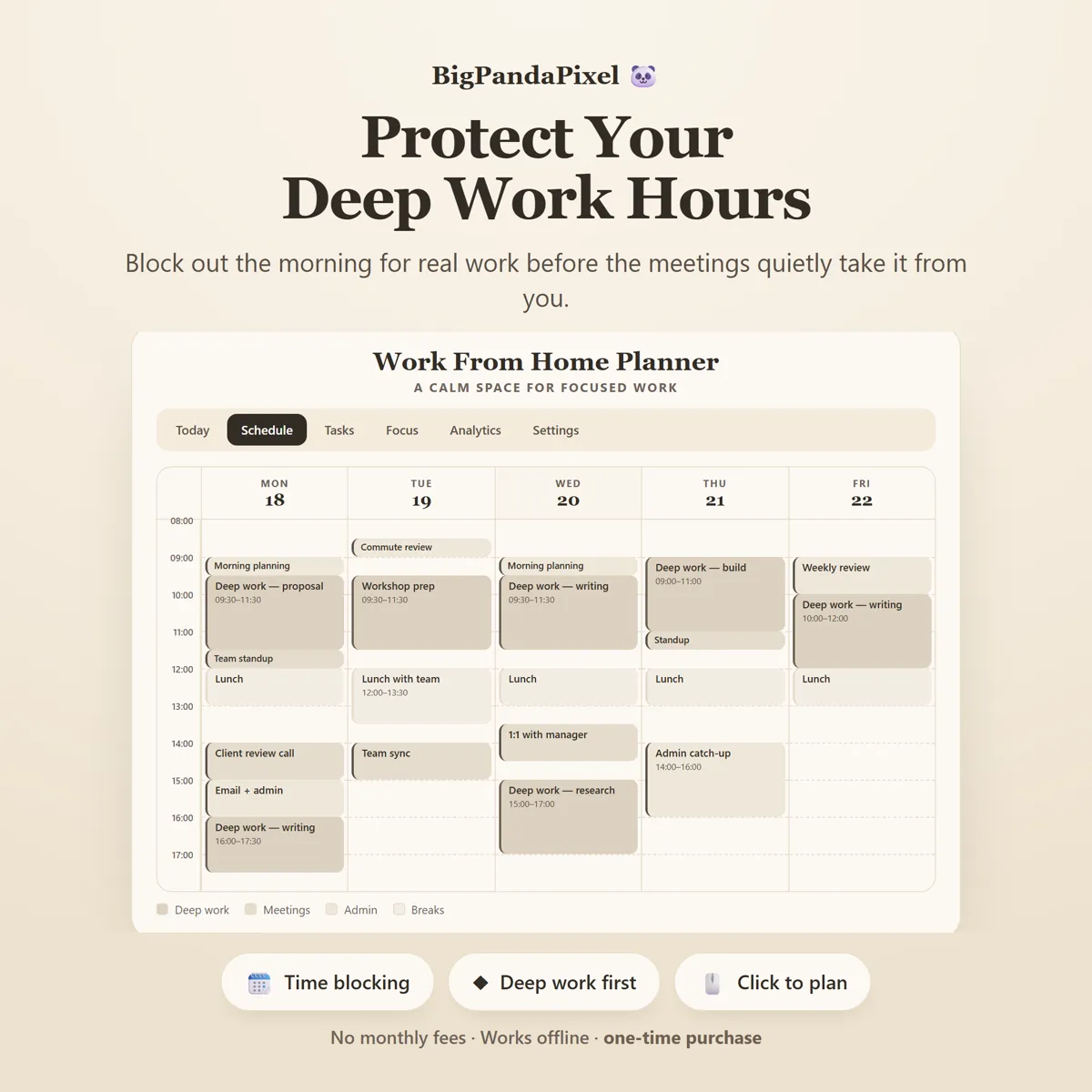
The Right Now card reads your own schedule against the clock and shows the block you are inside, with the minutes left in it. Between blocks it shows what is next. On a day with nothing planned it says so, rather than inventing something to make the screen look busy. ▦ DEEP WORK YOU ACTUALLY PROTECT Block out the morning before the meetings quietly take it. Every block is deep work, a meeting, admin or a break, drawn as a real length on a real grid — so a two-hour writing block looks like two hours and a stack of half-hour calls looks like the day it will cost you.
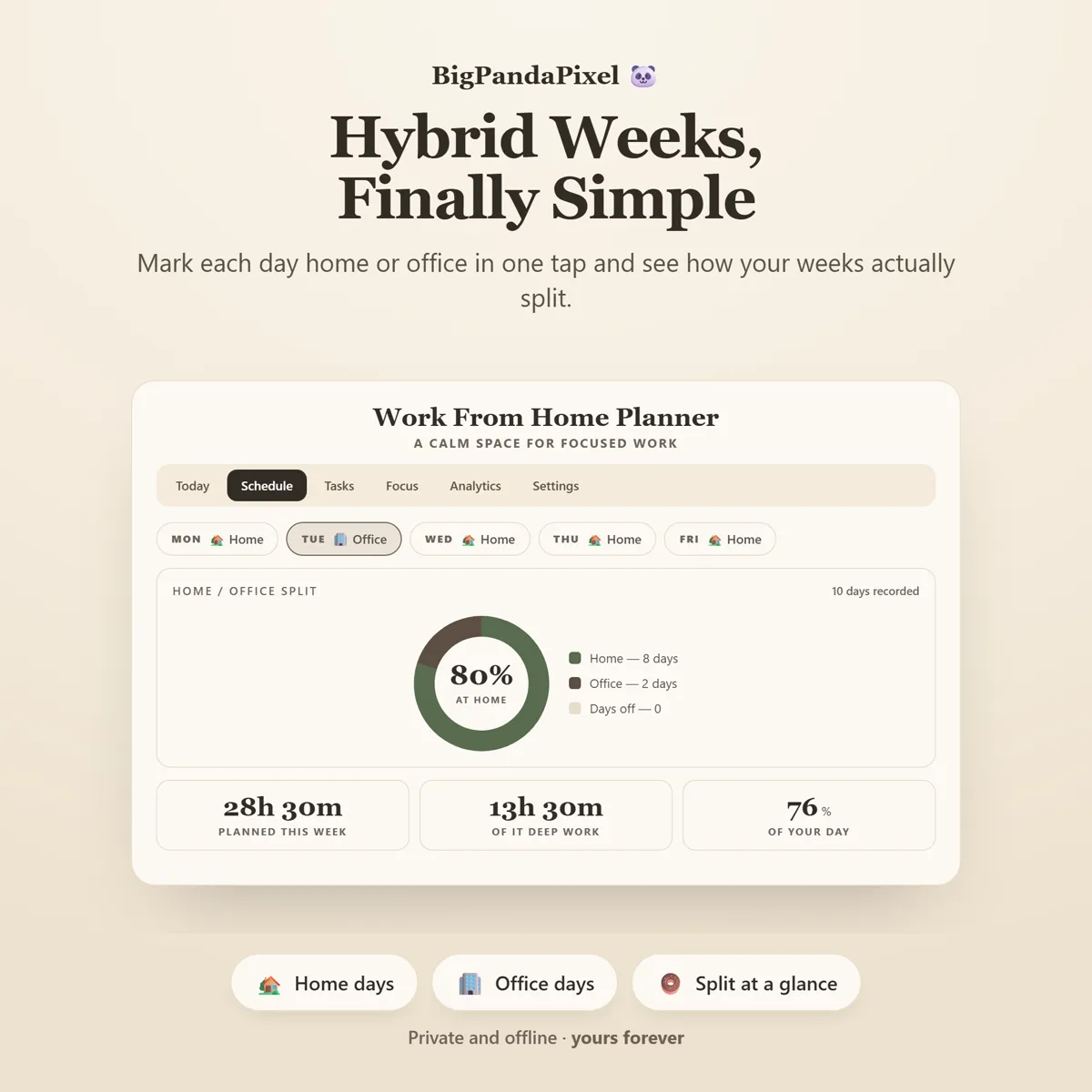
Hybrid weeks that finally make sense
One tap cycles each day through Home, Office and Day off. Two clicks a week and you have the actual ratio you are working — which is a far better thing to bring to a conversation about hybrid days than a feeling.
Everything connects automatically
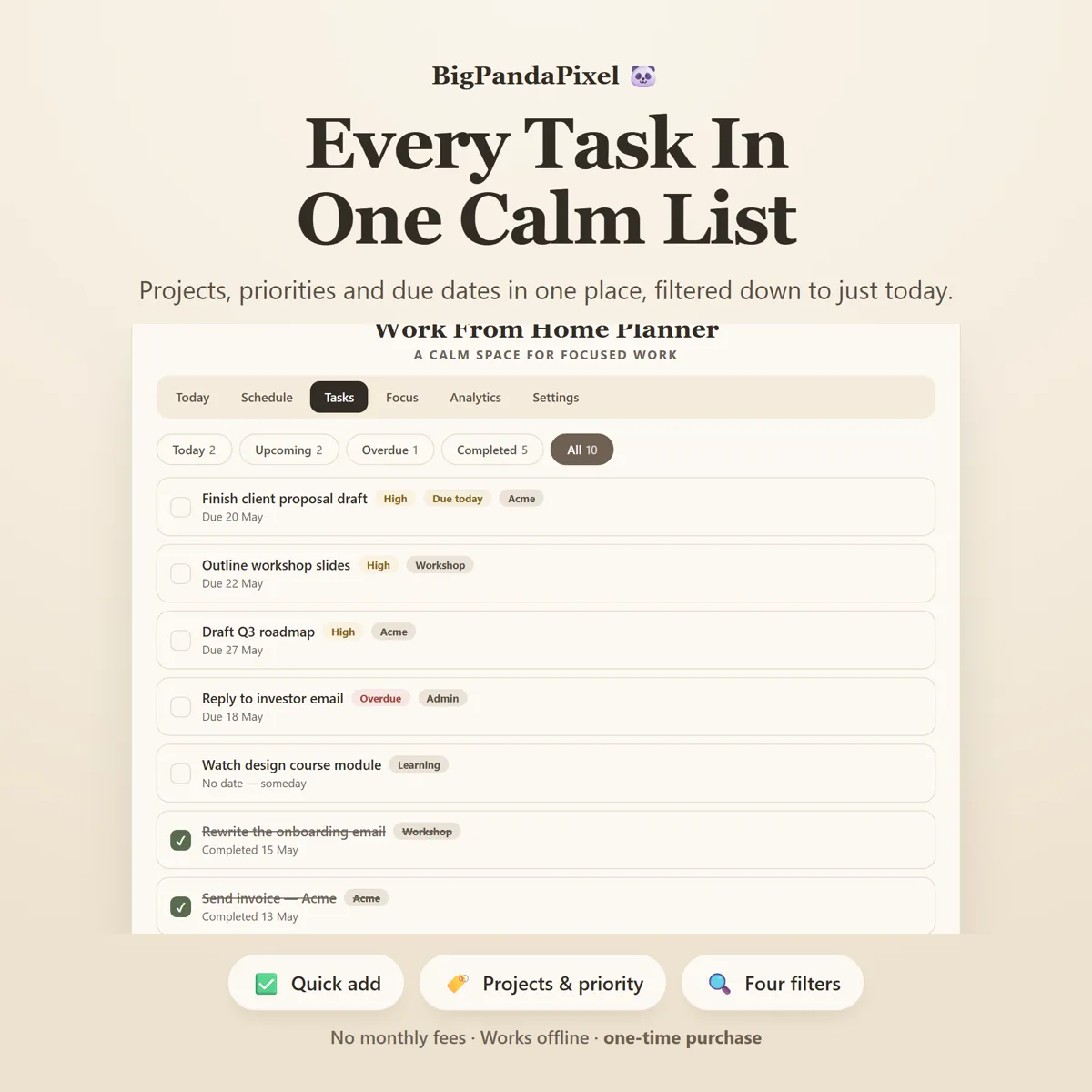
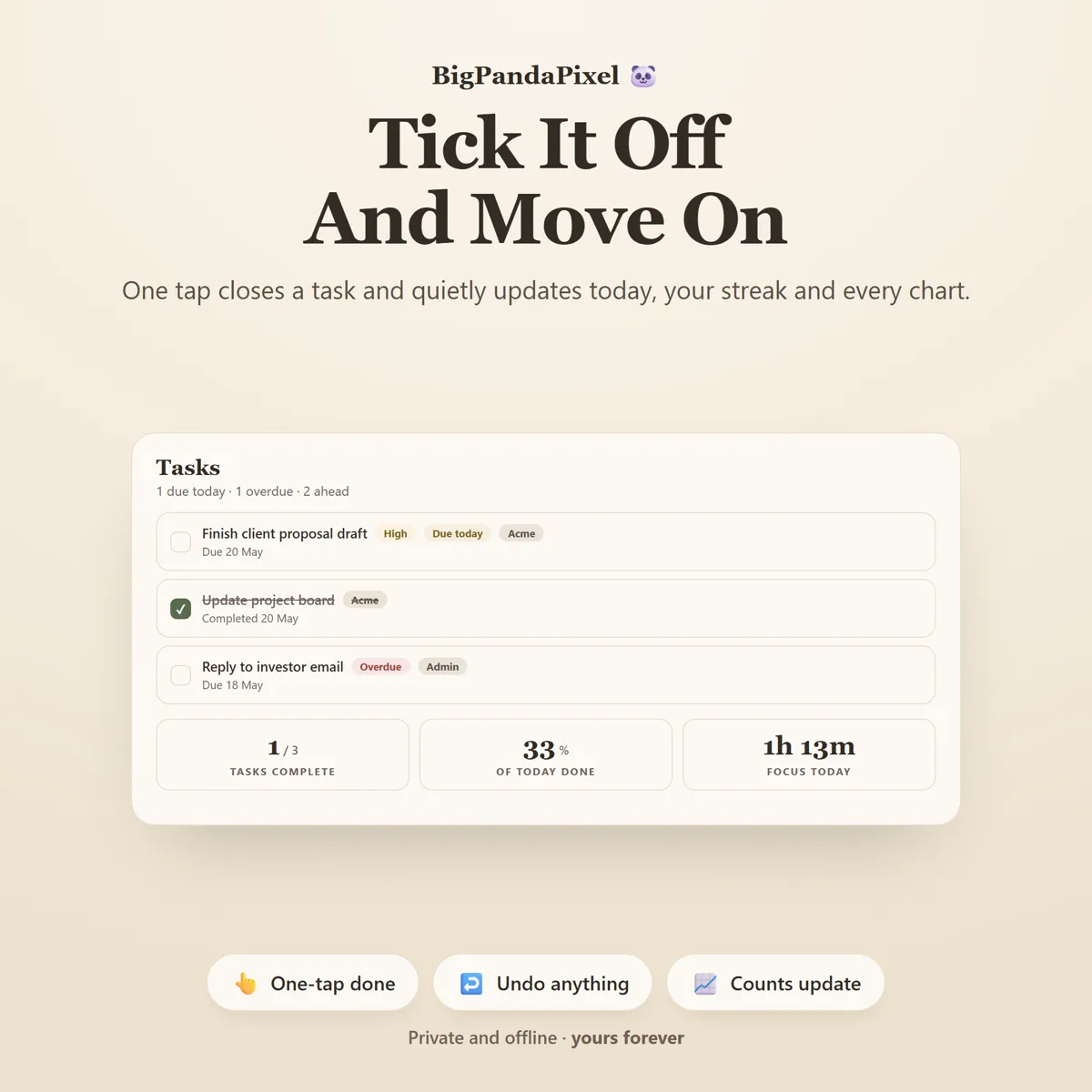
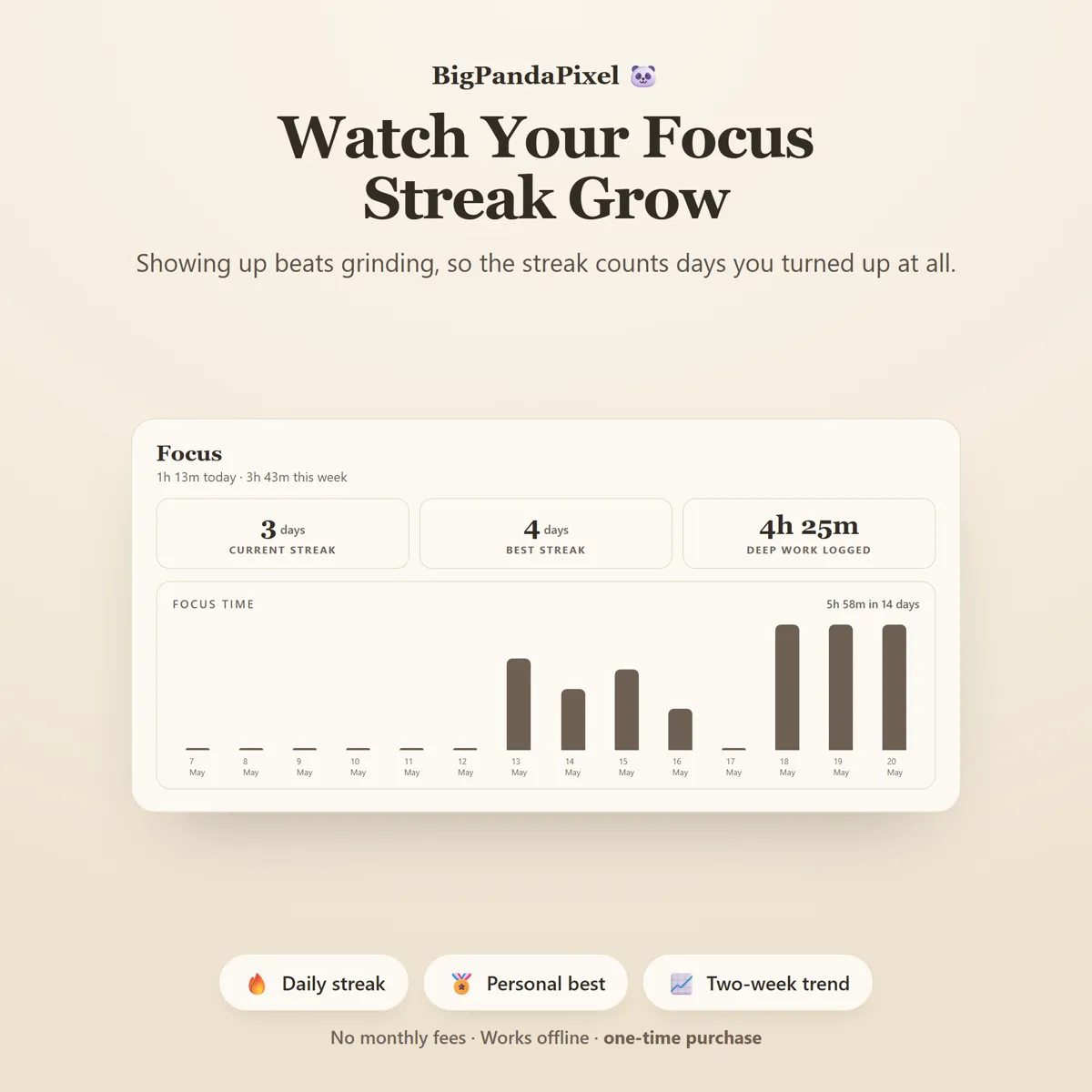
Finish a focus session or tick one task and it flows straight into today's counters, your streak, the four charts and the home/office split — no duplicate entry, no manual syncing, no formulas to repair.
Visual, not overwhelming
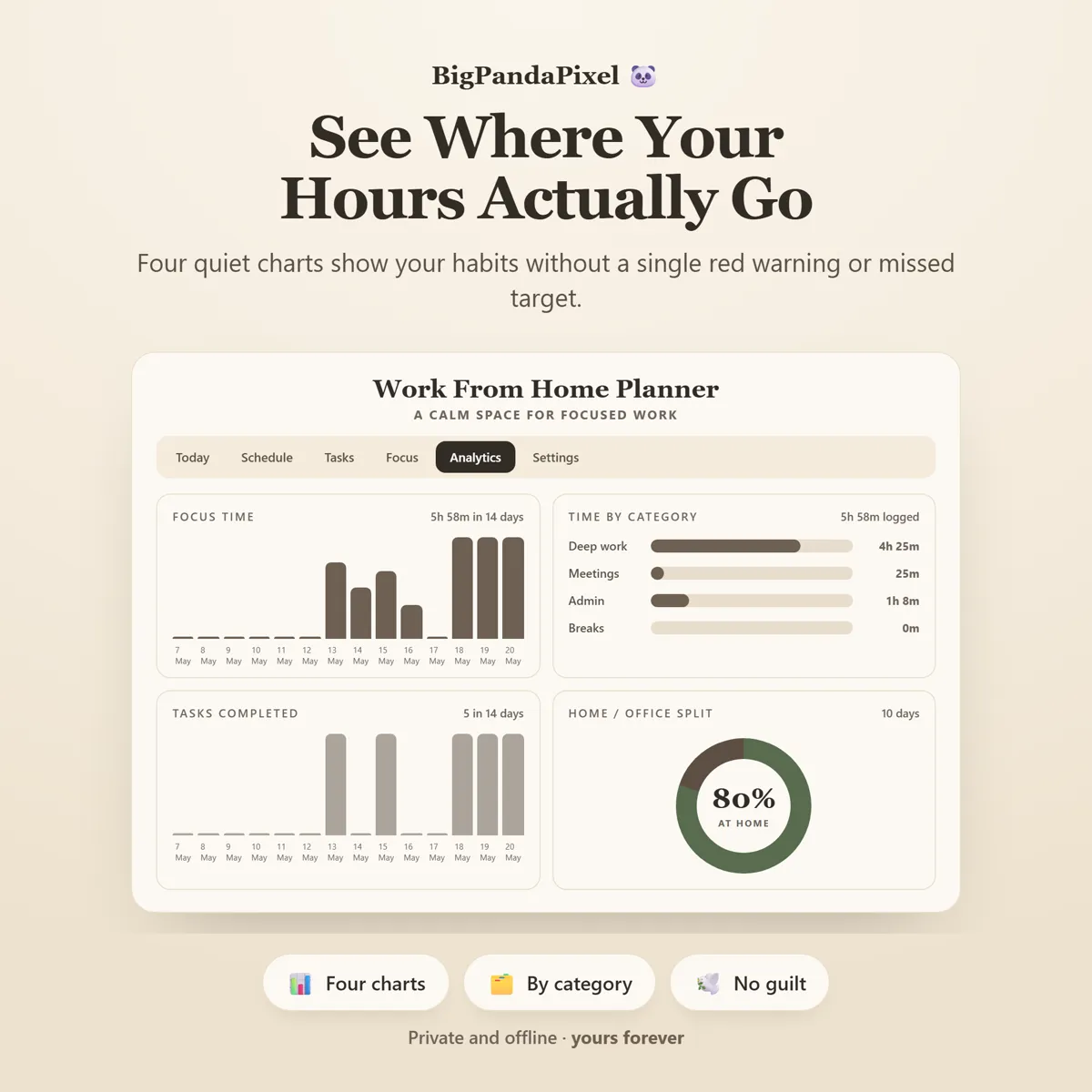
Clean editorial typography, four tonal category blocks instead of four shouting colours, and gentle charts with no targets and no red warnings anywhere. You feel the shape of your week at a glance instead of being told off by a spreadsheet.
How it keeps up
Nothing here is a black box
Work From Home Planner keeps your whole workspace in sync for you. Plan a block, tick a task, or finish one focus session, and your Right Now card, today's counters, your streak, every chart and the home/office ring update instantly — a complete picture of your working week without any extra work.
A closer look
Every screen, as it ships
What you'll receive
One download, everything in it
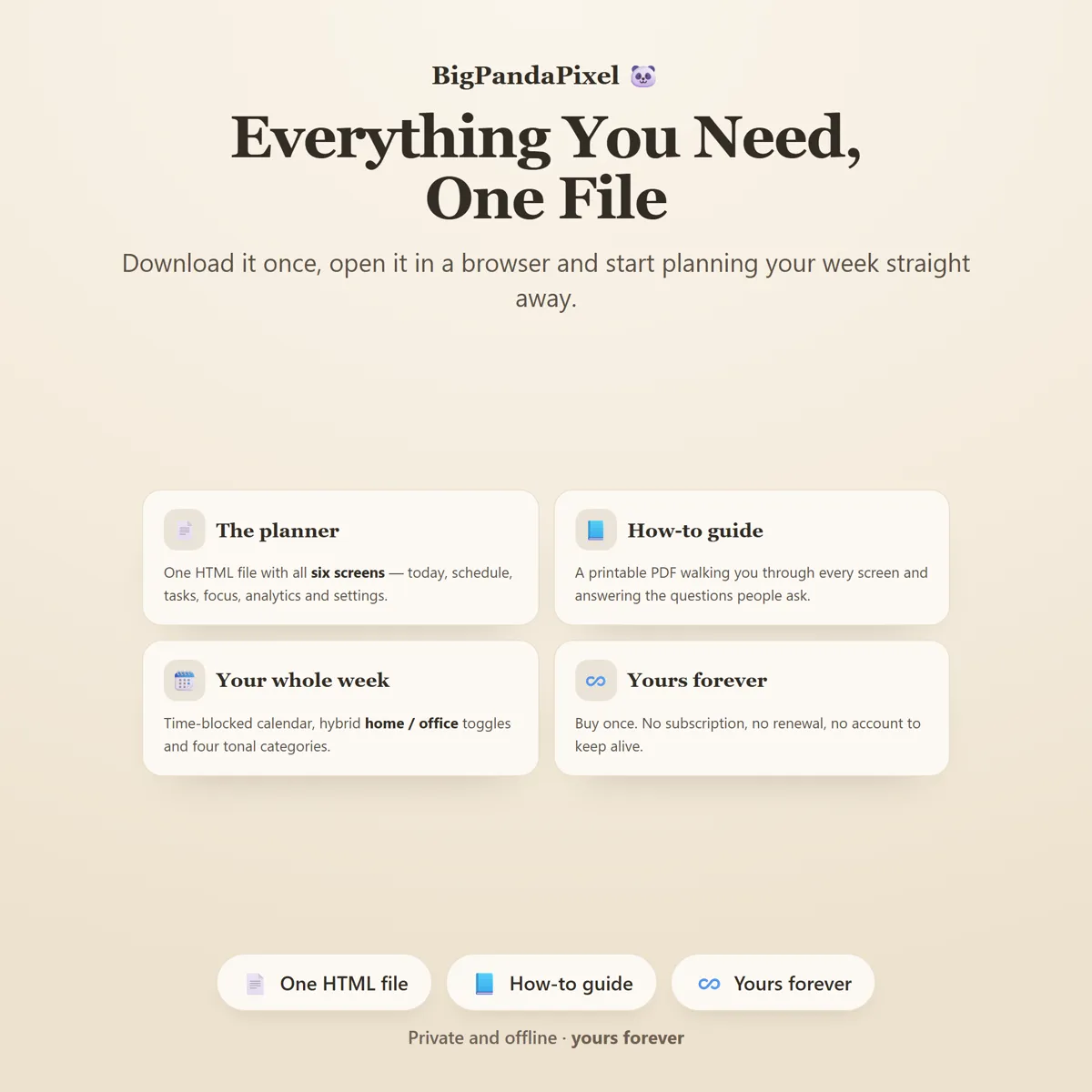
- Work From Home Planner™ interactive offline app (Single HTML File)
- 6 connected workday tools that sync automatically
- Today Dashboard with Right Now, focus, tasks and streak
- Weekly Schedule with time blocking and hybrid toggles
- Task Manager with projects, priorities and five filters
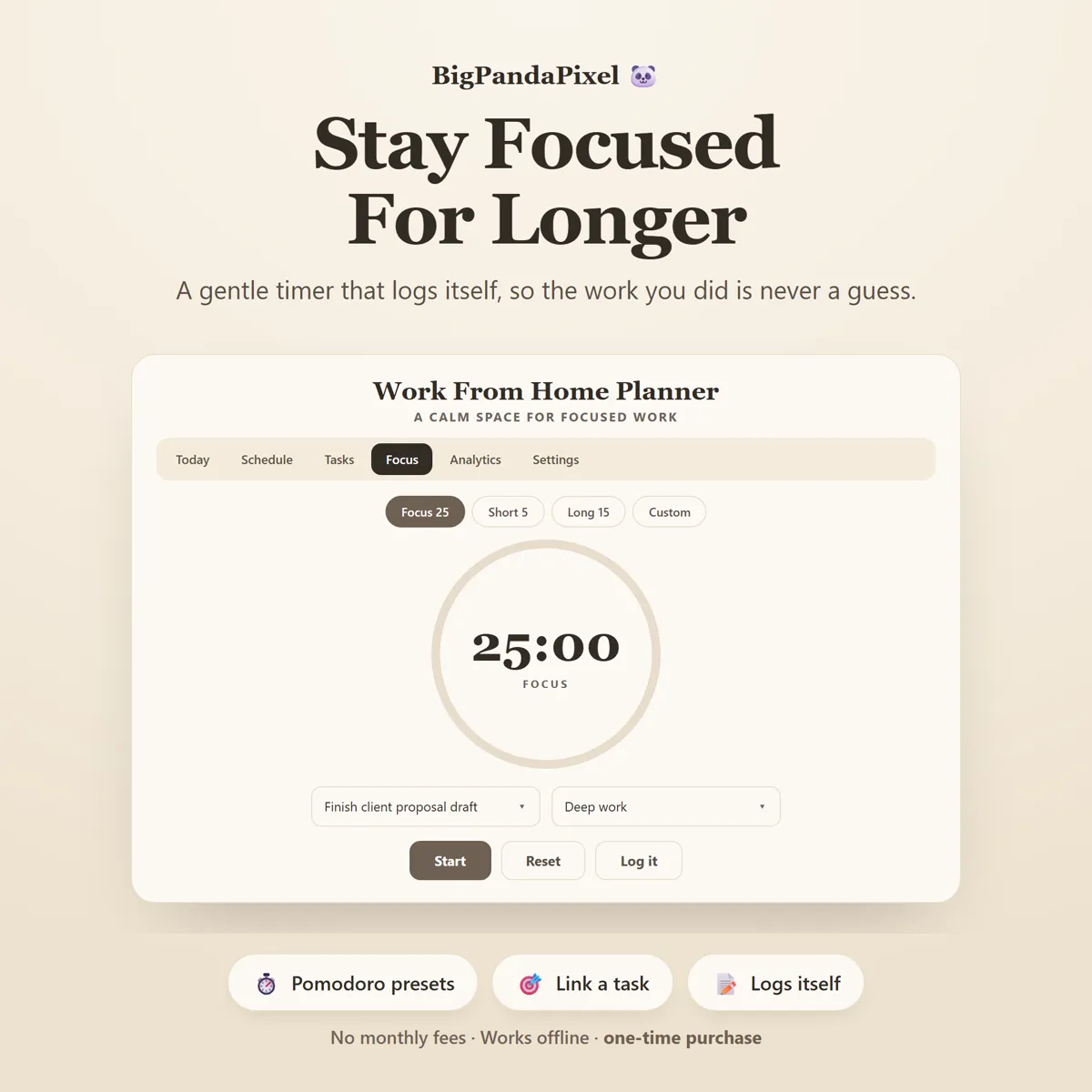
- Focus Timer with Pomodoro presets and automatic logging
- Analytics with four gentle charts over 14 / 30 / 90 days
- Flexible Settings (work hours · usual location · timer lengths)
- Local backup & restore system
- Six colour themes and four text sizes
- Illustrated step-by-step guide (8-page PDF)
One-time payment
Get it on Etsy- Instant download after purchase
- No account and no subscription
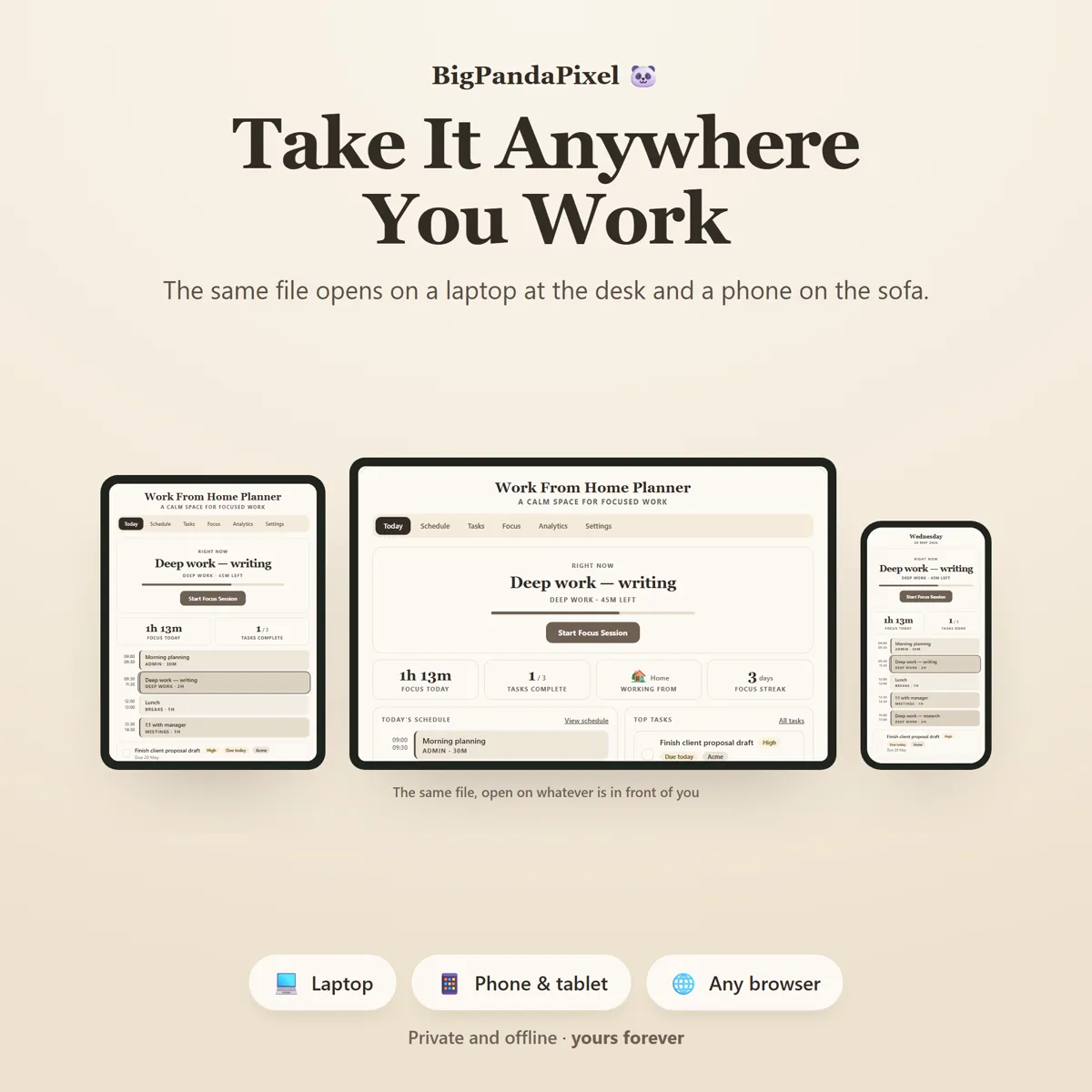
- Works offline on any modern browser
- Windows, macOS, Linux, Chromebook, iPad, Android
Checkout is handled by Etsy. Your payment details never come to us.
Who it's for
You'll recognise yourself in at least one of these
Remote workers and fully distributed teams
Hybrid employees splitting the week between home and office
Freelancers and consultants billing their own time
Founders and solo business owners
Designers, developers and writers who need long unbroken hours
Anyone whose calendar is full but whose deep work never happens
Students studying from home
Parents fitting work around a school run
Anyone rebuilding a routine after going remote
Getting started
From payment to using it, in about two minutes
Buy and download
Purchase and download instantly.
Unzip the folder
Unzip the folder and open the file in Chrome, Edge, Safari, or Firefox.
Open the file
Set the hours you work, mark this week home or office, and block out tomorrow morning — your day appears immediately.
Start using it
No installation.
Please read before buying
The honest small print
- This is a digital download. No physical product will be shipped.
- Instant download after purchase.
- Works completely offline after downloading.
- This is an HTML browser-based planner — not a mobile app, Excel/Google Sheets file, or Notion template.
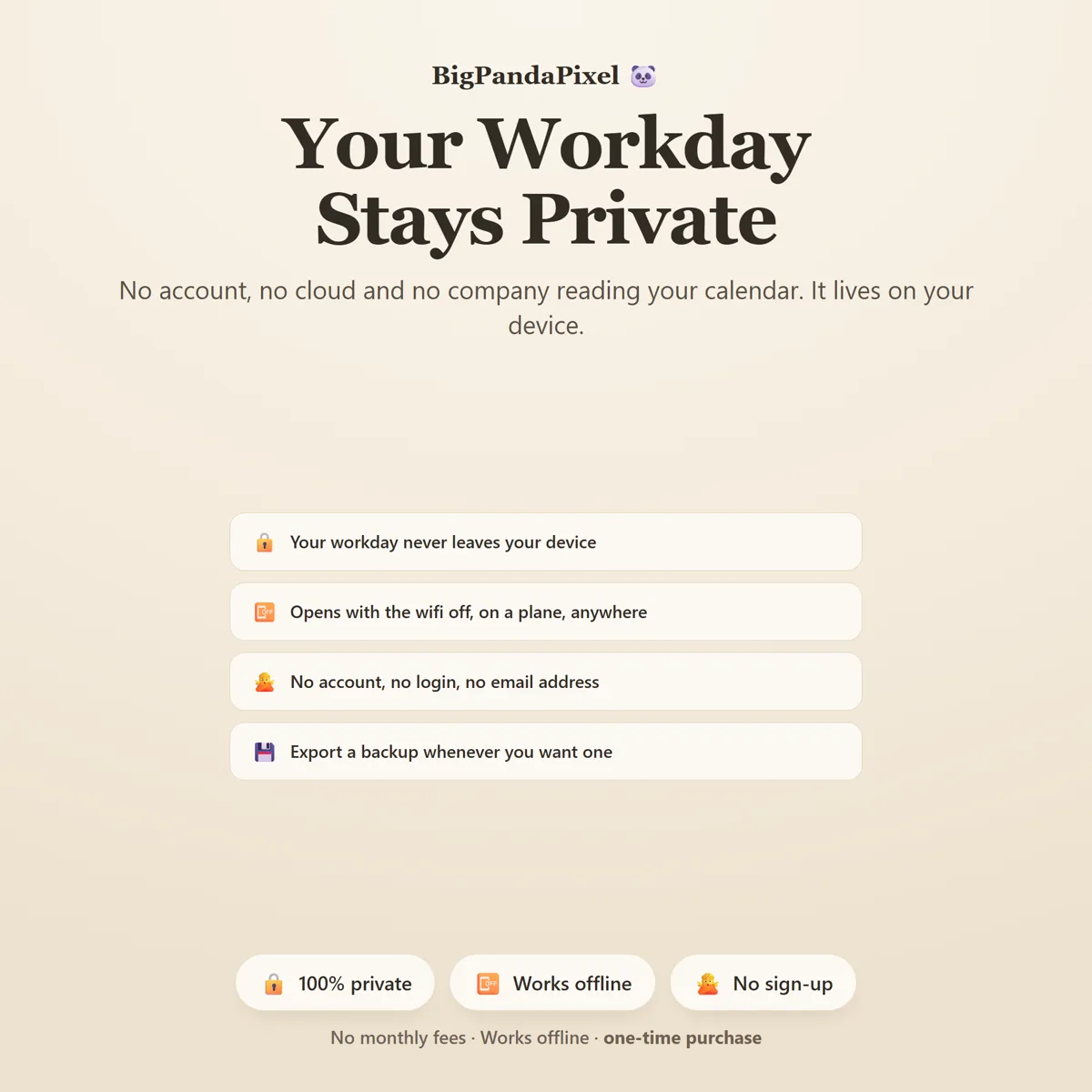
- Your work is automatically saved locally in your browser. Clearing browser data, using private/incognito mode, or switching browsers or devices may remove it — so export a backup anytime to keep your data safe or move it between devices.
- Because there is no cloud account, your schedule does not sync between devices automatically, and it does not connect to Google Calendar, Outlook or any other calendar. Use the built-in export and import to move it.
- The focus timer runs while the planner is open in a browser tab. It does not send desktop notifications or run in the background when the tab is closed.
- Compatible with all modern browsers.
- Because this is a digital product, all sales are final. See the refund policy.
Questions
Asked before buying
What exactly is in the download?
A zip folder containing one HTML file — the whole Work From Home Planner — and illustrated step-by-step guide (8-page PDF). Nothing to install.
Does it work on my phone or iPad?
Yes. Every screen is responsive. On iPad and Android the simplest route is to save the file to your device's Files app and open it from there.
Will you see anything I put into it?
No, and we could not if we wanted to. The file makes no network requests — there is no server for it to talk to. Everything you type is stored by your own browser on your own device.
Is this a subscription?
No. It is a one-time purchase of a file you keep. There is no account, no renewal and no way for it to stop working — Work From Home Planner runs entirely offline.
One file6 screensNothing leaves your device
Give the day edges again.
Blocks you set, a timer that stays out of the way, and an honest picture of where the hours actually went.
Instant download · No account · Works offline · One-time payment