Homeschool Planner 6 screens One file
One printable per child is why the second child falls behind.
One dashboard for the whole family instead: every child, every subject, every lesson, and a single weekly grid you build once and copy forward.
Instant download · No account · Works offline · One-time payment
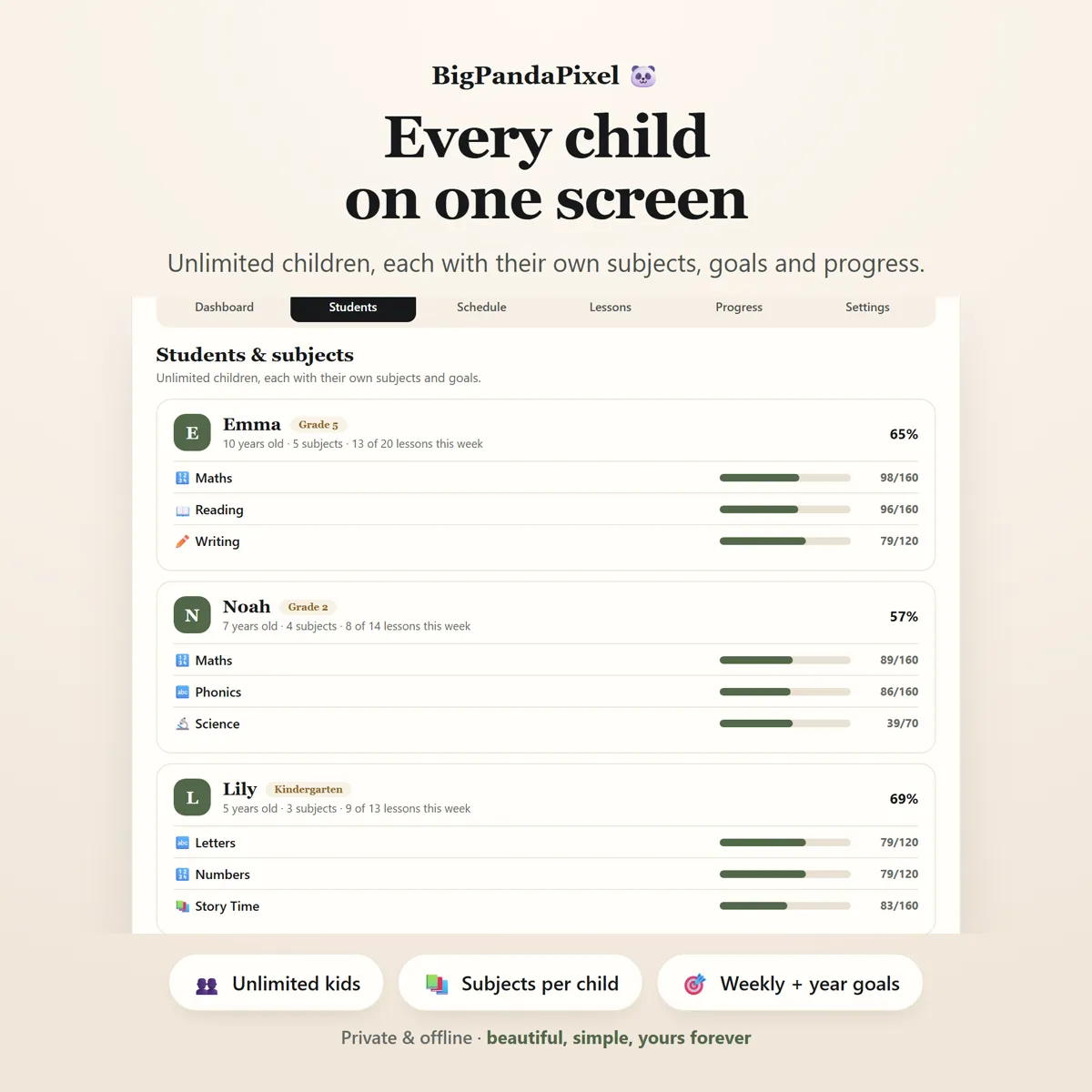
The second child does not fall behind because you planned badly. They fall behind because they were on a separate sheet of paper.
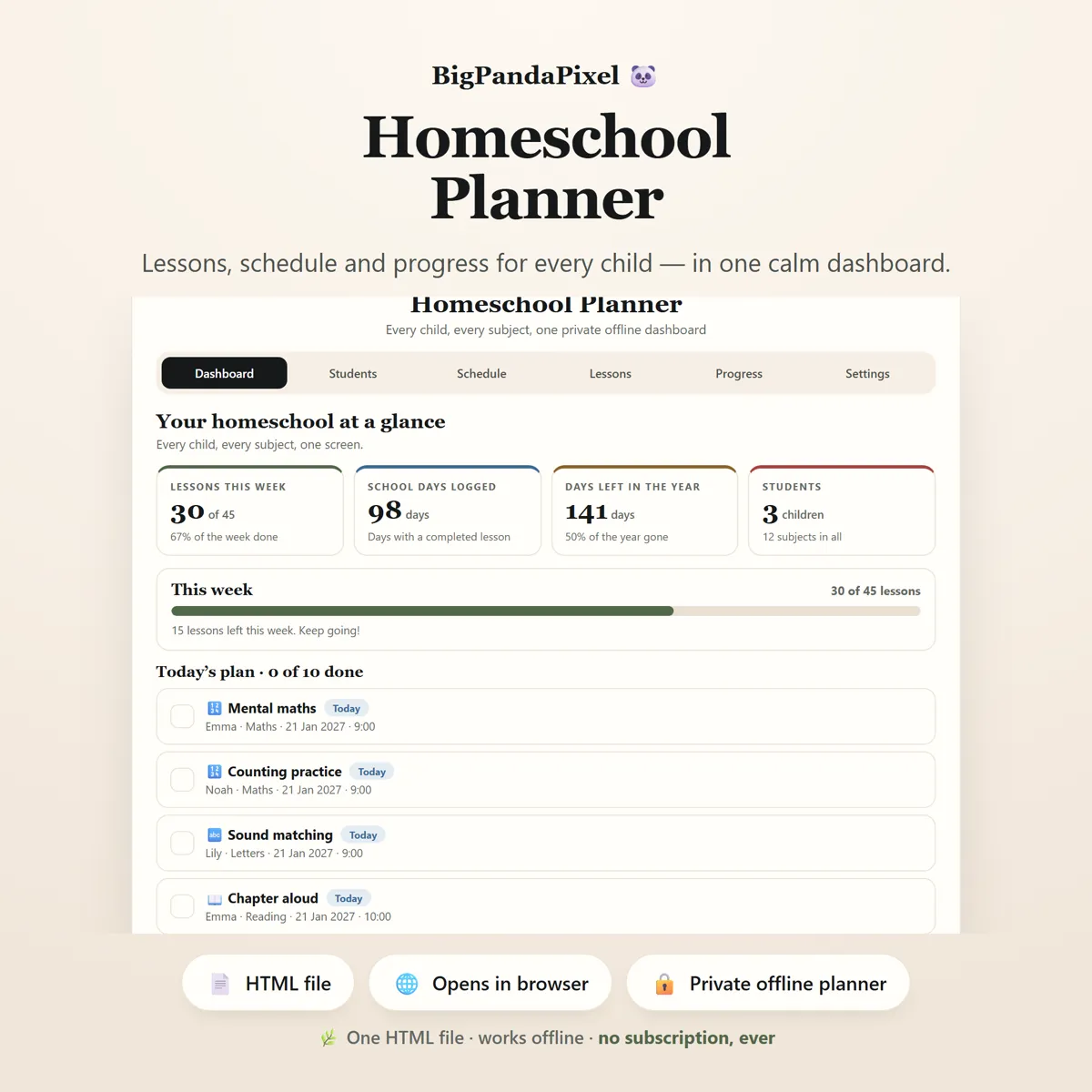
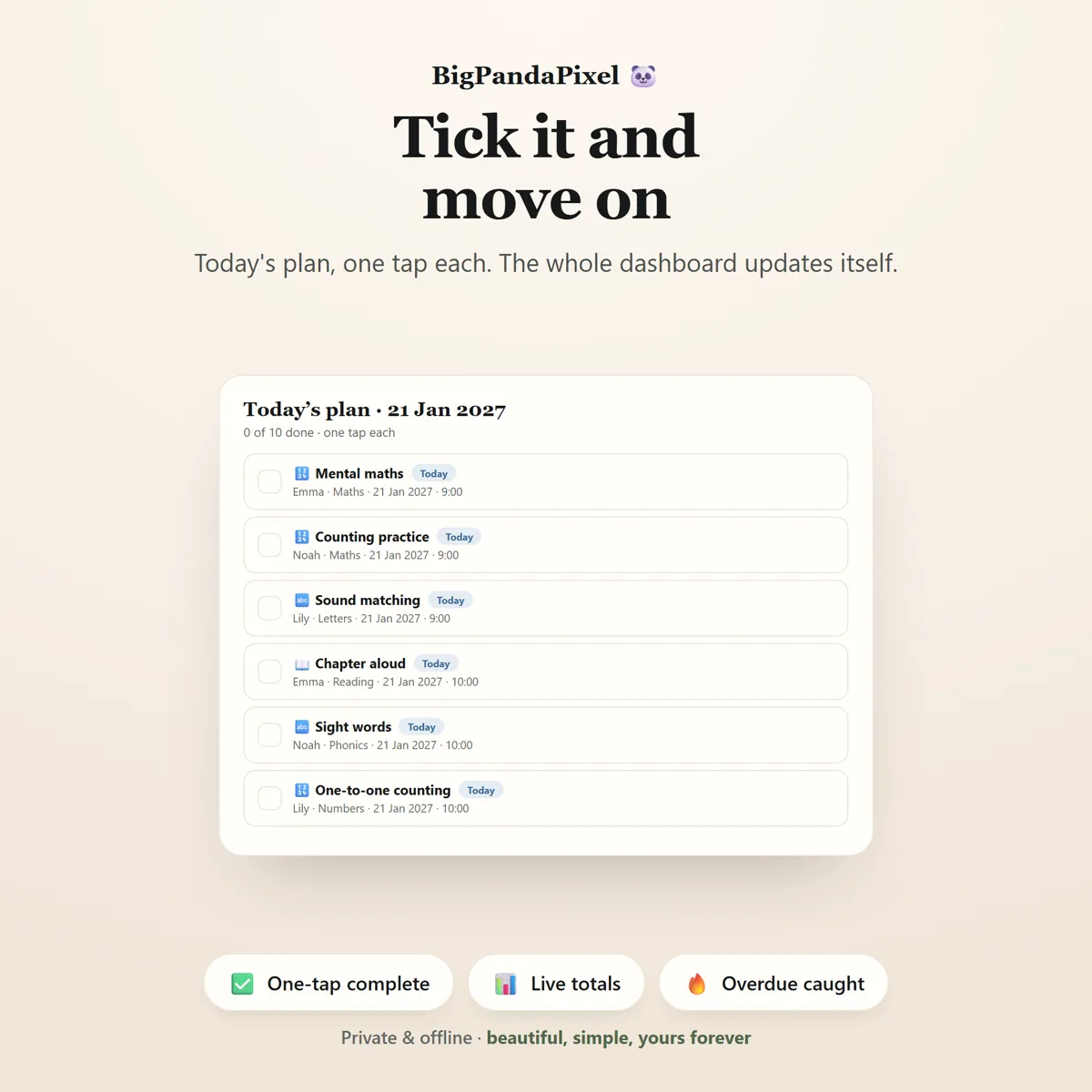
Everything is counted for you. Tick a lesson and the week's percentage, the child's progress bar, the subject goal, the school-day count and the charts all move at once.
Nothing is typed in twice, and nothing is added up by hand — including the school-day record you may need to show somebody.
What's inside
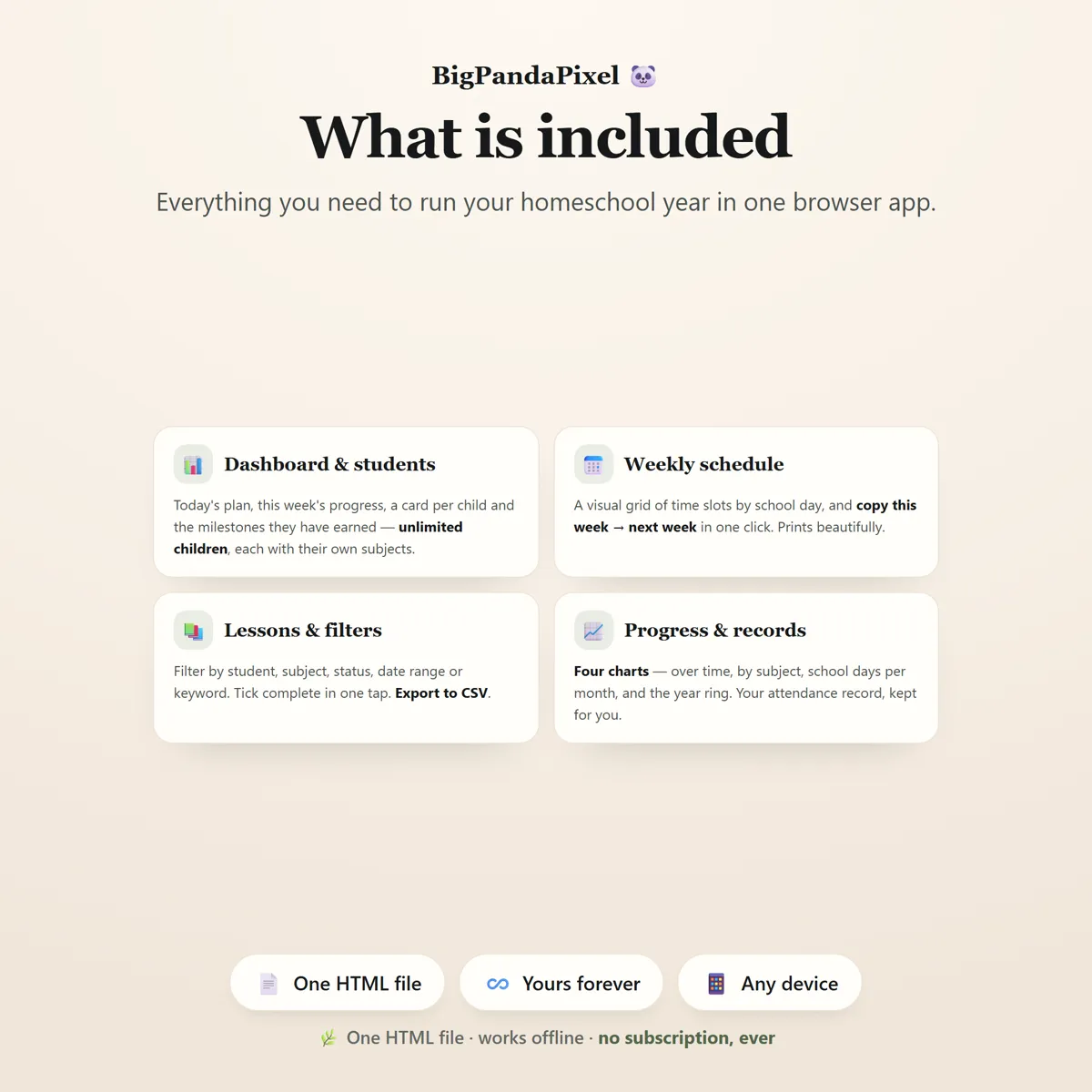
Six connected screens
Every child on the same screen, with their own subjects and goals underneath. Ticking one lesson updates every number that lesson belongs to.
The parts people buy it for
What it actually does for you
Every child on one screen
Unlimited children, each with their own subjects, their own goals and their own progress. The dashboard shows all of them at once, so nobody quietly drifts a month behind while you are busy with someone else.
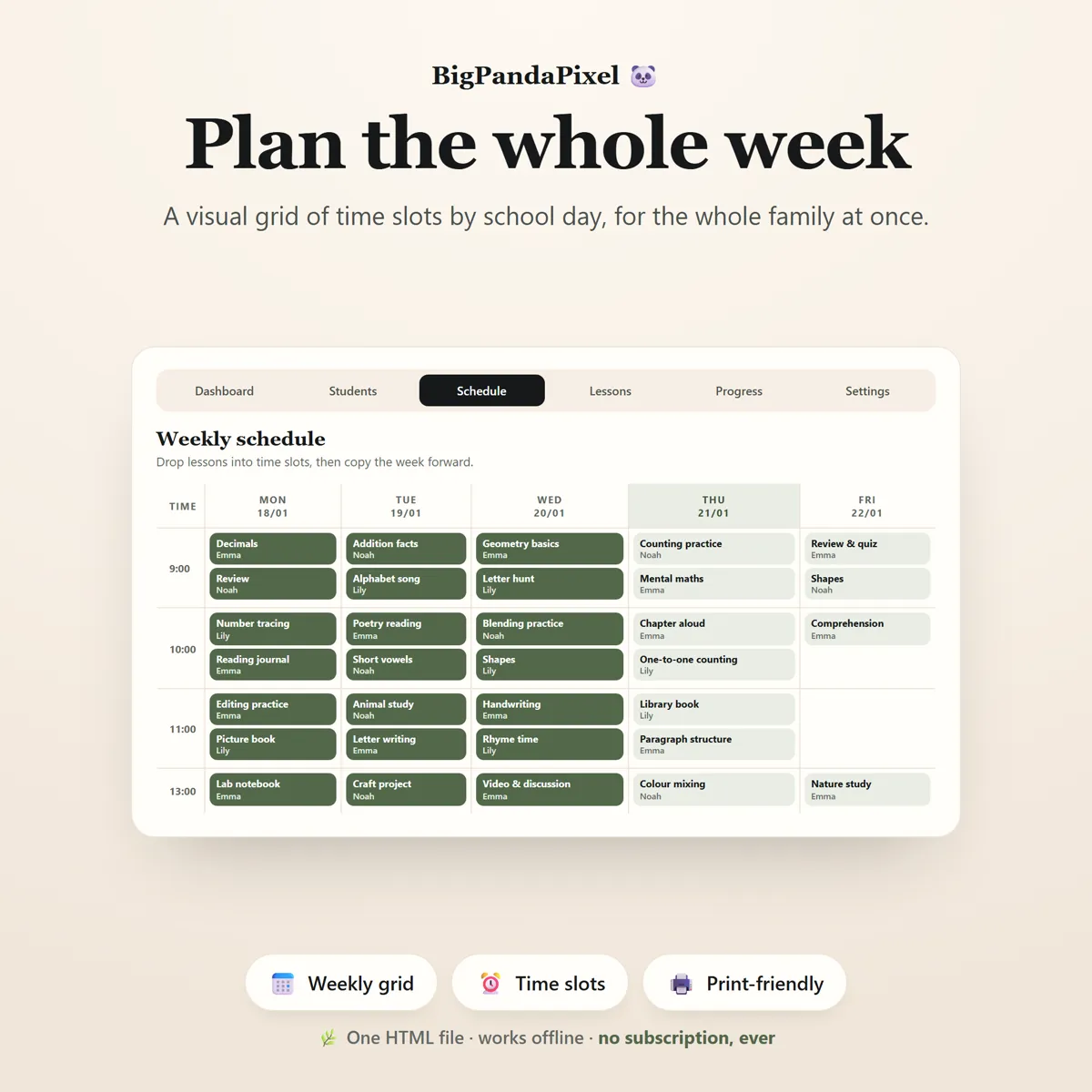
Build one week, then copy it forward
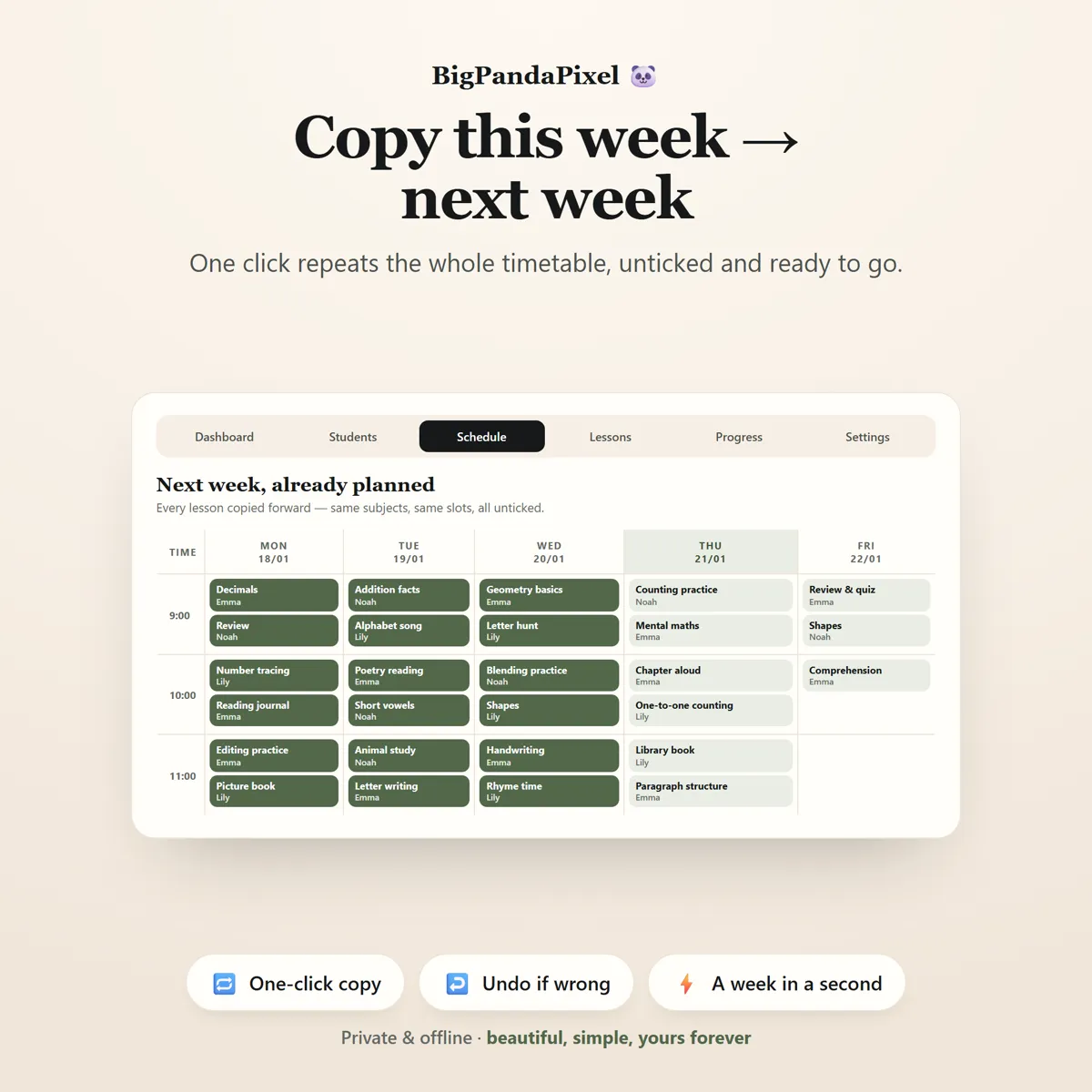
Drop lessons into a visual grid of time slots by school day. When the week looks right, one click repeats the whole timetable into the next week — same subjects, same slots, all unticked. Adjust the two or three that differ and the week is planned.
Know you're on track before the term ends
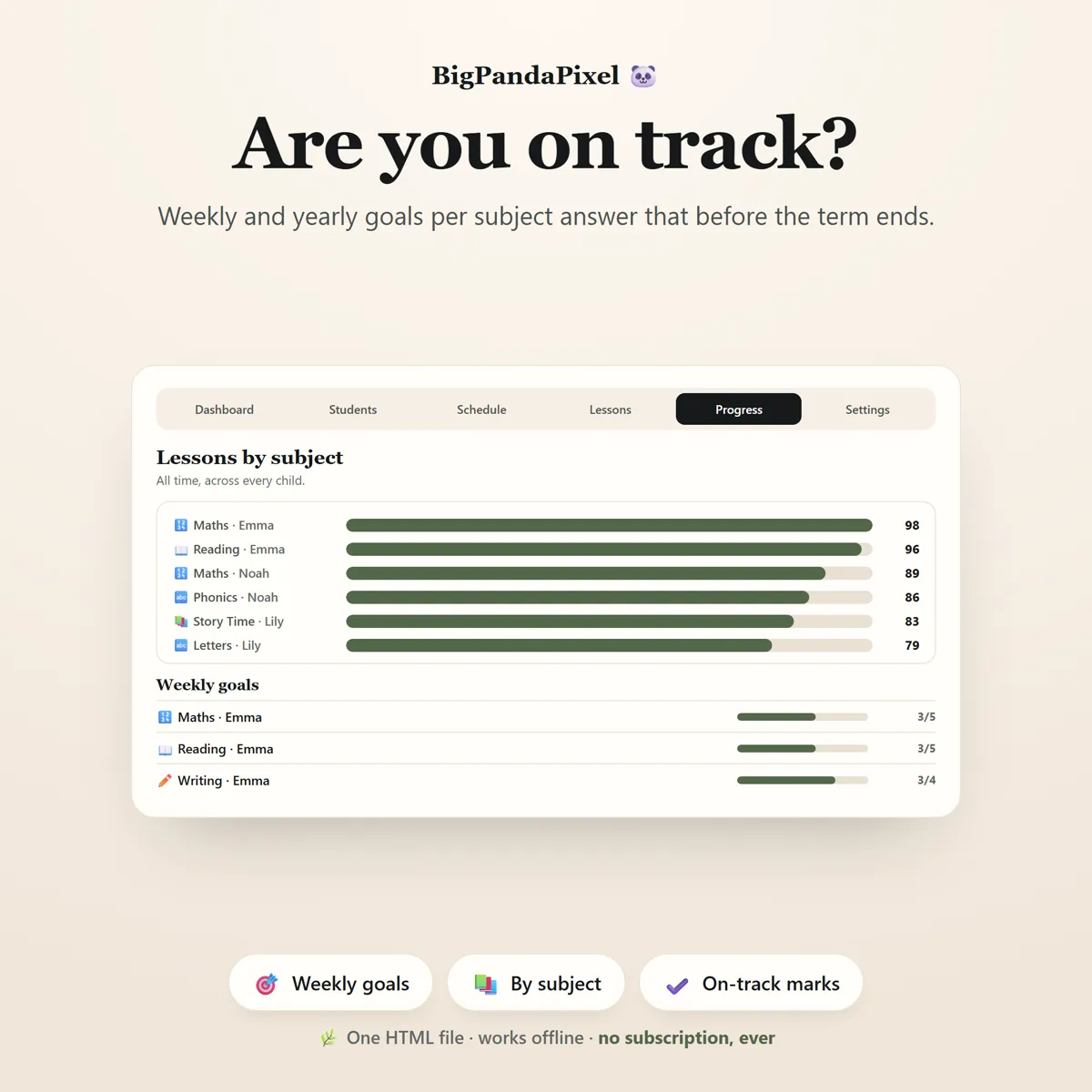
Every subject carries a lessons-per-week goal and a lessons-this-year goal. "On track" is not a feeling — it is a number, per subject, per child, updated the moment you tick something off.
Your attendance record, kept for you
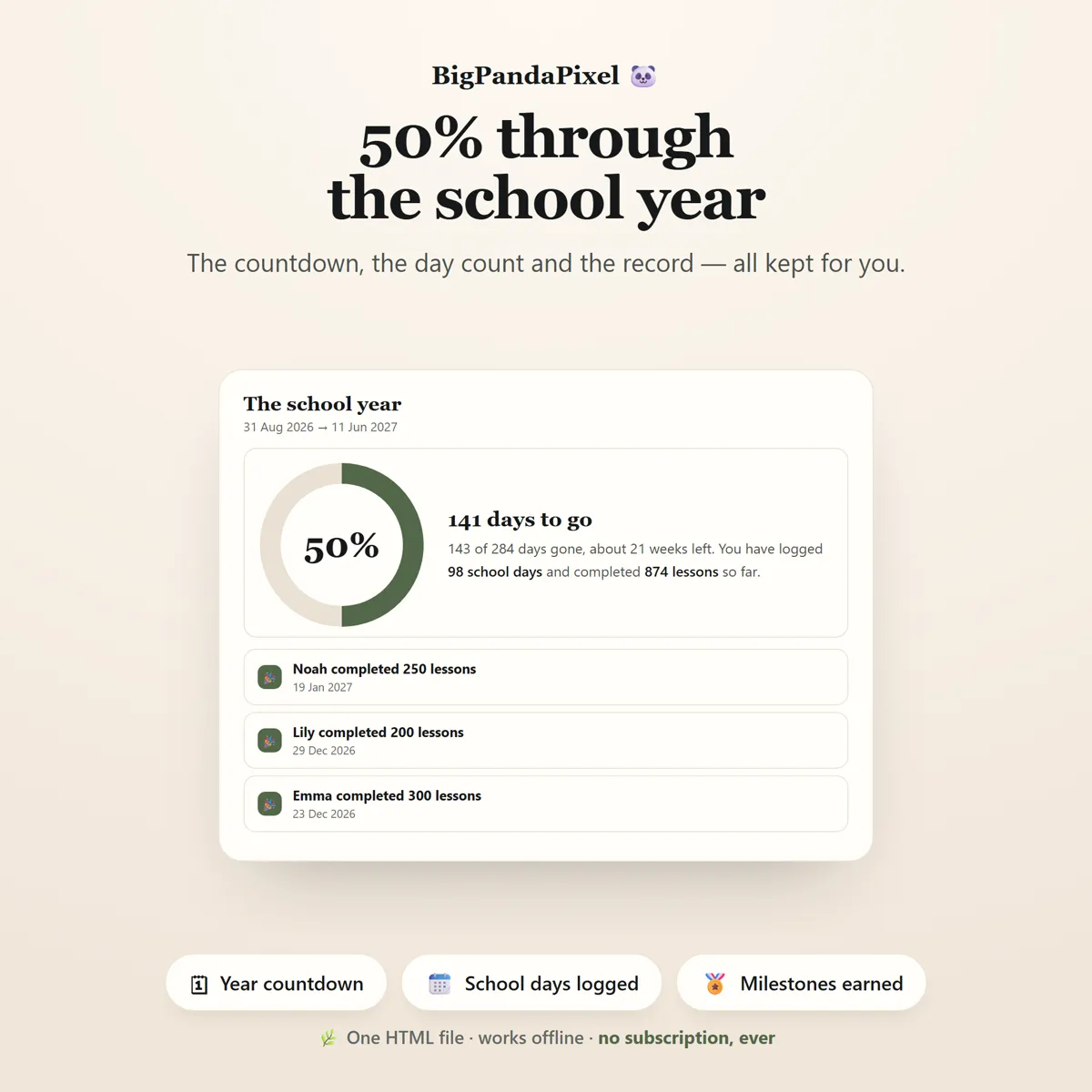
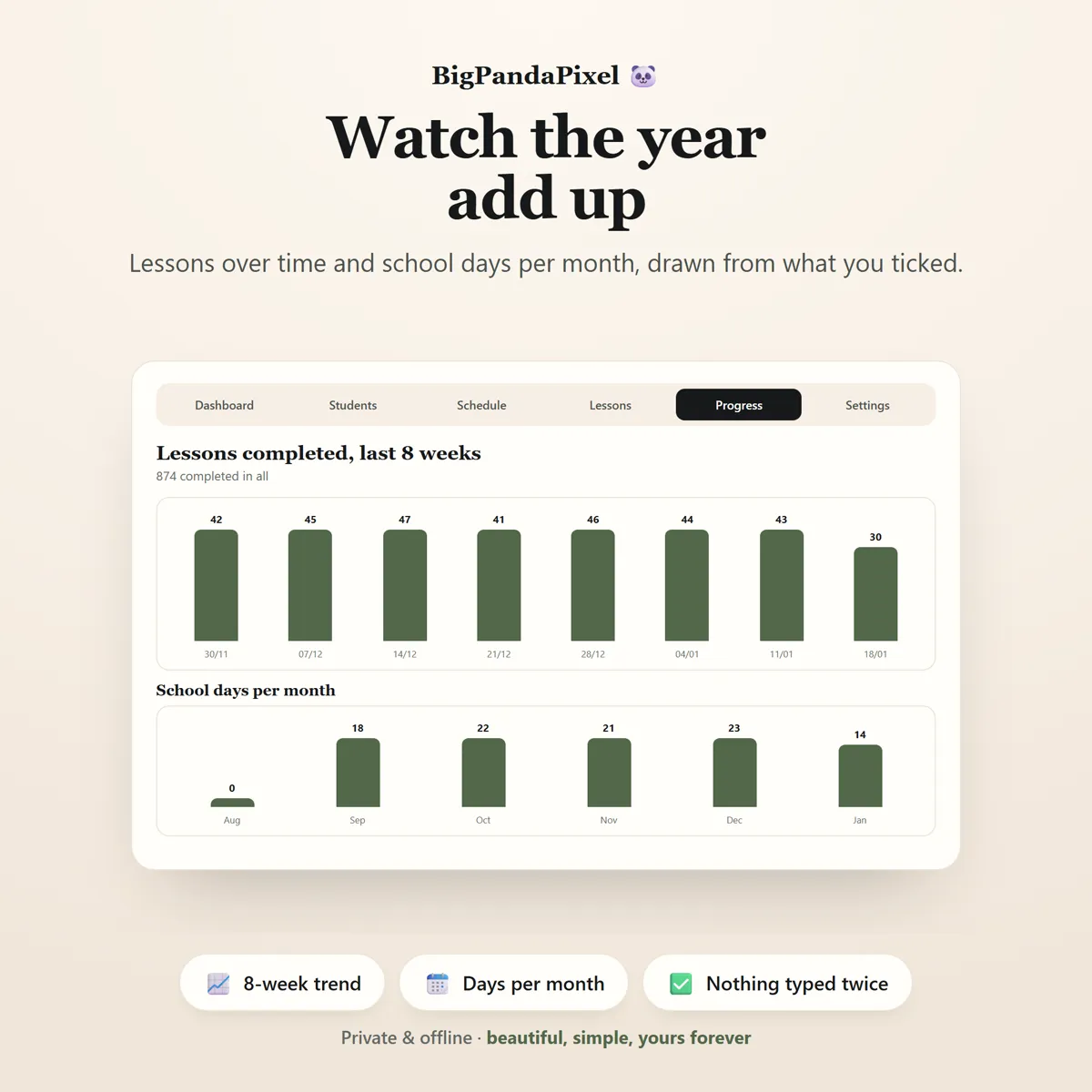
A school day is any day with a completed lesson, counted automatically. The school-days-per-month chart is the figure people ask for, and it is there without you ever keeping a separate register.
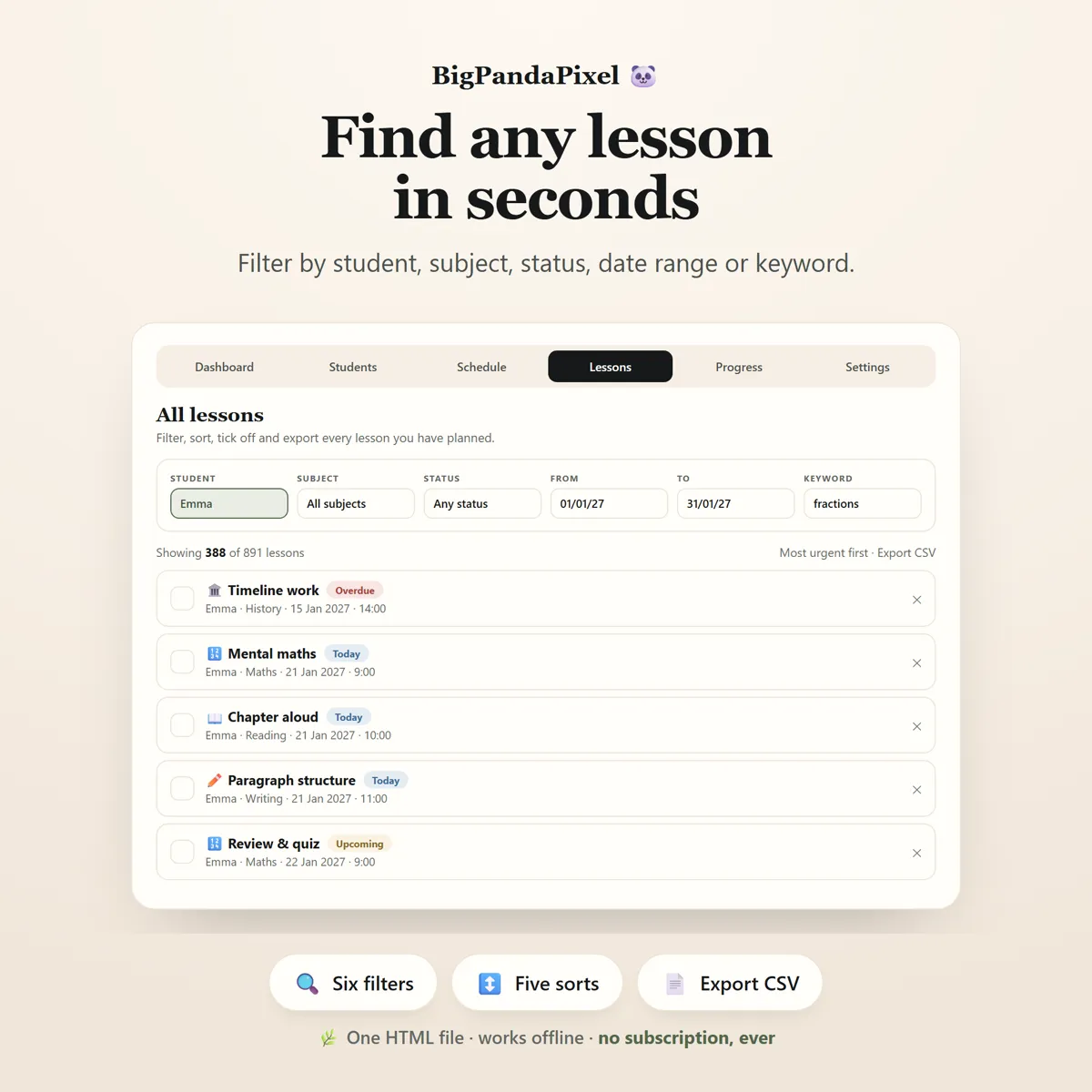
Find any lesson in seconds
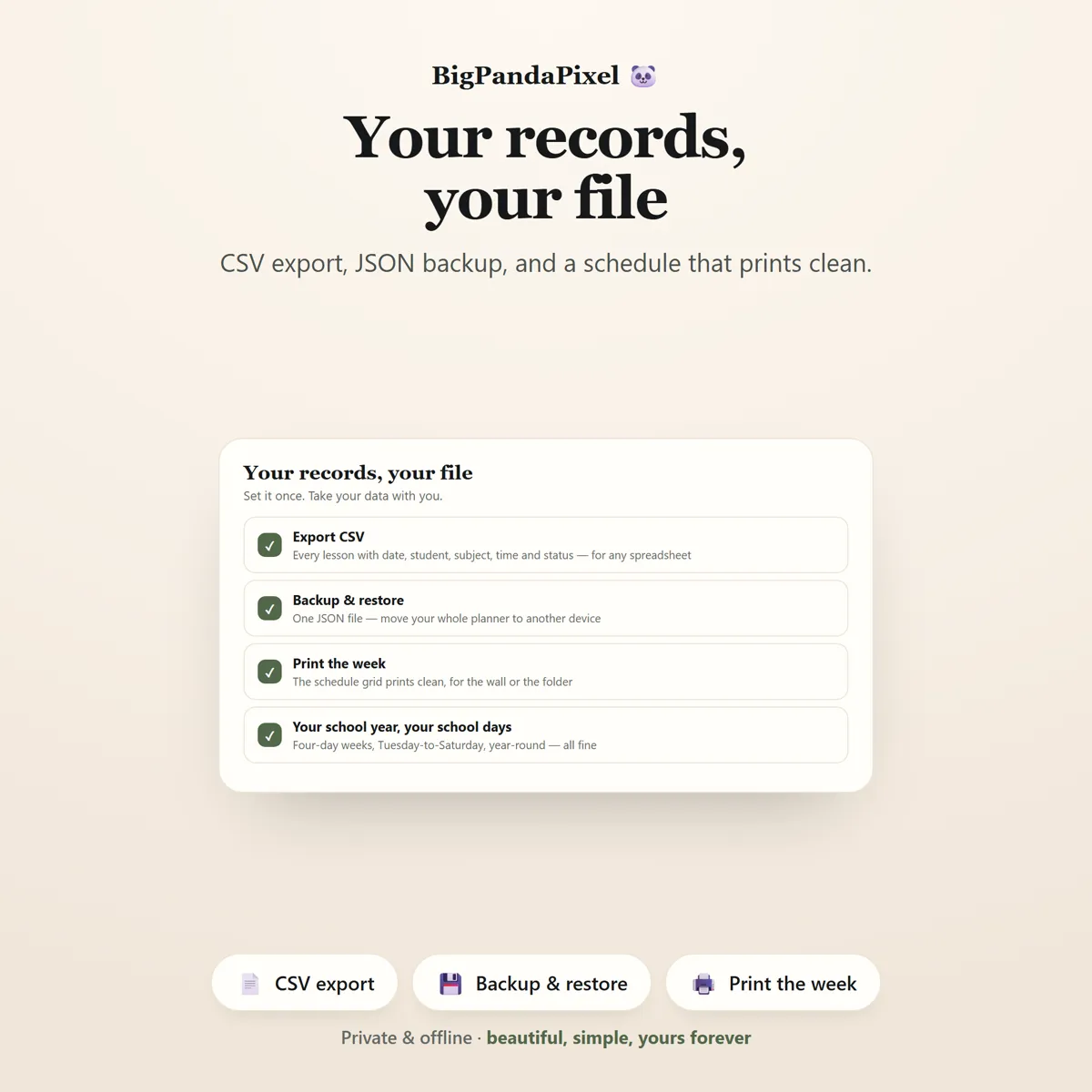
Filter every lesson you have ever planned by student, subject, status, date range or keyword. Set the status filter to Overdue and you have your catch-up list, in one click.
Maths you can check
Nothing here is a black box
Weeks run Monday to Sunday. "This week" and the day-by-day chart both reset on Monday morning.
A school day is any single date with at least one completed lesson on it. Ticking three lessons on a Tuesday counts as one school day, not three — and planning a lesson is not enough, it has to be ticked.
Lesson status is never stored, only calculated against today's date. That is why a lesson cannot sit there claiming to be "upcoming" three weeks after it was due — Done, Today, Upcoming and Overdue are worked out fresh every time you open the file.
Subject progress is completed lessons against the goal you set, capped at 100. Beat a goal and the bar shows full rather than running past the end.
Milestones are earned from the record and cannot be ticked by hand, which is exactly what makes them worth something. Each one is dated by the lesson that triggered it, so ticking off a backlog from three weeks ago puts the milestone in its proper place, not today's.
A closer look
Every screen, as it ships
What you'll receive
One download, everything in it
- Six colour themes and four text sizes
- Homeschool Planner Interactive Offline App (Single HTML File)
- Dashboard with Today's Plan & Weekly Progress
- Students Tab — Unlimited Children & Subjects
- Weekly Schedule Grid with Copy-Week
- Lessons Tab with Filters, Sorting & CSV Export
- Progress Tab with Four Charts
- School Year Countdown & Progress Ring
- Automatic School-Day Record
- Milestones Earned From Your Data
- Settings, Backup & Restore
- Illustrated How-To-Use Guide (9-Page PDF)
One-time payment
Get it on Etsy- Instant download after purchase
- No account and no subscription
- Works offline on any modern browser
- Windows, macOS, Linux, Chromebook, iPad, Android
Checkout is handled by Etsy. Your payment details never come to us.
Who it's for
You'll recognise yourself in at least one of these
Homeschooling families with more than one child
First-year homeschoolers who want the structure decided for them
Charter and umbrella-school families who have to log days and hours
Unschoolers who want a light record without a rigid timetable
Co-op and group planning
Year-round schoolers
Tracking curriculum progress across several subjects
Anyone who prefers a private, offline planner to a subscription app
Anyone tired of a separate printable pack for every single child
Getting started
From payment to using it, in about two minutes
Buy and download
Purchase and download instantly.
Unzip the folder
Unzip the folder.
Open the file
Open the HTML file using Chrome, Edge, Safari, or Firefox.
Start using it
Add your children, give them subjects, build one week — then copy it forward.
Please read before buying
The honest small print
- This is a digital download. No physical product will be shipped.
- Instant download after purchase.
- Works completely offline after downloading.
- This is an HTML browser-based application — not a mobile app, Excel spreadsheet, Google Sheets template, or Notion template.
- Your information is automatically saved locally in your browser. Clearing browser data, using private/incognito mode, or changing browsers or devices may remove locally stored data, so you can export backups anytime to keep your information safe or move it to another device.
- Because there is no cloud account, your planner does not automatically sync between devices. Use the built-in export and import to move it.
- Compatible with all modern web browsers.
- This product is intended for personal homeschool organisation, lesson planning and record-keeping only. It does not check, certify or guarantee compliance with the homeschool law of any state, district or country, and it is not legal or educational advice. What you must report, and how often, remains yours to confirm with your own authority.
- Because this is a digital product, all sales are final. See the refund policy.
Questions
Asked before buying
What exactly is in the download?
A zip folder containing one HTML file — the whole Homeschool Planner — and illustrated How-To-Use Guide (9-Page PDF). Nothing to install.
Does it work on my phone or iPad?
Yes. Every screen is responsive. On iPad and Android the simplest route is to save the file to your device's Files app and open it from there.
Will you see anything I put into it?
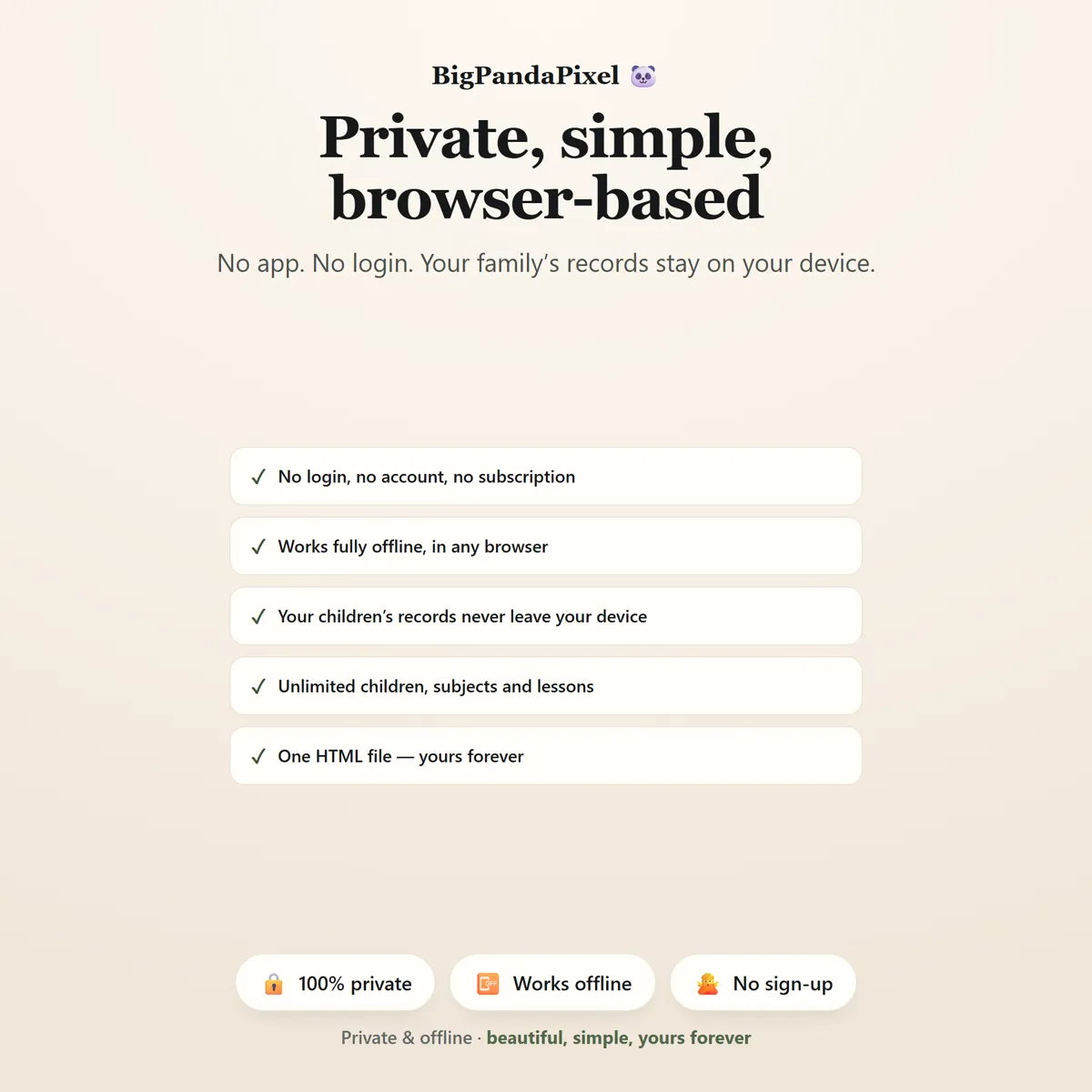
No, and we could not if we wanted to. The file makes no network requests — there is no server for it to talk to. Everything you type is stored by your own browser on your own device.
Is this a subscription?
No. It is a one-time purchase of a file you keep. There is no account, no renewal and no way for it to stop working — Homeschool Planner runs entirely offline.
One file6 screensNothing leaves your device
Every child, one dashboard.
Built once, copied forward, and counted for you all year.
Instant download · No account · Works offline · One-time payment